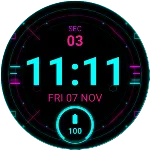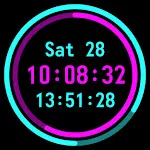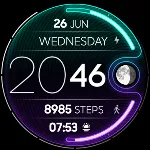
Digital watchface Neon icon

Digital watchface Neon

Personalization

0.0

Ratings

0 - 100

Downloads

3+

Age

DOWNLOAD

Advertisement

Screenshots

Digital watchface Neon screenshot 1
Digital watchface Neon screenshot 2
Digital watchface Neon screenshot 3
Digital watchface Neon screenshot 4
Digital watchface Neon screenshot 5
Digital watchface Neon screenshot 6
Digital watchface Neon screenshot 7
Digital watchface Neon screenshot 8
Digital watchface Neon screenshot 9
Digital watchface Neon screenshot 10
Digital watchface Neon screenshot 11
Digital watchface Neon screenshot 12
Digital watchface Neon screenshot 13
Digital watchface Neon screenshot 14
Digital watchface Neon screenshot 15
Digital watchface Neon screenshot 16
Digital watchface Neon screenshot 17
Digital watchface Neon screenshot 18
Digital watchface Neon screenshot 19
Digital watchface Neon screenshot 20
Digital watchface Neon screenshot 21
Digital watchface Neon screenshot 22
Digital watchface Neon screenshot 23
Digital watchface Neon screenshot 24
Digital watchface Neon screenshot 25
Digital watchface Neon screenshot 26
Digital watchface Neon screenshot 27
Digital watchface Neon screenshot 28
See all →
NEON Lunar - watch face iconNEON Lunar - watch face
4.2

Advertisement

About this app

Name

Digital watchface Neon

Category

Personalization

Price

Free

Safety

100% Safe

Developer

VG Faces

Version

Varies with device

Description

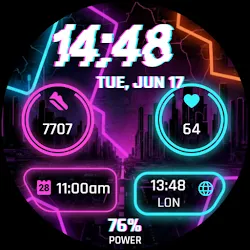
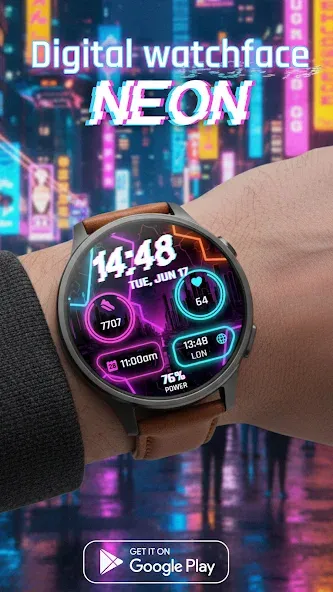
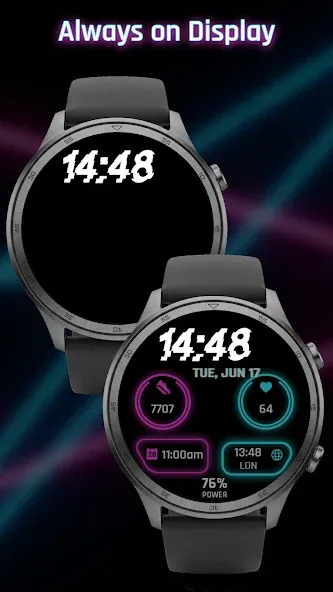
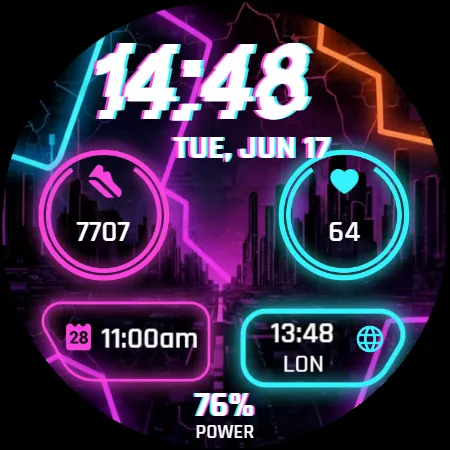
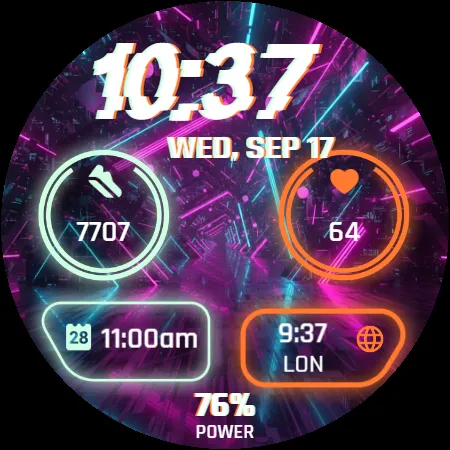
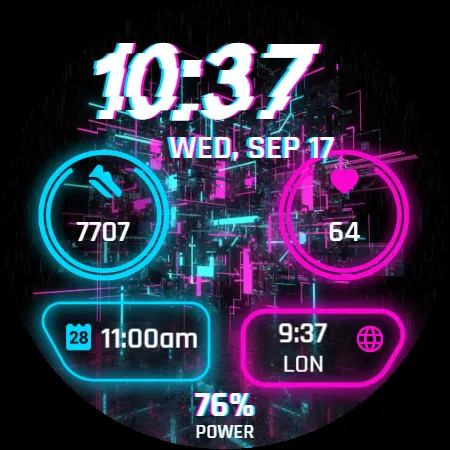
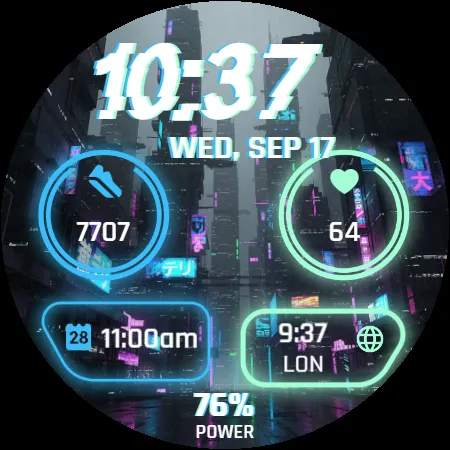
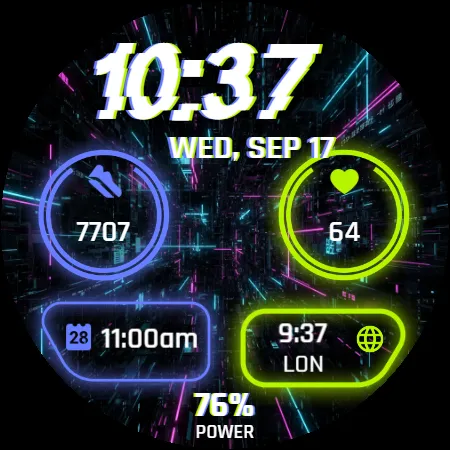
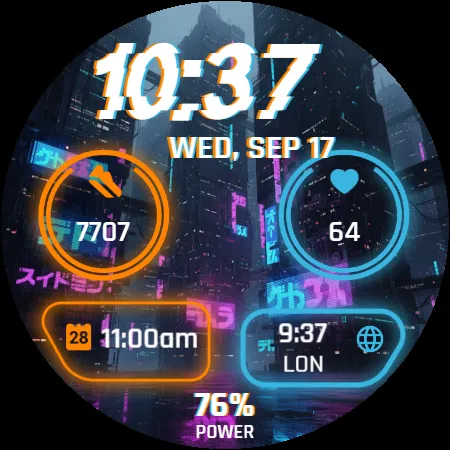
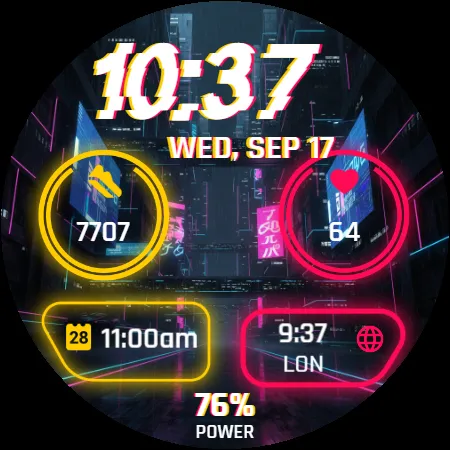
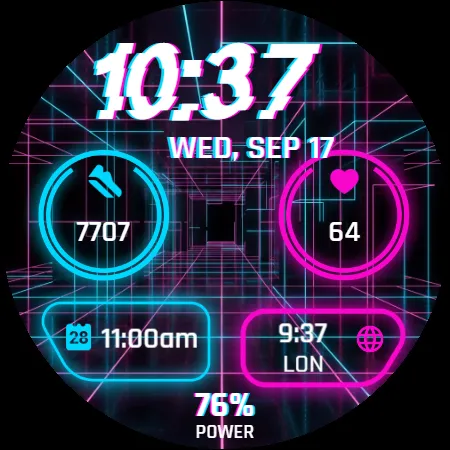
Bring your smartwatch to life with Digital Watch Face NEON – a vibrant and futuristic design inspired by neon city lights. Perfect for those who love bold colors, dynamic style, and modern digital looks.

Features:

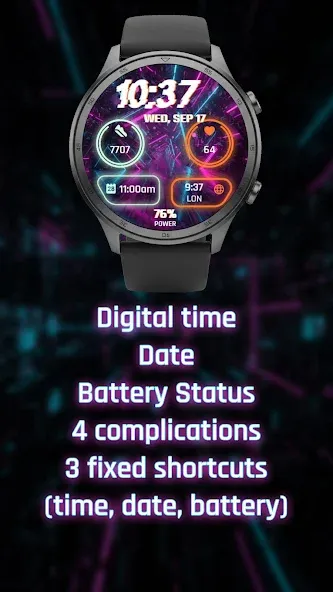
- Digital time and date
- Battery status
- 4 complications
- 3 fixed shortcuts (time, date, battery)
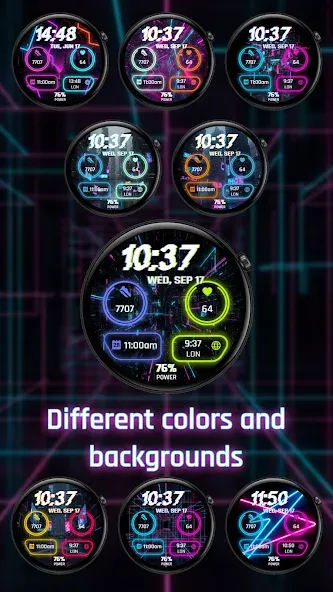
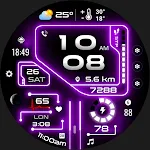
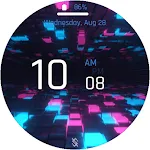
- Different colors and backgrounds
- Always On Display mode
- 12/24 hours depending on phone settings

Make your Wear OS watch glow with style and energy. Bright, colorful, and perfectly optimized for everyday use.

Installation:

- Ensure your watch is connected to your phone via Bluetooth.
- Install the watch face from the Google Play Store. It will be downloaded to your phone and automatically become available on your watch.
- To apply, long-press on your watch’s current home screen, scroll to find the Neon Watch Face, and tap to select it.

Compatibility:

This watch face is designed for all modern Wear OS 5+ devices, including:

- Samsung Galaxy Watch
- Google Pixel Watch
- Fossil
- TicWatch

And other smartwatches running the latest Wear OS.

TOP FREE APPS

See all →
Google Lens iconGoogle LensTools
4.7

TOP FREE GAMES

See all →

Advertisement

Top Downloads

See all →
  1. Files by Google icon
    Files by GoogleTools
    4.5
    GET
  2. 4