


 Google LensTools
4.7

Personalization
Ratings
Downloads
Age
Advertisement
Advertisement
Name
Category
Price
Safety
Developer
Version
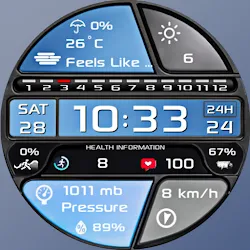
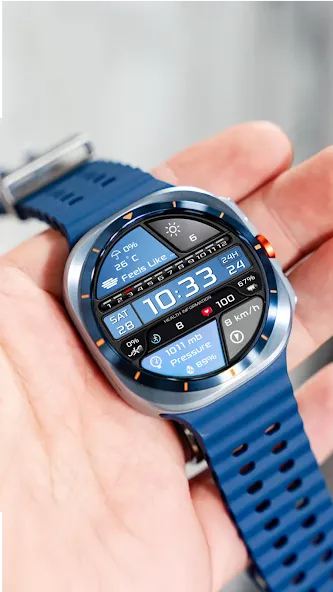
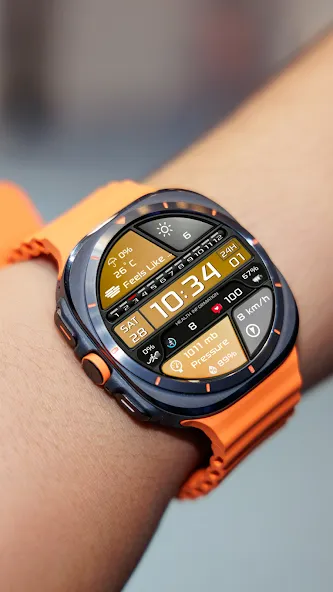
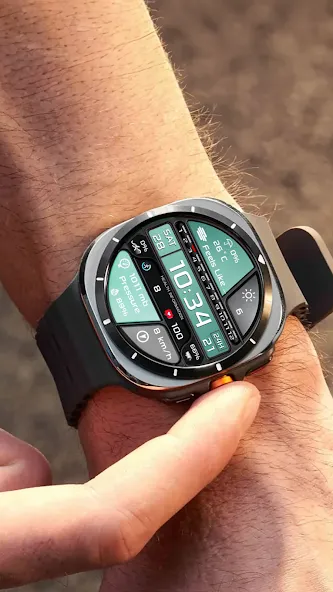
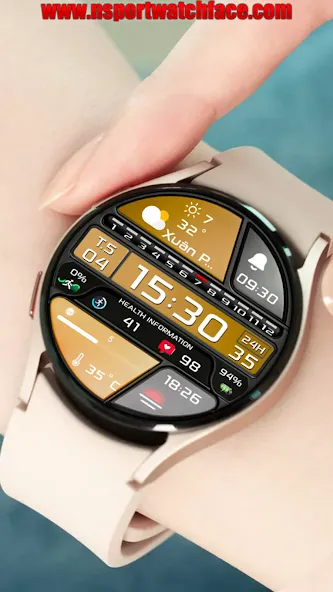
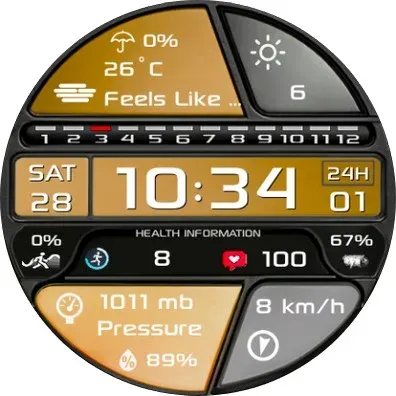
Enhance your experience with N-SPORT 701 Watch Face.
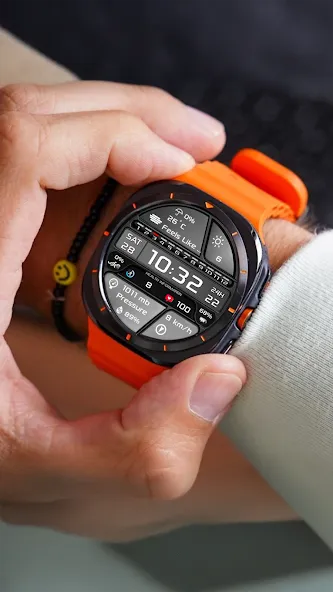
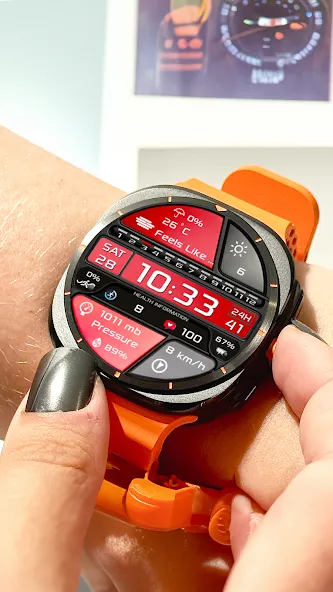
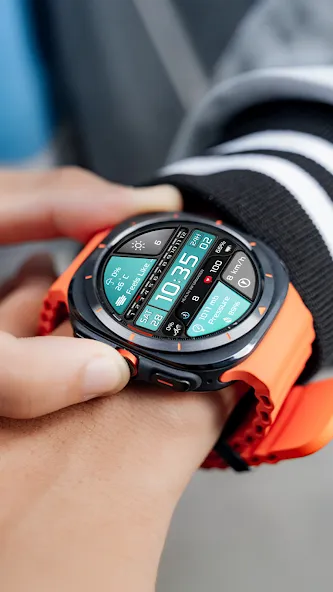
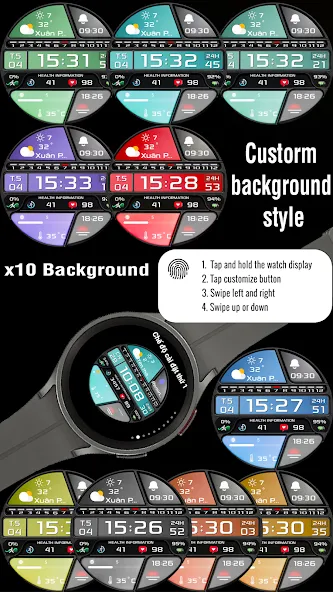
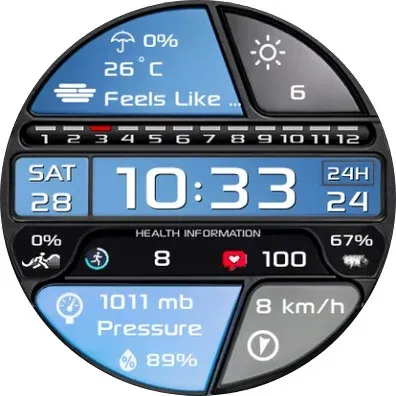
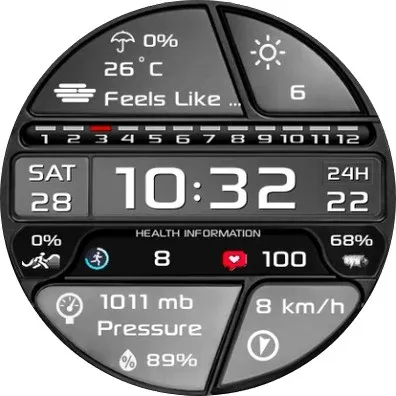
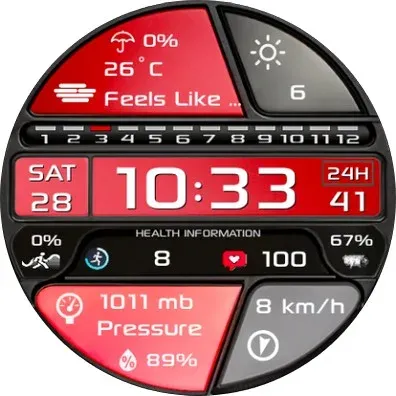
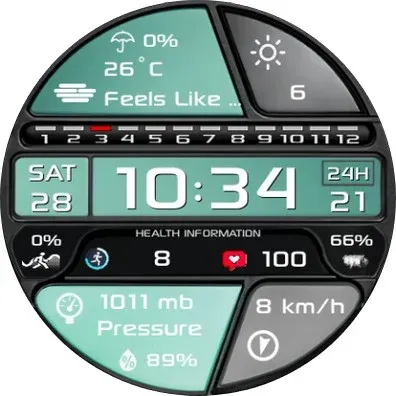
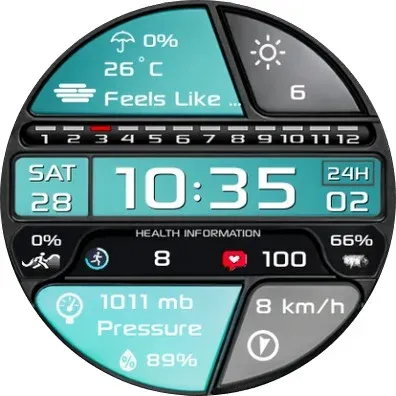
N-Sport 701 Watch face is designed in a dynamic sports styles, allows you to track digital time in the most intuitive way. You can customize colors backgrounds and many accompanying complication options.
🔊 Highlights:
- Digital time (12H/24Hr)
- X6 Custom Complication (For user -defined date)
- X10 Custom Backgrounds (For user -defined date)
- Health information: Heart rate, Step count, Step %.
- Day of the week, Day of the month & Month in year.
- Display Battery % Current.
- Always ON Display support
🎁Don’t forget to receive the offer Buy 1 Get 1 at:
https://nsportwatchface.com/promotion
I will also be happy to receive any feedback in the Play Store. What you like, what you don’t like or suggestions for the future. I try to have everything in perspective.
🚀Important: N-SPORT Watch Face support only smartwatch devices which are running with WEAR OS API Level 33+ . For example: Samsung Galaxy Ultra/ Watch 7, Watch6/Watch 5/ Watch 4 classic, Pixel Watch, etc.
❤️Heart rate measurement (Version 1.0.4):
Heart rate measurement has been changed. (Previously manual, now automatic). Set the measurement interval in the watch’s health settings (Watch settings > Health).
📬If you have trouble installing, please read the instructions here:
https://nsportwatchface.com/instruction-install/
Or contact me: [email protected] for help.
👉 Let’s keep in touch!
🔗Set up custom combinations:
custom = change value
1. Press and hold the watch screen.
2. Press the customize button.
3. Swipe from right to left until you encounter “complications”.
Click on them to make the desired settings.
That’s all!
✨If you like this design, you should definitely check out my other creations. More designs will be available for Wear OS in the future.
Just check out my website: https://nsportwatchface.com
✨Follow Facebook Page to stay updated with new watch faces: https://www.facebook.com/N.Sport.SamsungWatchFaces
✨If you have an older Galaxy watch running Tizen OS?
Don’t worry. Visit my page on the Galaxy Store to see its exclusive designs:
https://galaxy.store/nsportss
✨Visit Group Facebook Coupons & Discount here:
https://www.facebook.com/groups/n.sport.samsungwatchfaces
👉If you want to see the most detailed video, follow me at Youtube channel:
https://www.youtube.com/@NSPORTWATCHFACE
👉Social N-sport Watch Face:
+ Istagram:
https://www.instagram.com/nsportwatchface
+ Threads.net:
https://www.threads.net/nsportwatchface
+ Telegram channel:
https://t.me/N_SPORTsamsungwatchface
Thank you so much for watching this far.
Wishing you good health and see you again in new designs in the future.
Best regards!
Advertisement














