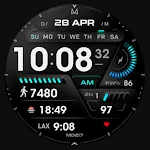
ML2U 92 Watch Face icon

ML2U 92 Watch Face

Personalization

0.0

Ratings

500 - 1K

Downloads

3+

Age

DOWNLOAD

Advertisement

Screenshots

ML2U 92 Watch Face screenshot 1
ML2U 92 Watch Face screenshot 2
ML2U 92 Watch Face screenshot 3
ML2U 92 Watch Face screenshot 4
ML2U 92 Watch Face screenshot 5
ML2U 92 Watch Face screenshot 6
ML2U 92 Watch Face screenshot 7
ML2U 92 Watch Face screenshot 8
ML2U 92 Watch Face screenshot 9
ML2U 92 Watch Face screenshot 10
ML2U 92 Watch Face screenshot 11
ML2U 92 Watch Face screenshot 12
ML2U 92 Watch Face screenshot 13
ML2U 92 Watch Face screenshot 14
ML2U 92 Watch Face screenshot 15
ML2U 92 Watch Face screenshot 16
ML2U 92 Watch Face screenshot 17
ML2U 92 Watch Face screenshot 18
ML2U 92 Watch Face screenshot 19
ML2U 92 Watch Face screenshot 20
ML2U 92 Watch Face screenshot 21
ML2U 92 Watch Face screenshot 22
ML2U 92 Watch Face screenshot 23
ML2U 92 Watch Face screenshot 24
ML2U 92 Watch Face screenshot 25
ML2U 92 Watch Face screenshot 26
ML2U 92 Watch Face screenshot 27
ML2U 92 Watch Face screenshot 28
See all →
MD217 Digital watch face iconMD217 Digital watch face
4.4

Advertisement

About this app

Name

ML2U 92 Watch Face

Category

Personalization

Price

Free

Safety

100% Safe

Developer

ML2U

Version

Varies with device

Description

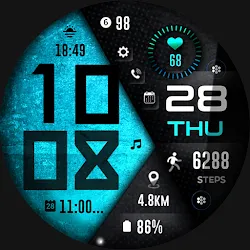
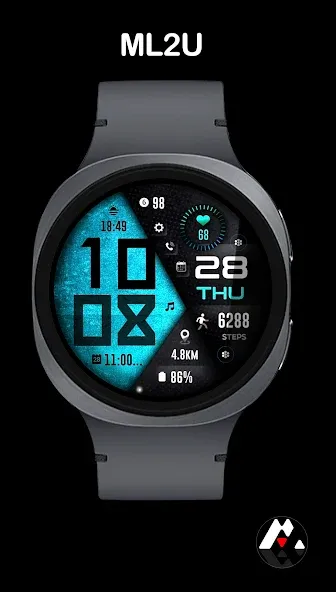
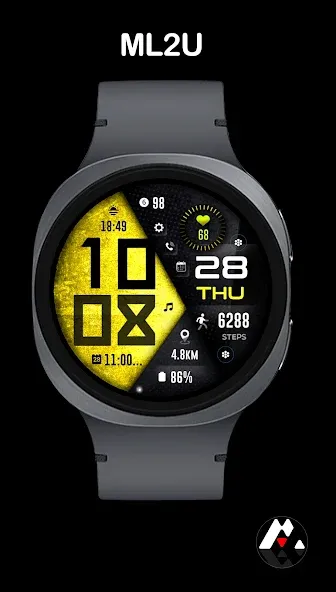
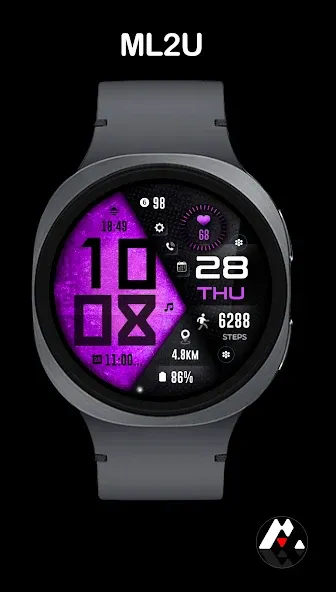
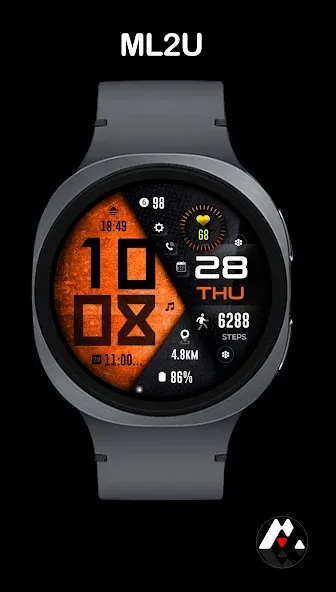
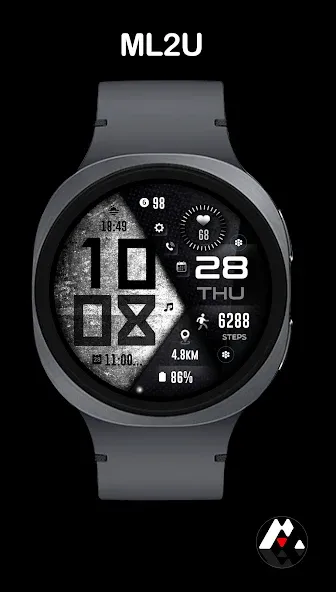
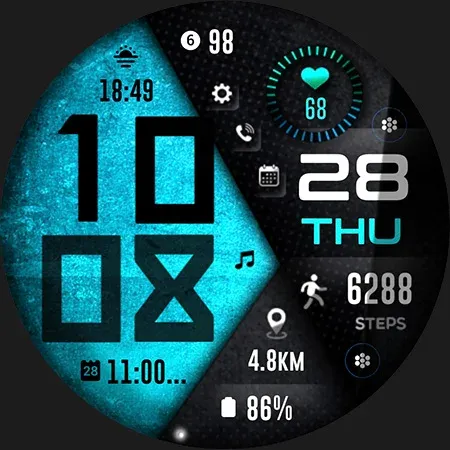
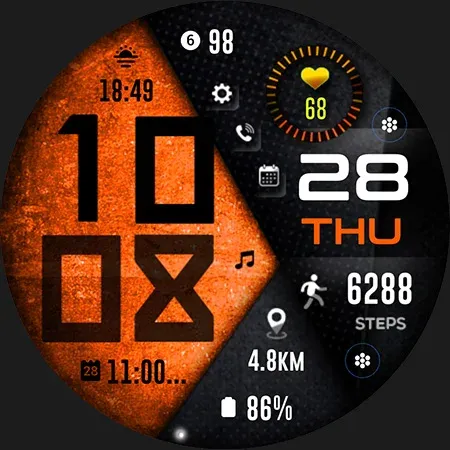
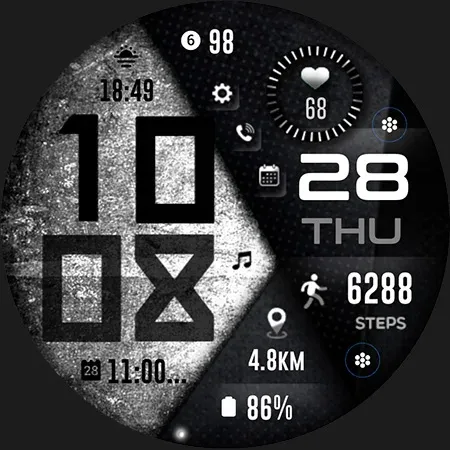
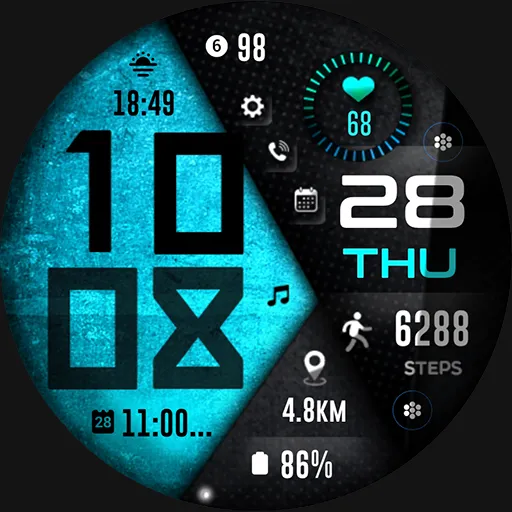
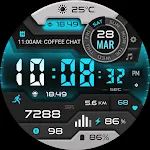
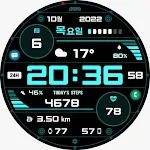
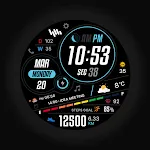
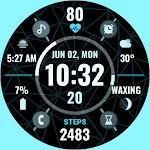
Power your day with the ML2U 92 watch face. Its dynamic, high-contrast display puts performance first, showing your steps, distance, and more in a quick glance. Choose your color, own your style, and get moving.

FEATURES:
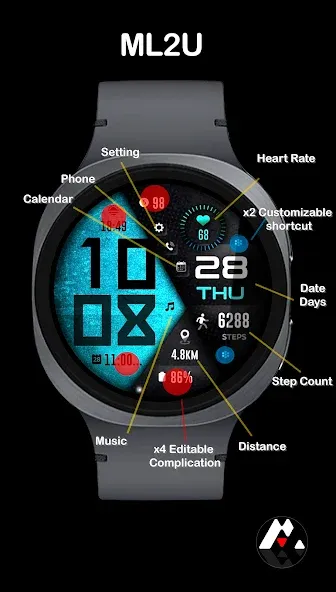
- 12/24hr based on phone settings
- Day/Date(Tap for Calendar)
- Steps(Tap for detail)
- Distance(Tap for Google Map)
- Heart Rate(Tap for detail)
- 2 customizable shortcuts
- 4 customizable complications
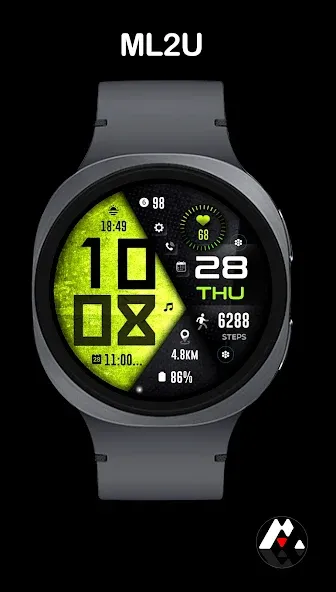
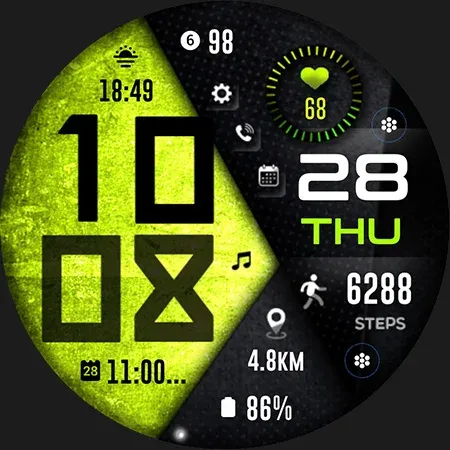
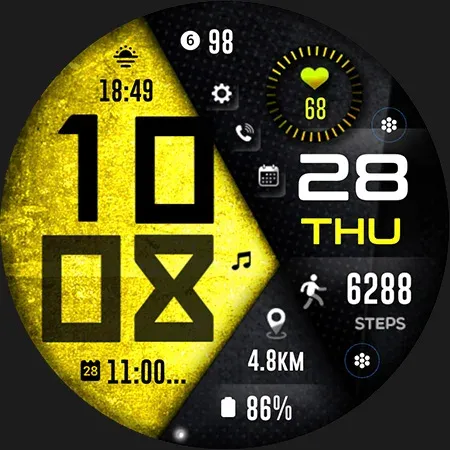
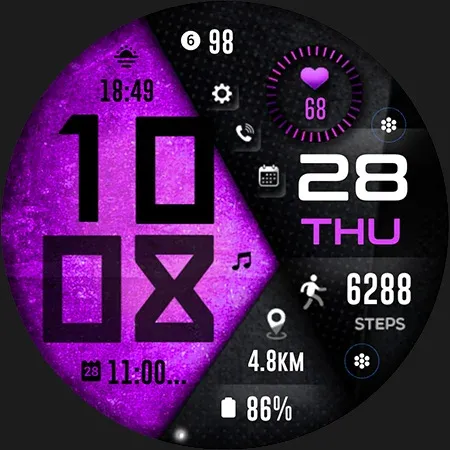
- Changeable background and color
- Alarm(Tap Hour digit)
- Message(Tap Minute digit)
- Setting
- Phone
- Calendar
- Music

To customise your watch face, simply touch and hold the display, then tap the Customise button.

This watch face is compatible with all Wear OS 5 or above devices.

Watch face don’t automatically apply on your watch screen after the installation.You need to set it on your watch’s screen.

Thank you very much for your support!!
ML2U

TOP FREE APPS

See all →
Google Lens iconGoogle LensTools
4.7

TOP FREE GAMES

See all →

Advertisement

Top Downloads

See all →
  1. Files by Google icon
    Files by GoogleTools
    4.5
    GET
  2. 4
Wear OS Watchface With Customizable Complication - TapToStore