ML2U 393 Cyber Tech Tactical icon

ML2U 393 Cyber Tech Tactical

Personalization

0.0

Ratings

0 - 100

Downloads

3+

Age

DOWNLOAD

Advertisement

Screenshots

ML2U 393 Cyber Tech Tactical screenshot 1
ML2U 393 Cyber Tech Tactical screenshot 2
ML2U 393 Cyber Tech Tactical screenshot 3
ML2U 393 Cyber Tech Tactical screenshot 4
ML2U 393 Cyber Tech Tactical screenshot 5
ML2U 393 Cyber Tech Tactical screenshot 6
ML2U 393 Cyber Tech Tactical screenshot 7
ML2U 393 Cyber Tech Tactical screenshot 8
ML2U 393 Cyber Tech Tactical screenshot 9
ML2U 393 Cyber Tech Tactical screenshot 10
ML2U 393 Cyber Tech Tactical screenshot 11
ML2U 393 Cyber Tech Tactical screenshot 12
ML2U 393 Cyber Tech Tactical screenshot 13
ML2U 393 Cyber Tech Tactical screenshot 14
ML2U 393 Cyber Tech Tactical screenshot 15
ML2U 393 Cyber Tech Tactical screenshot 16
ML2U 393 Cyber Tech Tactical screenshot 17
ML2U 393 Cyber Tech Tactical screenshot 18
ML2U 393 Cyber Tech Tactical screenshot 19
ML2U 393 Cyber Tech Tactical screenshot 20
ML2U 393 Cyber Tech Tactical screenshot 21
ML2U 393 Cyber Tech Tactical screenshot 22
ML2U 393 Cyber Tech Tactical screenshot 23
ML2U 393 Cyber Tech Tactical screenshot 24
ML2U 393 Cyber Tech Tactical screenshot 25
ML2U 393 Cyber Tech Tactical screenshot 26
ML2U 393 Cyber Tech Tactical screenshot 27
ML2U 393 Cyber Tech Tactical screenshot 28
ML2U 393 Cyber Tech Tactical screenshot 29
ML2U 393 Cyber Tech Tactical screenshot 30
ML2U 393 Cyber Tech Tactical screenshot 31
ML2U 393 Cyber Tech Tactical screenshot 32
See all →
VJ-Avionics Digital Watch Face iconVJ-Avionics Digital Watch Face
5.0

Advertisement

About this app

Name

ML2U 393 Cyber Tech Tactical

Category

Personalization

Price

Free

Safety

100% Safe

Developer

ML2U

Version

Varies with device

Description

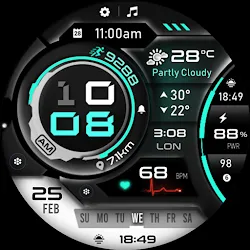
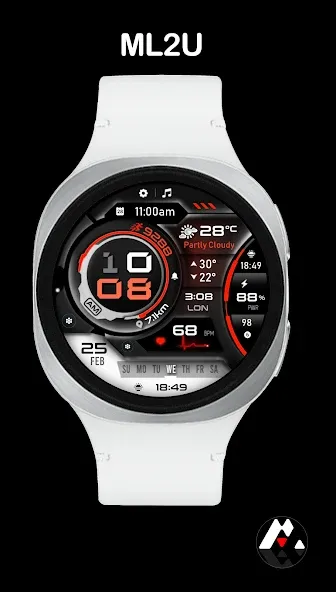
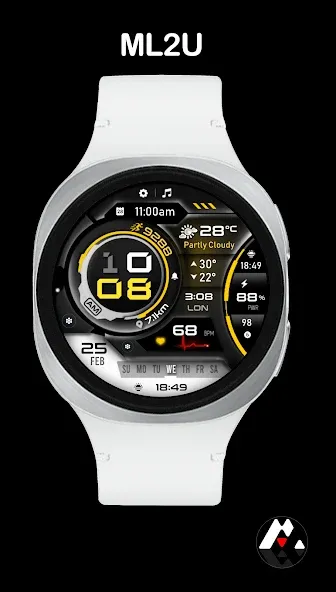
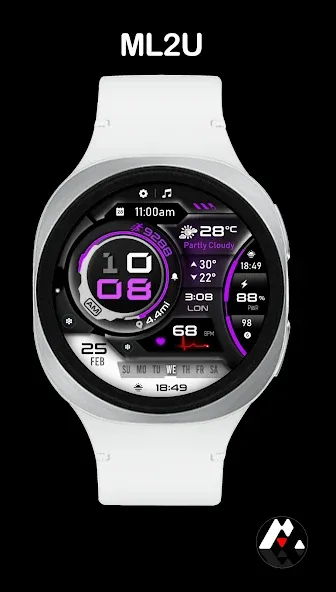
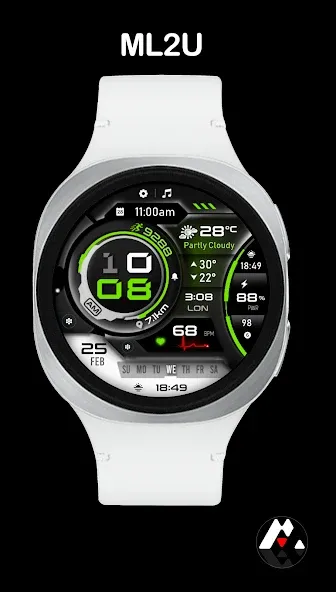
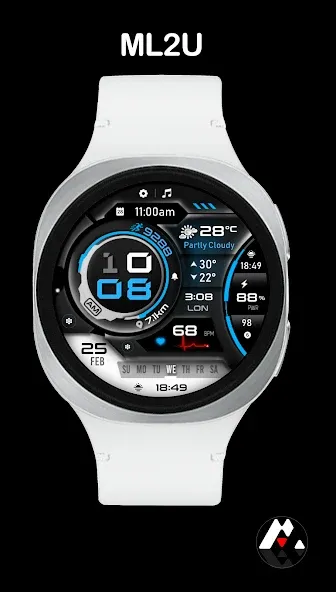
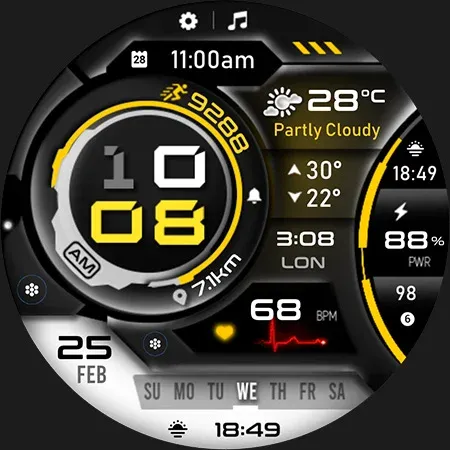
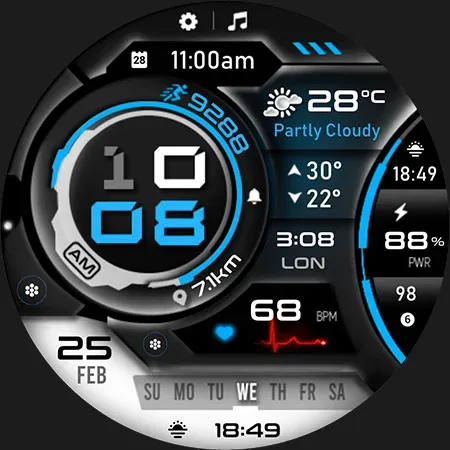
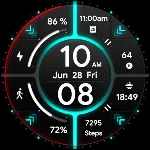
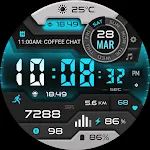
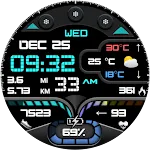
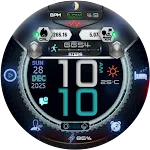
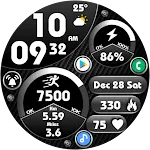
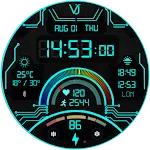
Transform your smartwatch into a high-tech command center with the ML2U 393 Cyber Tech. This digital watch face combines a sharp, industrial aesthetic with deep data integration for the modern professional.

Key Features:

Cyberpunk Aesthetic: Bold neon accents and a technical layout inspired by mecha-cockpits.

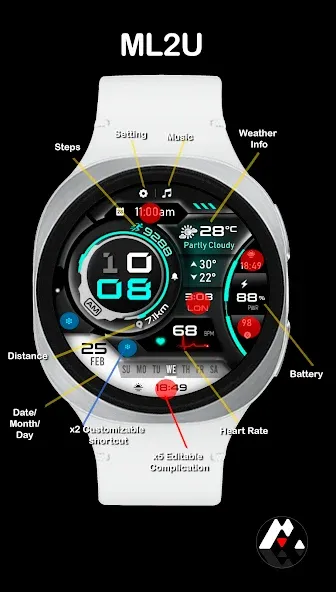
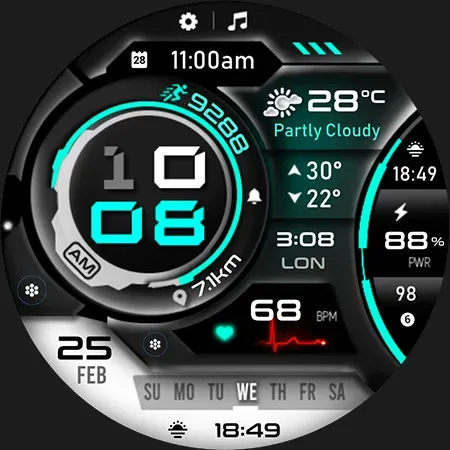
Data-Driven: Instantly view your Steps, Heart Rate (BPM), Distance, and Battery life.

Maximum Personalization: 5 editable complication zones to show Weather, World Clock, or Calendar events.

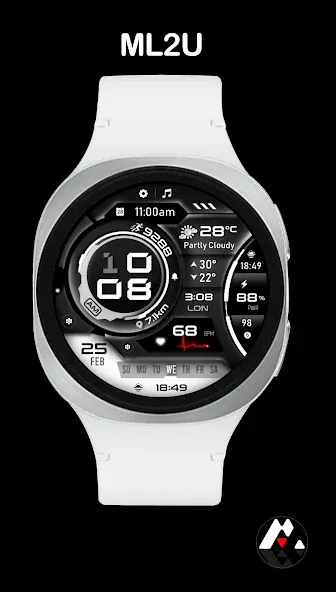
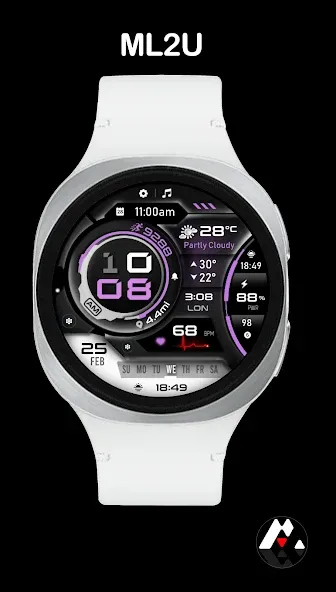
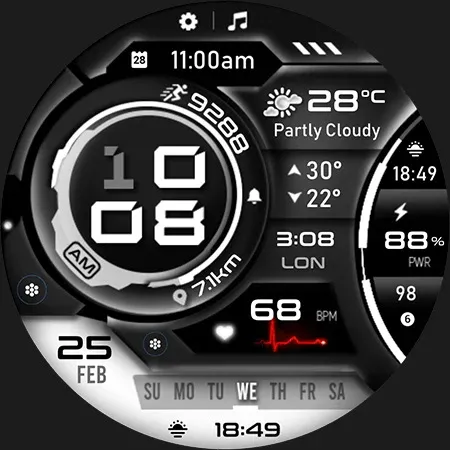
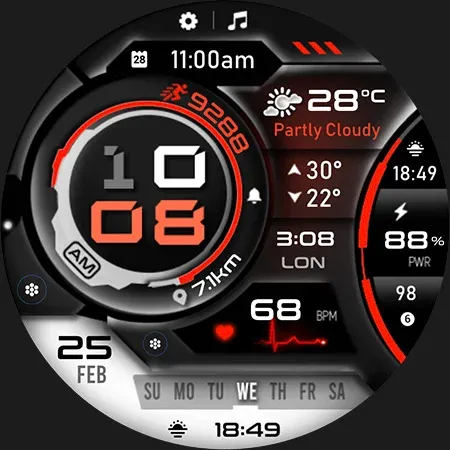
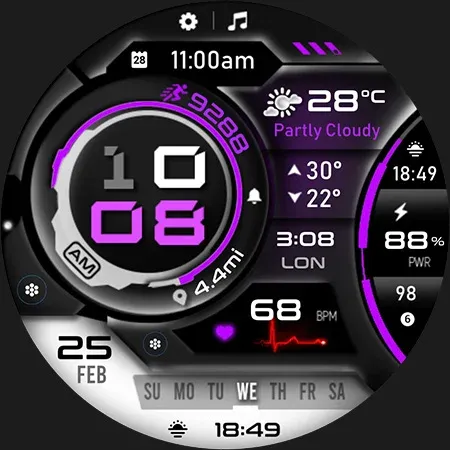
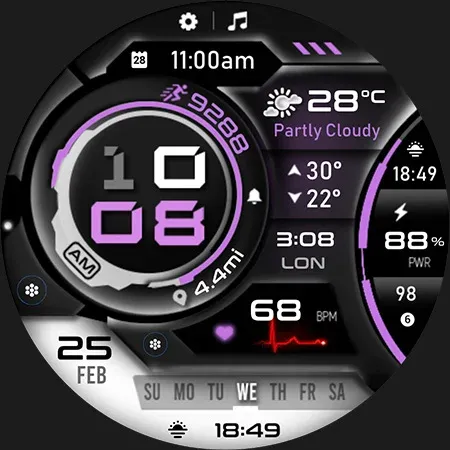
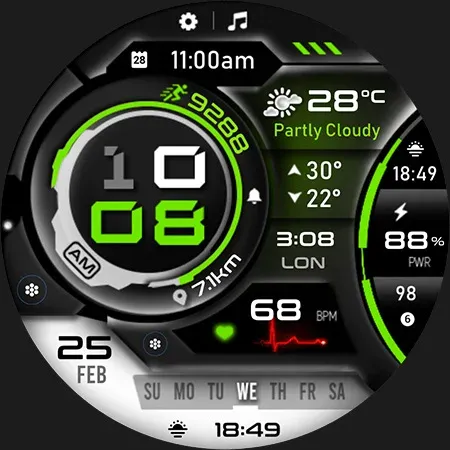
Color Control: Multiple color themes (Red, Blue, Green, Purple, and more) to match your style.

Always-On Display (AOD): Optimized for low power consumption while keeping essential data visible.

Compatibility:
Designed exclusively for Wear OS devices.

⚠️ WEATHER “NO INFO” TROUBLESHOOTING:
If weather data is not appearing, please try:
Tap “NO INFO” to open the weather app, then tap the Refresh icon next to the “last updated” timestamp.

TOP FREE APPS

See all →
Google Lens iconGoogle LensTools
4.7

TOP FREE GAMES

See all →

Advertisement

Top Downloads

See all →
  1. Files by Google icon
    Files by GoogleTools
    4.5
    GET
  2. 4