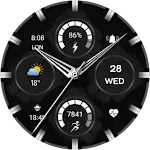
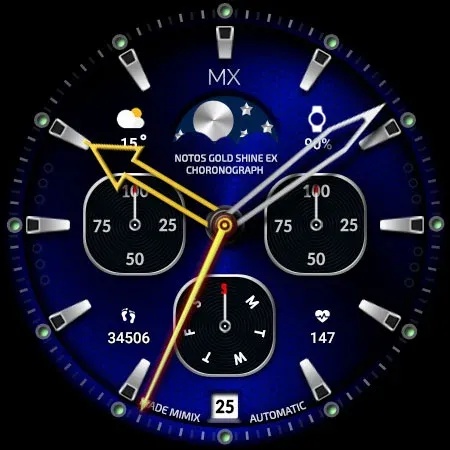
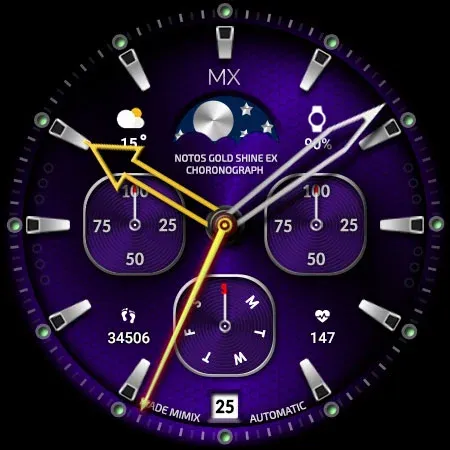
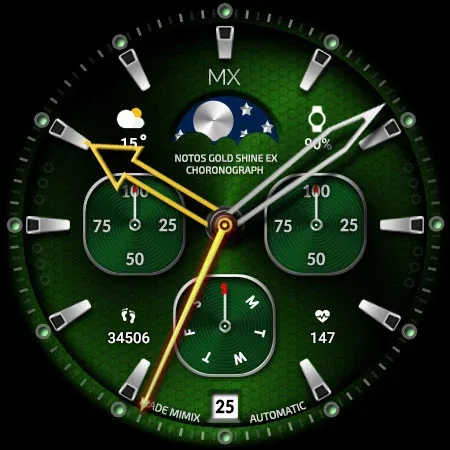
 Simple Blue ZKin Watch
0.0

Personalization
Ratings
Downloads
Age
Advertisement
Advertisement
Name
Category
Price
Safety
Developer
Version
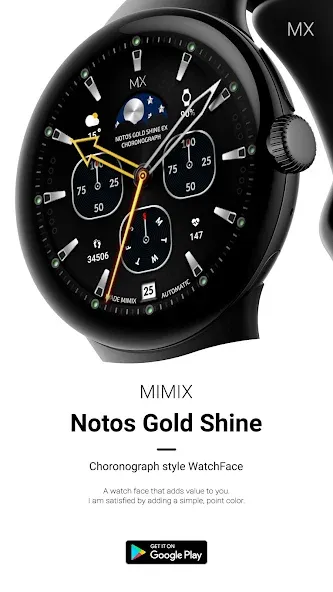
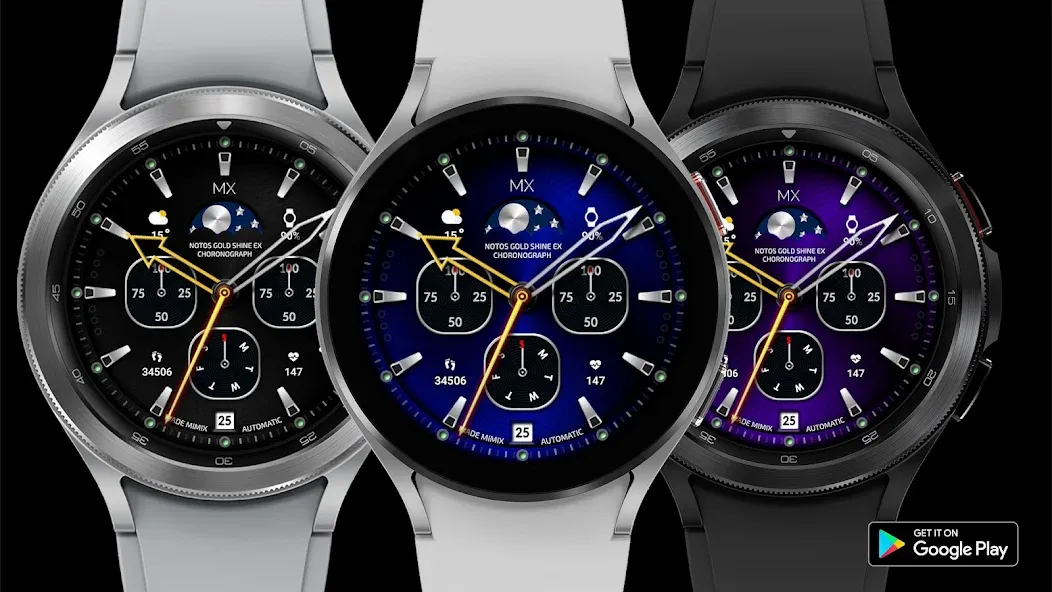
Advanced watchface that supports Wear 2.0 and higher smartwatches.
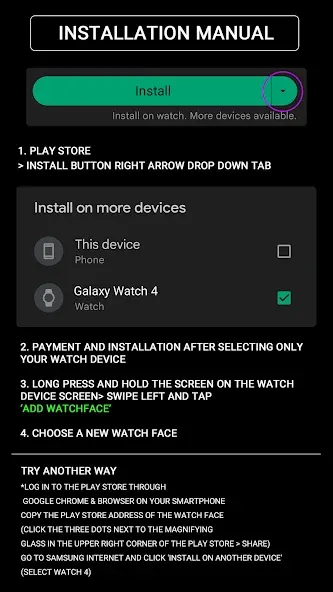
*How to install
Payment and installation of the Play Store app on the smartphone (touch the right arrow and install the smart watch)
> Need to check the connection between watch device and mobile phone
Find installed watchfaces
1. Press and hold the watch face > 2. Click the Decorate button > 3. Click ‘Add watch face’ on the last right > Confirm the purchased watch face
Resolved to be installed display
Copy the play store address of the watch face (click the three dots next to the magnifying glass in the upper right corner of the play store > share)
Go to Samsung Internet and click ‘Install on another device’ (select watch device)
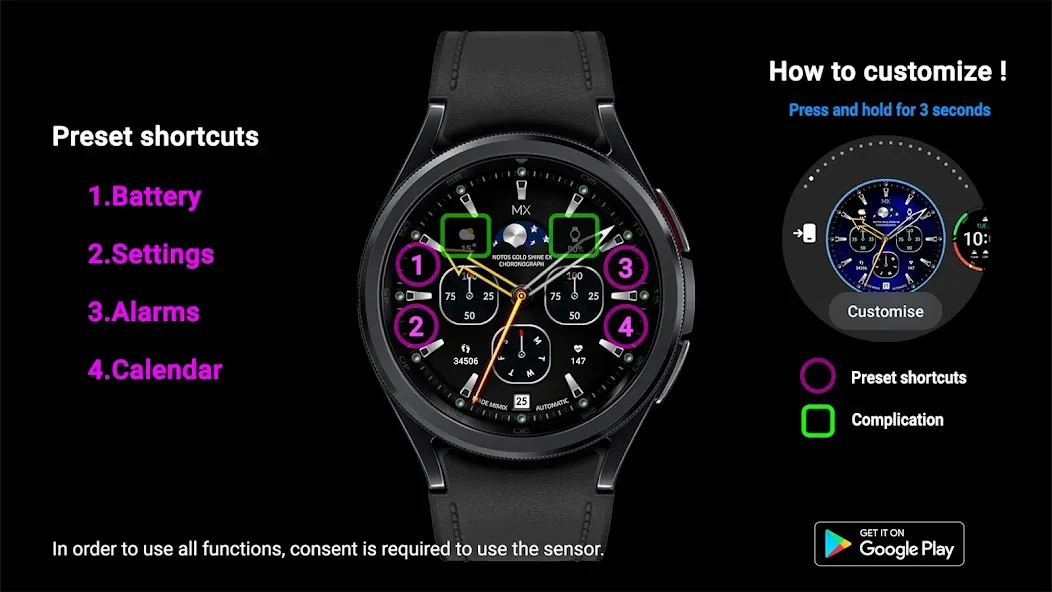
In order to use all functions, consent to use the sensor is required.
*If the Play Store app is shown as incompatible, please install it using a web web browser on your PC/laptop in addition to the app on your phone.
*Supports Wear OS devices.
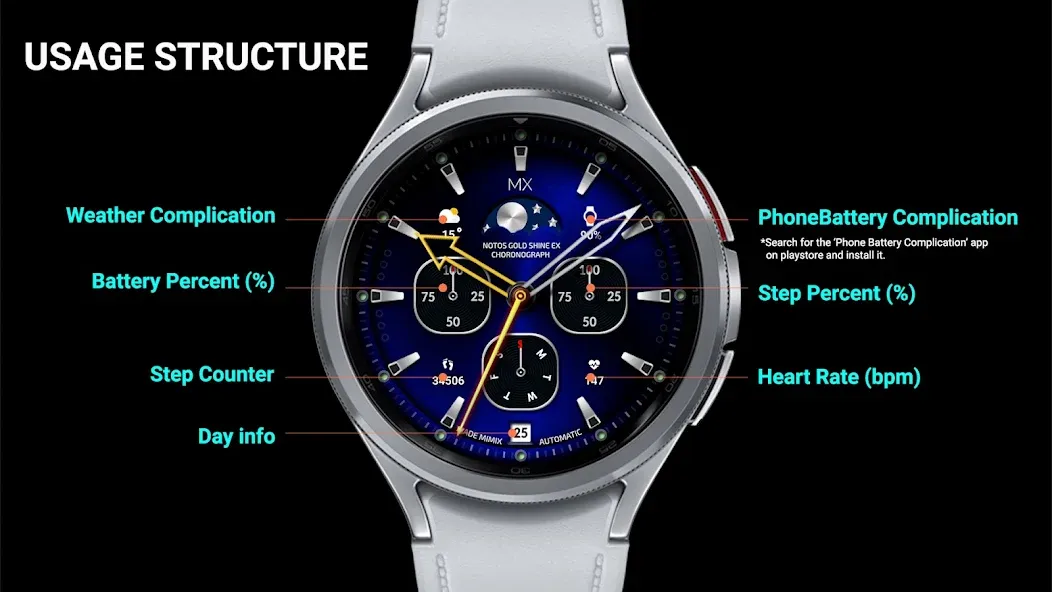
Mobile phone battery complication app
After installing the additional app from the link below to your watch and smartphone, set the complication.
Search for the ‘Phone Battery Complication’ app and install it.
https://play.google.com/store/apps/details?id=com.weartools.phonebattcomp
All credits go to original app creator.
amoledwatchfaces - https://play.google.com/store/apps/dev?id=5591589606735981545
How to set up Customize
1. Press and hold the watch face > 2. Click the Decorate button > 3. Tap each complication area to set the corresponding information > 4. Click OK
For new watch face news, please visit the link below
https://play.google.com/store/apps/dev?id=5105465284863988309
For inquiries about the app, please contact us at the email below.
[email protected]
Advertisement