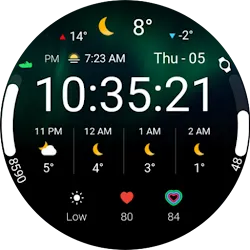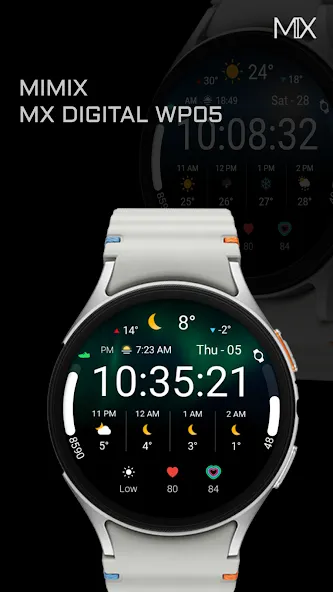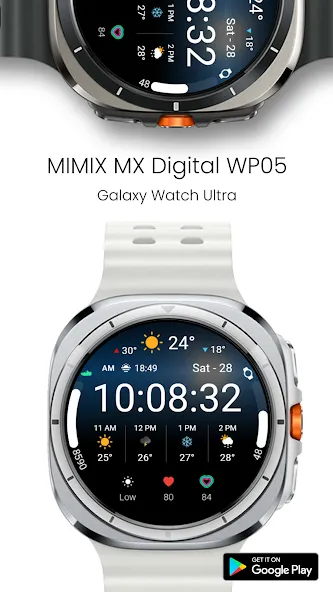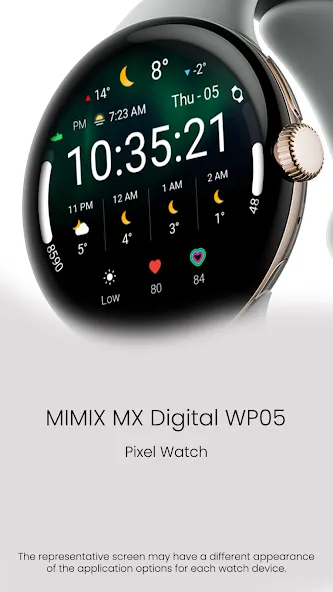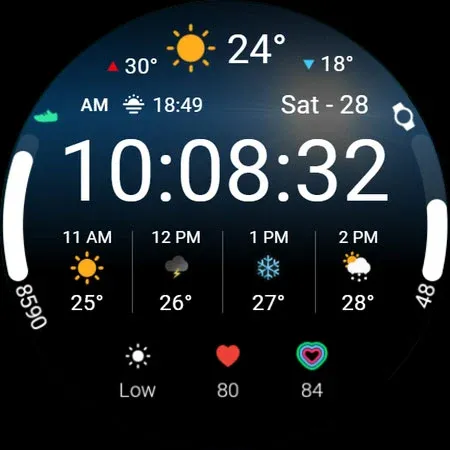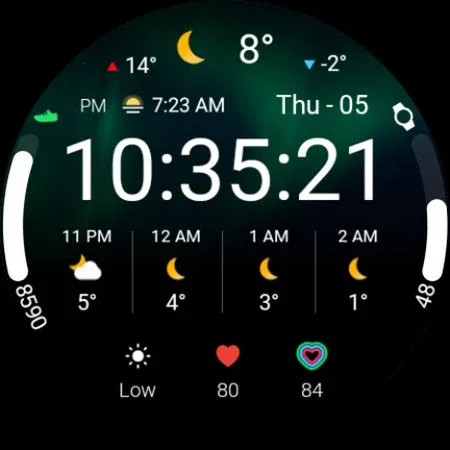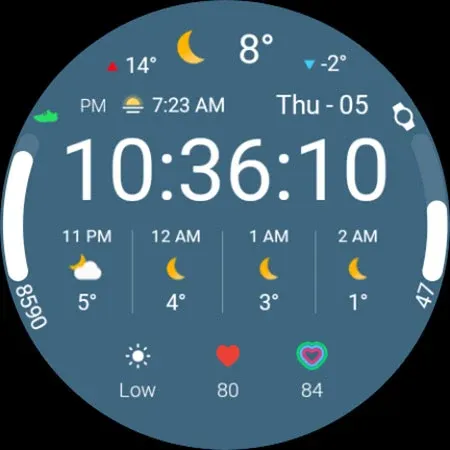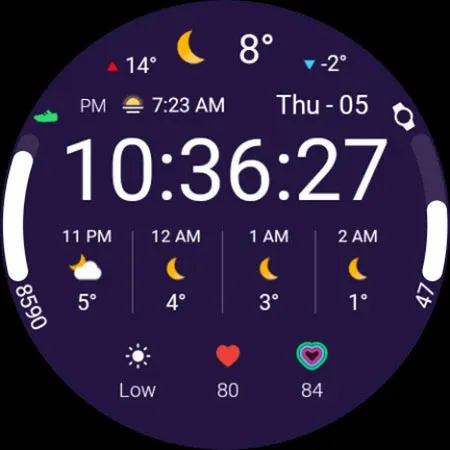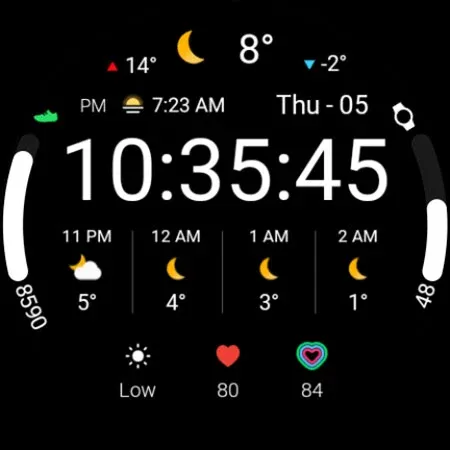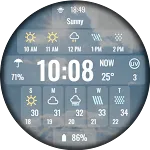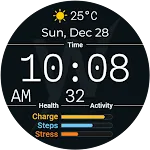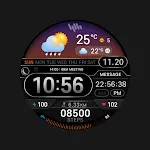
MIMIX Digital WP05 Watchface icon

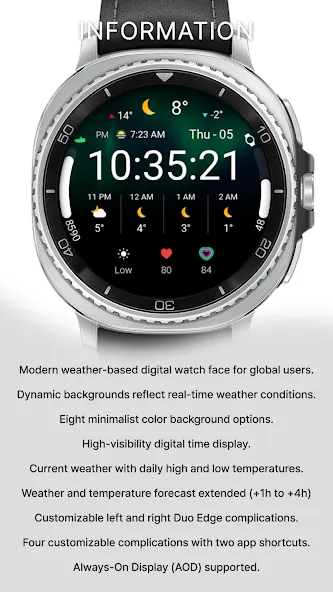
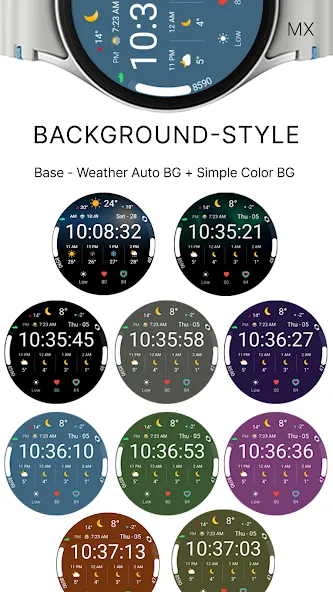
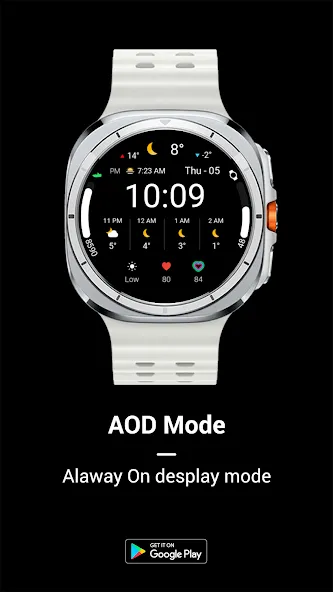
MIMIX Digital WP05 Watchface

Personalization

5.0

Ratings

500 - 1K

Downloads

3+

Age

DOWNLOAD

Advertisement

Screenshots

MIMIX Digital WP05 Watchface screenshot 1
MIMIX Digital WP05 Watchface screenshot 2
MIMIX Digital WP05 Watchface screenshot 3
MIMIX Digital WP05 Watchface screenshot 4
MIMIX Digital WP05 Watchface screenshot 5
MIMIX Digital WP05 Watchface screenshot 6
MIMIX Digital WP05 Watchface screenshot 7
MIMIX Digital WP05 Watchface screenshot 8
MIMIX Digital WP05 Watchface screenshot 9
MIMIX Digital WP05 Watchface screenshot 10
MIMIX Digital WP05 Watchface screenshot 11
MIMIX Digital WP05 Watchface screenshot 12
MIMIX Digital WP05 Watchface screenshot 13
MIMIX Digital WP05 Watchface screenshot 14
MIMIX Digital WP05 Watchface screenshot 15
MIMIX Digital WP05 Watchface screenshot 16
MIMIX Digital WP05 Watchface screenshot 17
MIMIX Digital WP05 Watchface screenshot 18
MIMIX Digital WP05 Watchface screenshot 19
MIMIX Digital WP05 Watchface screenshot 20
MIMIX Digital WP05 Watchface screenshot 21
MIMIX Digital WP05 Watchface screenshot 22
MIMIX Digital WP05 Watchface screenshot 23
MIMIX Digital WP05 Watchface screenshot 24
MIMIX Digital WP05 Watchface screenshot 25
MIMIX Digital WP05 Watchface screenshot 26
See all →
SamWatch Digital Weather iconSamWatch Digital Weather
4.2

Advertisement

About this app

Name

MIMIX Digital WP05 Watchface

Category

Personalization

Price

Free

Safety

100% Safe

Developer

MIMIX

Version

1.0.0

Description

*How to install
Payment and installation of the Play Store app on the smartphone (touch the right arrow and install the smart watch)
*Caution ** Need to check the connection between watch device and mobile phone

Find installed watchfaces
Press and hold the watch face > 2. Click the Decorate button > 3. Click ‘Add watch face’ on the last right > Confirm the purchased watch face

Installing as a Web browser
Copy the play store address of the watch face (click the three dots next to the magnifying glass in the upper right corner of the play store > share)
Go to the Samsung Internet on your PC or mobile phone and click ‘Install on another device’ (select a watch device)

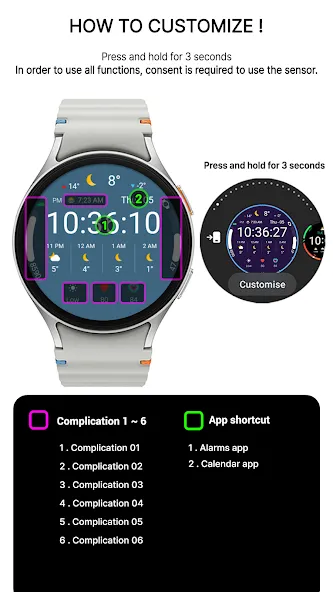
How to set up Customize
Press and hold the watch face > 2. Click the Decorate button > 3. Tap each complication area to set the corresponding information > 4. Click OK

In order to use all functions, consent to use the sensor is required.
*If the Play Store app is shown as incompatible, please install it using a web web browser on your PC/laptop in addition to the app on your phone.
*Supports Wear OS devices.

For new watch face news, please visit the link below
https://play.google.com/store/apps/dev?id=5105465284863988309

For inquiries about the app, please contact us at the email below.
[email protected]

TOP FREE APPS

See all →
Microsoft OneDrive iconMicrosoft OneDriveProductivity
4.6

TOP FREE GAMES

See all →

Advertisement

Top Downloads

See all →
  1. Files by Google icon
    Files by GoogleTools
    4.5
    GET
  2. 4