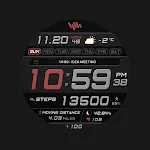
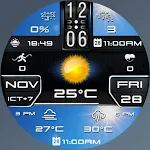
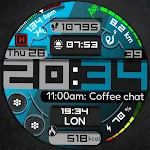
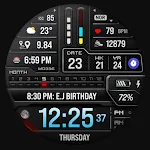
 MD336 Digital watch face
4.6

Personalization
Ratings
Downloads
Age
Advertisement
Advertisement
Name
Category
Price
Safety
Developer
Version
New watch face format.
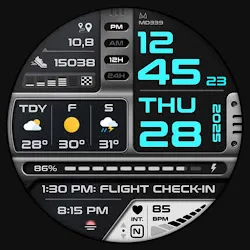
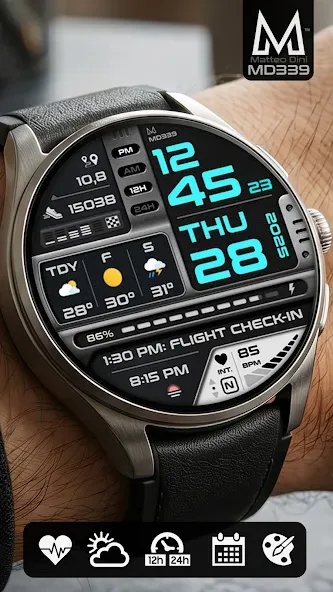
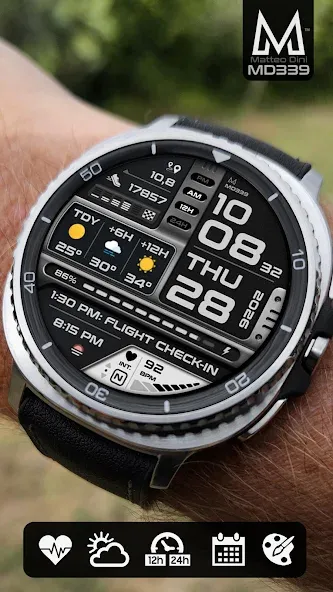
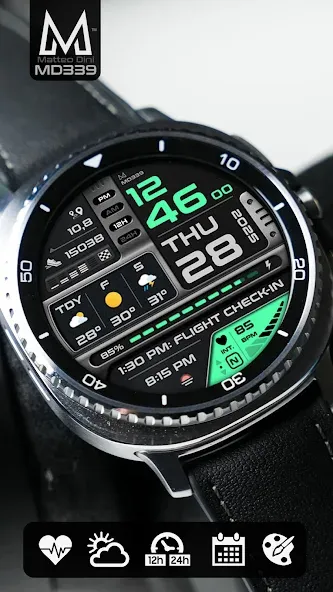
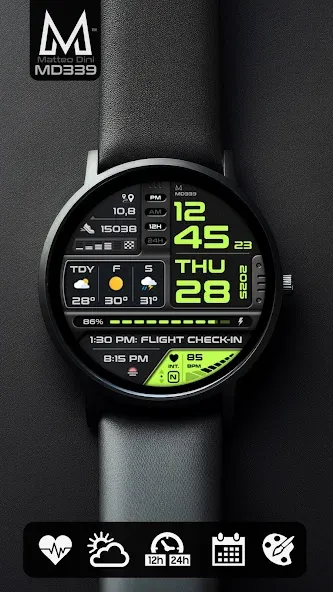
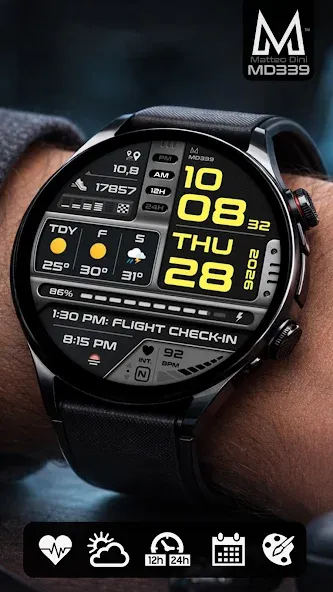
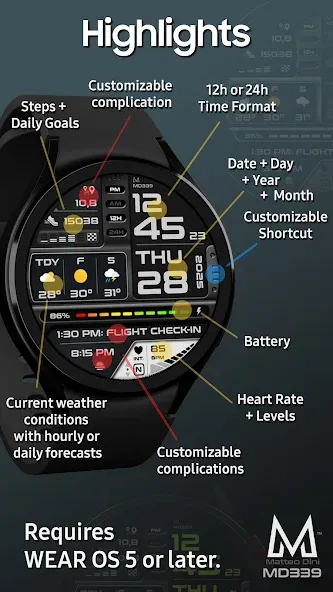
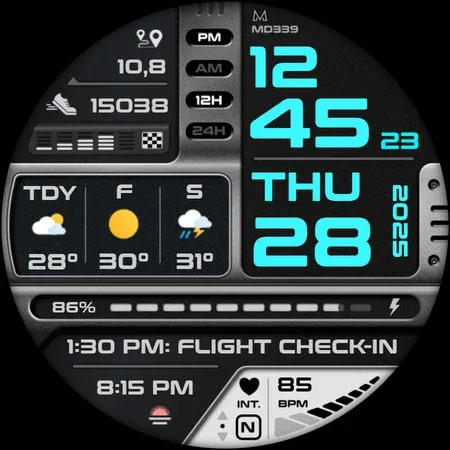
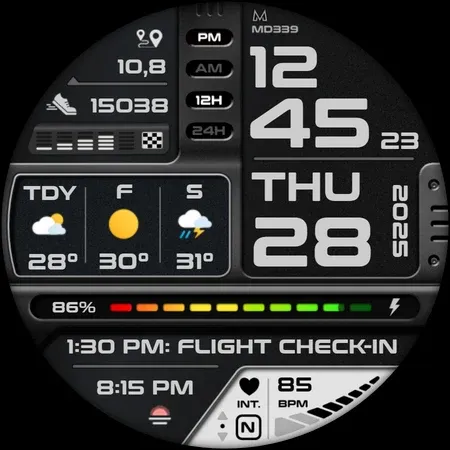
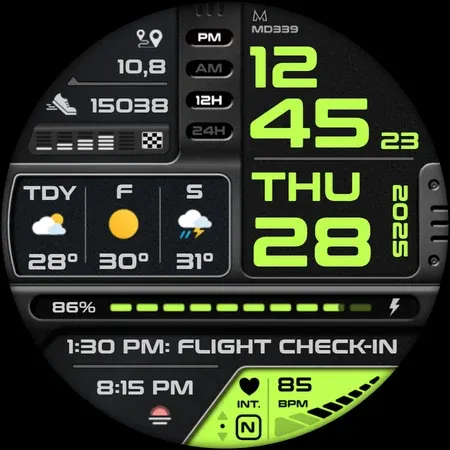
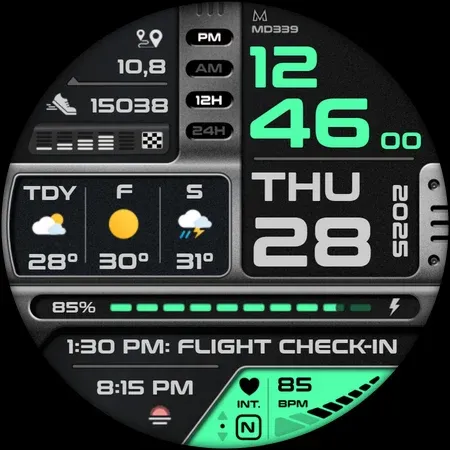
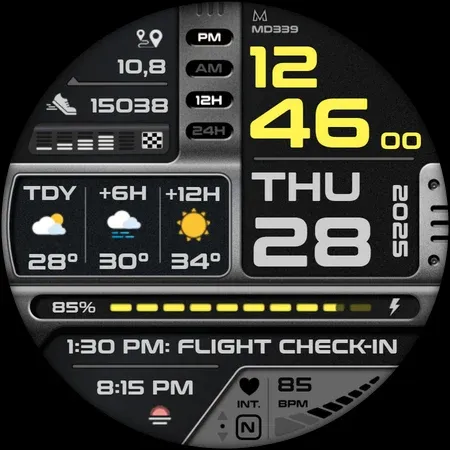
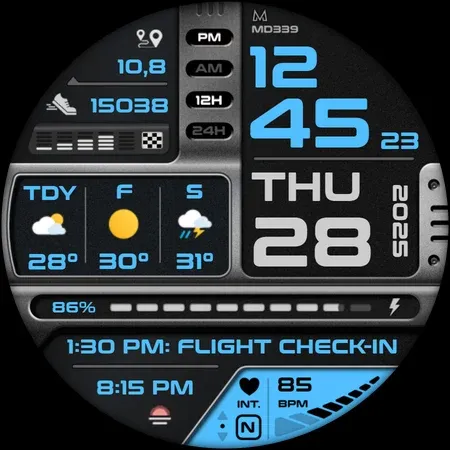
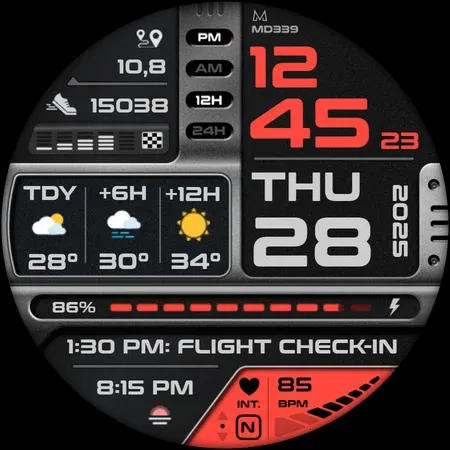
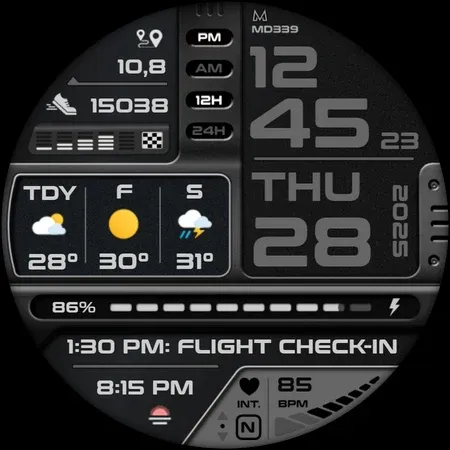
Designed with the latest Watch Face Format required by Google Play, this premium digital watch face combines a futuristic flight-inspired dashboard with advanced customization and weather integration.
Key Features:
- Premium futuristic digital dashboard design
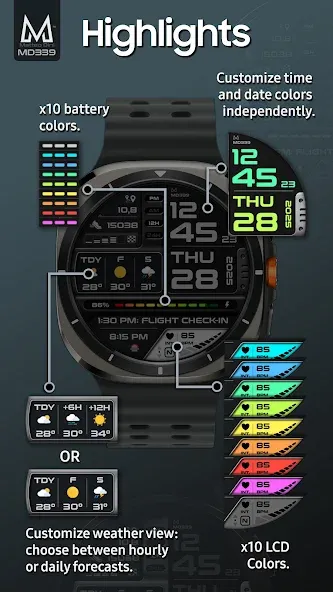
- Current weather conditions with hourly or daily forecasts
- 6 Preset App Shortcuts + 1 Customizable Shortcut
- 3 Customizable Complications
- Full color customization with multiple LCD styles
- Minimal & Full Always On Display modes
Compatibility:
Supports all Wear OS devices with API Level 34+ (Wear OS 5 and later), including Samsung Galaxy Watch 4-8, Ultra, Pixel Watch and other Wear OS smartwatches.
Features at a Glance:
- 12/24hr Format (syncs with phone settings)
- Date
- Day
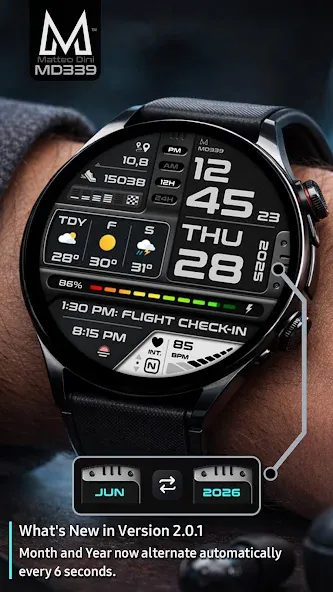
- Year + Month displayed alternately every 6 seconds
- Heart Rate Monitoring + Intervals
- Steps + Daily Goals
- Battery Meter
- Current Weather Conditions
- Hourly or Daily Forecasts
Included App Shortcuts:
- Calendar
- Battery
- Heart Rate
- Alarm
- Steps
- Weather*
Customization:
1. Touch and hold the display on your watch.
2. Tap “Customize”.
Customize independently:
- Time & Date colors
- LCD colors
- Complication fonts
- Battery indicator color
- Heart rate LCD color
- Light/Dark themes
Weather Information:
This watch face uses your watch’s built-in weather provider. No additional weather app is required.
Forecast options:
- Daily forecasts (next 2 days)
- Hourly forecasts (+6h / +12h)
Temperature automatically displays in Celsius or Fahrenheit based on your phone settings.
Important Notes:
Older Galaxy Watch 4 and 5 devices may occasionally experience slower customization performance due to hardware limitations and current Wear OS companion app issues.
Daily weather forecasts may sometimes not display data between 00:00 and 07:00 because of a known weather provider issue already reported to Samsung and Google. During this time, hourly forecasts can still be used normally.
*On Samsung Galaxy Watches, the weather shortcut opens Samsung Weather. On some non-Samsung devices (such as Pixel Watch), the weather shortcut may not be available, while weather data on the watch face will continue to work normally.
Complications:
Customize up to 3 complications with data such as:
- Distance walked
- Calories burned
- Barometer
- World clock
- UV index
- Chance of rain
- And more
Some complication providers may require additional third-party apps installed on your watch.
Support:
For support or installation help:
[email protected]
Some features may not be available on all devices.
Stay Connected:
Newsletter:
http://eepurl.com/hlRcvf
FACEBOOK:
https://www.facebook.com/matteodiniwatchfaces
INSTAGRAM:
https://www.instagram.com/mdwatchfaces/
TELEGRAM:
https://t.me/mdwatchfaces](https://t.me/mdwatchfaces
WEB:
https://www.matteodinimd.com
Thank you for supporting MD Watch Faces!
Advertisement
![[69D] Retro WF5 icon](https://static.amplo.cc/st_related_icon_file/dc8e04e355fcabedf7a94a36d844334f.webp)