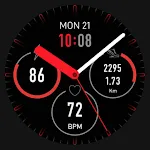
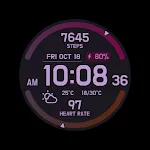
 CELEST5644 Sport Watch
0.0

Personalization
Ratings
Downloads
Age
Advertisement
Advertisement
Name
Category
Price
Safety
Developer
Version
KZY099 is made for Wear OS
Watch face setup notes on smartwatch: The Phone app just acts as a placeholder to make it easier to set up and find the watch face on your Wear OS watch. You must select your tracking device from the setup drop-down menu
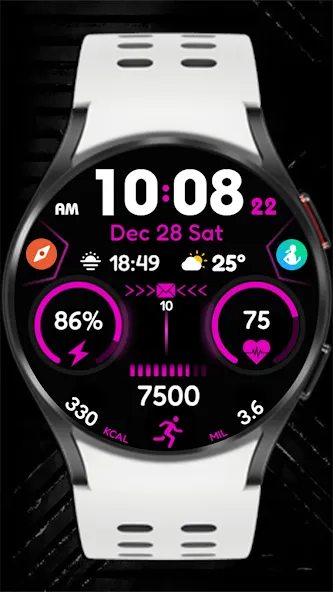
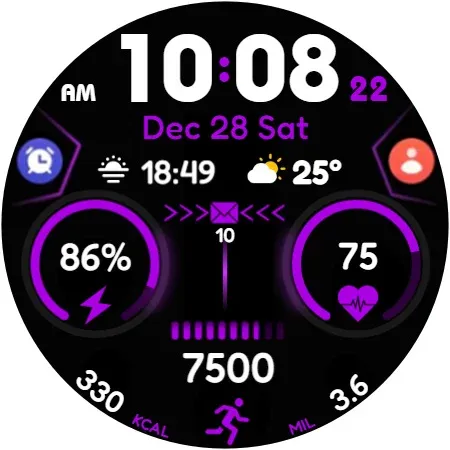
Wear OS Watch Face Features:
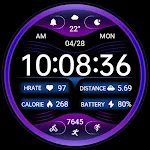
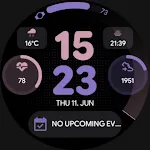
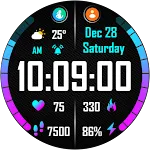
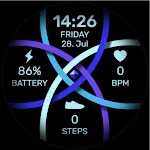
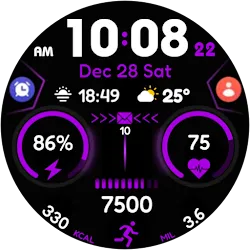
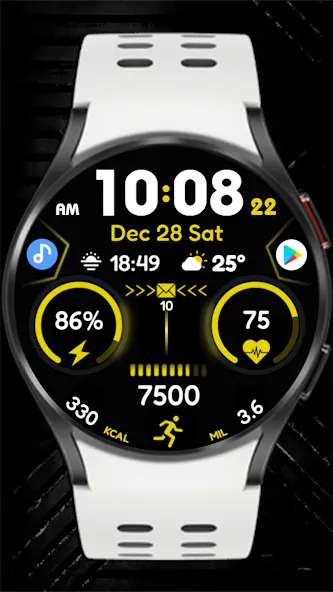
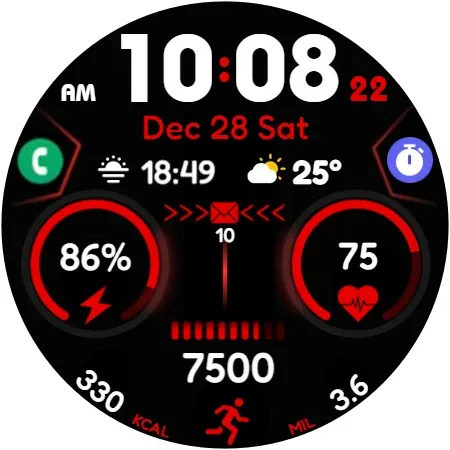
- Step Counter: Track your daily steps.
- Heart Rate Monitor: Check your real-time heart rate.
- Battery Status: Display your battery level.
- Message Notifications: View incoming messages easily.
- Sunrise & Sunset Times: Stay updated on daily sunrise and sunset times.
- Weather Info: Get real-time and daily weather updates.
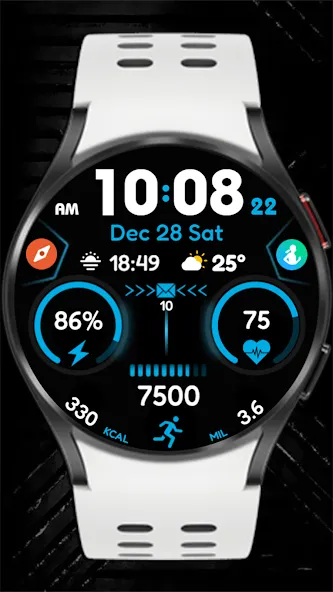
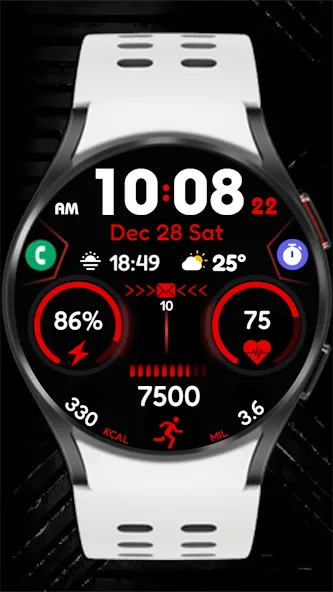
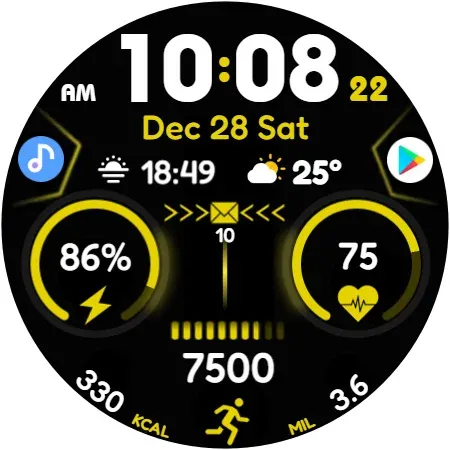
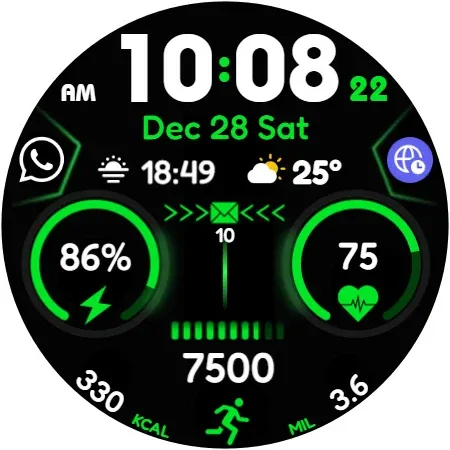
- Customization Options: Personalize with colors, styles, and layouts.
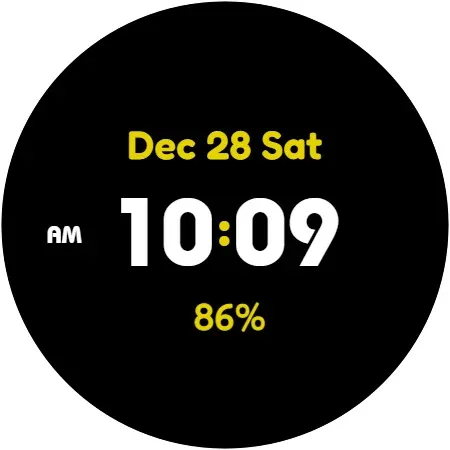
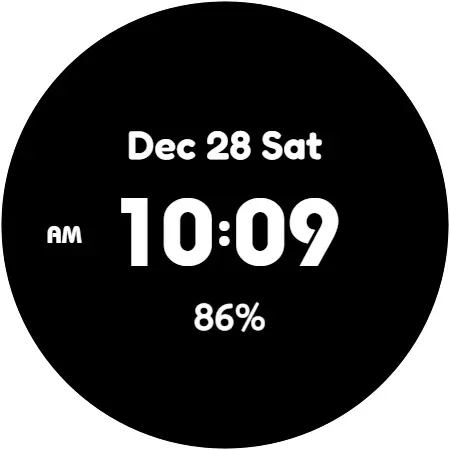
- Color Variants: Choose from a wide range of colors.
- Calories Tracker: Monitor your daily calorie burn.
- KM & Miles Switch: Easily toggle between distance units.
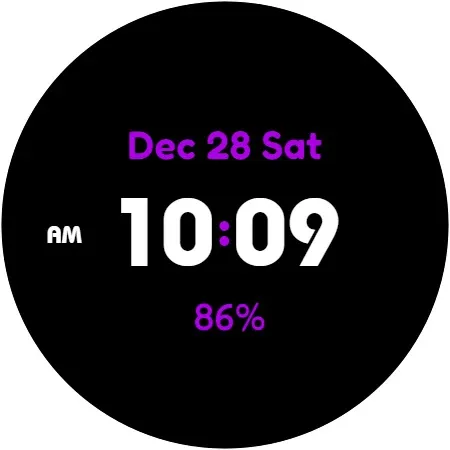
- Digital Clock: Clear and easy-to-read time display.
- Date Display: Keep track of the current date.
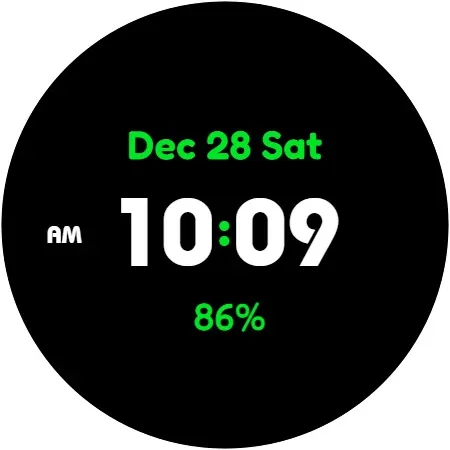
- AOD (Always-On Display): Supports always-on screen functionality.
This Wear OS watch face combines sleek design and versatile features to simplify your daily life! For wear OS
Watch face customization:1- Touch and hold the screen2- Tap Customize
Some features may not be available on some watches. This watch face is suitable for Samsung Galaxy Watch 4,5,6, Pixel Watch etc. It is compatible with. Supports all Wear OS devices with API level 30+
If the watch face still doesn’t appear on your watch, open the Galaxy Wearable app. Go to the Downloads section of the app and you will find the watch face there. Just click on it to start the installation.
Advertisement