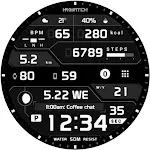
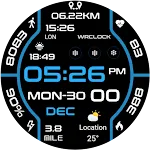
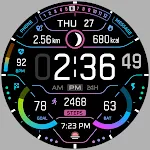
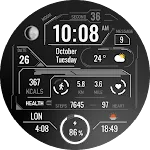
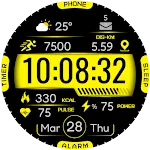
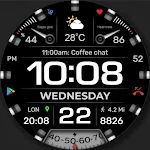
 WFP 233 Digital watch face
4.4

Personalization
Ratings
Downloads
Age
Advertisement
Advertisement
Name
Category
Price
Safety
Developer
Version
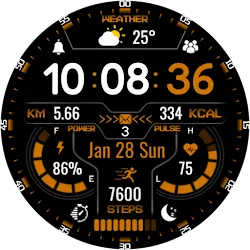
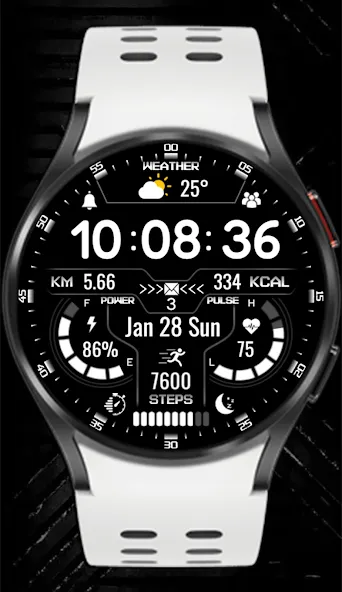
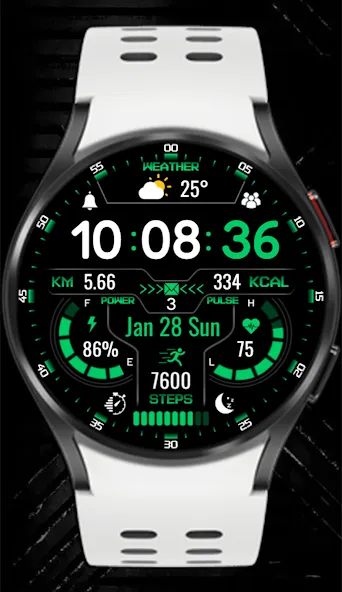
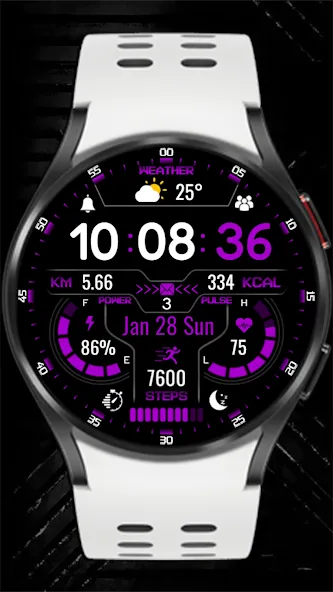
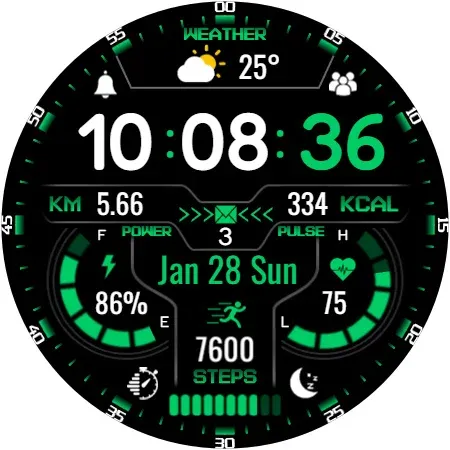
KZY020 is an excellent watch face choice designed for Wear OS Smartwatches
Watch face setup notes on smartwatch: The Phone app just acts as a placeholder to make it easier to set up and find the watch face on your Wear OS watch. You must select your monitoring device from the setup drop-down menu.
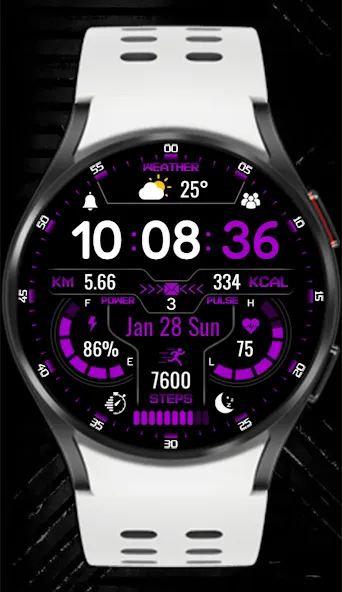
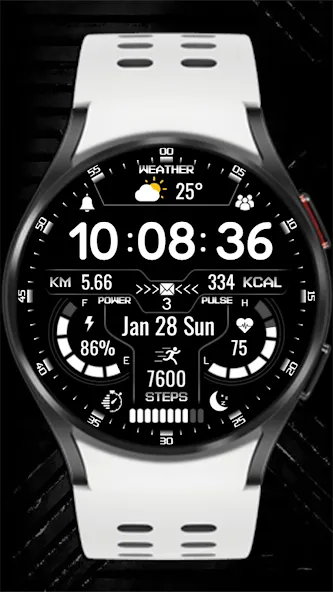
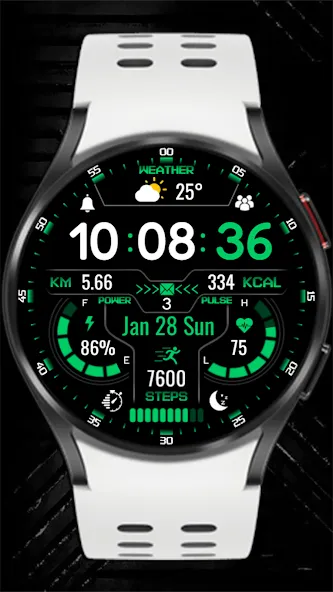
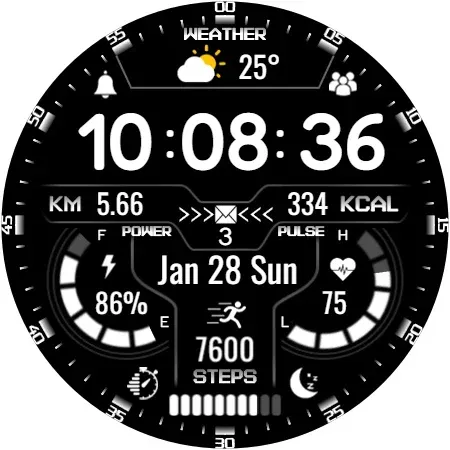
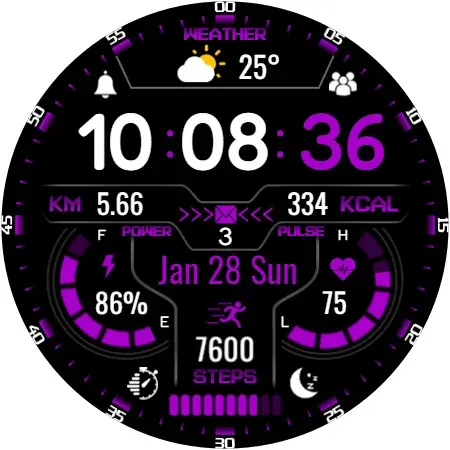
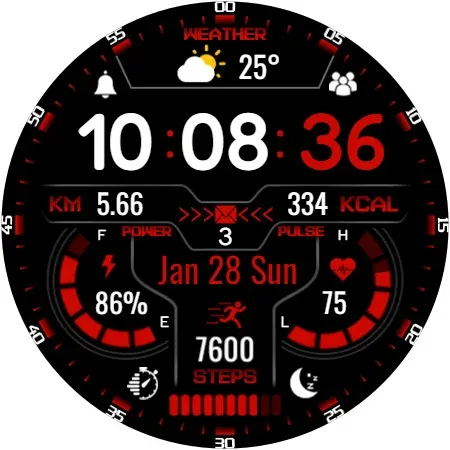
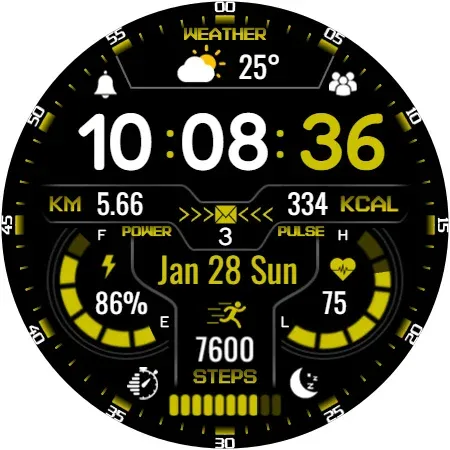
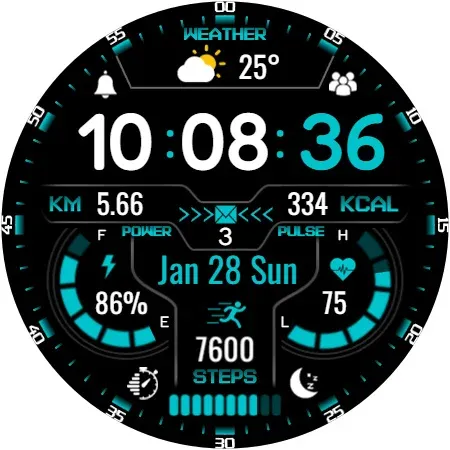
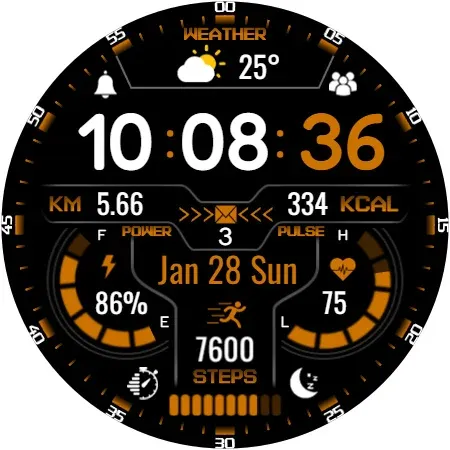
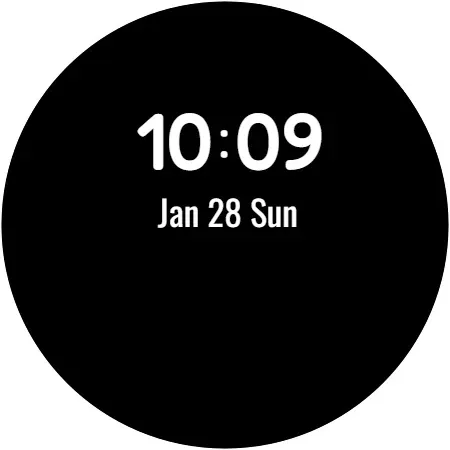
Dial Features:9x Different Color-Complications-Weather-Alarm-Steps-Km-Message-Phone-Kcal-Pulse-Power-Timer-Sleep-Date-Digital Clock-Aod
Watch face customization:1- Touch and hold the screen2- Tap Customize
Some features may not be available on some watches. This watch face is suitable for Samsung Galaxy Watch 4,5,6, Pixel Watch etc. It is compatible with . Supports all Wear OS devices with API level 30+
INSTALLATION MANUAL ↴
You may encounter various problems when trying to install a watch face from the official Google Play Android app.
In cases where the watch face is installed on your phone but not on your watch, the developer has added a helper app to improve visibility in the Play Store. You can uninstall the helper app from your phone and look for a triangular icon next to the Install button in the Play Store app (https://i.imgur.com/OqWHNYf.png). This symbol indicates a drop-down menu where you can select your watch as the installation destination.
Alternatively, you can try opening the Play Store in a web browser on your laptop, Mac or PC. This will allow you to visually select the correct device for installation (https://i.imgur.com/Rq6NGAC.png).
[If you have followed the instructions mentioned above and the watch face still does not appear on your watch, open the Galaxy Wearable app. Go to the Downloads section of the app and you will find the watch face there (https://i.imgur.com/mmNusLy.png). Simply click on it to start the installation.
Advertisement