Key WF40 Digital Watch Face icon

Key WF40 Digital Watch Face

Personalization

0.0

Ratings

1.2K

Downloads

3+

Age

DOWNLOAD

Advertisement

Screenshots

Key WF40 Digital Watch Face screenshot 1
Key WF40 Digital Watch Face screenshot 2
Key WF40 Digital Watch Face screenshot 3
Key WF40 Digital Watch Face screenshot 4
Key WF40 Digital Watch Face screenshot 5
Key WF40 Digital Watch Face screenshot 6
Key WF40 Digital Watch Face screenshot 7
Key WF40 Digital Watch Face screenshot 8
Key WF40 Digital Watch Face screenshot 9
Key WF40 Digital Watch Face screenshot 10
Key WF40 Digital Watch Face screenshot 11
Key WF40 Digital Watch Face screenshot 12
Key WF40 Digital Watch Face screenshot 13
Key WF40 Digital Watch Face screenshot 14
Key WF40 Digital Watch Face screenshot 15
Key WF40 Digital Watch Face screenshot 16
Key WF40 Digital Watch Face screenshot 17
Key WF40 Digital Watch Face screenshot 18
Key WF40 Digital Watch Face screenshot 19
Key WF40 Digital Watch Face screenshot 20
Key WF40 Digital Watch Face screenshot 21
Key WF40 Digital Watch Face screenshot 22
Key WF40 Digital Watch Face screenshot 23
Key WF40 Digital Watch Face screenshot 24
Key WF40 Digital Watch Face screenshot 25
Key WF40 Digital Watch Face screenshot 26
Key WF40 Digital Watch Face screenshot 27
See all →
Key104 Digital Watch Face iconKey104 Digital Watch Face
3.7

Advertisement

About this app

Name

Key WF40 Digital Watch Face

Category

Personalization

Price

Free

Safety

100% Safe

Developer

Key Watch Face

Version

Varies with device

Description

Buy One Get One, BOGO Promotion :
1. Buy any of our Watch Faces
2. Send email to [email protected]
3. Attach RECEIPT from Google to the email
4. Wait for the Coupon
5. You can not choose the free WF

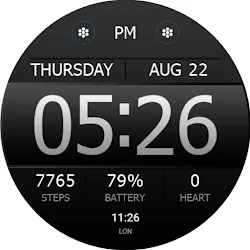
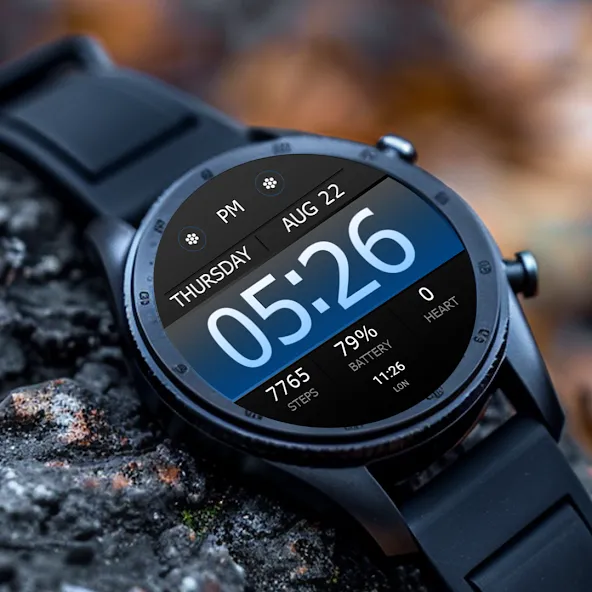
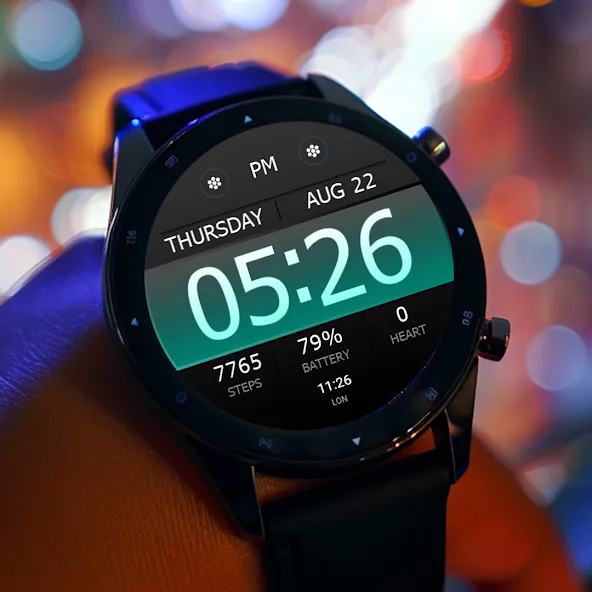
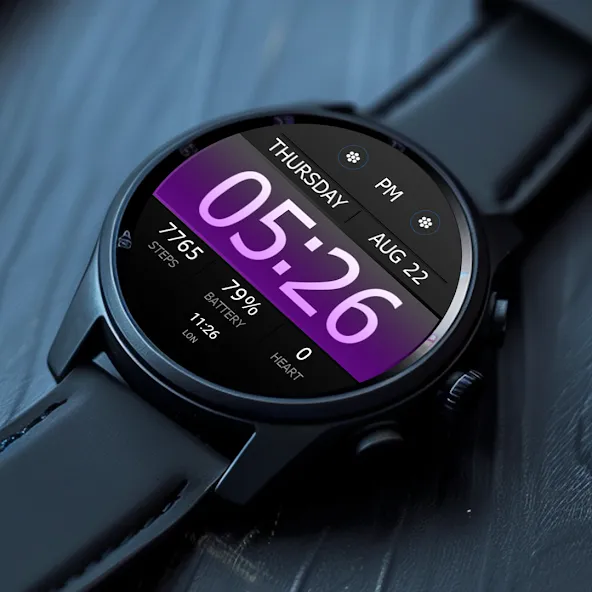
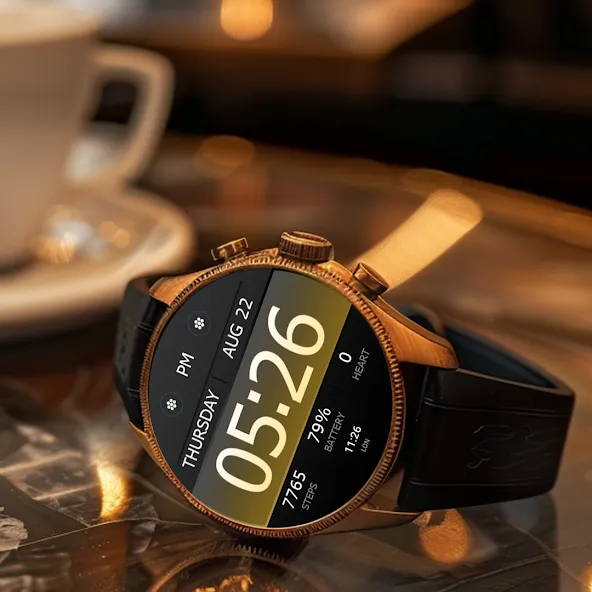
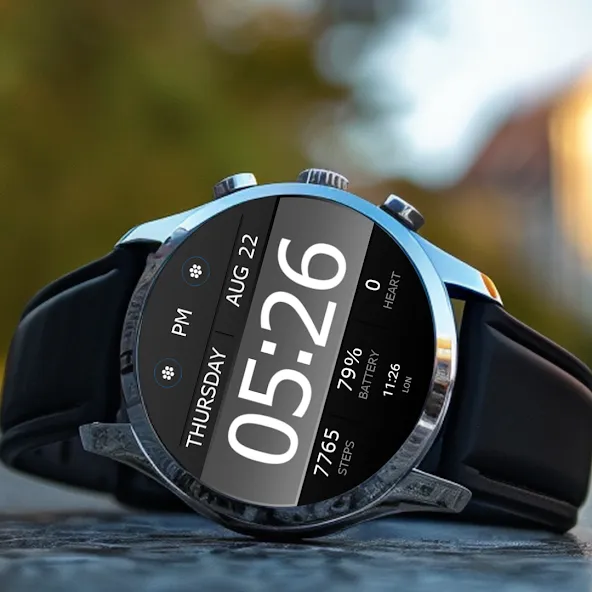
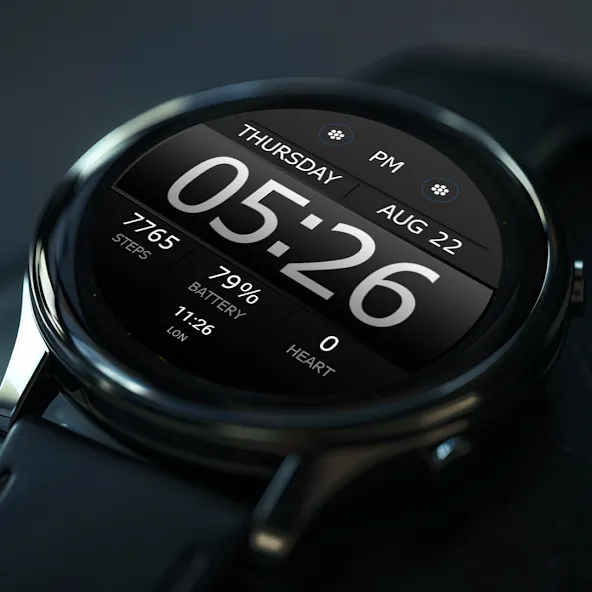
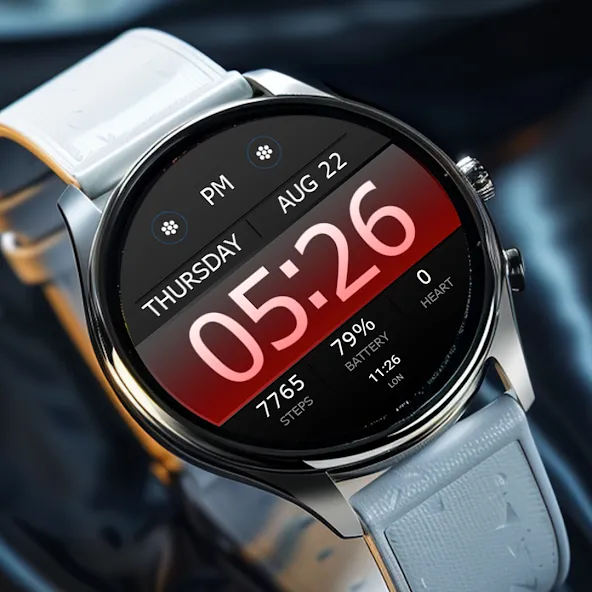
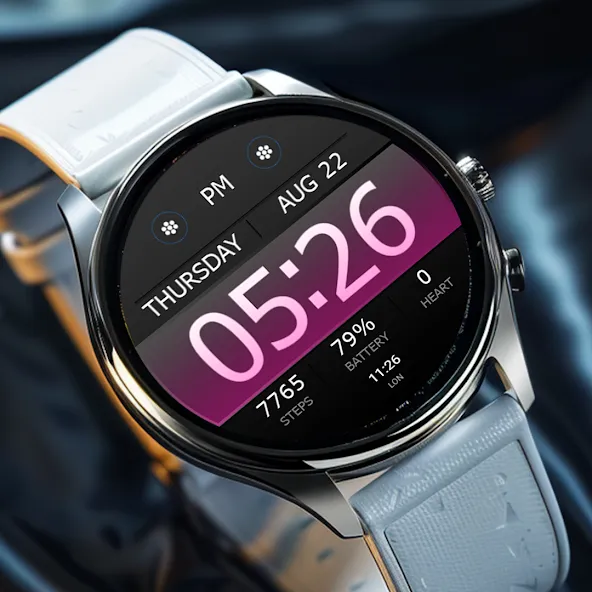
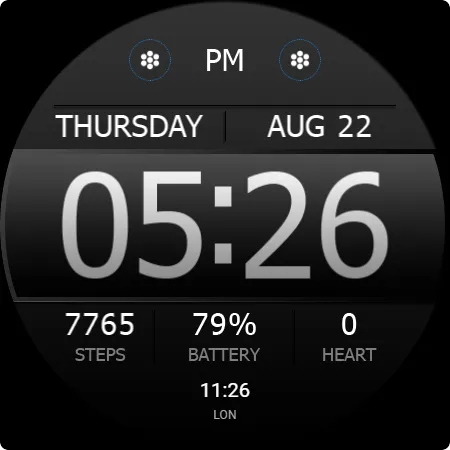
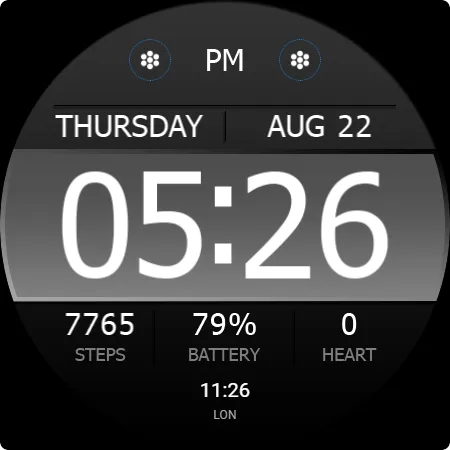
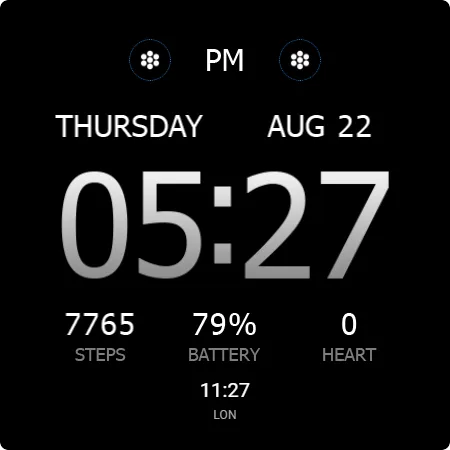
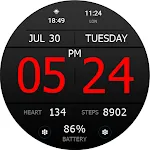
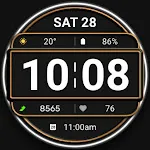
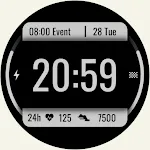
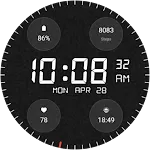
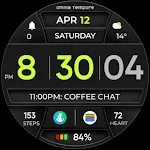
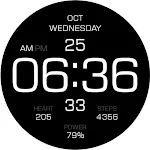
Key WF40 is a Digital Watch Face with a Simple Design for Wear OS. Key WF40 displays a simple design but still looks futuristic with the addition of a very elegant color theme.

Features
- 12/24H digital time format
- Month, Date, and Day Name
- Heart Rate Information
- Step Count Information
- Battery Percent Information
- 2 Custom Shortcuts
- 1 short circle complications.
- Change the Background colours.

IMPORTANT!
This is a Wear OS Watch Face app. This app only supports smartwatch devices running with WEAR OS

AOD:
Display the digital clock on your smartwatch with all the information you need.

Color adjustments:
1. Press and hold your finger at center on the watch display.
2. Press the button to adjust.
3. Swipe left or right to switch between the different customizable items.
4. Swipe up or down to change the options/color of the items.

TOP FREE APPS

See all →
Facebook Lite iconFacebook LiteSocial
4.5

TOP FREE GAMES

See all →

Advertisement

Top Downloads

See all →
  1. Files by Google icon
    Files by GoogleTools
    4.5
    GET
  2. 4
Key WF40 is a Digital Watch Face with a Simple Design for Wear OS - TapToStore