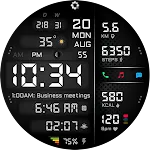
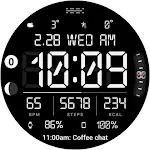
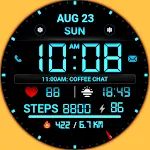
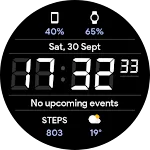
 A440 Digital Health Face
4.2

Personalization
Ratings
Downloads
Age
Advertisement
Advertisement
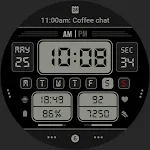
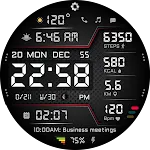
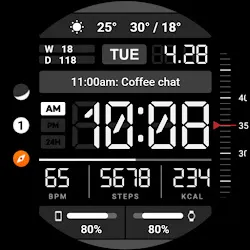
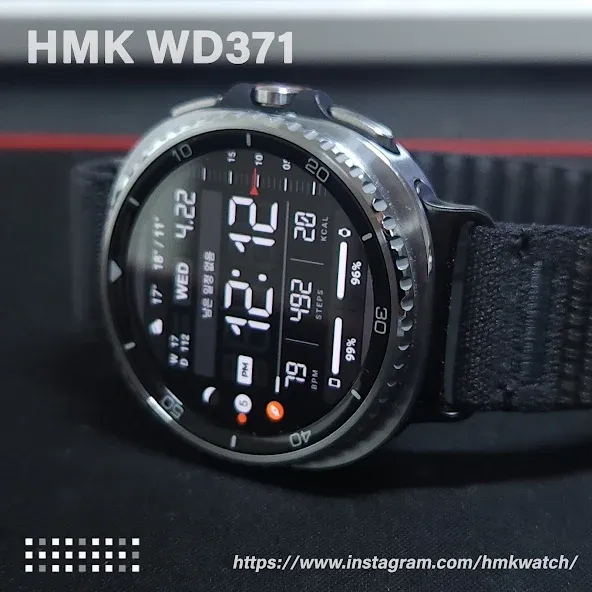
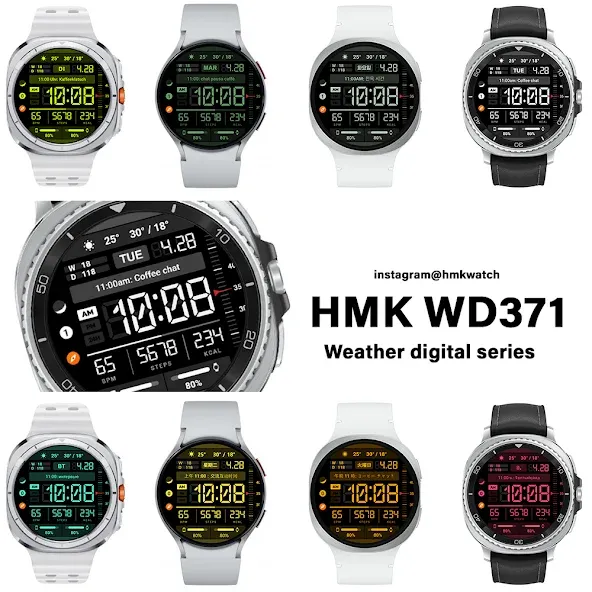
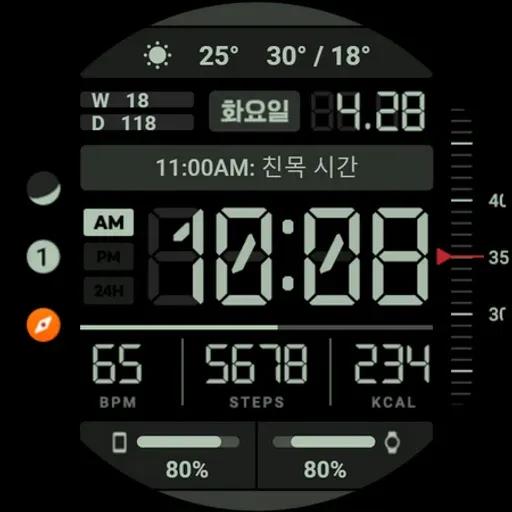
HMK WD371 – Digital Watch Face for Wear OS
Clean. Functional. Easy to read.
A modern digital watch face designed for everyday use with essential information clearly organized on screen.
Perfect for users who want a balanced layout with time, health data, and weather without unnecessary clutter.
[Key Features]
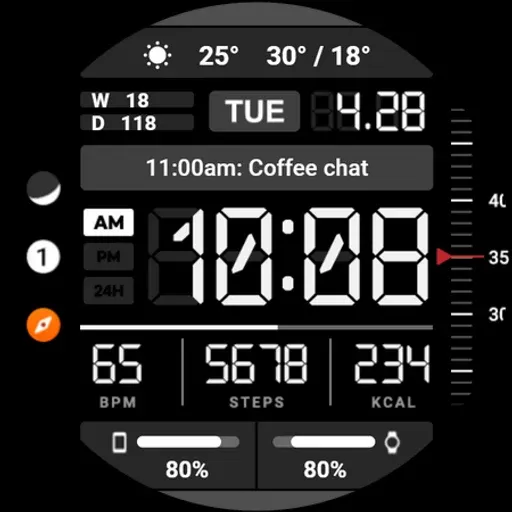
Bold and highly readable digital time
12H / 24H format (syncs with phone settings)
Day, date, and week display
Real-time weather (current, high / low temperature, icon)
Heart rate (BPM)
Step count
Calories burned
Battery level indicator
Upcoming schedule preview
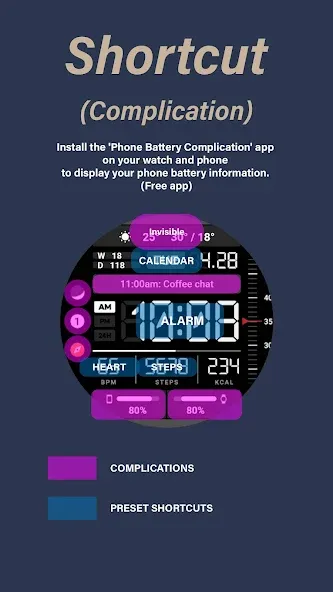
Custom app shortcuts: Calendar, Alarm, Heart Rate, Steps
[User Customization]
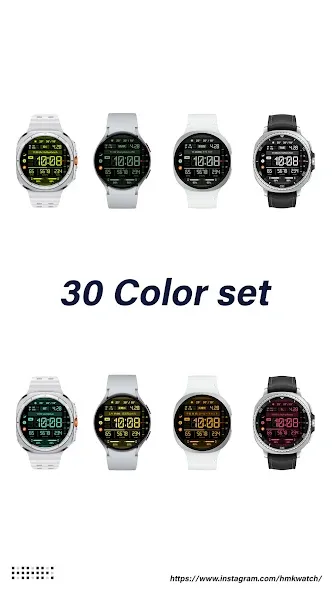
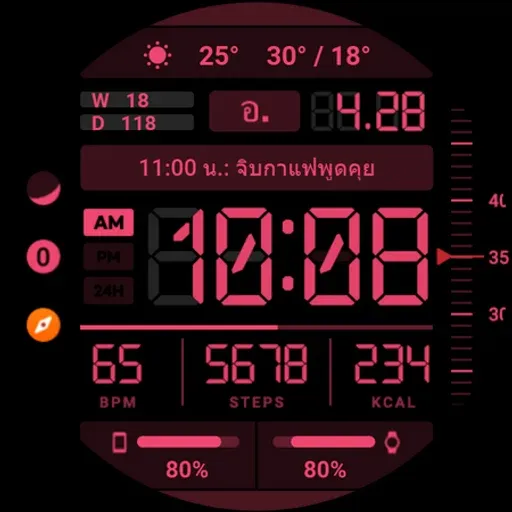
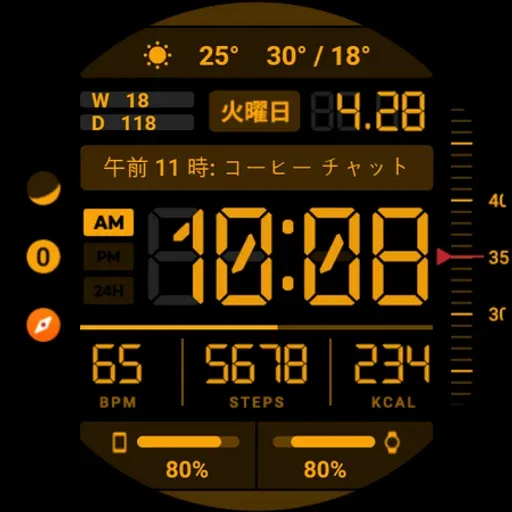
30 color options
7 customizable complications
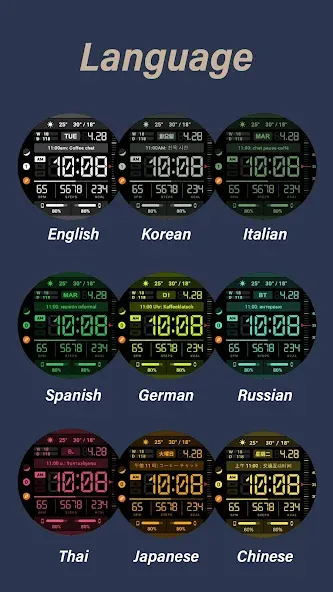
Support for 9 languages (English, Korean, Italian, Spanish, German, Russian, Thai, Japanese, Chinese)
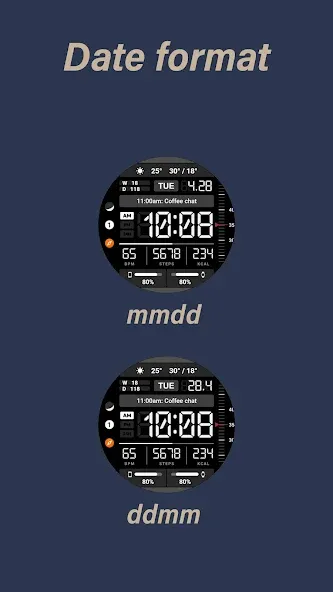
Date format: MM/DD, DD/MM
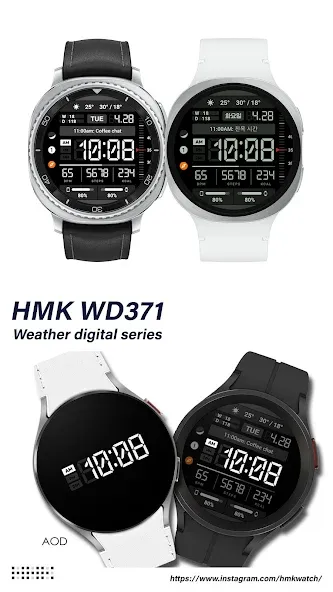
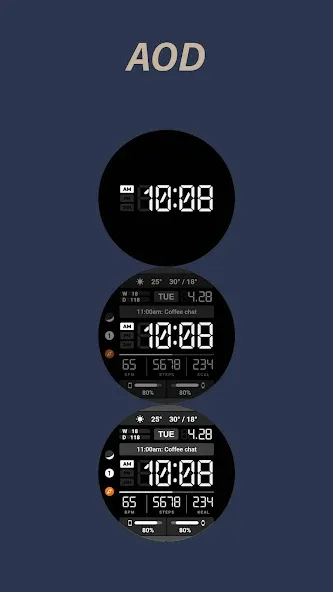
3-level AOD (Always-On Display)
[Why You’ll Love It]
Information-dense but uncluttered UI
Excellent readability at a glance
Optimized layout for daily use
AMOLED-friendly design
[Compatibility]
Wear OS devices only
Not compatible with Tizen or other OS
[Notes]
Heart rate measurement depends on device sensor
Weather information requires phone connection
Some features may vary depending on device
=======================================================
To display smartphone information in the complication, install the following apps on both your watch and phone.
‘Phone Battery Complication’
https://play.google.com/store/apps/details?id=com.weartools.phonebattcomp
Get new news from my Instagram.
www.instagram.com/hmkwatch
https://hmkwatch.tistory.com/
Please send me an email if you have any errors or suggestions.
[email protected] , 821072772205
Advertisement