 CFS133 Smart Health
0.0

Personalization
Ratings
Downloads
Age
Advertisement
Advertisement
Name
Category
Price
Safety
Developer
Version
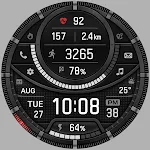
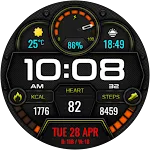
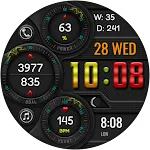
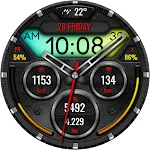
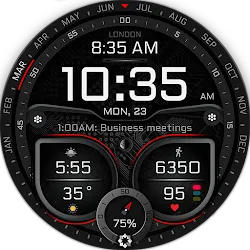
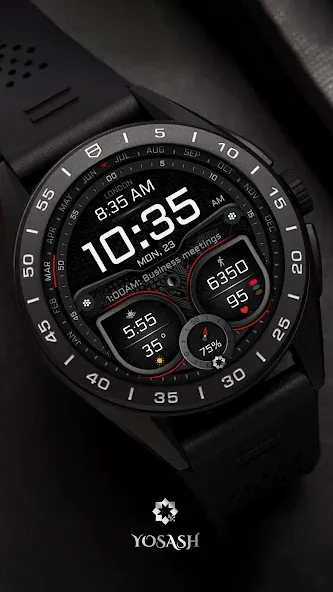
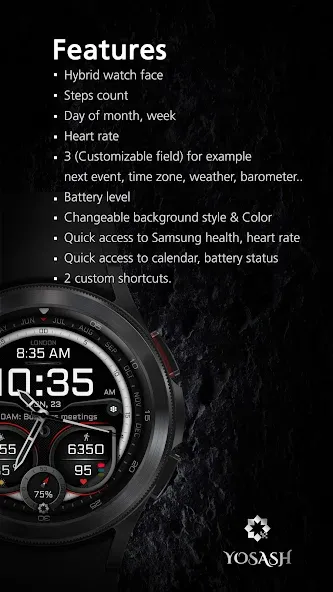
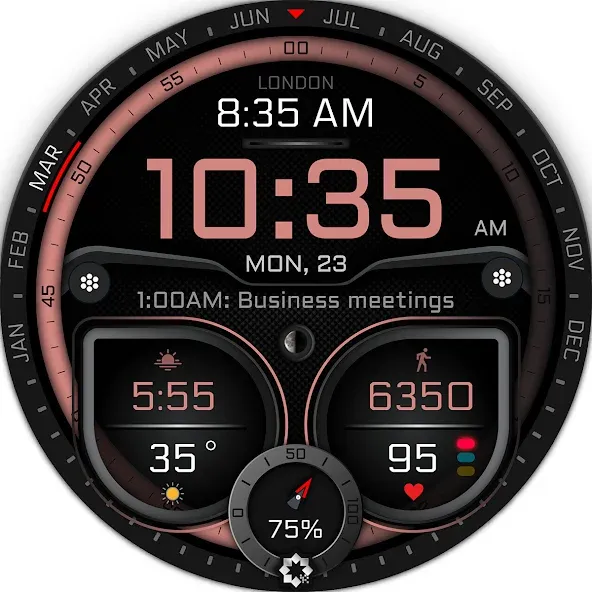
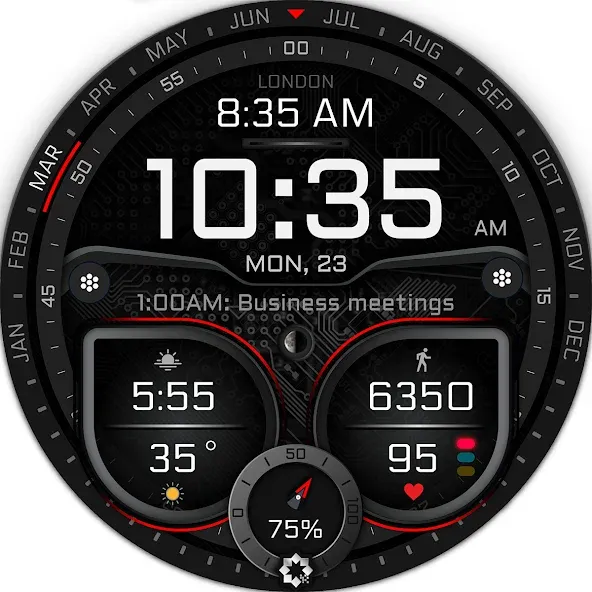
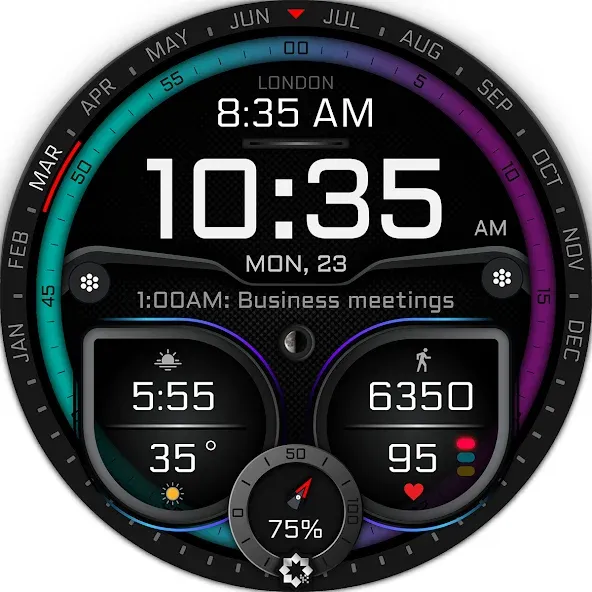
Watch face features:
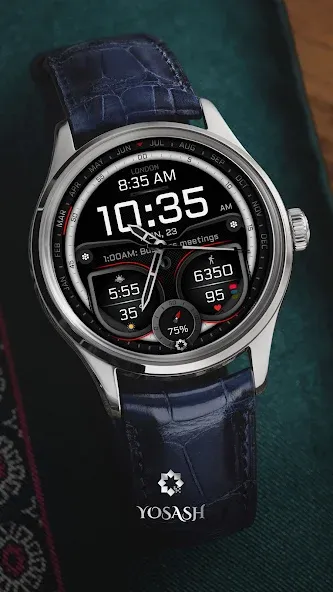
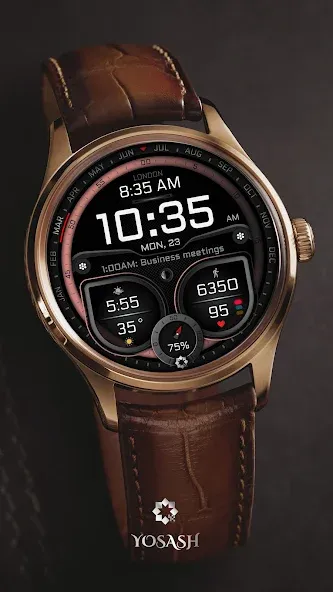
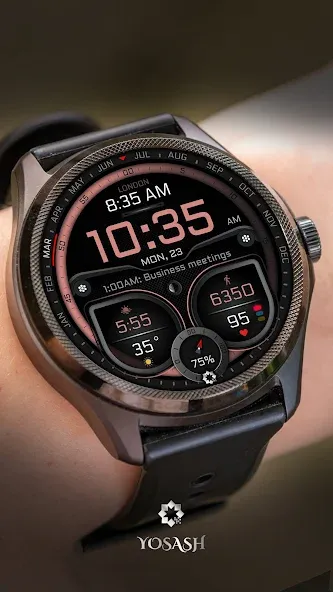
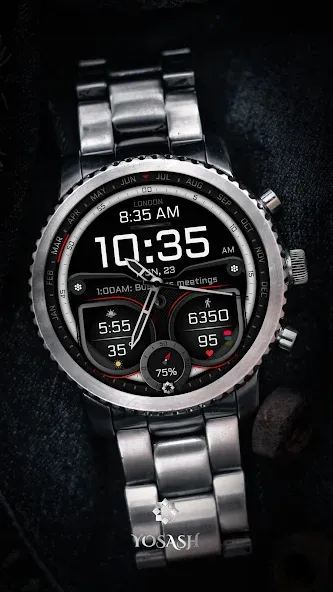
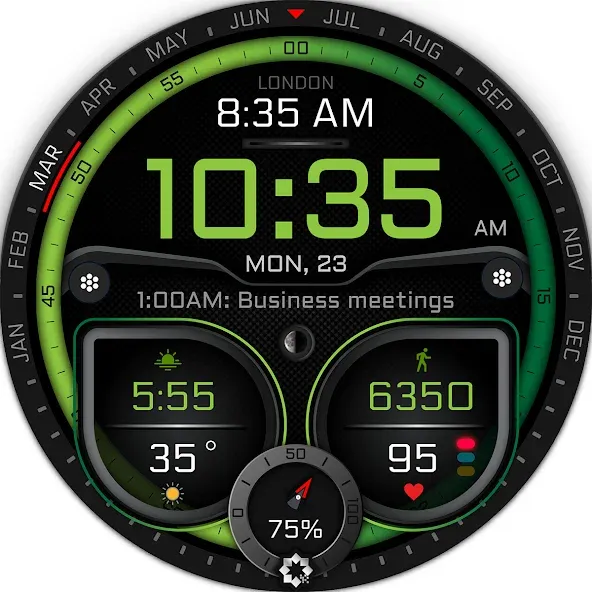
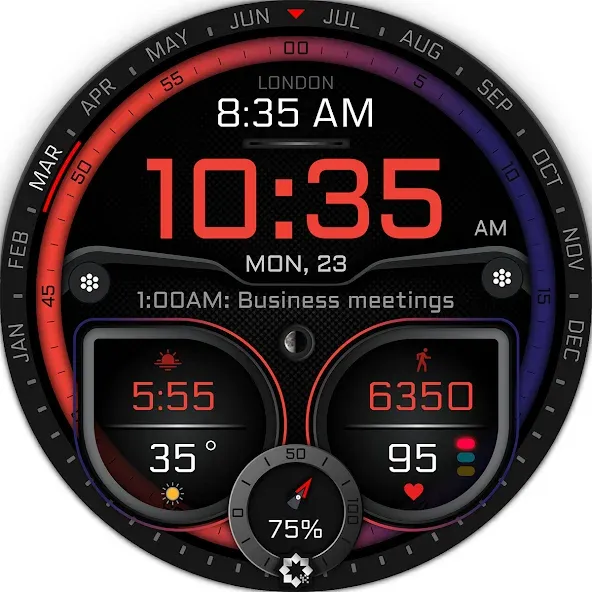
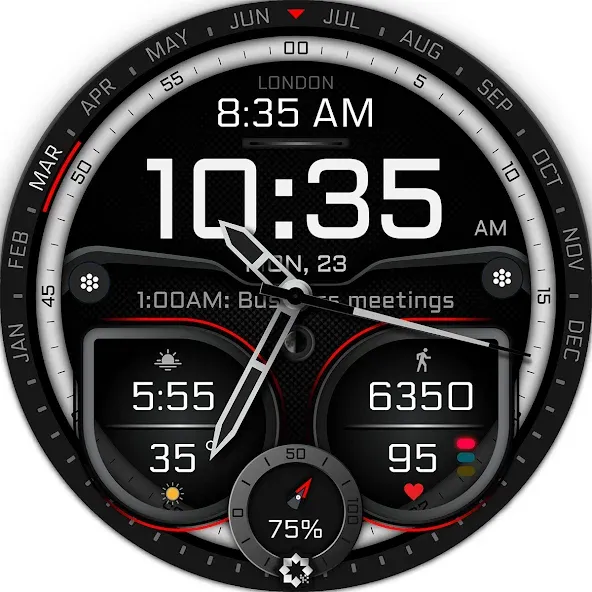
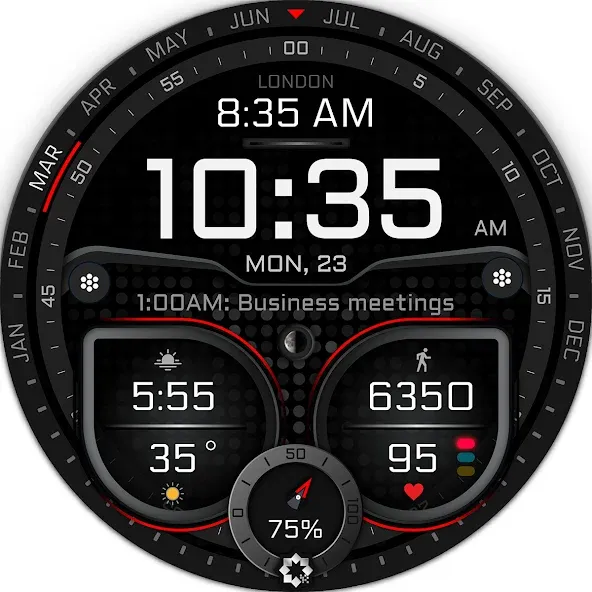
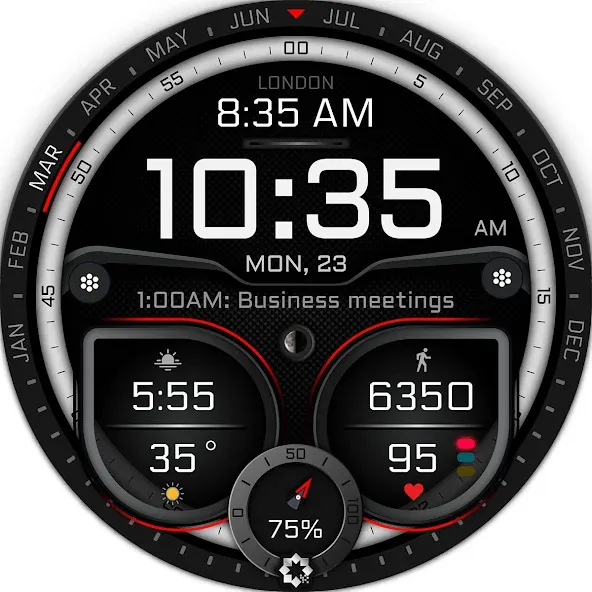
- Hybrid watch face with a creative look
- Day of month, week
- Steps count
- Heart rate
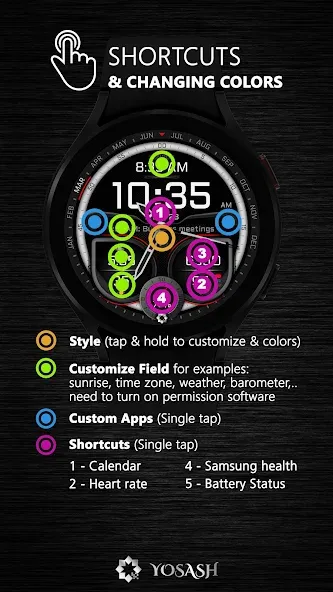
- 4 (customizable field) for example:
sunrise, next vent, time zone, weather, barometer, …
- Battery level
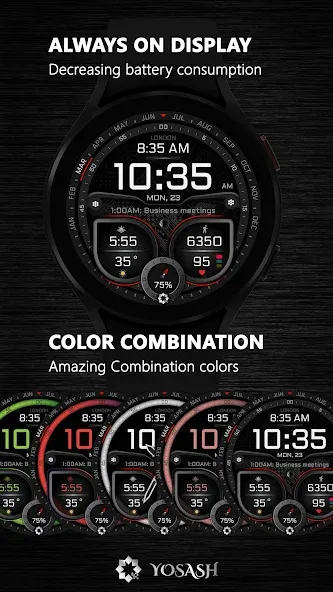
- Changeable background colors & style (tap & hold to customize & change colors)
- Quick access to heart rate
- Quick access to calendar, battery status
- Quick access to 2 custom shortcuts
------------------------------------------------------------------
Watch face customization
- Tap and hold on any place on the watch face
- swiping till find customize
- Choose which complication do you want to customize
- Select from the menu the complication that you want to show like weather, barometer, …
------------------------------------------------------------------
Installation instructions:
1. Make sure that your watch is connected to your mobile via Bluetooth
2. Install the watch face and make sure that you selected your watch from the arrow beside the price
3. You can also install the watch face by opening play store through your web browser.
4. You can install the watch face through your watch directly by opening the play store on the watch and search for the watch face and install it.
Official Samsung Installation guide
https://www.youtube.com/watch?v=vMM4Q2-rqoM
Please consider that the watch face developer has no control of the installation process on play store. You will not charge for a watch face 2 times.
If you need any assistance, please contact to [email protected]
------------------------------------------------------------------
Supported devices:
all Wear OS devices with API Level 30+ like
Note:
- This watch face doesn’t support square devices.
------------------------------------------------------------------
Follow us for new watch faces:
Facebook:
https://www.facebook.com/yosash.watch
Instagram:
https://www.instagram.com/yosash.watch/
Telegram:
https://t.me/yosash_watch
Website:
https://yosash.watch/
Support:
[email protected]
Advertisement