 SO696w
0.0

Personalization
Ratings
Downloads
Age
Advertisement
Advertisement
Name
Category
Price
Safety
Developer
Version
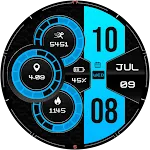
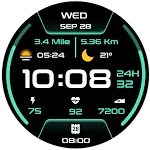
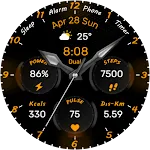
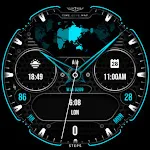
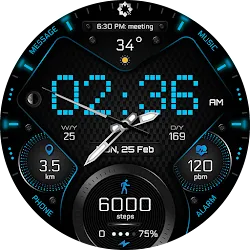
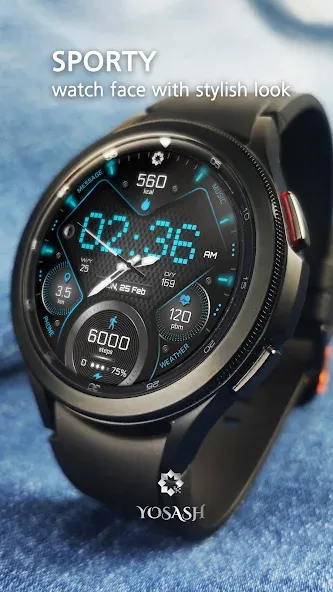
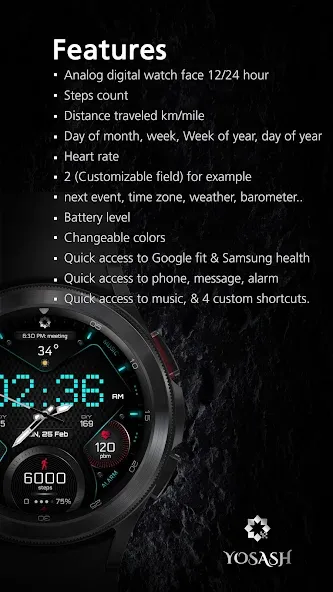
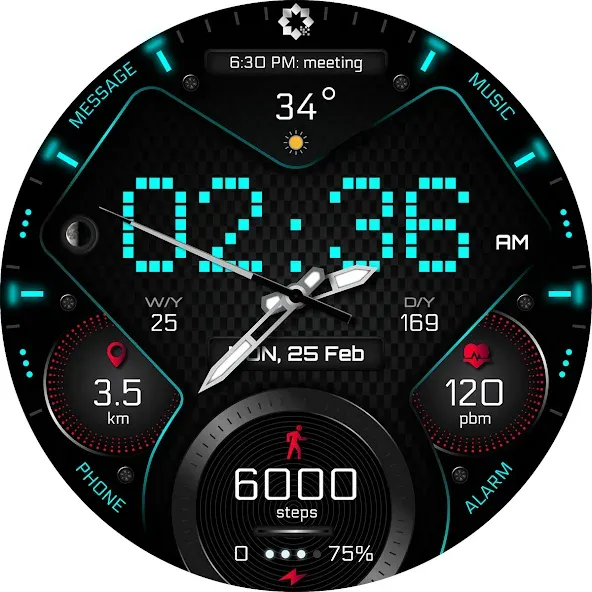
Watch face features:
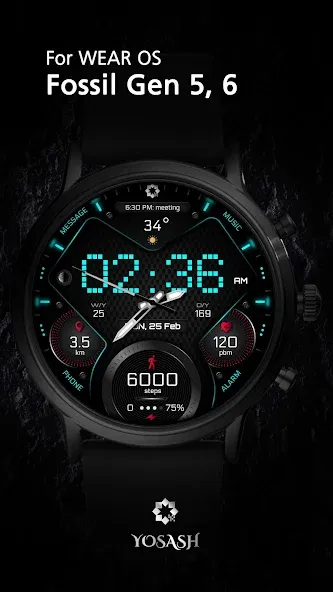
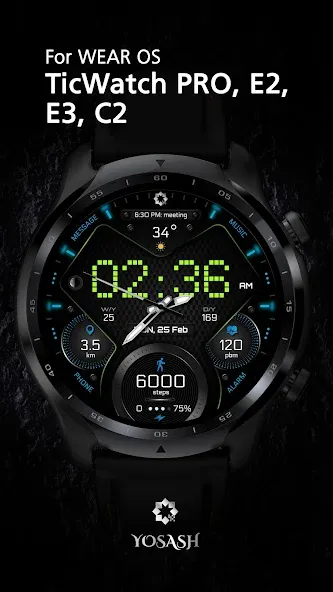
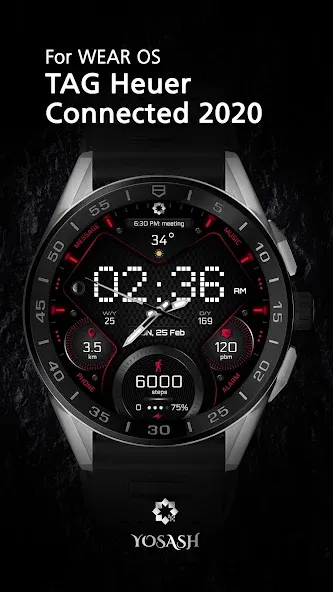
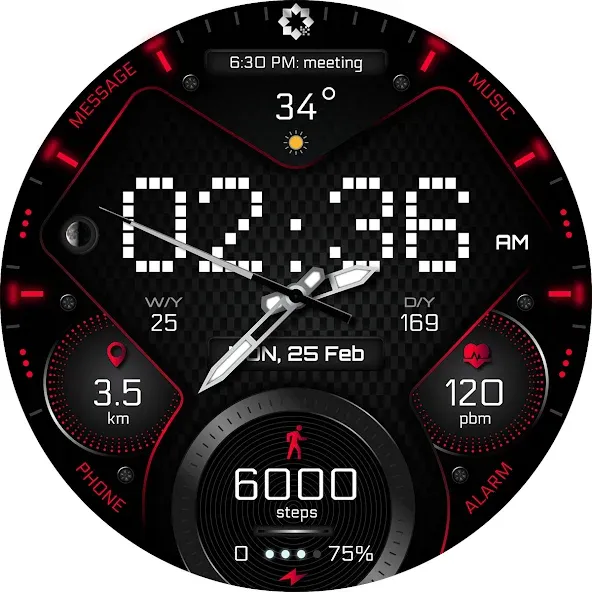
- Analog & Digital watch face switchable to 12/24 hour via Phone Settings
- Steps count
- Distance traveled km/mile
- Day of month, week
- moon phases
- Heart rate
- 2 (customizable field) for example:
sunrise, next vent, time zone, weather, barometer, …
- Battery level
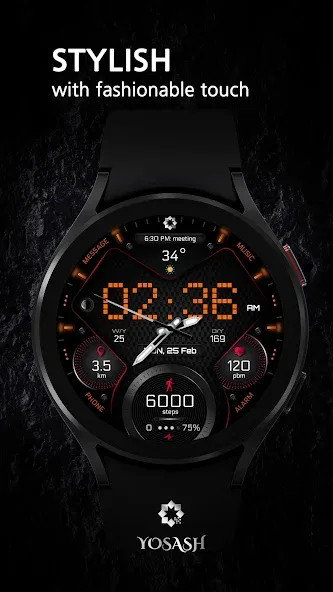
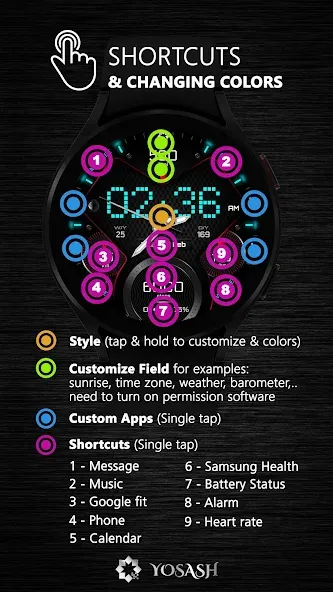
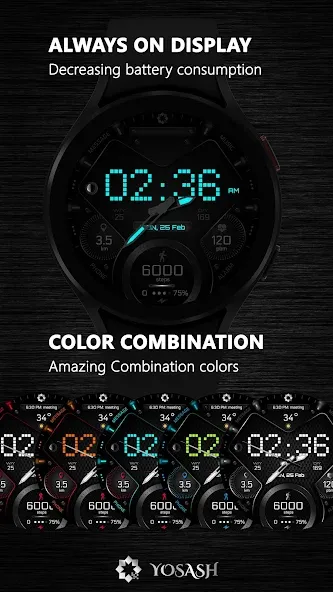
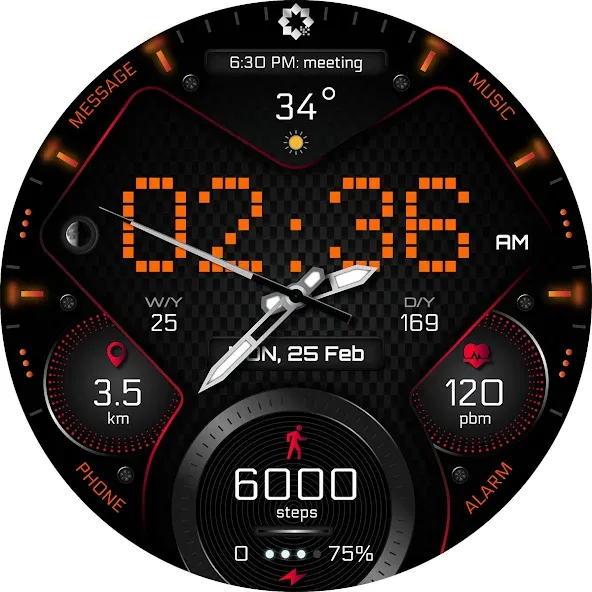
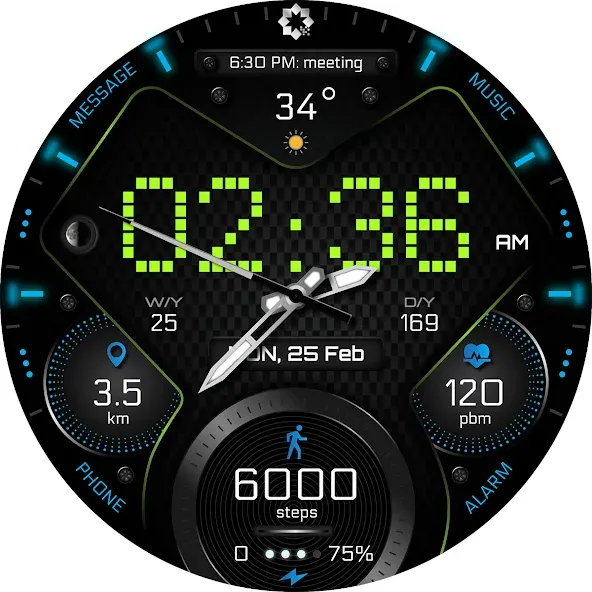
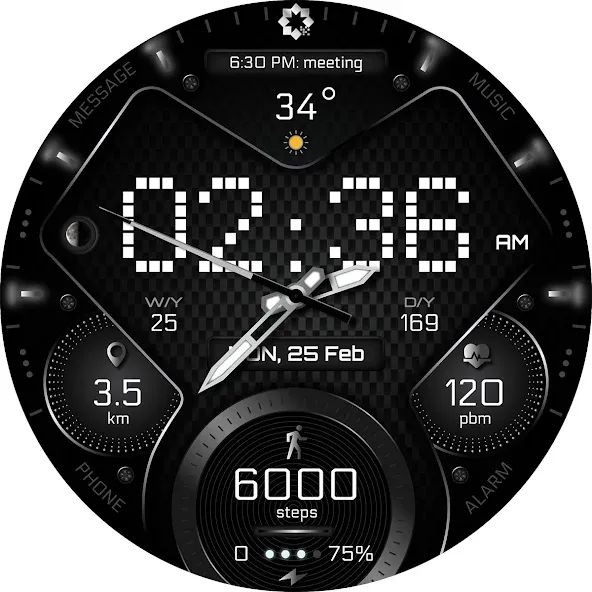
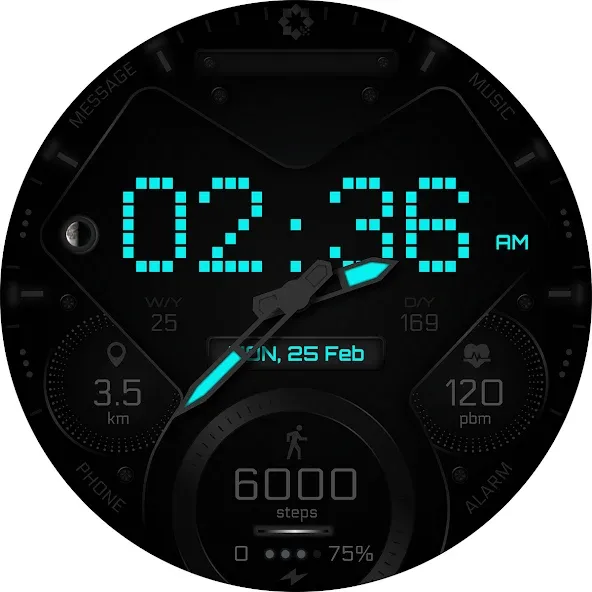
- Changeable colors (tap & hold to customize & change colors)
- Quick access to phone, message
- Quick access to Alarm, music,
- Quick access to Samsung health & google fit
- Quick access to 4 custom shortcuts
----------------------------------------------------
Installation instructions:
1. Make sure that your watch is connected to your mobile via Bluetooth
2. Install the watch face and make sure that you selected your watch
3. You can also install the watch face by opening play store through your web browser.
4. You can install the watch face through your watch directly by opening the play store on the watch and search for your watch face and install it.
Please consider that the watch face developer has no control of the installation process on play store.
If you need any assistance please contact to [email protected]
------------------------------------------------------------------
Supported devices:
Casio GSW-H1000, Casio WSD-F21HR, Fossil Gen 5 LTE, Fossil Gen 5e, Fossil Gen 6, Fossil Sport, Fossil Wear, Fossil Wear OS by Google Smartwatch, Mobvoi TicWatch C2, Mobvoi TicWatch E2/S2, Mobvoi TicWatch E3, Mobvoi TicWatch Pro, Mobvoi TicWatch Pro 3 Cellular/LTE, Mobvoi TicWatch Pro 3 GPS, Mobvoi TicWatch Pro 4G, Montblanc SUMMIT, Montblanc Summit 2+,
Montblanc Summit Lite, Motorola Moto 360, Movado Connect 2.0, Samsung Galaxy Watch4, Samsung Galaxy Watch4 Classic, Suunto 7, TAG Heuer Connected 2020.
Note:
- This watch face doesn’t support square devices.
------------------------------------------------------------------
Follow us for new watch faces:
Facebook:
https://www.facebook.com/yosash.watch
Instagram:
https://www.instagram.com/yosash.watch/
Telegram:
https://t.me/yosash_watch
Website:
https://yosash.watch/
Advertisement