 CELEST5571 Data Hub Watch
4.7

Art & Design
Ratings
Downloads
Age
Advertisement
Advertisement
Name
Category
Price
Safety
Developer
Version
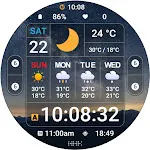
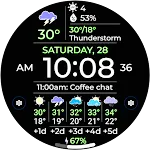
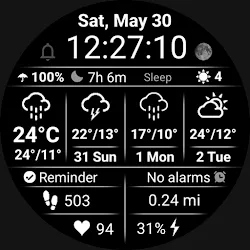
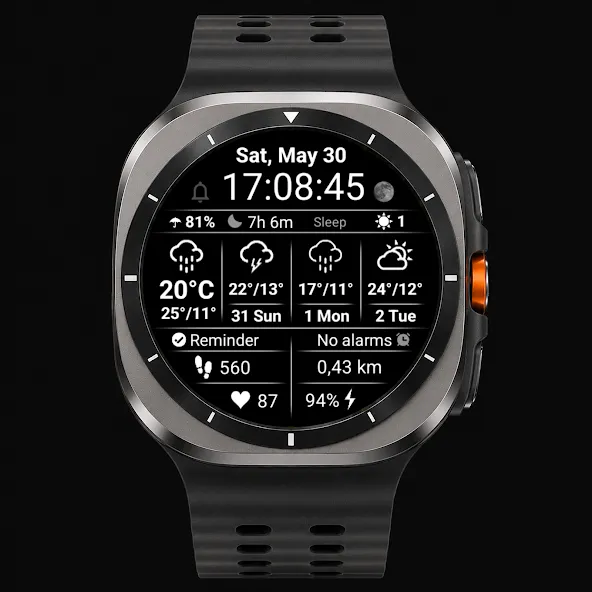
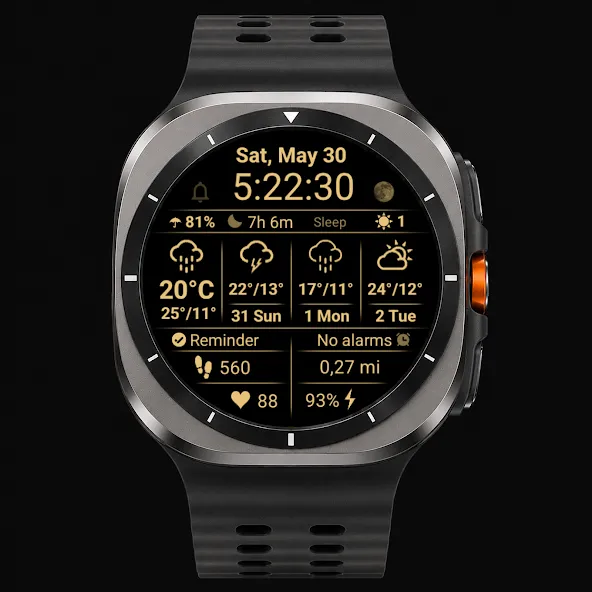
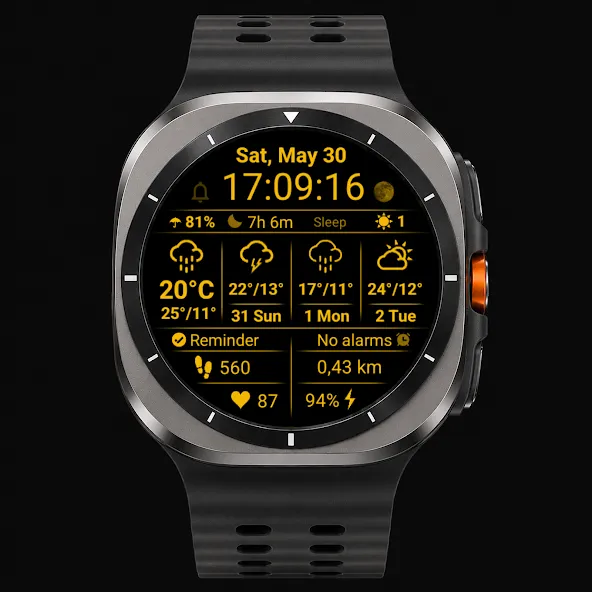
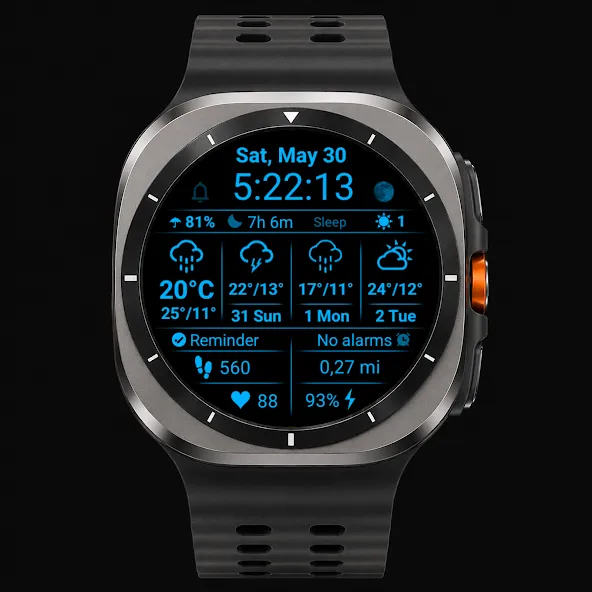
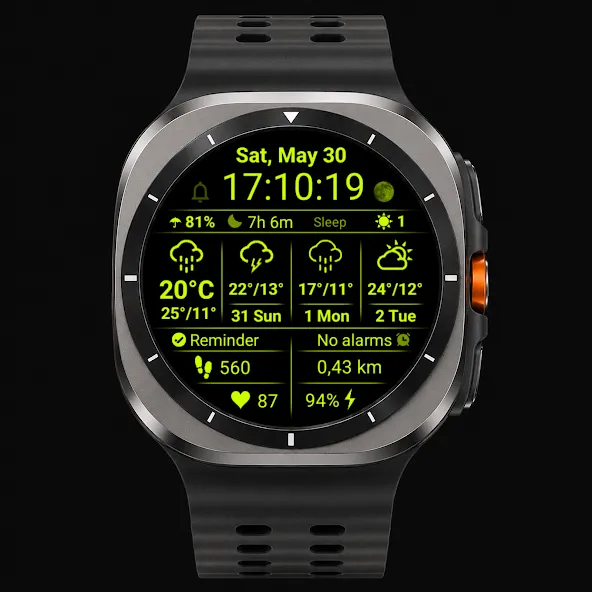
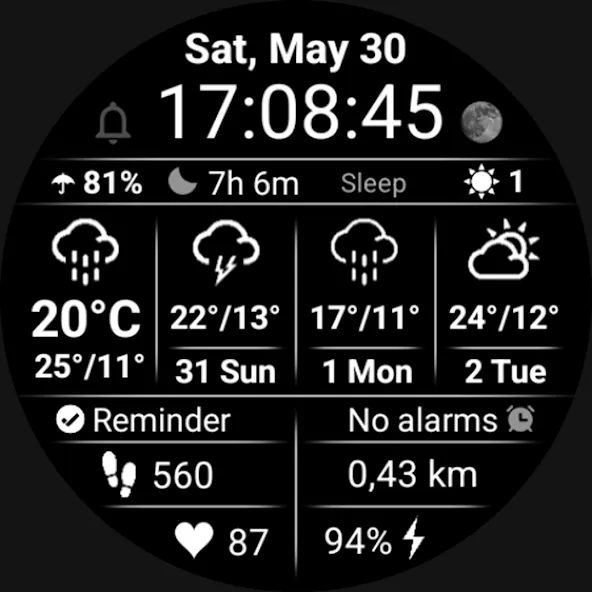
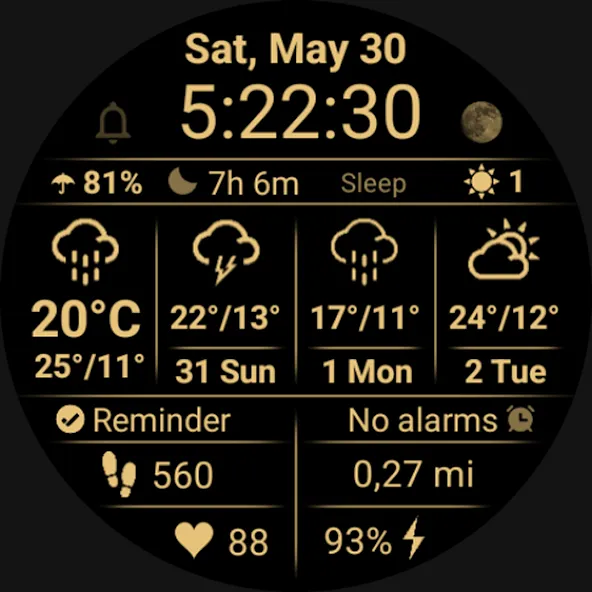
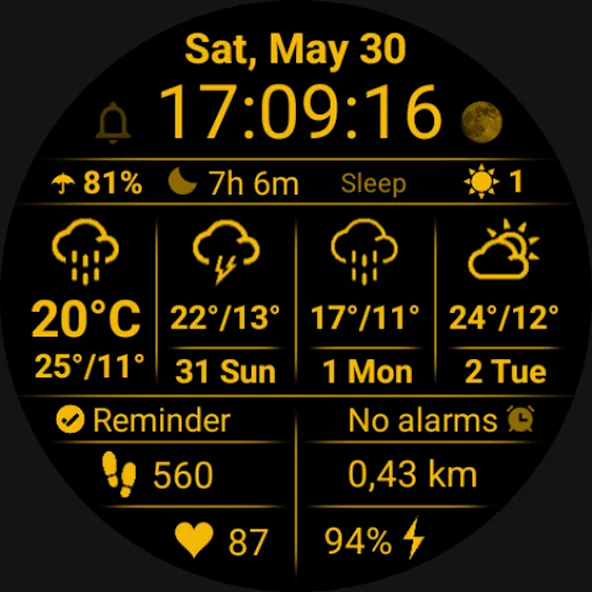
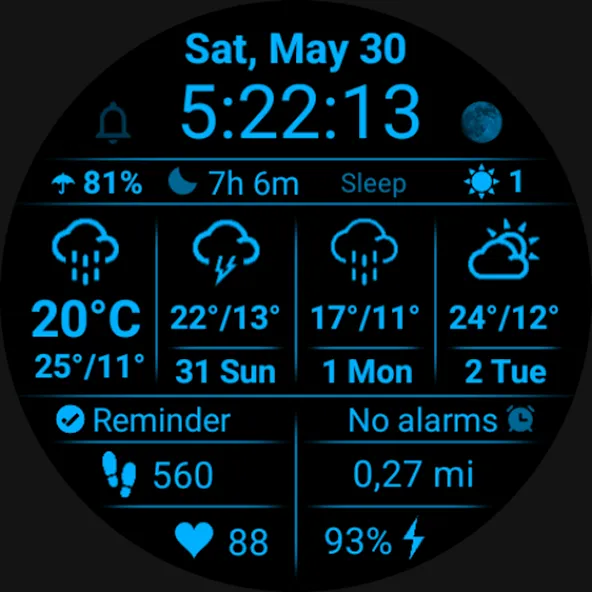
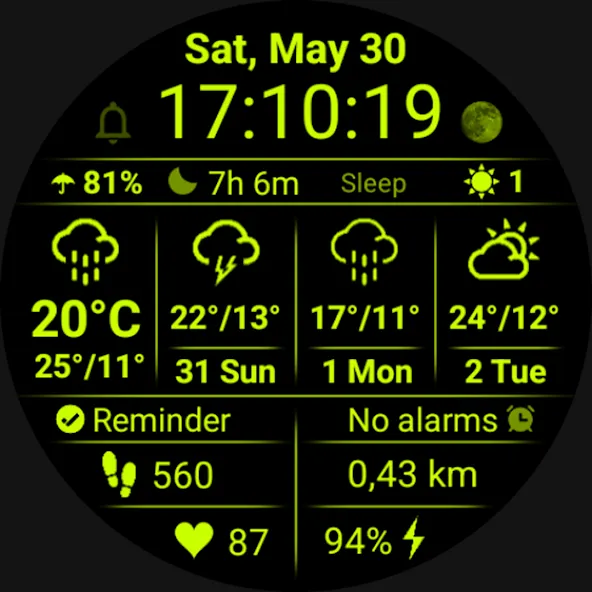
Full Weather Info is a clean, data-rich Wear OS watch face focused on clear weather information and fast readability.
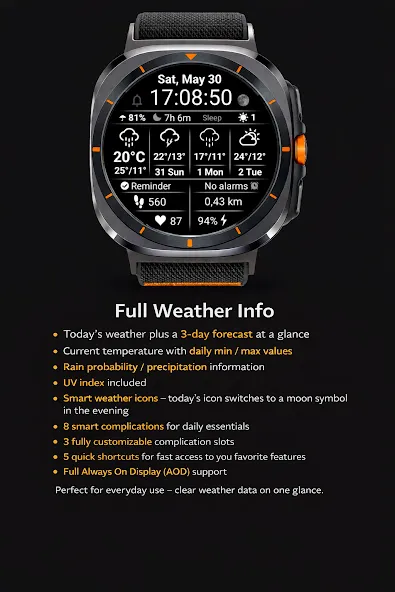
It shows today’s weather together with a 3-day forecast, including:
• Weather condition icons with temperatures
• Daily minimum and maximum temperature
• Rain chance / precipitation information
• UV index
• Smart day/night behavior – today’s weather icon automatically switches to a moon symbol in the evening
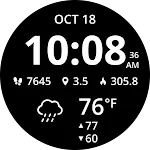
Designed with a minimal black & white layout and clear separators for quick reading at a glance.
Watch face features
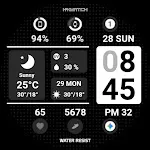
• 8 smart complications for daily essentials
• 3 fully customizable complication slots
• 3 quick shortcuts for fast access to selected features
• 2 configurable image shortcuts for your favorite apps
• Distance unit switch: choose KM or MI directly in customization
• Tap Calendar / Date to view your schedule and events
• Tap Heart Rate to start heart rate measurement
• Tap Battery to open detailed battery status
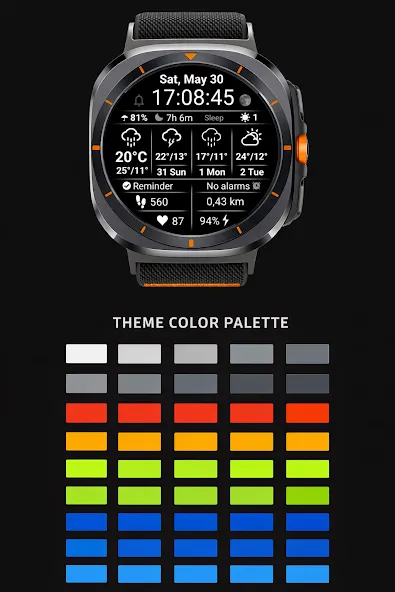
• Multiple color combinations available
• Clean layout focused on readability and everyday use
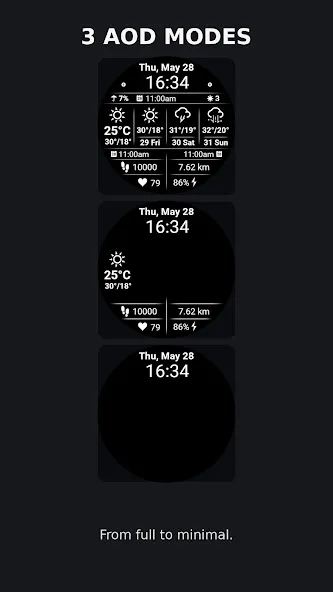
• 3 Always On Display (AOD) modes — from full display to minimal style
• Multi-language friendly – texts follow your system language where available
• Automatic 12h/24h time format based on your phone or watch settings – including 12-hour display without a leading zero
Recommendation: If the weather does not appear immediately after installation, simply switch to another watch face and then switch back.
Compatibility
This watch face is designed for devices running Wear OS 4 (API 34) or newer.
If you experience any issues with installation or functionality, please contact me:
✉️ Email: [email protected]
Advertisement