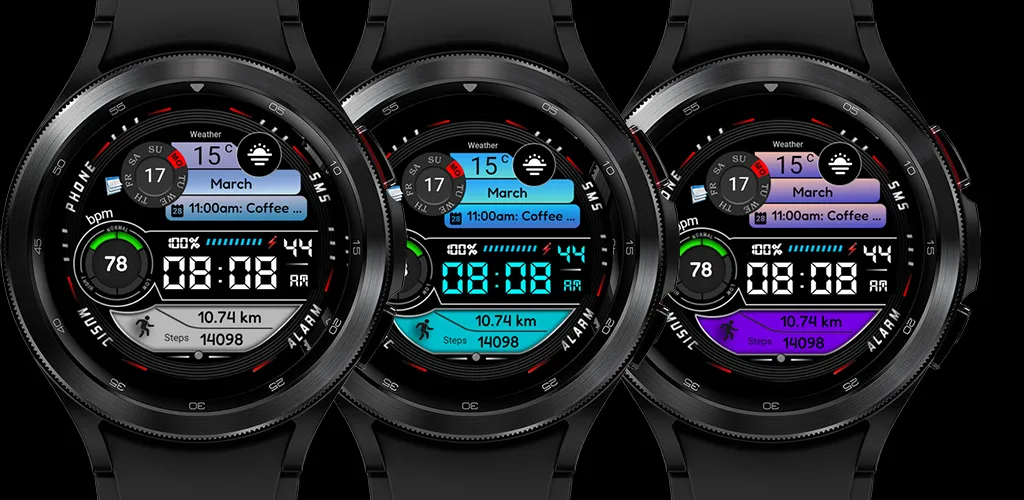
 BFF2- Digital: Colorfull
3.0

Personalization
Ratings
Downloads
Age
Advertisement
Advertisement
Name
Category
Price
Safety
Developer
Version
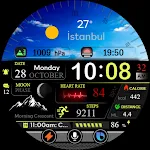
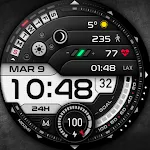
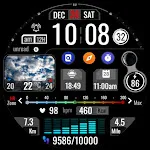
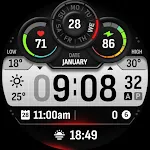
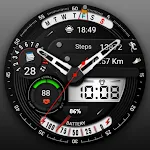
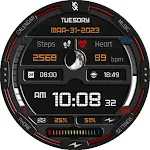
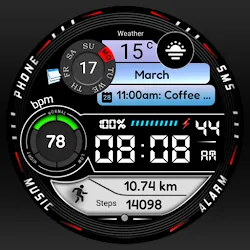
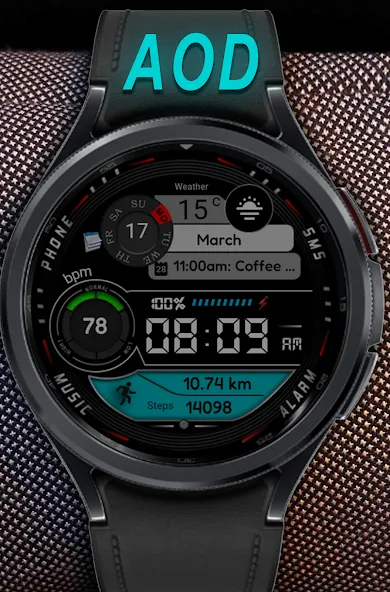
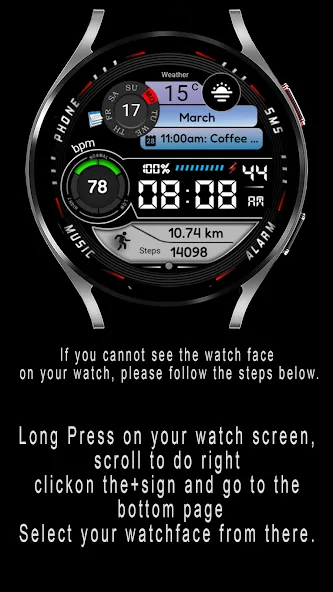
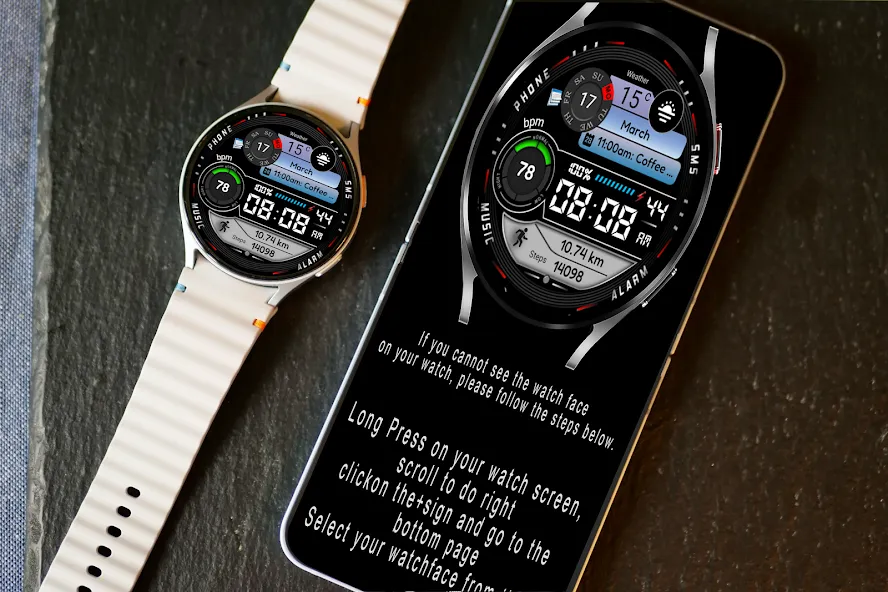
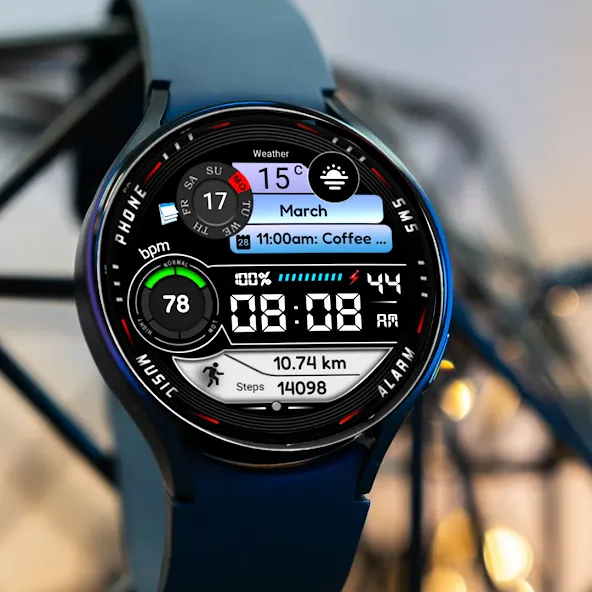
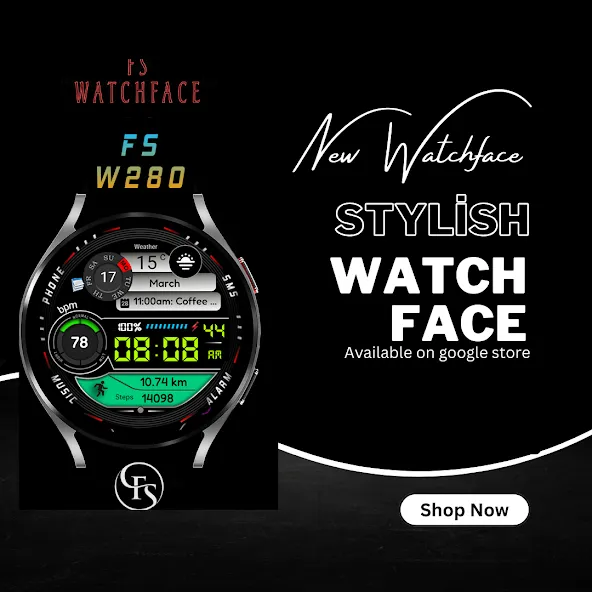
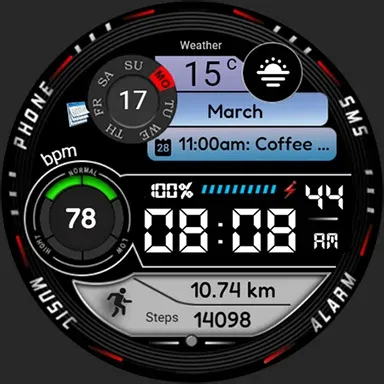
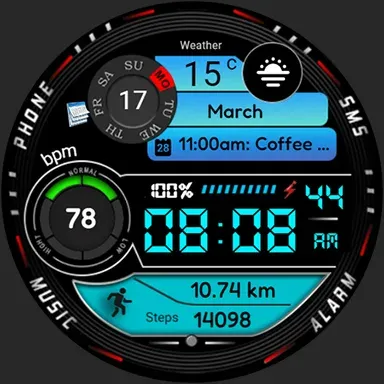
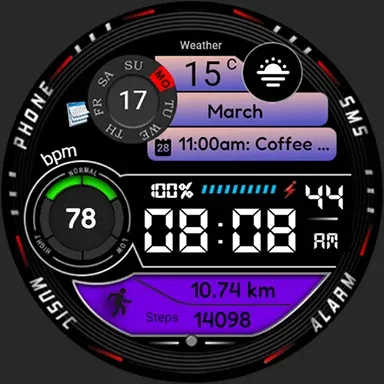
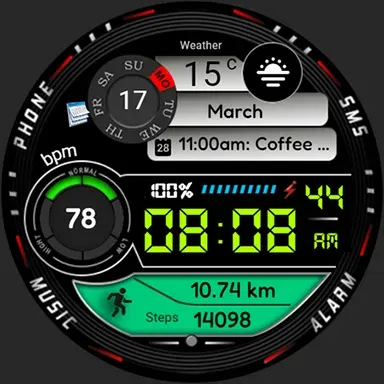
FSW280 Sporty and Digital
Stylish and great watch face for Wear OS by FS Design
If you can’t see the watch face on your watch after installing the app, don’t worry. Please follow the steps below.
1-Long press on your watch screen, scroll to the right, click on the + sign and go to the bottom page, select your watch face from there.
FSW280 Sporty and Digital is a Digital watch Face for Wear OS by FS Design
[For Wear OS devices only]
FEATURES
- Low battery consumption
- Battery Dial
- Date
Note: If you can’t see the watch face on your watch after installing it, please follow the steps below
1-long press on your watch screen and scroll the screen to the last screen
2-click add watch and find your watch face
How to install?
1.Swipe to on the watch screen
2.Click on the Google Play app icon
3.Click it a type '‘FSW280 Sporty and Digital’ and search
4.Select watch face and click '‘Install.’
NOTE:
if you see message “Your devices are not compatible”, use Play Store on WEB browser from PC / Laptop instead of app on phone.
PLEASE FOLLOW ME:)
FS WATCHFACES WEB SITE: http://fswatchfaces.com/
FACEBOOK: https://m.facebook.com/groups/717379668440579?ref=bookmarks
FACEBOOK PAGE: https://www.facebook.com/Fs-design-2300540343310561/?ref=bookmarks
İNSTAGRAM: https://www.instagram.com/fs.watchface/?hl=tr
TWİTTER :https://twitter.com/FSWatchface
TELEGRAM:https://web.telegram.org/k/#@fswatchface
YOUTUBE : https://www.youtube.com/channel
Advertisement