


 Facebook LiteSocial
4.5

Personalization
Ratings
Downloads
Age
Advertisement
Advertisement
Name
Category
Price
Safety
Developer
Version
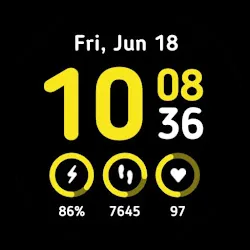
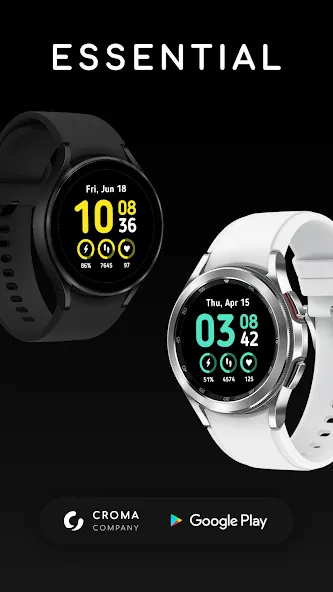
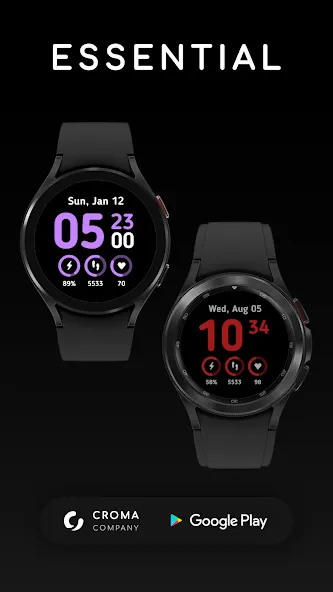
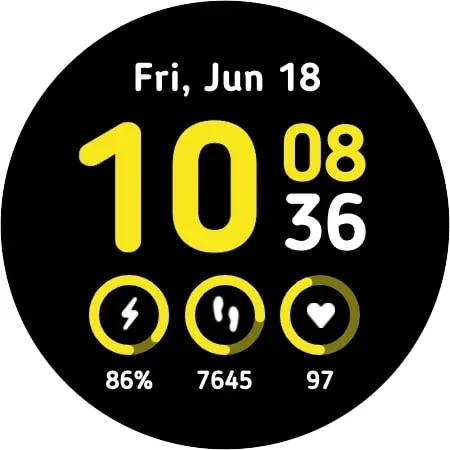
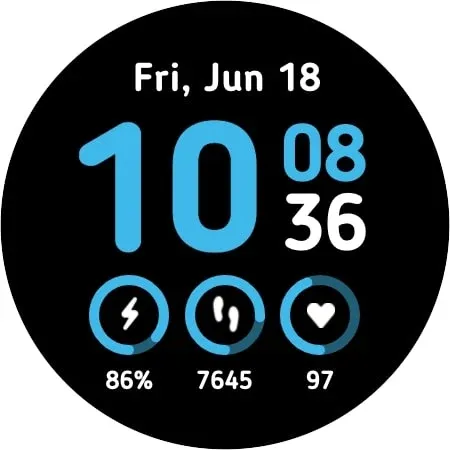
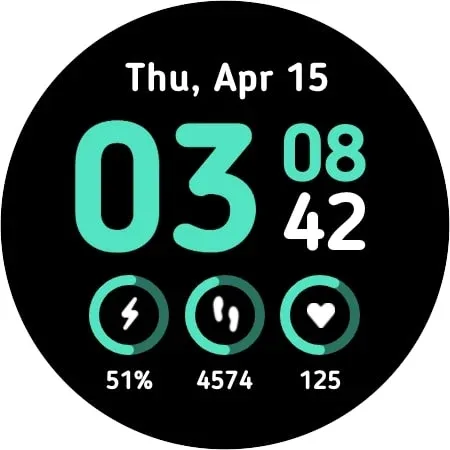
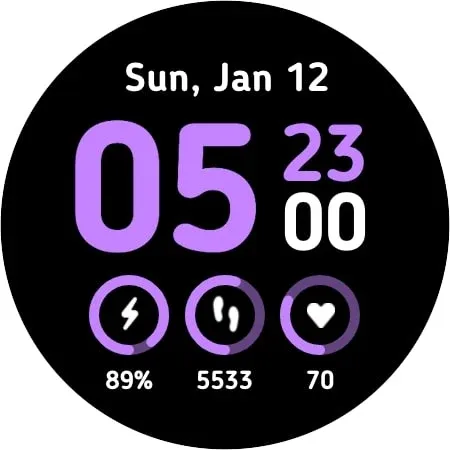
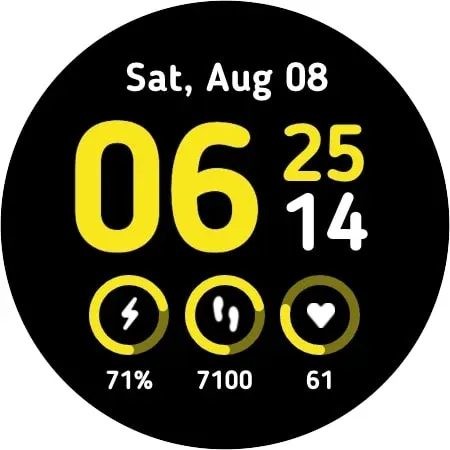
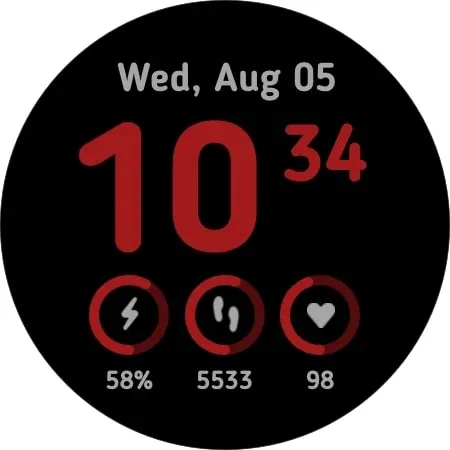
Essential for Wear OS has every useful information such as battery level, daily steps, and heart rate both as range and as value. The date is indicated at the top of the watch face. In the settings, it is possible to choose the color theme among the 10 available and set the two custom shortcut apps positioned on minutes and steps.
With a tap on the time, you access the alarms, on the date you access the calendar, on the battery open the battery status.
The Always On Display mode reflects the standard one except for the seconds.
Notes about Heart Rate detection.
The heart rate measurement is independent of the Wear OS Heart Rate application.
The value displayed on the dial updates itself every ten minutes and does not also update the Wear OS application.
During the measurement (which can also be triggered manually by pressing the HR value) the heart icon blinks until the reading is completed.
Advertisement














