 ROOTS -Digital Watch Face
0.0

Personalization
Ratings
Downloads
Age
Advertisement
Advertisement
Name
Category
Price
Safety
Developer
Version
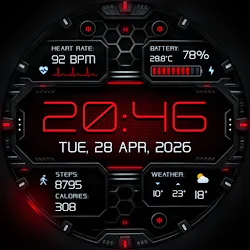
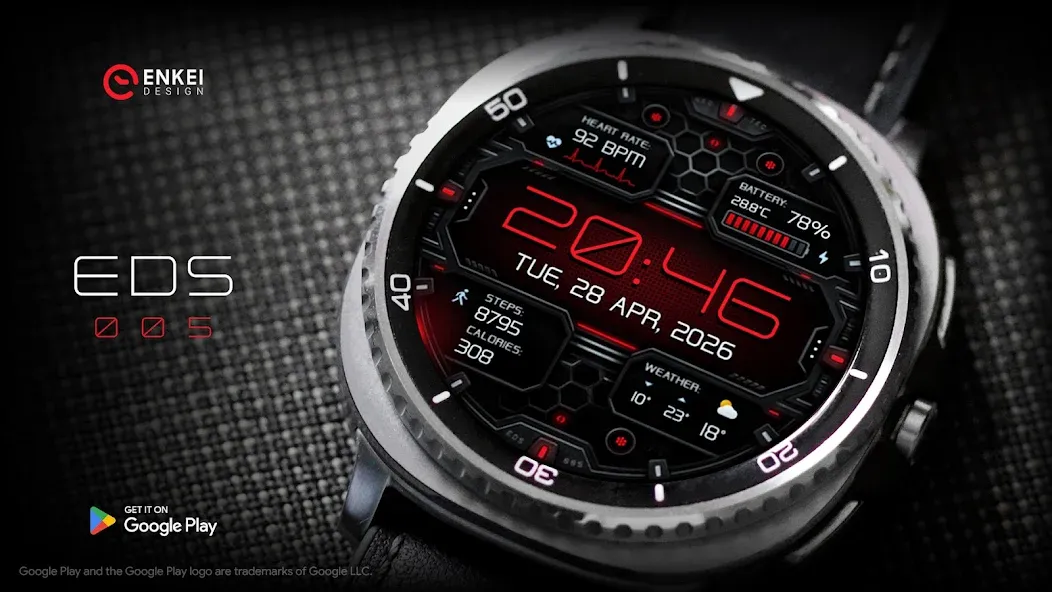
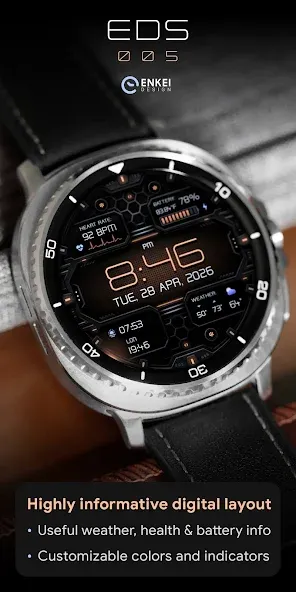
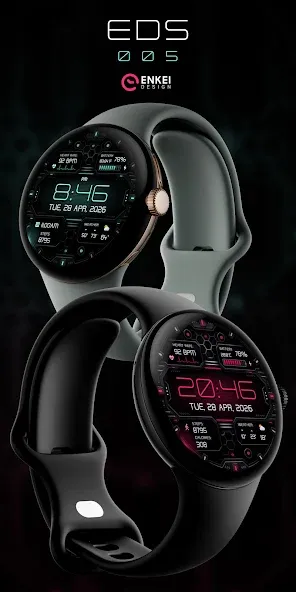
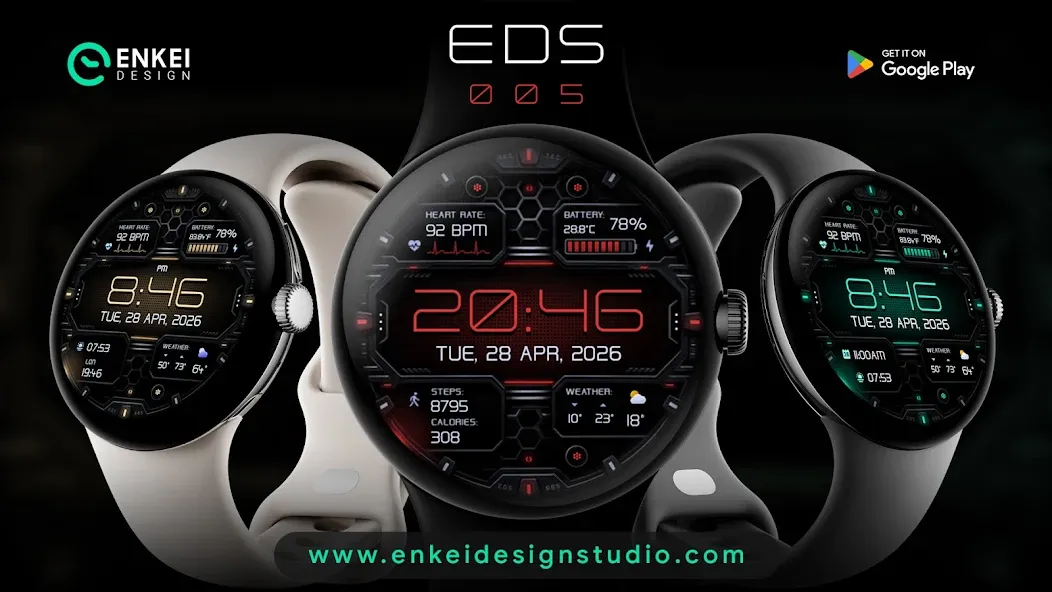
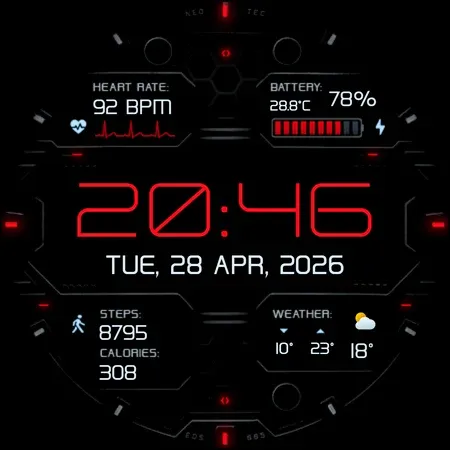
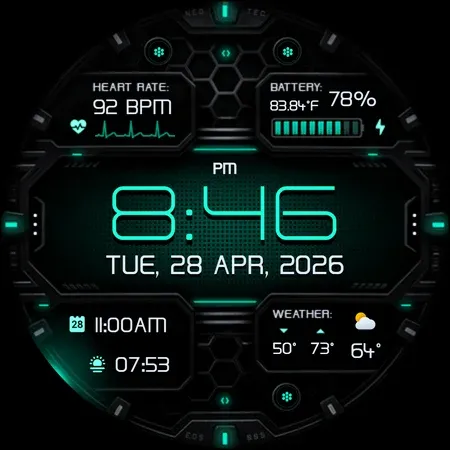
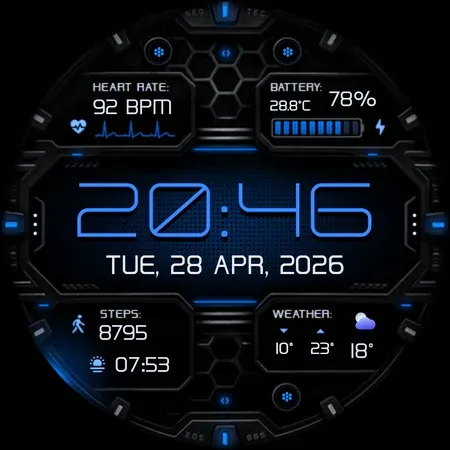
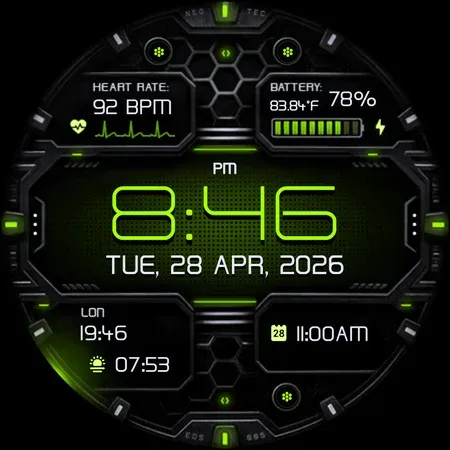
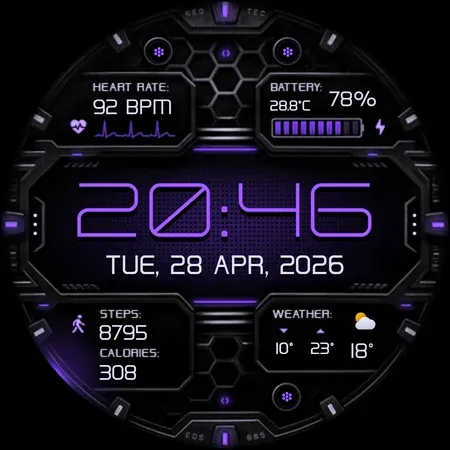
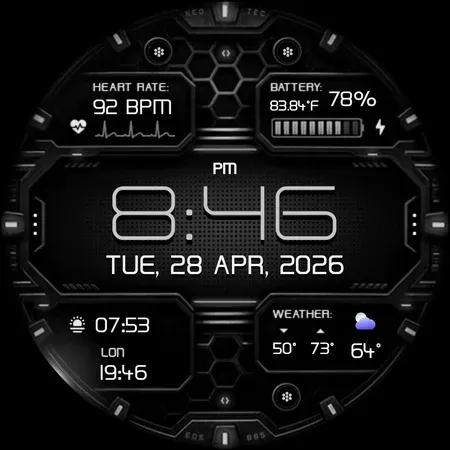
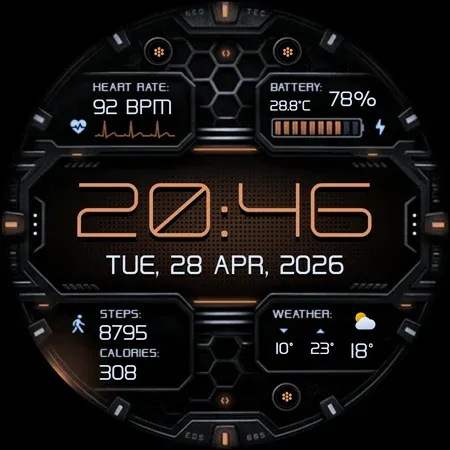
EDS 005 is a digital animated watch face with detailed weather, health & fitness indicators.
Highly informative digital layout offers everything you’d need from a smartwatch, with extensive customization options for detailed personalization.
Powered by Watch Face Format
Made only for devices running Wear OS 6.0 and newer versions (API 34+)
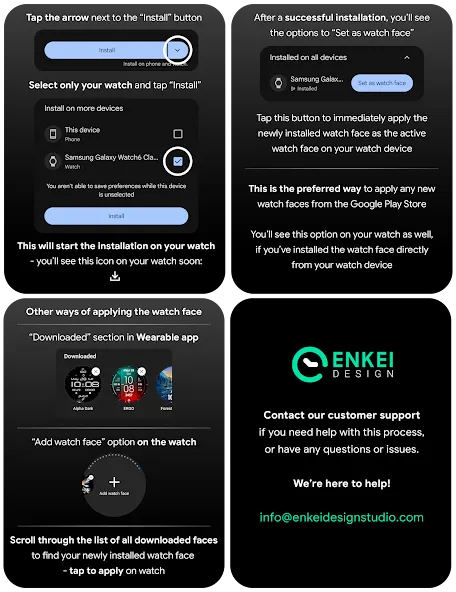
Please install directly to your watch device (not phone).
Phone companion app serves only to help direct installation to your watch device.
Buy-One-Get-One PROMOTION
https://www.enkeidesignstudio.com/bogo-promotion
FEATURES:
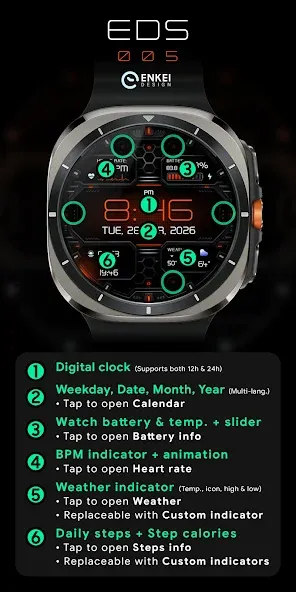
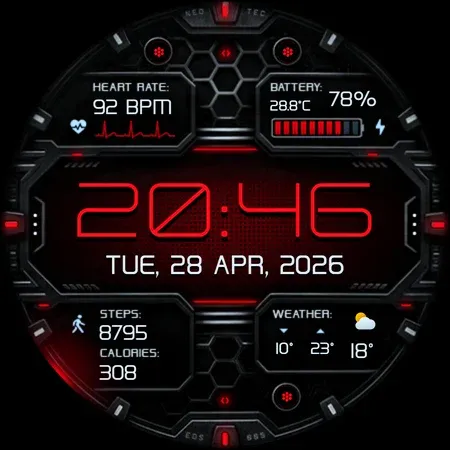
- Digital clock - Supports 12h/24h
- TAP left or right edge to open Custom apps
- Weekday, Date, Month & Year - Multi-language
- TAP to open Calendar app
- Watch battery % and temperature + slider
- TAP to open Battery info
- BPM indicator + dynamic animation
- TAP to open Heart rate
- Weather - Temperature, icon, high & low
- TAP to open Weather
- Can be overlaid with a Custom indicator
- Daily steps + Step calories
- TAP to open Steps info
- Can be overlaid with Custom indicators
- 3 Customizable short-text indicators
- Weather by default
- Steps by default
- Calories by default
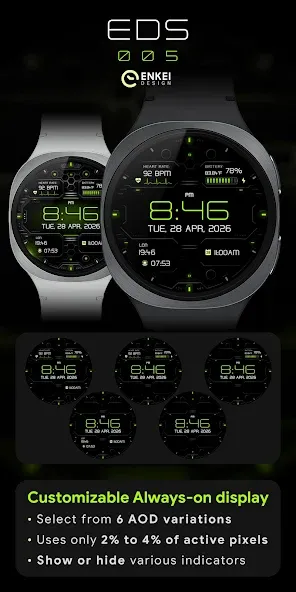
- Battery efficient, customizable AOD
- Uses just 2% - 4% active pixels
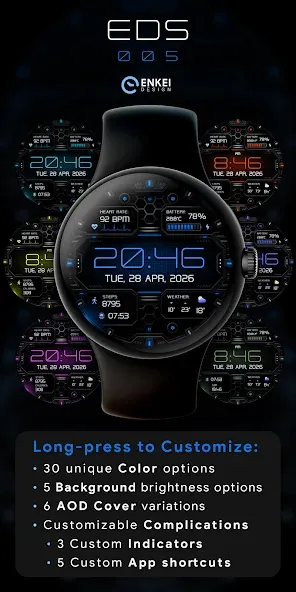
- Long-press to access Customize menu:
- Color - 30 unique color options
- Background - 5 brightness options
- AOD Cover - 6 options
- Complication
- 3 Custom indicators
- 5 Custom app shortcuts (3 icon, 2 hidden)
INSTALLATION TIPS:
https://www.enkeidesignstudio.com/how-to-install
CONTACT:
[email protected]
E-mail us for any questions, issues or general feedback. We’re here for you!
Customer satisfaction is our main priority, making sure to respond to each e-mail within 24 hours.
More watch faces:
https://play.google.com/store/apps/dev?id=5744222018477253424
Website:
https://www.enkeidesignstudio.com
Social media:
https://www.facebook.com/enkei.design.studio
https://www.instagram.com/enkeidesign
Thank you for using our watch faces.
Have a great day!
Advertisement