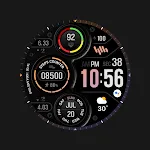
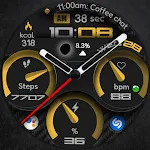
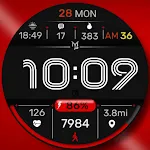
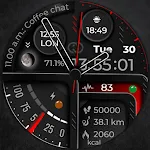
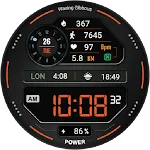
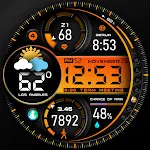
 PER009 Sport Watch Face Mesa
4.3

Personalization
Ratings
Downloads
Age
Advertisement
Advertisement
Name
Category
Price
Safety
Developer
Version
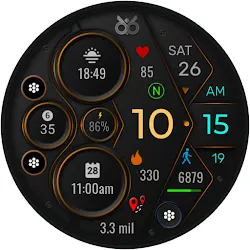
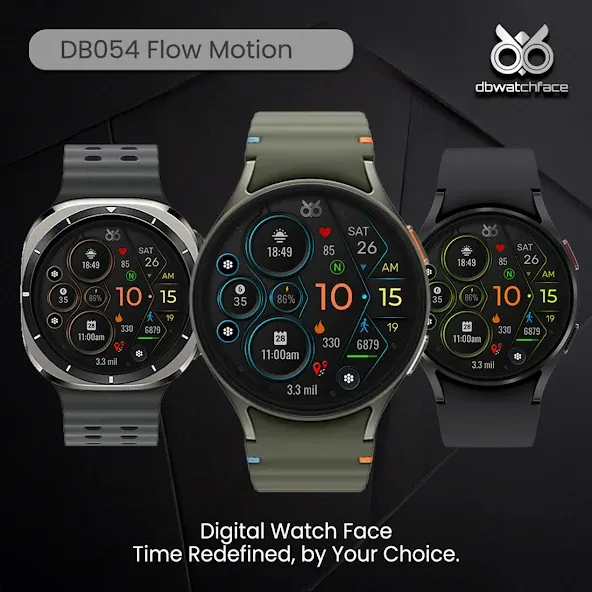
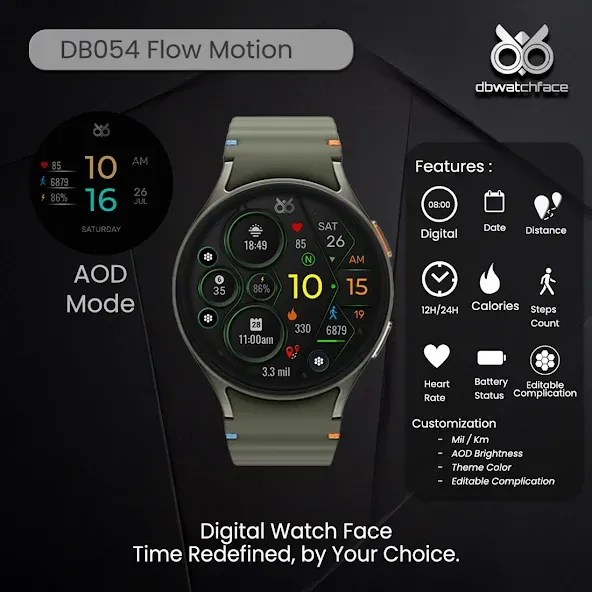
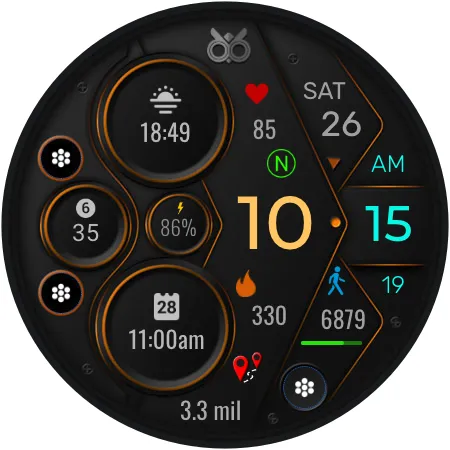
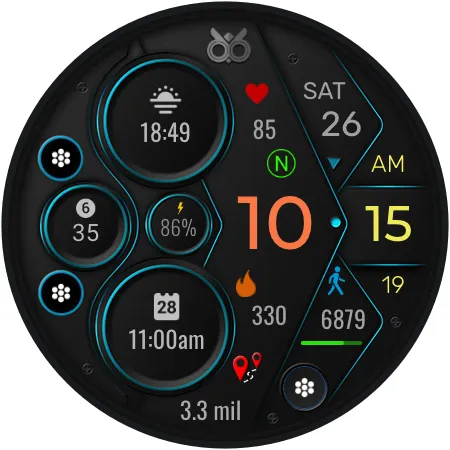
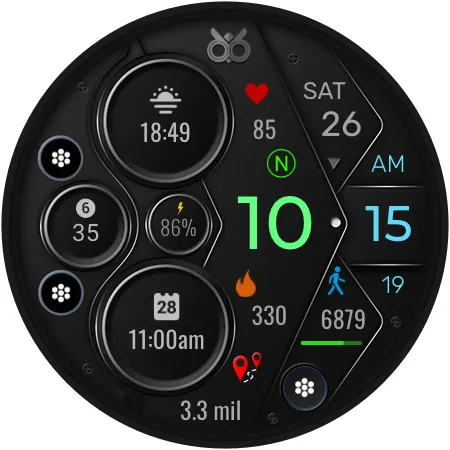
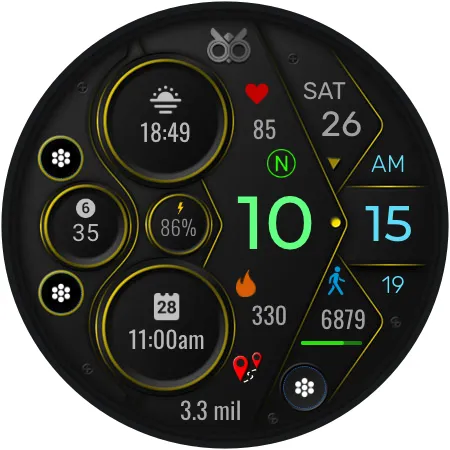
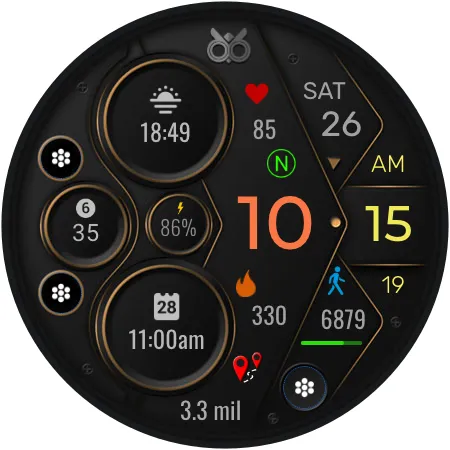
DB054 Flow Motion Watch Face compatible with all Wear OS devices with API Level 34+ or Wear OS 4+ ( Samsung Galaxy Watch 4, 5, 6, 7 and others).
Features :
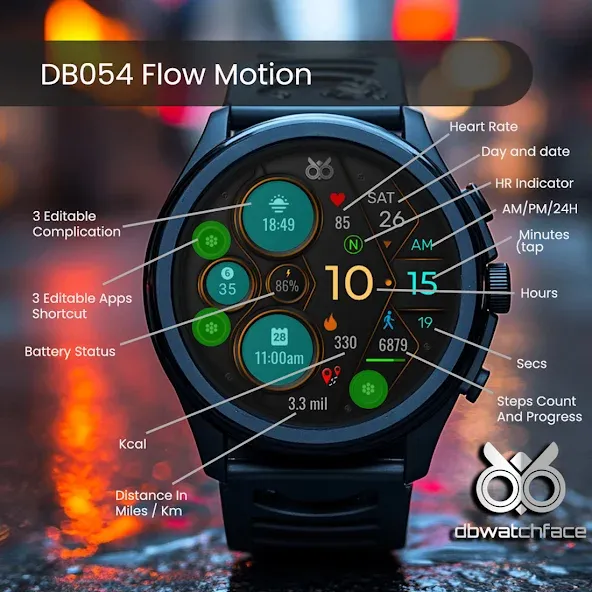
- Digital watch face
- Date and Day
- 12H/24H Format
- Step Count and progress
- Heart Rate and indicator
- Battery Status
- 3 Editable Complication
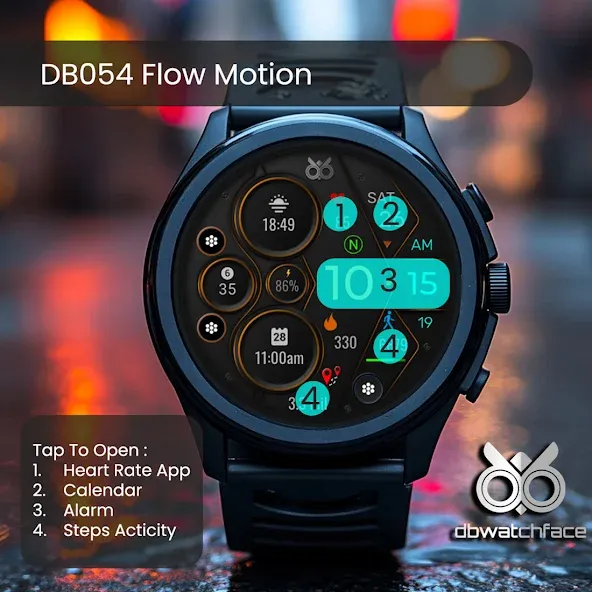
- 3 Editable Apps Shortcut
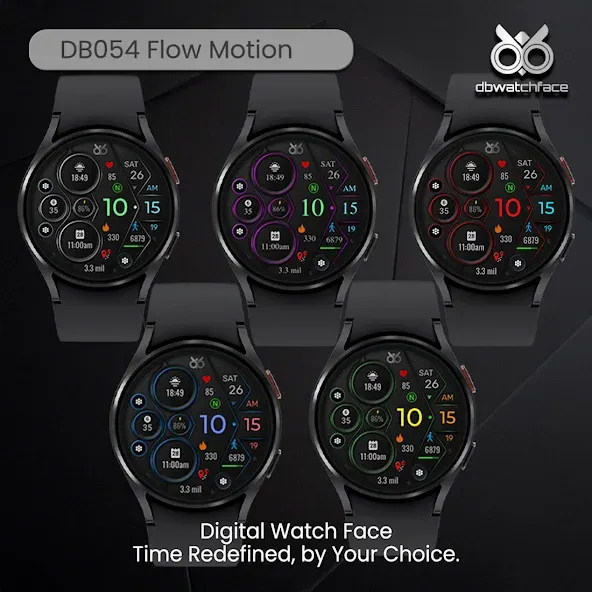
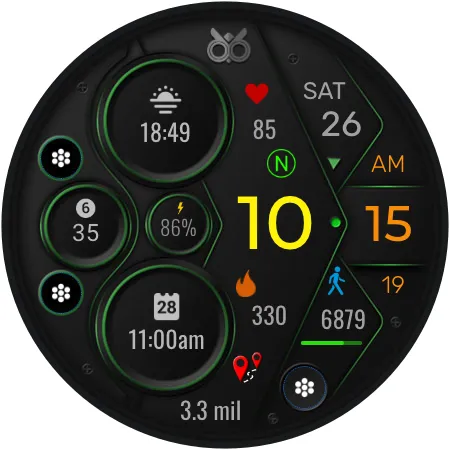
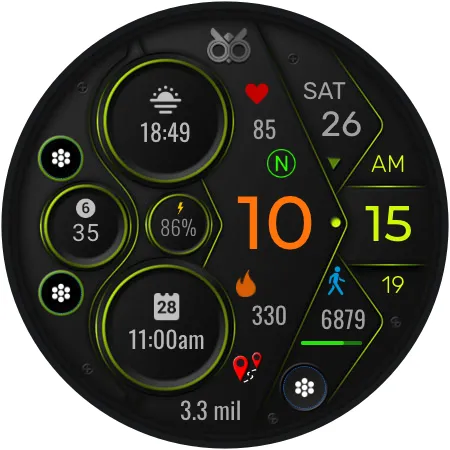
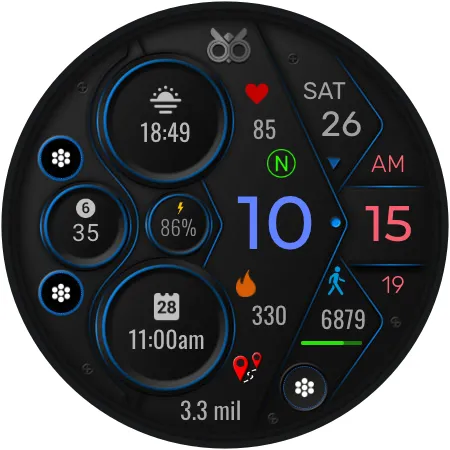
- Different colors theme
- Different font color option
- AOD Mode ( you can choose AOD Brightness )
- Distance ( Miles or Km)
To customize the complication information, choose a background / font colors, switch between Miles / Km or AOD Brightness :
1. Press and hold the watch display
2. Tap the Customize button
3. swipe to the right until you find customize button
3. Tap the customize buutton and you can customize the complications with any available data to suit your needs.
The watch face doesn’t automatically apply to your watch screen after installation, you need to apply it manually from your watch.
Advertisement