


 Microsoft OneDriveProductivity
4.6

Personalization
Ratings
Downloads
Age
Advertisement
Advertisement
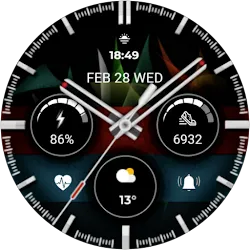
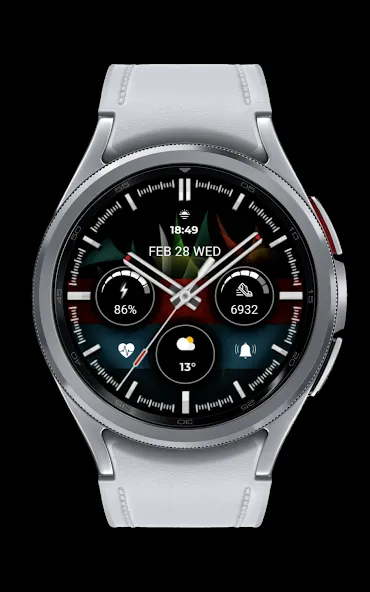
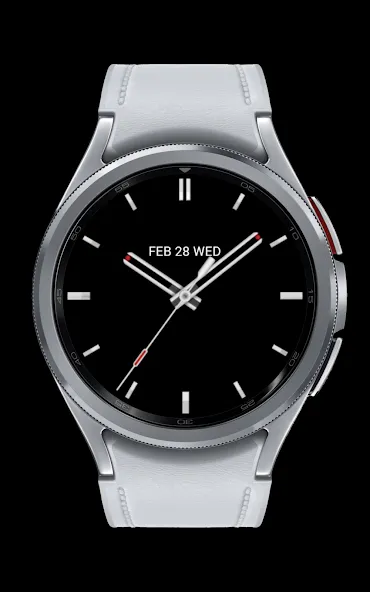
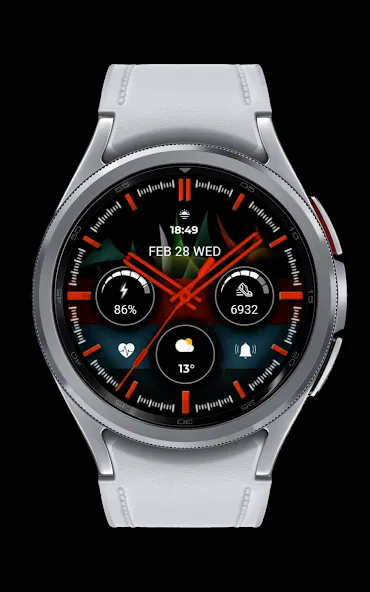
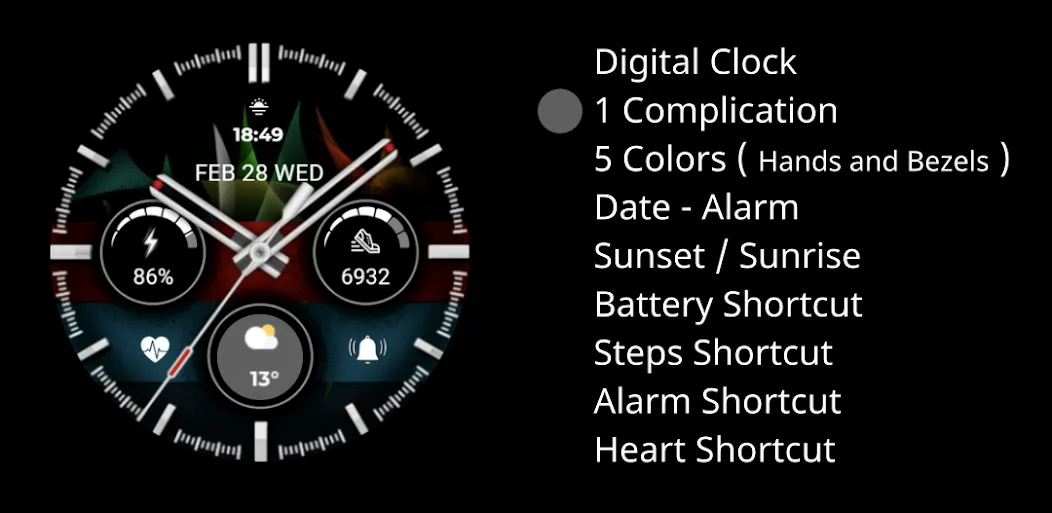
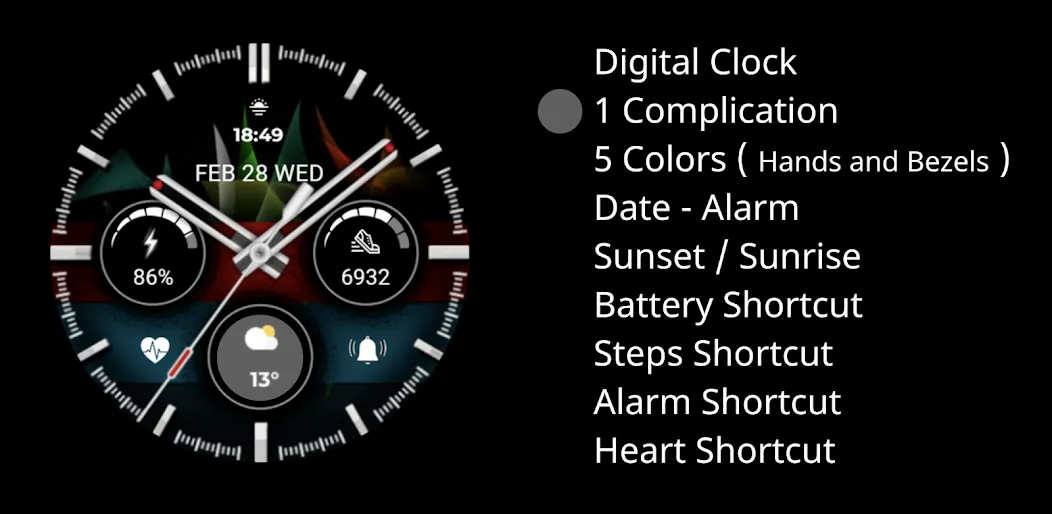
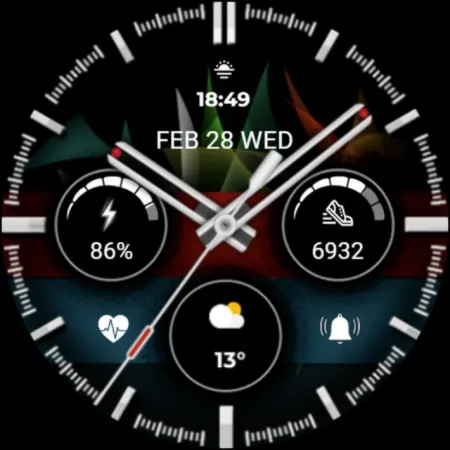
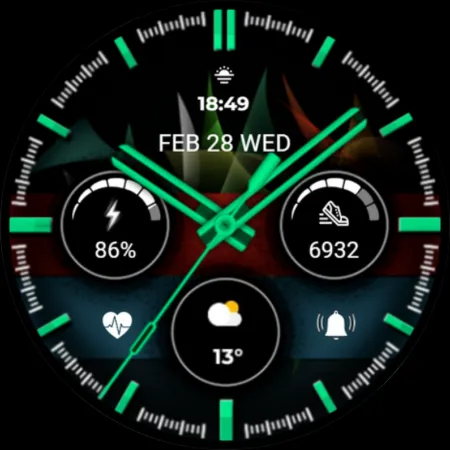
Digital Clock
1 Complication
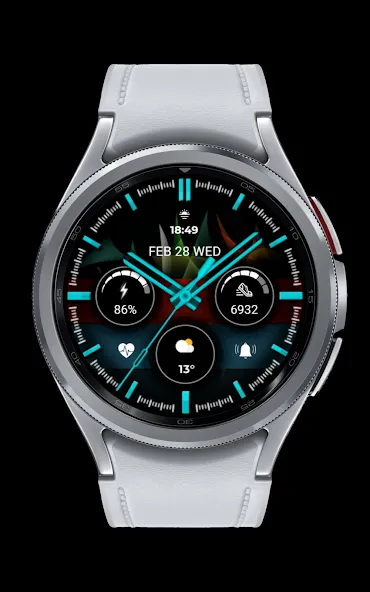
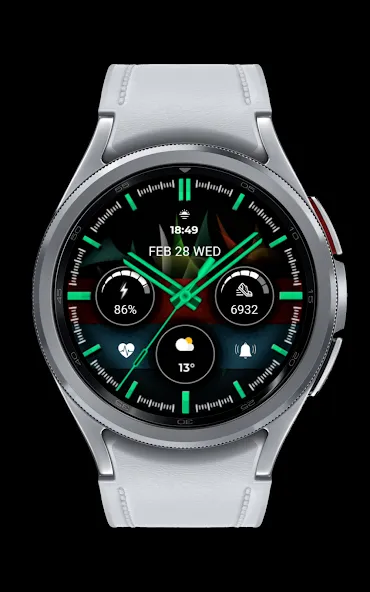
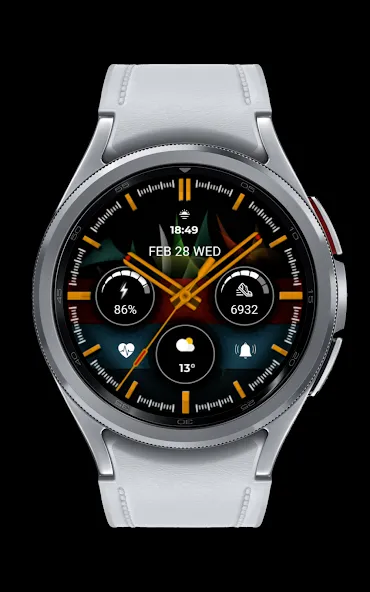
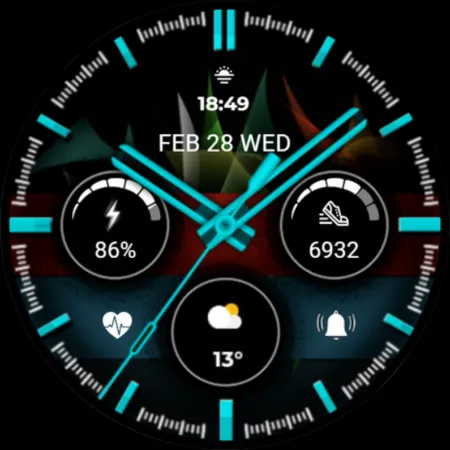
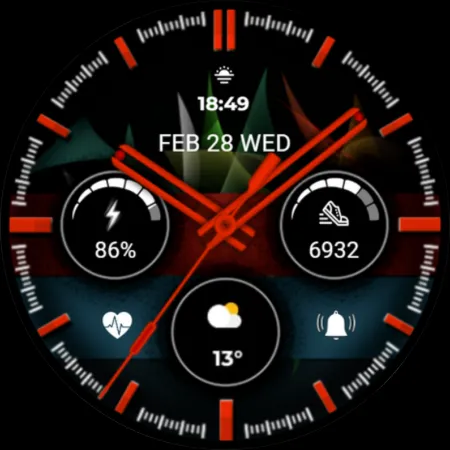
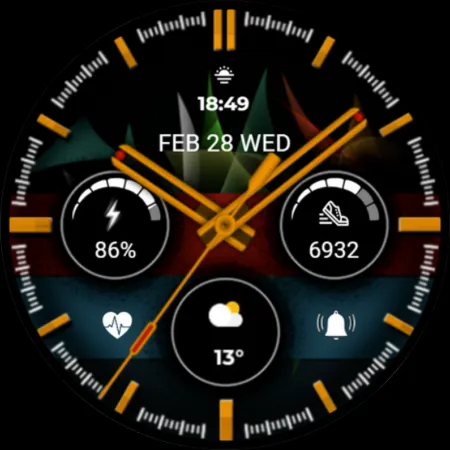
5 Colors ( Hands and Bezels )
Date - Alarm
Sunset / Sunrise
Battery Shortcut
Steps Shortcut
Alarm Shortcut
Heart Shortcut
INSTALLATION MANUAL ↴
You may encounter various problems when trying to install a watch face from the official Google Play Android app.
In cases where the watch face is installed on your phone but not on your watch, the developer has added a helper app to improve visibility in the Play Store. You can uninstall the helper app from your phone and look for a triangular icon next to the Install button in the Play Store app (https://i.imgur.com/OqWHNYf.png). This symbol indicates a drop-down menu where you can select your watch as the installation destination.
Alternatively, you can try opening the Play Store in a web browser on your laptop, Mac or PC. This will allow you to visually select the correct device for installation (https://i.imgur.com/Rq6NGAC.png).
[If you have followed the instructions mentioned above and the watch face still does not appear on your watch, open the Galaxy Wearable app. Go to the Downloads section of the app and you will find the watch face there (https://i.imgur.com/mmNusLy.png). Simply click on it to start the installation.
Advertisement

















