 ES WR0012
0.0

Personalization
Ratings
Downloads
Age
Advertisement
Advertisement
Name
Category
Price
Safety
Developer
Version
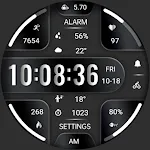
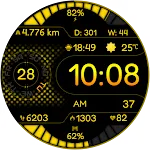
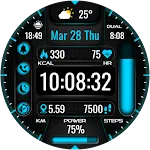
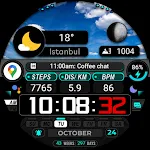
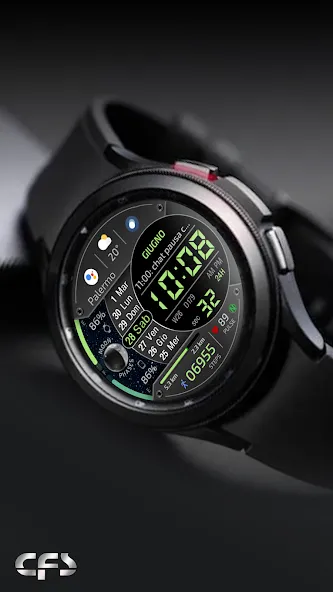
The watch face is only for devices with Wear OS
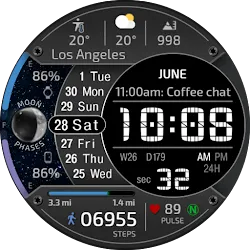
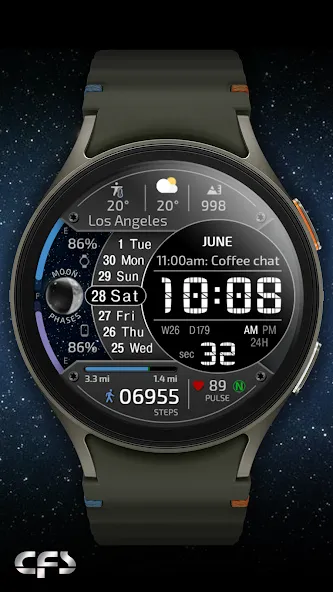
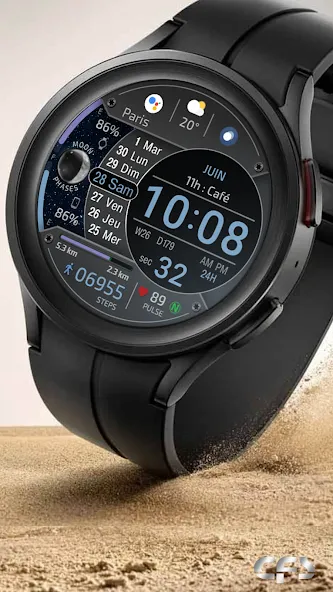
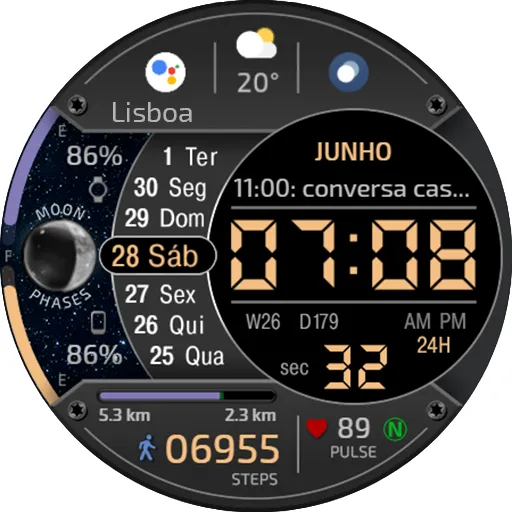
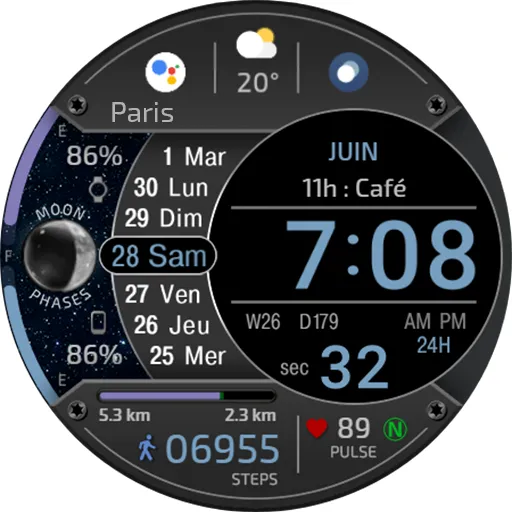
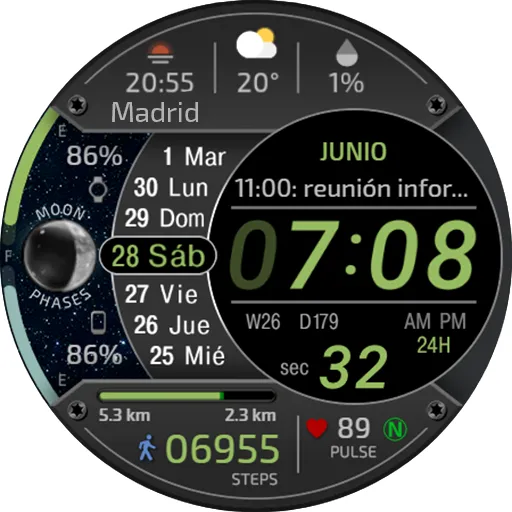
Watch face information:
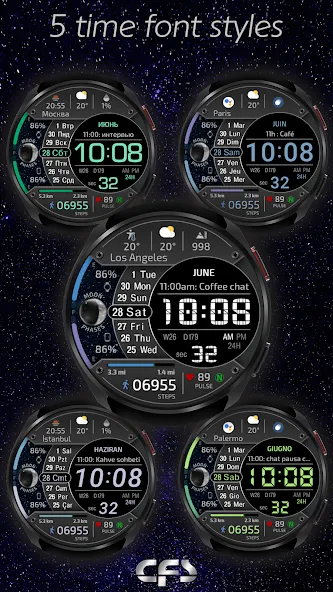
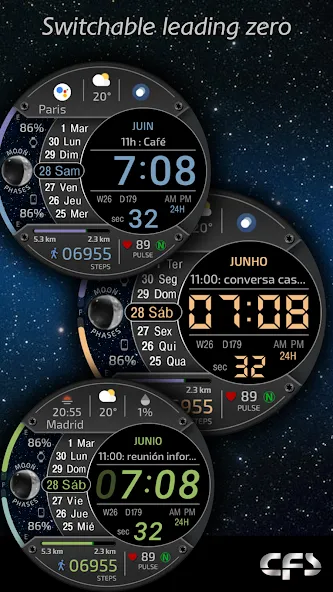
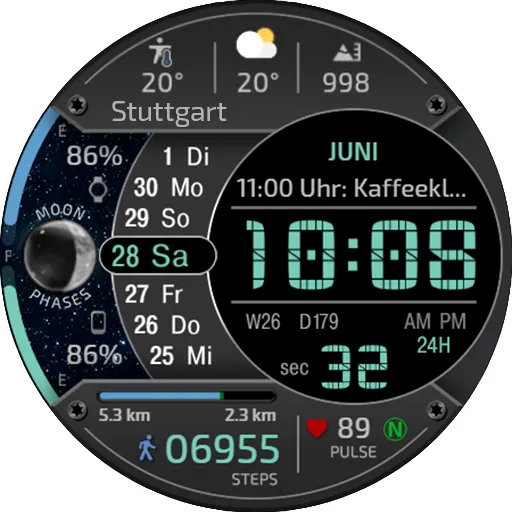
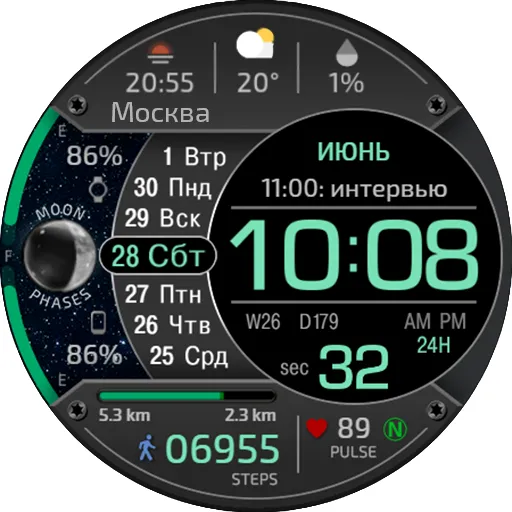
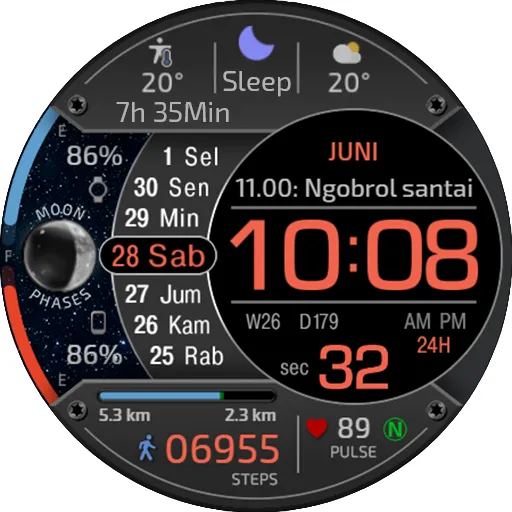
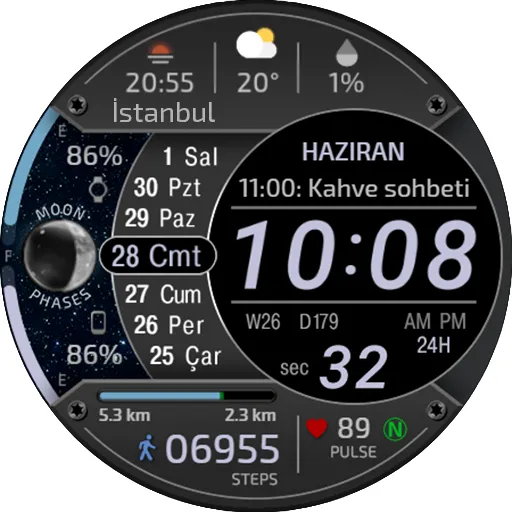
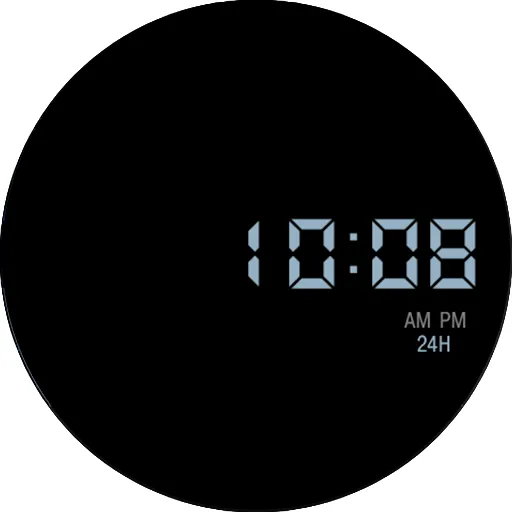
- Digital time in 12/24 format, depending on the phone settings
- 5 font options for time
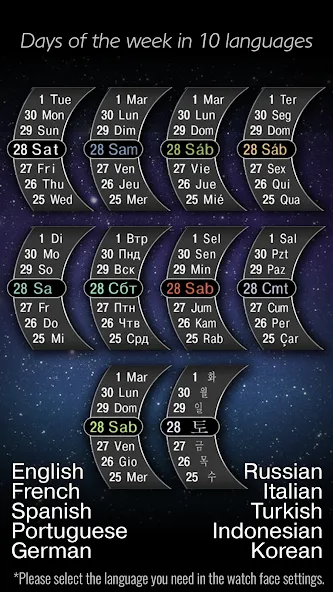
- Days of the week in 10 languages
- The ability to disable the leading zero in an hour
- Number of the day and week in the year
- Moon phases
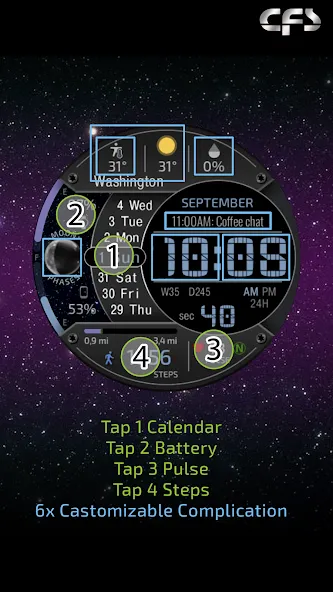
- Battery level of the watch
- Phone Battery
- Steps
- Moved Distance KM/MI
- Remaining distance to the daily target KM/MI****
- Heart rate
- Multiple color schemes
- Complications and custom shortcuts
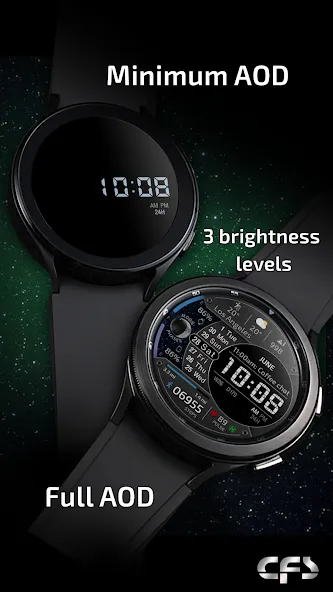
- Minimum and full AOD with 3 brightness levels
* Please select the language for the days of the week in the watch face settings.
- English
- French
- Spanish
- Portuguese
- German
- Russian
- Indonesian
- Turkish
- Italian
- Korean
** Phone Battery
To display the phone’s charge level, you will need to install the free Phone Battery Complication app in your watch and phone
*** Distance KM/MI:
Please select km or miles in the watch settings.
The watch face uses an arithmetic formula to calculate the distance:
1 km = 1312 steps.
1 mile = 2100 steps.
**** Target KM/MI
The daily step target is set in the settings of the SAMSUNG Health/Steps/Set target app. The target KM/MI is calculated as an arithmetic formula.
The Samsung Wearable app doesn’t always allow you to customize complex watch faces.
It’s not the developers’ fault.
In this case, we recommend to customize the watch face directly on the watch.
To customization the watch face, touch and hold the watch display.
If you have any difficulties using our watch face, do not rush to express your dissatisfaction with low ratings.
You can inform us about this directly on [email protected]. We will try to help you.
TELEGRAM:
https://t.me/CFS_WatchFaces
[email protected]
Thank you for choosing our watch faces!
Advertisement