CFS120 Solar Sync icon

CFS120 Solar Sync

Personalization

3.7

Ratings

1.2K

Downloads

3+

Age

DOWNLOAD

Advertisement

Screenshots

CFS120 Solar Sync screenshot 1
CFS120 Solar Sync screenshot 2
CFS120 Solar Sync screenshot 3
CFS120 Solar Sync screenshot 4
CFS120 Solar Sync screenshot 5
CFS120 Solar Sync screenshot 6
CFS120 Solar Sync screenshot 7
CFS120 Solar Sync screenshot 8
CFS120 Solar Sync screenshot 9
CFS120 Solar Sync screenshot 10
CFS120 Solar Sync screenshot 11
CFS120 Solar Sync screenshot 12
CFS120 Solar Sync screenshot 13
CFS120 Solar Sync screenshot 14
CFS120 Solar Sync screenshot 15
CFS120 Solar Sync screenshot 16
CFS120 Solar Sync screenshot 17
CFS120 Solar Sync screenshot 18
CFS120 Solar Sync screenshot 19
CFS120 Solar Sync screenshot 20
CFS120 Solar Sync screenshot 21
CFS120 Solar Sync screenshot 22
CFS120 Solar Sync screenshot 23
CFS120 Solar Sync screenshot 24
CFS120 Solar Sync screenshot 25
CFS120 Solar Sync screenshot 26
CFS120 Solar Sync screenshot 27
CFS120 Solar Sync screenshot 28
CFS120 Solar Sync screenshot 29
CFS120 Solar Sync screenshot 30
CFS120 Solar Sync screenshot 31
CFS120 Solar Sync screenshot 32
See all →
Key WF73 Color Combinations iconKey WF73 Color Combinations
0.0

Advertisement

About this app

Name

CFS120 Solar Sync

Category

Personalization

Price

Free

Safety

100% Safe

Developer

CFS Creative Face Studio

Version

Varies with device

Description

The watch face is only for devices with Wear OS 5.0

Watch face information:

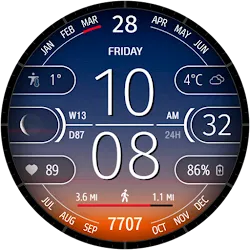
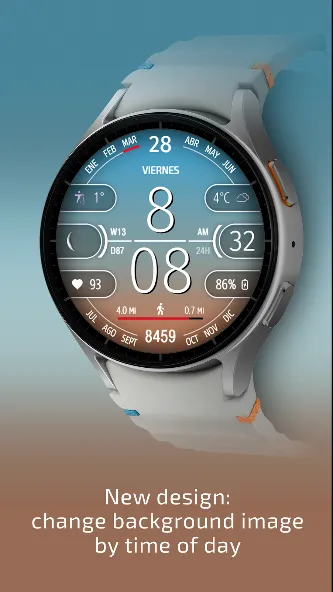
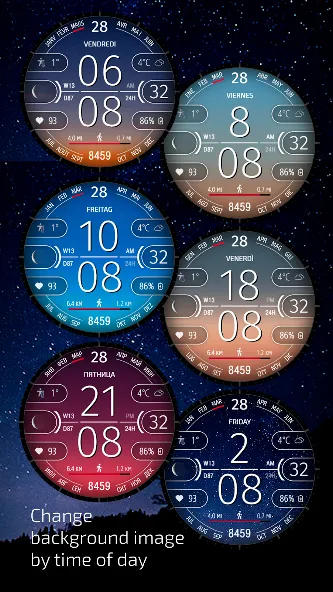
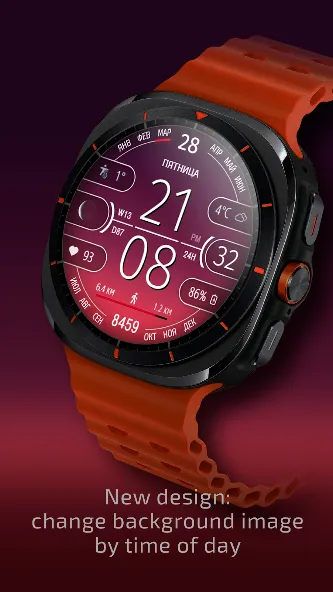
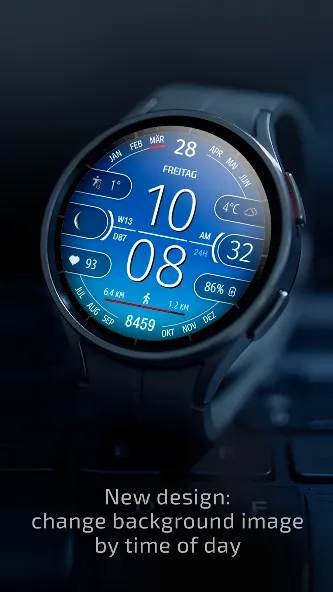
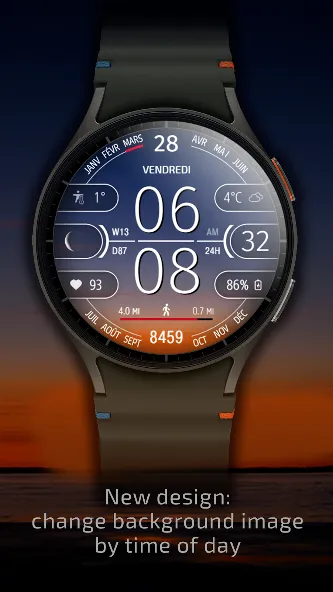
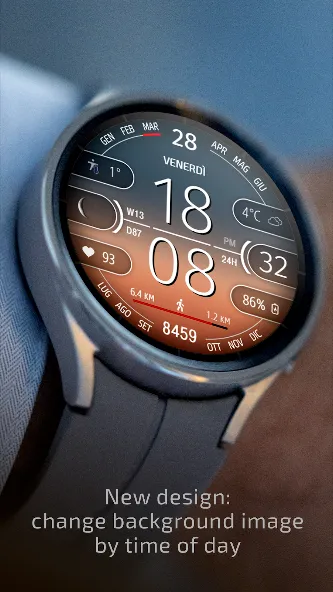
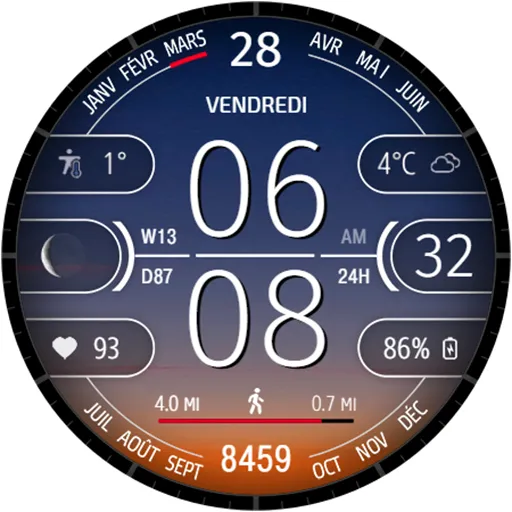
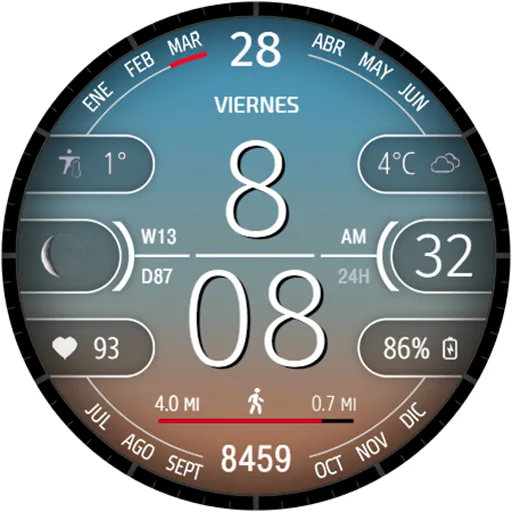
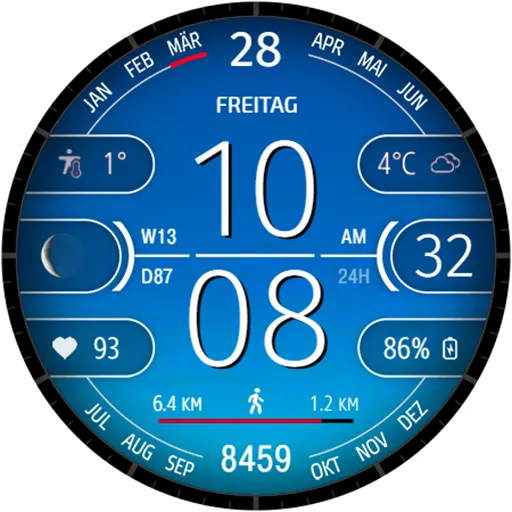
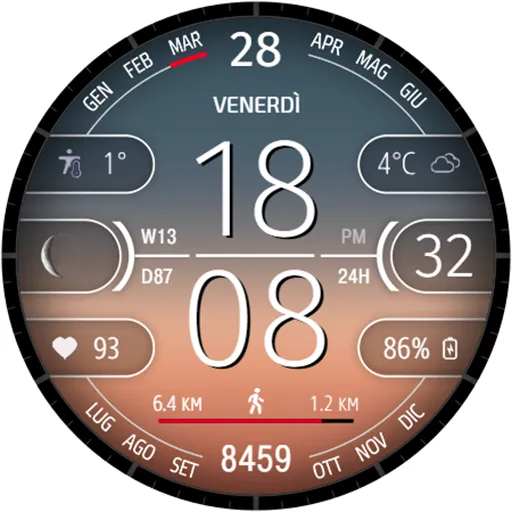
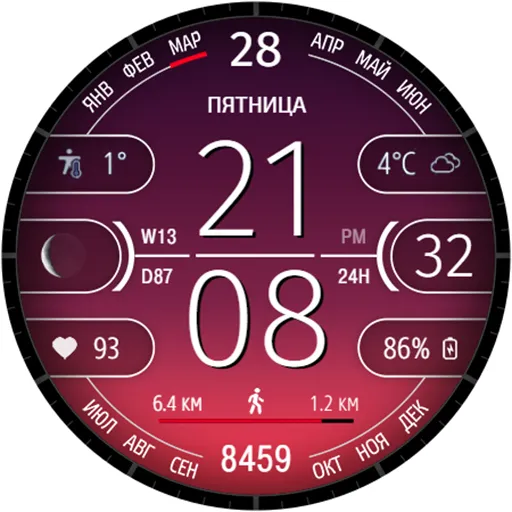
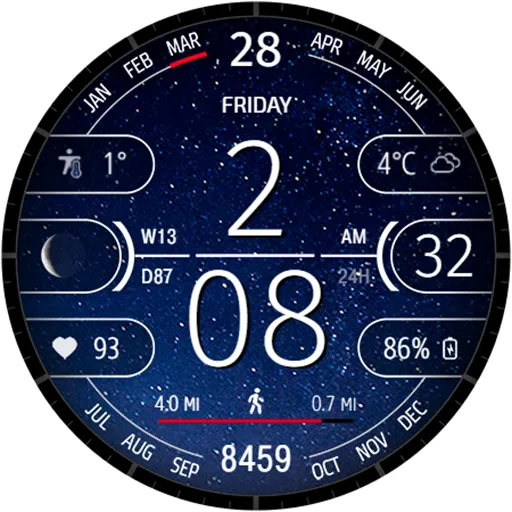
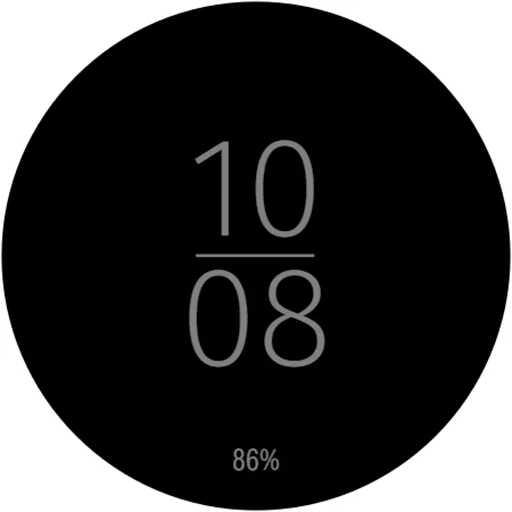
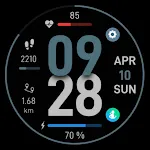
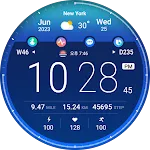
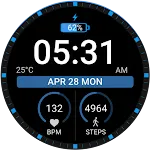
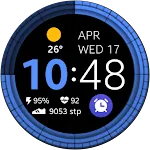
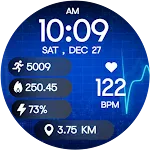
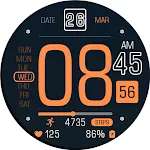
- The background style changes depending on the time of day
- Digital time in 12/24 format, depending on the phone settings
- The ability to disable the leading zero
- Date
- Moon phase
- Steps
- Battery level of the watch
- Moved Distance KM/MI*
- Heart rate
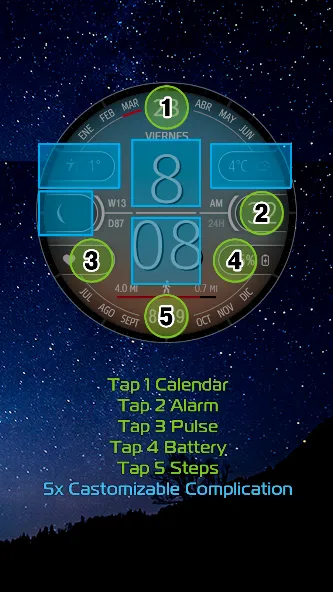
- Complications and custom shortcuts
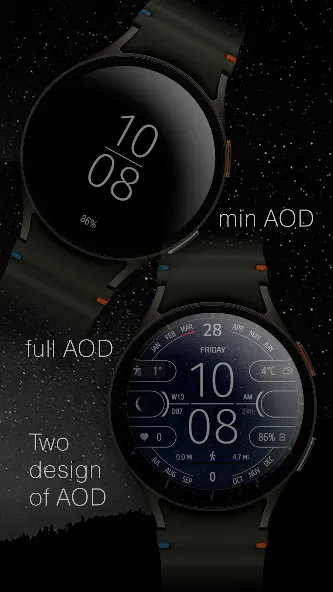
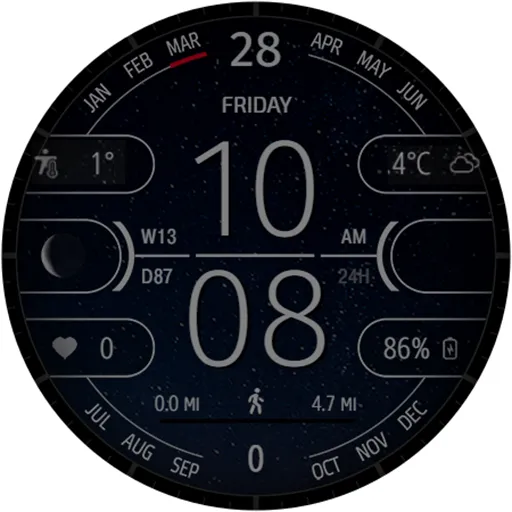
- 2 styles of AOD

*Distance KM/MI:
Please select km or miles in the watch settings.
The watch face uses an arithmetic formula to calculate the distance:
1 km = 1312 steps.
1 mile = 2100 steps.

The Samsung Wearable app doesn’t always allow you to customize complex watch faces.
It’s not the developers’ fault.
In this case, we recommend to customize the watch face directly on the watch.
To customization the watch face, touch and hold the watch display.

If you have any difficulties using our watch face, do not rush to express your dissatisfaction with low ratings.
You can inform us about this directly on [email protected]. We will try to help you.

TELEGRAM:
https://t.me/CFS_WatchFaces

[email protected]

Thank you for choosing our watch faces!

TOP FREE APPS

See all →
Microsoft OneDrive iconMicrosoft OneDriveProductivity
4.6

TOP FREE GAMES

See all →

Advertisement

Top Downloads

See all →
  1. Files by Google icon
    Files by GoogleTools
    4.5
    GET
  2. 4