 WearOs Amoled Watch Face TMZ
0.0

Personalization
Ratings
Downloads
Age
Advertisement
Advertisement
Name
Category
Price
Safety
Developer
Version
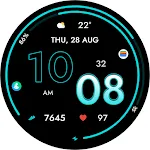
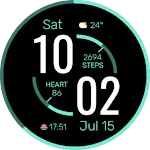
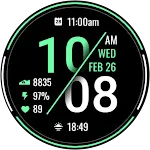
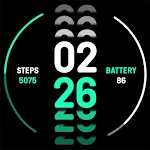
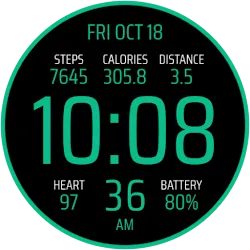
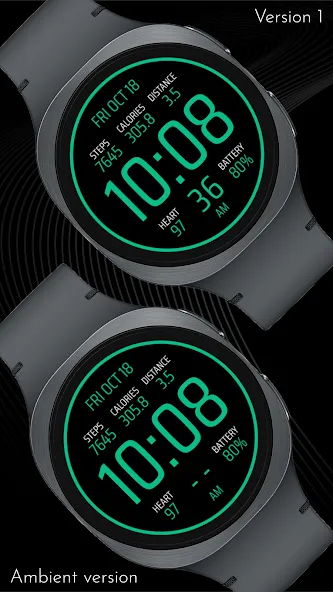
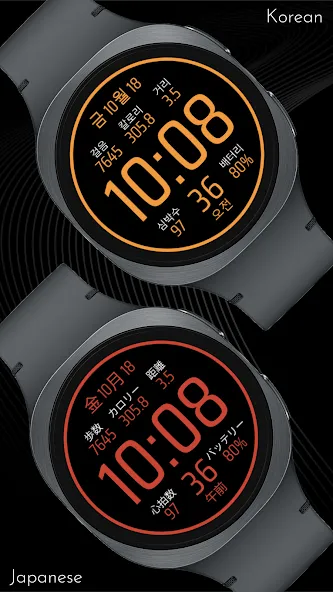
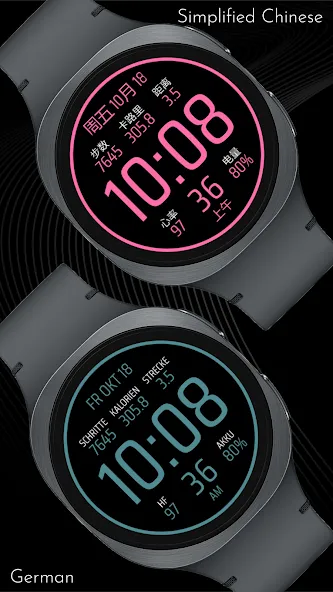
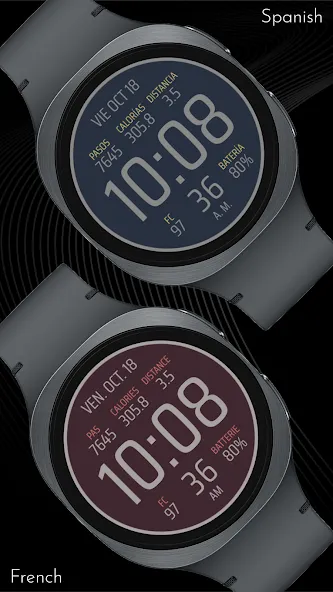
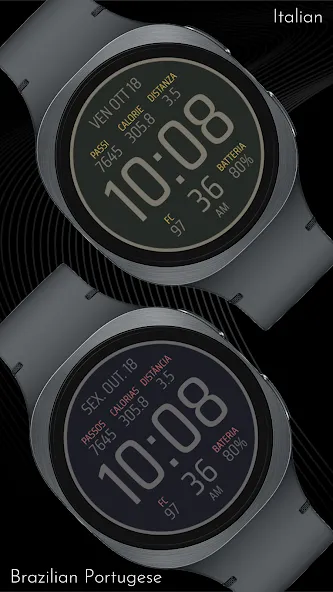
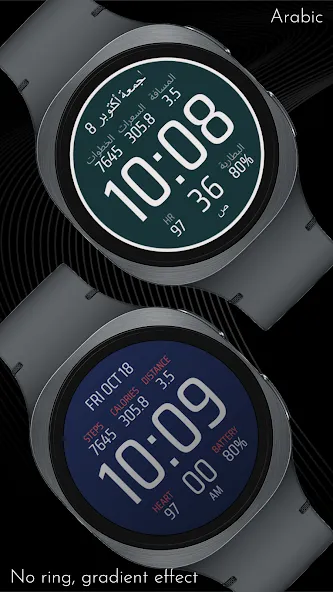
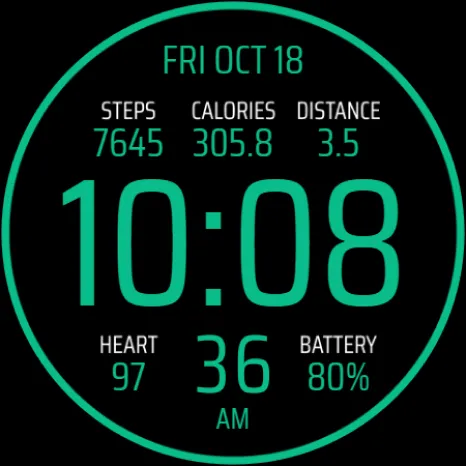
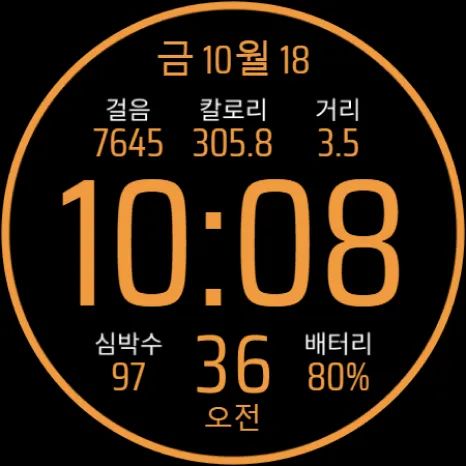
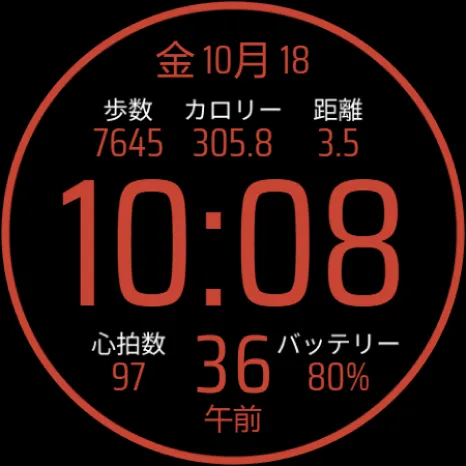
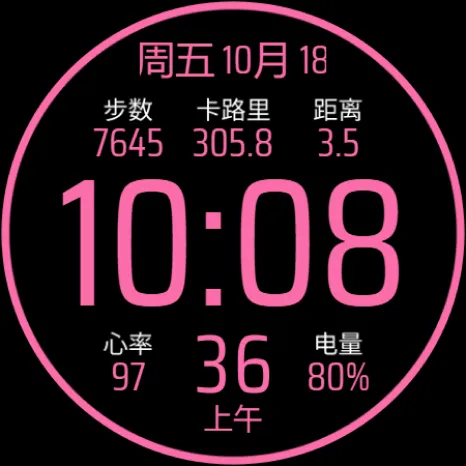
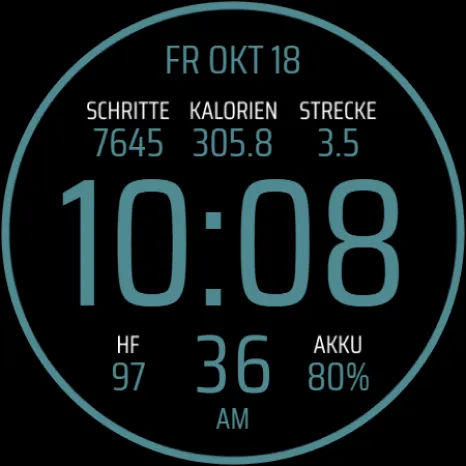
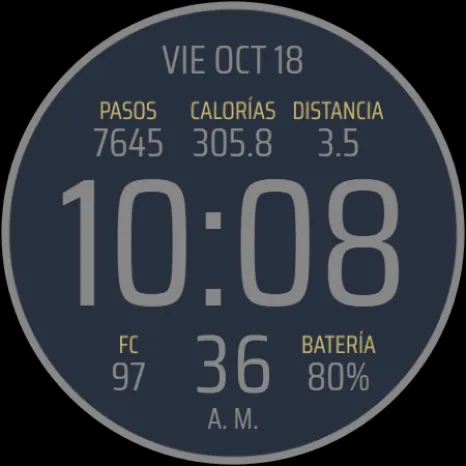
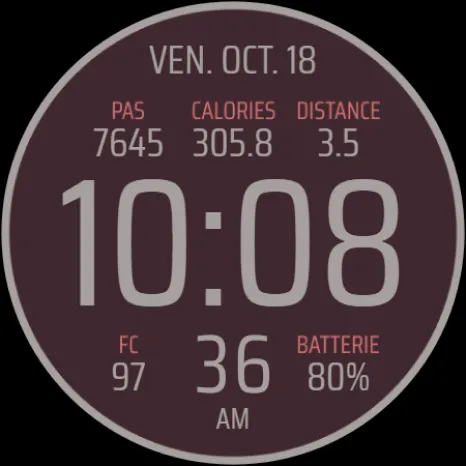
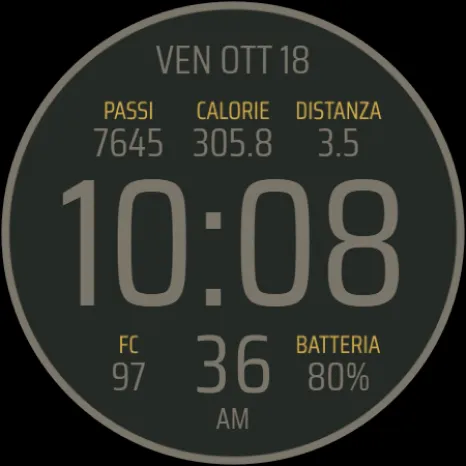
Designed for clarity and quick access to essential information, the face prominently displays the current time, date, and your key fitness stats: Steps, Calories, Distance, Heart Rate, and Battery percentage. Personalize the look to match your style with a massive selection of 30 vibrant color variations, and enhance the aesthetic further by adding a dynamic gradient effect to the overall design. For global users, the static texts (such as the day of the week) are available in 10 different language variants. The time display supports both 12-hour and 24-hour modes, while the distance metric automatically switches between kilometers and miles based on whether your watch is set to display temperature in Celsius or Fahrenheit, respectively.
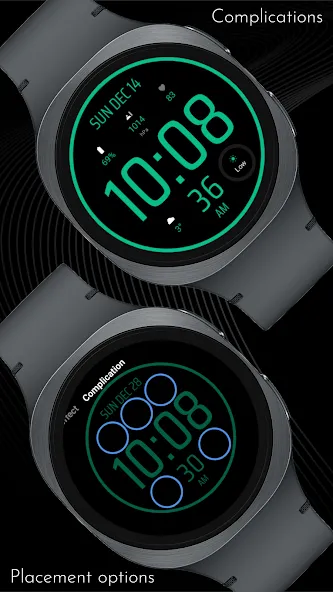
This watch face offers unparalleled control over what you see. You have the flexibility to hide all five displayed data points separately and replace them with standard circular complications of your choice, allowing you to integrate data from other apps directly onto the screen. Furthermore, you can choose to hide the prominent outer ring on both the normal active view and the Always-On Display (AOD) view for a cleaner, minimalist look. Please note that for accuracy, the calories burned and distance traveled are estimations based solely on your step count, as the watch face itself does not have direct access to your watch’s native calorie or GPS distance data points.
🎨 PERSONALIZATION OPTIONS
· 30 color variations
· 10 languages (English, Korean, Japanese, Traditional Chinese, German, Spanish, French, Italian, Brazilian Portugese, Arabic)
· Option to seperately hide stats to replace them with complications
· 5 optional circular complications
· Option to seperately hide ring in active and AOD mode
· Option to add a gradient effect
📱 COMPATIBILITY
✅ Works with Galaxy Watch, Pixel Watch, and all Wear OS 5+ devices
🔧 INSTALLATION HELP
Having trouble? We’ve got you covered:
- Use the dropdown menu next to “Install” on your phone to select your watch model or install directly from your watch’s Play Store app
- Updating weather data may take time after installation but switching to another watch face and switching back or restarting both the watch and phone usually helps
- Check out our installation and troubleshooting guide: https://celest-watches.com/installation-troubleshooting/
- Contact us at [email protected] for quick support
🏪 DISCOVER MORE
Browse our full collection of premium Wear OS watch faces:
🔗 https://celest-watches.com
💰 Exclusive discounts available
📞 SUPPORT & COMMUNITY
📧 Support: [email protected]
📱 Follow @celestwatches on Instagram or sign up to our newsletter!
Advertisement