 Minimal Digital Watch Face Pro
3.4

Personalization
Ratings
Downloads
Age
Advertisement
Advertisement
Name
Category
Price
Safety
Developer
Version
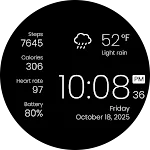
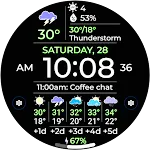
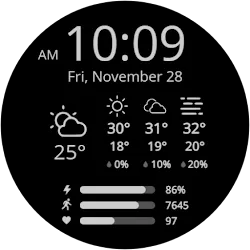
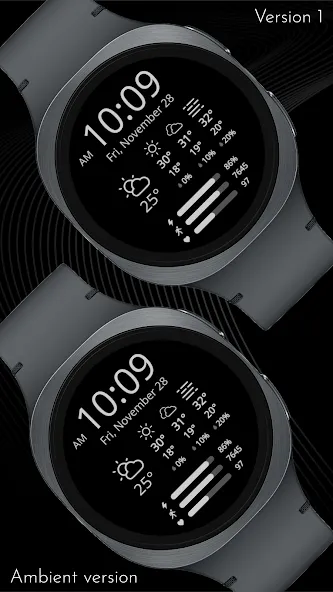
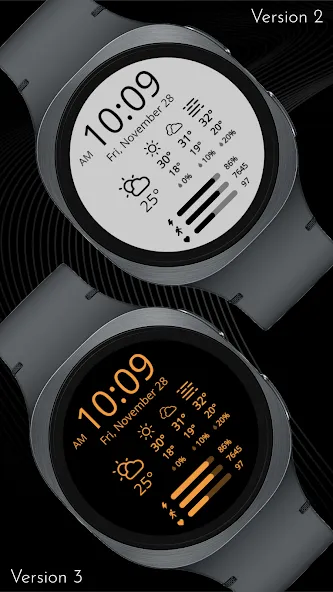
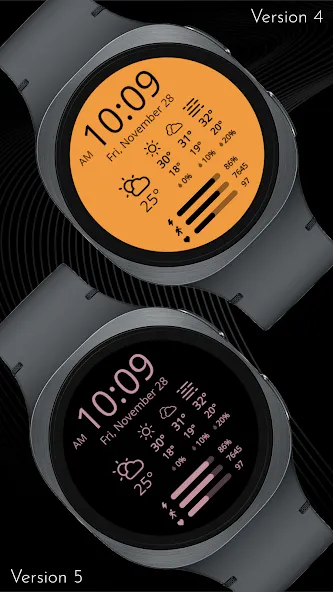
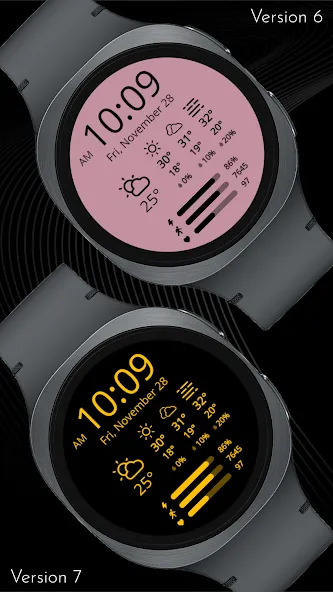
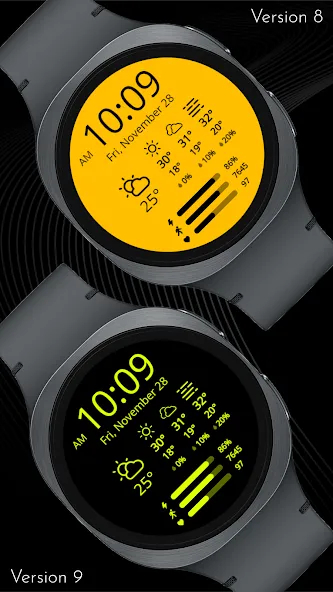
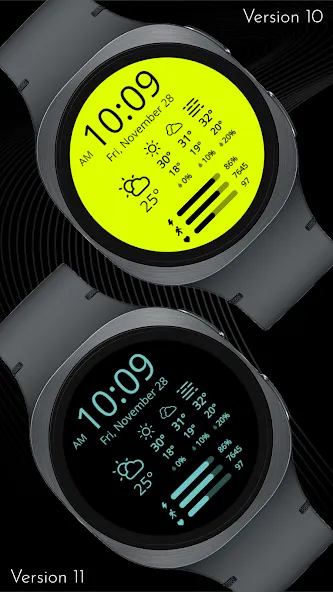
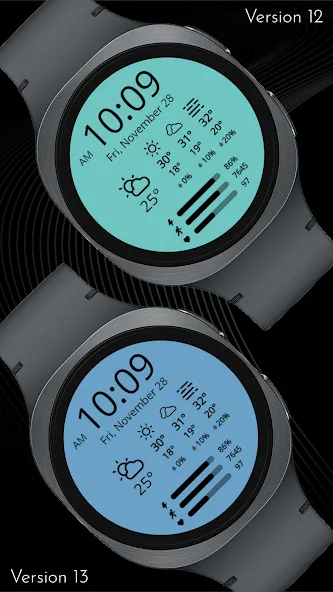
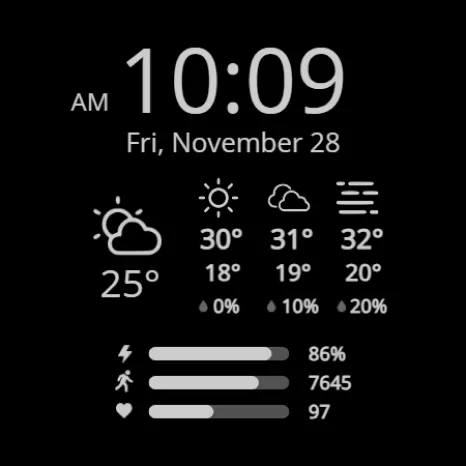
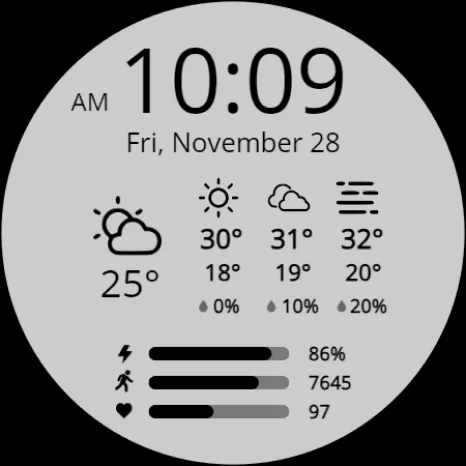
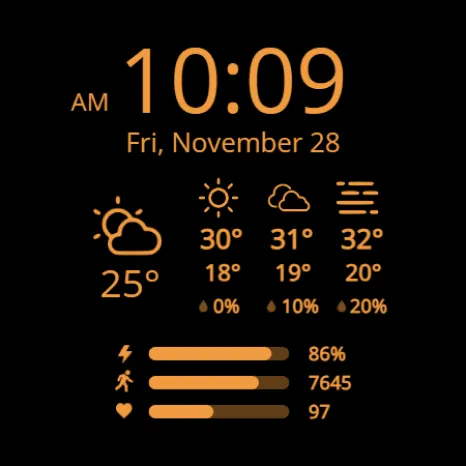
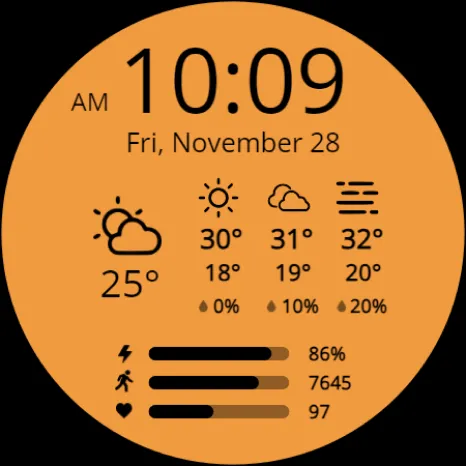
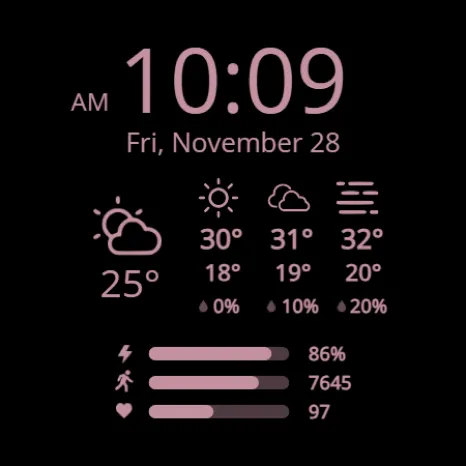
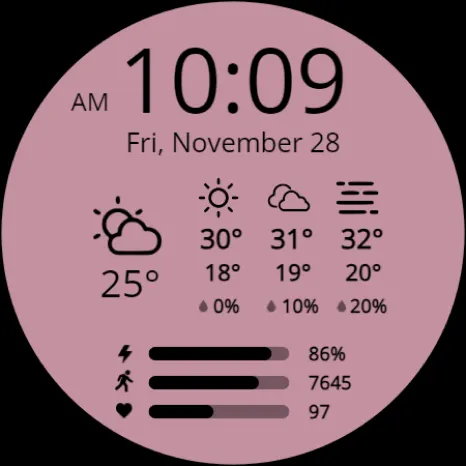
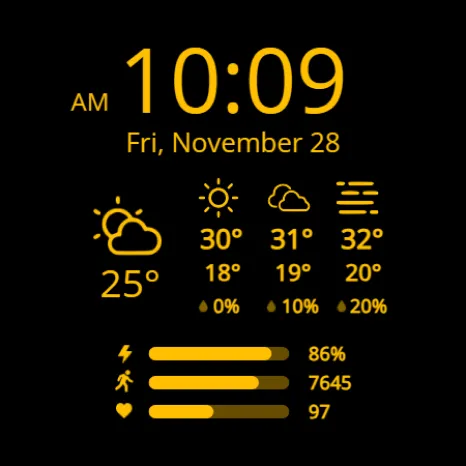
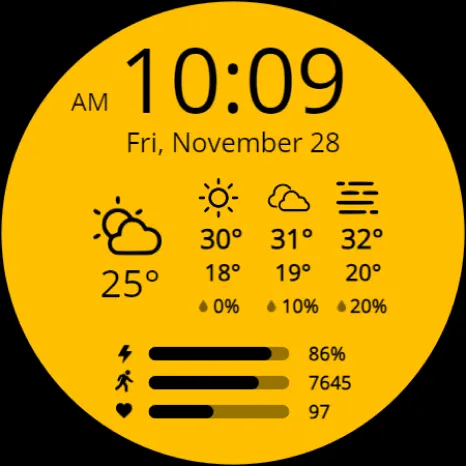
This highly functional digital watch face provides all necessary data at a glance. It prominently displays the digital time (with AM/PM) and the full date, alongside the current weather icon and temperature. Adding utility, a three-day forecast is integrated, showing the weather icon, minimum/maximum temperatures, and chance of precipitation for the next three days. Users can personalize the look with 30 color variations.
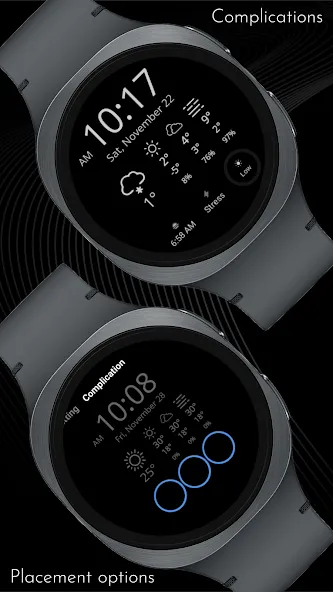
For personal tracking, the lower section shows your battery level, step count, and heart rate. Critically, the standard data display at the bottom can be replaced by up to three optional circular complications, allowing you to fully customize the displayed metrics
⚡ KEY FEATURES
· Weather + 3 day forecast with min/max temp and chance of percipitation
· Celsius or Fahrenheit based on your phone’s settings
· Fully multilingual
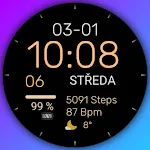
· 30 color combinations
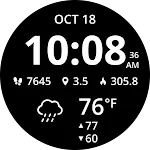
· Option to hide default data at the bottom to add complications
· 3 optional color-matched complications
⚠️ Please note:
· If the weather does not update automatically, switch to another watch face and switch back. If that doesn’t work, restart your watch and phone.
· Custom complications will not be visible on all color combinations due to technical restrictions of the watch face format.
📱 COMPATIBILITY
✅ Wear OS 5+ required (for weather functions)
✅ Works with Galaxy Watch, Pixel Watch, and all Wear OS 5+ devices
🔧 INSTALLATION HELP
Having trouble? We’ve got you covered:
- Use the dropdown menu next to “Install” on your phone to select your watch model or install directly from your watch’s Play Store app
- Updating weather data may take time after installation but switching to another watch face and switching back or restarting both the watch and phone usually helps
- Check out our installation and troubleshooting guide: https://celest-watches.com/installation-troubleshooting/
- Contact us at [email protected] for quick support
🏪 DISCOVER MORE
Browse our full collection of premium Wear OS watch faces:
🔗 https://celest-watches.com
💰 Exclusive discounts available
📞 SUPPORT & COMMUNITY
📧 Support: [email protected]
📱 Follow @celestwatches on Instagram or sign up to our newsletter!
Advertisement