


 Google MeetCommunication
4.4

Personalization
Ratings
Downloads
Age
Advertisement
Advertisement
Name
Category
Price
Safety
Developer
Version
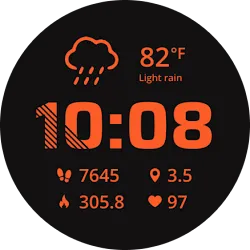
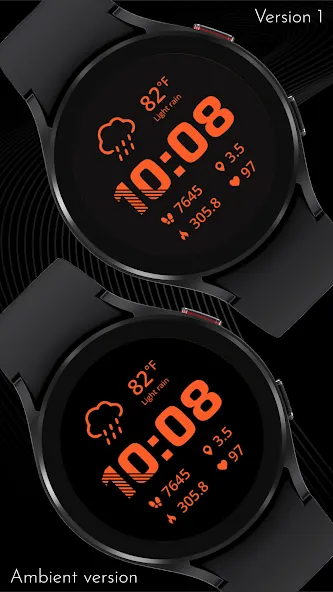
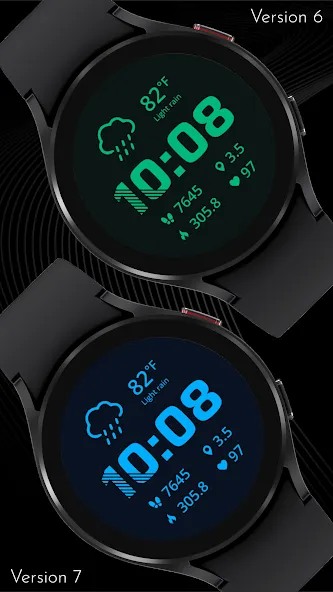
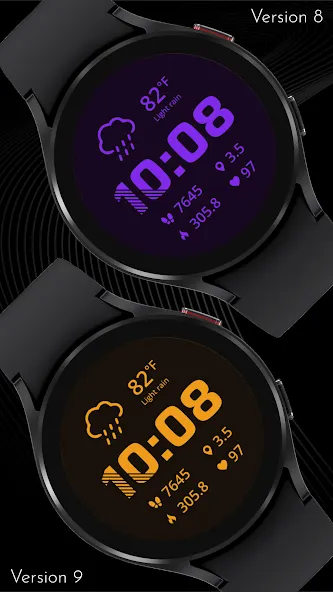
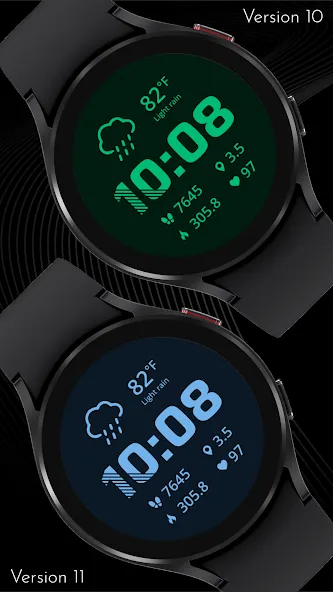
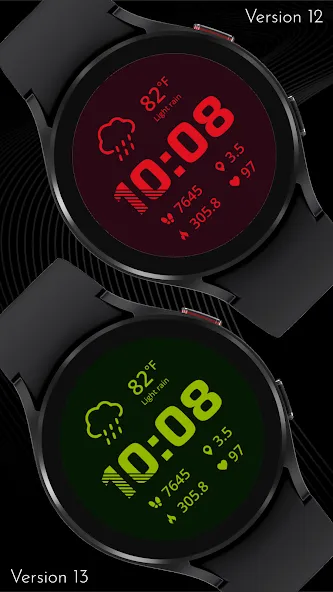
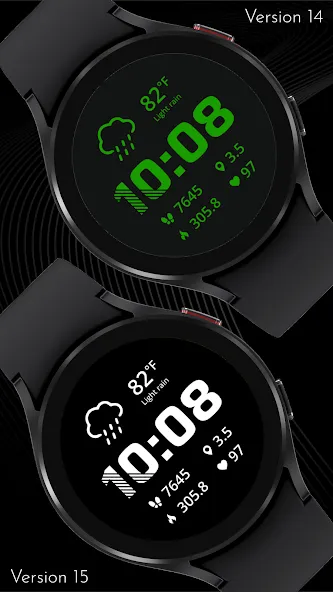
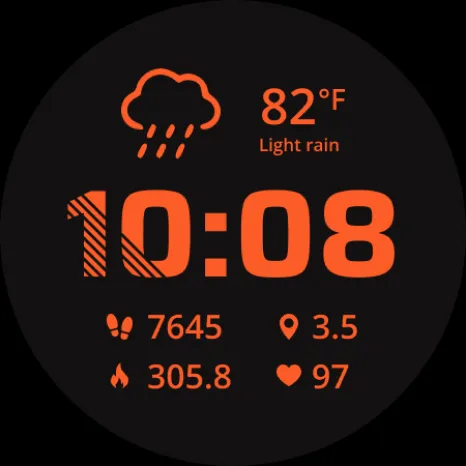
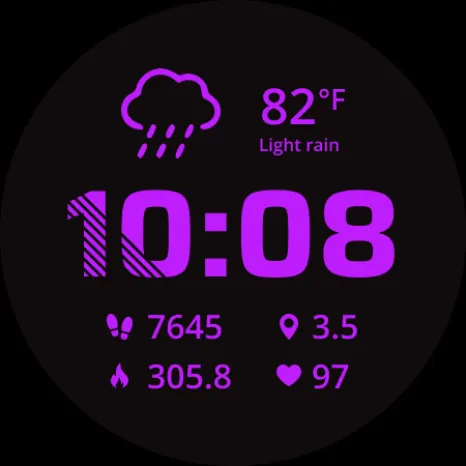
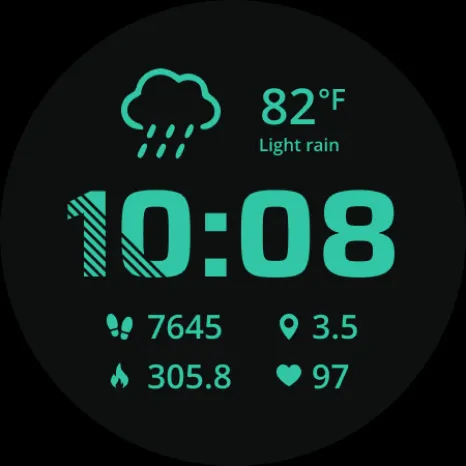
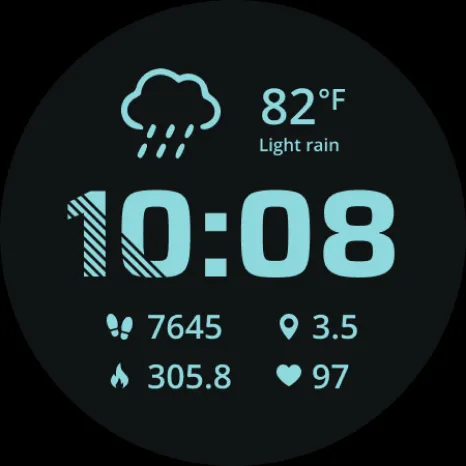
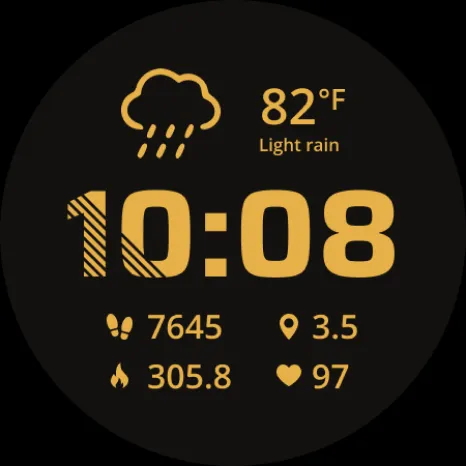
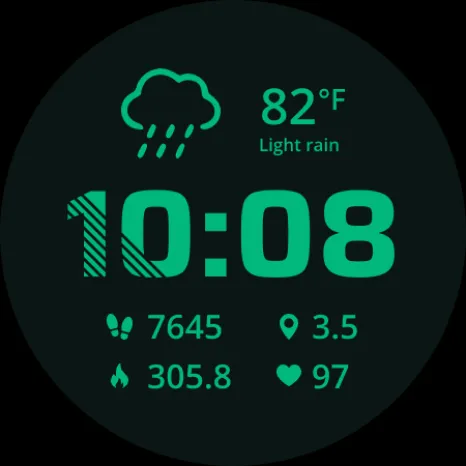
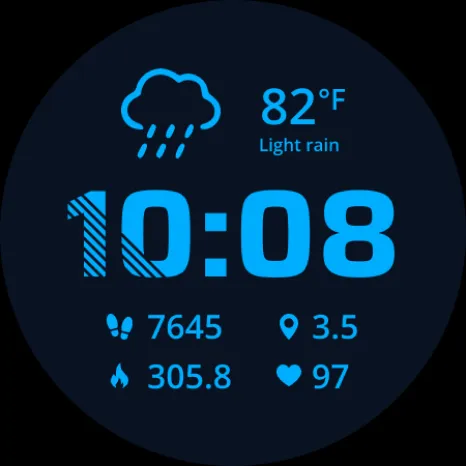
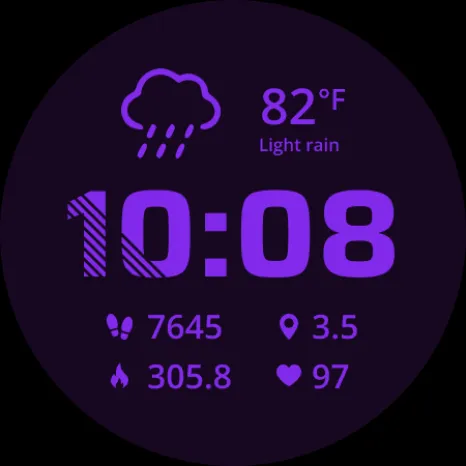
Stay on top of your day with this bold, data-packed digital watch face designed for maximum readability and versatility. It displays the essentials at a glance—time, steps, distance, calories, and heart rate—alongside current weather conditions. Since the Watch Face Format does not provide access to direct calorie or distance data, these values are smart estimations based on your step count and the average user profile. You’ll also enjoy full 12/24-hour support and automatic switching between kilometers and miles depending on whether your phone is set to Celsius or Fahrenheit.
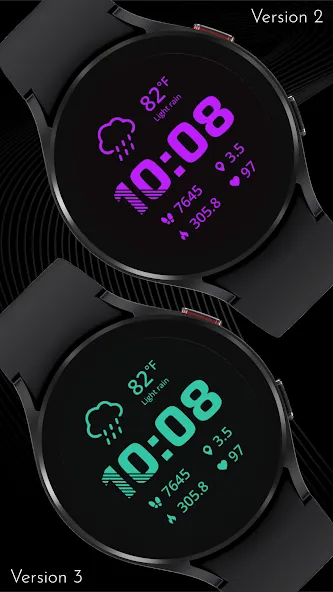
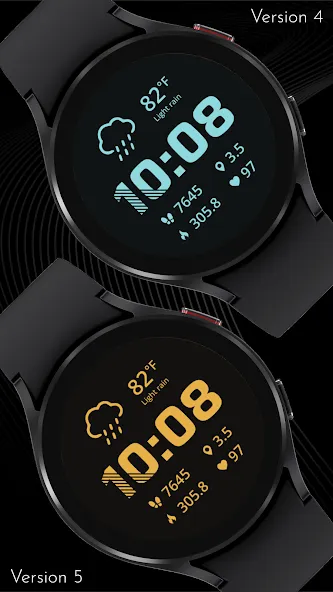
Personalize your experience with 15 sleek dark tones and 15 soft pastel variations, plus the option to add a subtle gradient overlay for extra depth. To keep things practical, the watch face includes 6 optional invisible complication slots that can serve as quick app shortcuts. For Always-On Display, choose from multiple dimming options to suit your style and battery needs. This is a watch face built to look great, adapt to your preferences, and keep your key stats just a glance away.
⚡ KEY FEATURES
· 12/24-hour mode
· Fahrenheit/Celsius and Miles/Km mode based on phone settings
· Optional gradient overlay
· Optional AOD dimming options
· 6 optional invisible complications to set app shortcuts
PLEASE NOTE, that calories and distance data are only estimations based on steps and the average user profile as this data is not accessible by the watch face!
📱 COMPATIBILITY
✅ Wear OS 5+ required (for weather functions)
✅ Works with Galaxy Watch, Pixel Watch, and all Wear OS 5+ devices
🔧 INSTALLATION HELP
Having trouble? We’ve got you covered:
- Use the dropdown menu next to “Install” on your phone to select your watch model or install directly from your watch’s Play Store app
- Updating weather data may take time after installation but switching to another watch face and switching back or restarting both the watch and phone usually helps
- Check out our installation and troubleshooting guide: https://celest-watches.com/installation-troubleshooting/
- Contact us at [email protected] for quick support
🏪 DISCOVER MORE
Browse our full collection of premium Wear OS watch faces:
🔗 https://celest-watches.com
💰 Exclusive discounts available
📞 SUPPORT & COMMUNITY
📧 Support: [email protected]
📱 Follow @celestwatches on Instagram or sign up to our newsletter!
Advertisement














