 Minimal Digital Watch Face Pro
3.4

Personalization
Ratings
Downloads
Age
Advertisement
Advertisement
Name
Category
Price
Safety
Developer
Version
⚠️ Pixel Watch 3 (45mm) Notice:
Weather forecast for day 5+ may not display correctly on this model. No issues have been reported on other devices so far.
===
A watch face from CELEST Watches to transform your Wear OS device with a stylish design that’s a pleasure to wear.
ABOUT THIS DESIGN ↴
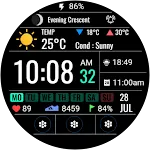
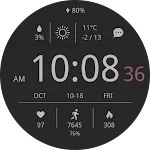
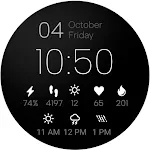
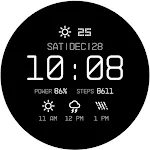
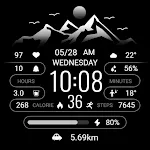
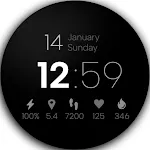
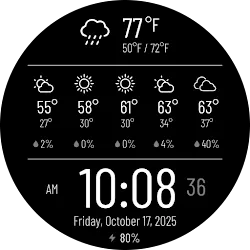
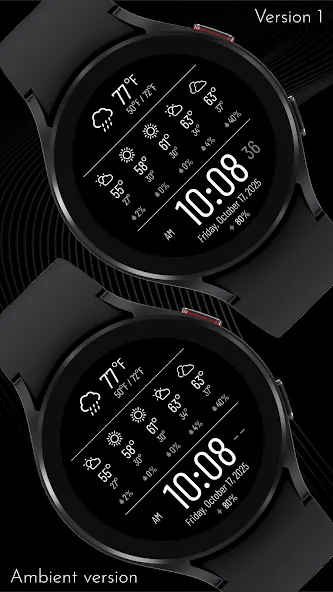
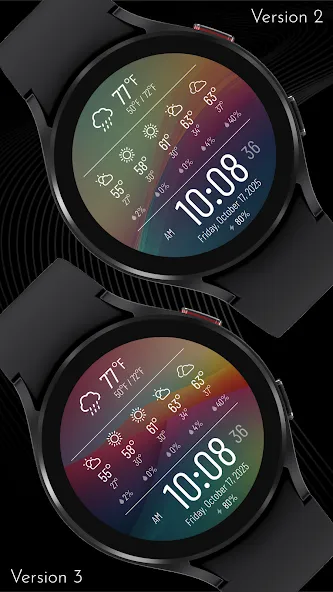
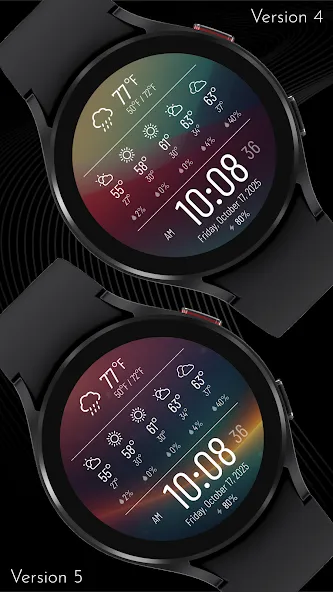
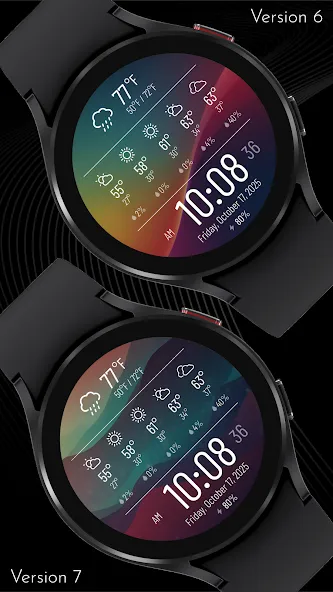
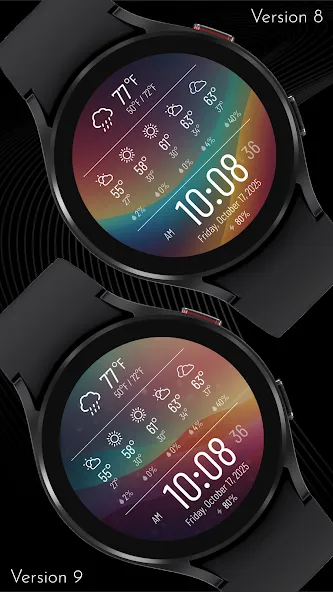
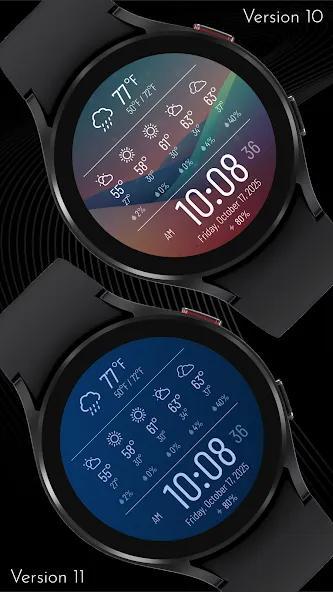
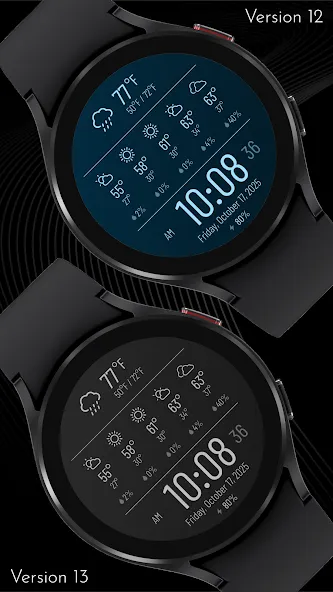
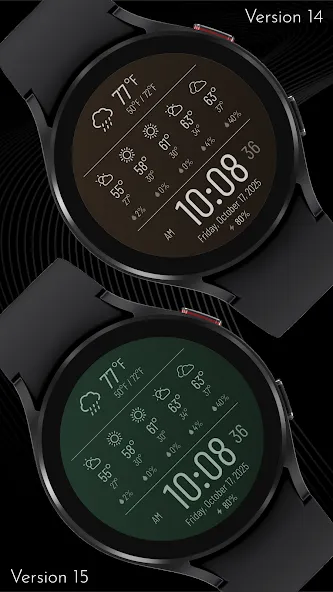
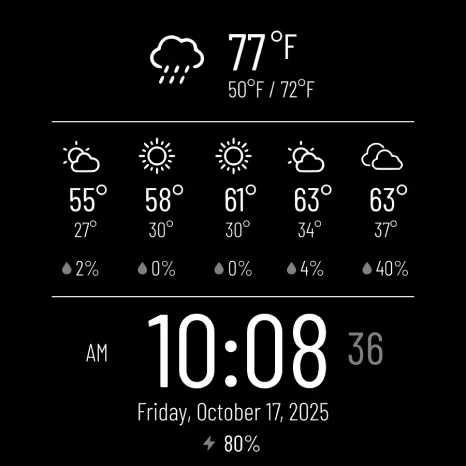
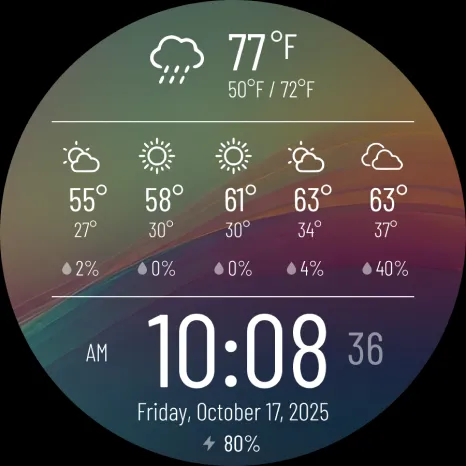
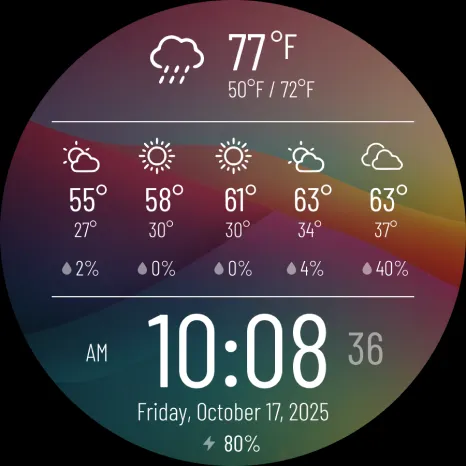
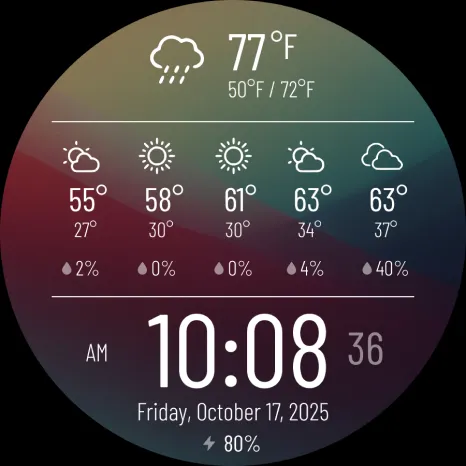
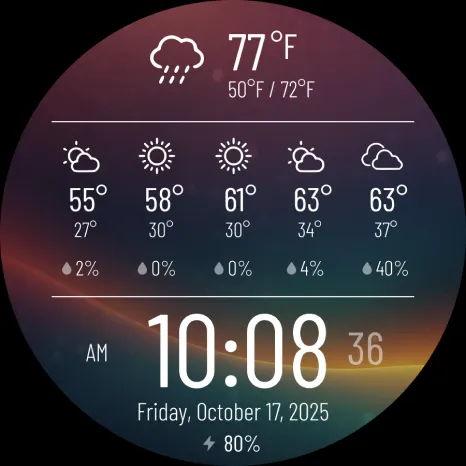
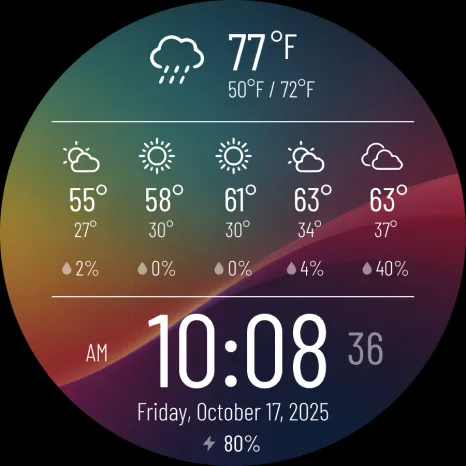
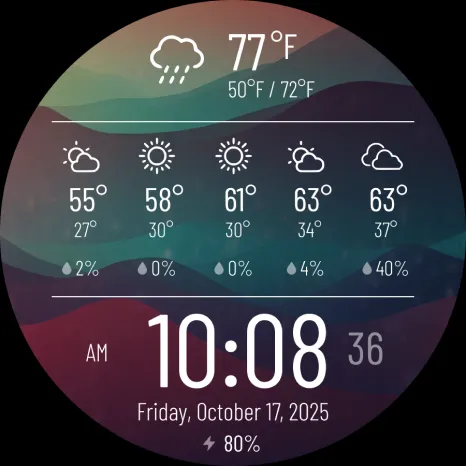
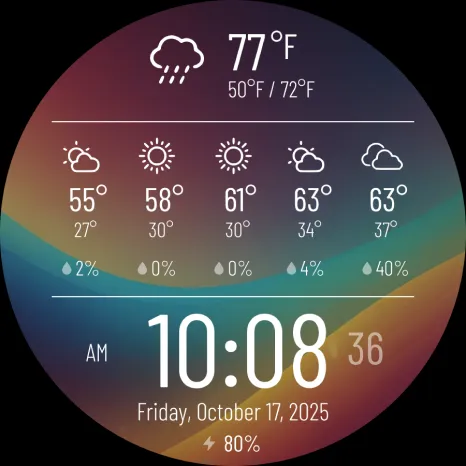
Keep informed with this customizable watch face, offering a clear 5-day weather forecast alongside current conditions. Personalize your display with a choice of 9 colorful backgrounds or 9 simple dark gradients. Further customize the look with 24 text color options. The watch face also features a prominent time and date display and supports multiple languages for a user-friendly experience.
INSTALLATION GUIDE ↴
Having trouble installing your watch face from the Google Play Store? Follow these steps for a smooth setup:
✅ Watch Face Installed on Your Phone but Not on Your Watch?
This happens because the Play Store may install a companion app instead. To install directly on your watch:
1. Use the Play Store on Your Watch – Open Google Play on your smartwatch, search for the watch face name, and install it directly.
2. Use the Play Store Dropdown Menu – On your phone, tap the small triangular icon next to the “Install” button (https://i.imgur.com/boSIZ5k.png). Then, select your watch as the target device (https://i.imgur.com/HsZD0Xo.jpeg).
3. Try a Web Browser – Open the Play Store in a web browser on your PC, Mac, or laptop to manually select your watch (https://i.imgur.com/Rq6NGAC.png).
✅ Still Not Showing?
If the watch face doesn’t appear on your watch, open your watch’s companion app on your phone (for Samsung devices, this is the Galaxy Wearable app):
- Navigate to the Downloaded section under watch faces.
- Find the watch face and tap to install it (https://i.imgur.com/Zi79PFr.png).
✅ Need More Help?
If you’re still experiencing issues, contact us at [email protected], and we’ll help you resolve it quickly.
CUSTOMIZATION OPTIONS ↴
Opion #1: 24 text color options
Opion #2: Default black and 9 vibrant background options
Opion #3: 9 additional dark gradient background option
EXPLORE MORE & GET DISCOUNTS ↴
📌 Full Catalog: https://celest-watches.com/product-category/compatibility/wear-os/
📌 Exclusive Discounts for Wear OS: https://celest-watches.com/product-category/availability/on-sale-on-google-play/
STAY CONNECTED ↴
📸 Instagram: https://www.instagram.com/celestwatches/
📘 Facebook: https://www.facebook.com/celeswatchfaces
🐦 Twitter/X: https://twitter.com/CelestWatches
🎭 Threads: https://www.threads.net/@celestwatches
📌 Pinterest: https://pinterest.com/celestwatches/
🎵 TikTok: https://www.tiktok.com/@celestwatches
📝 Tumblr: https://www.tumblr.com/blog/celestwatches
📢 Telegram: https://t.me/celestwatcheswearos
🎁 Donate: https://buymeacoffee.com/celestwatches
Advertisement