 BOROI0025 Watchface
0.0

Personalization
Ratings
Downloads
Age
Advertisement
Advertisement
Name
Category
Price
Safety
Developer
Version
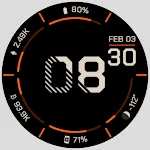
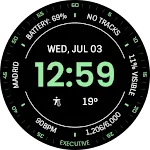
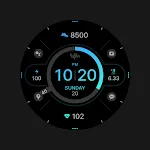
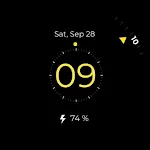
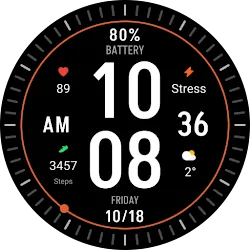
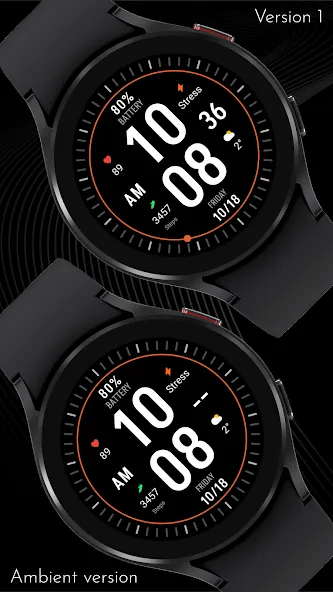
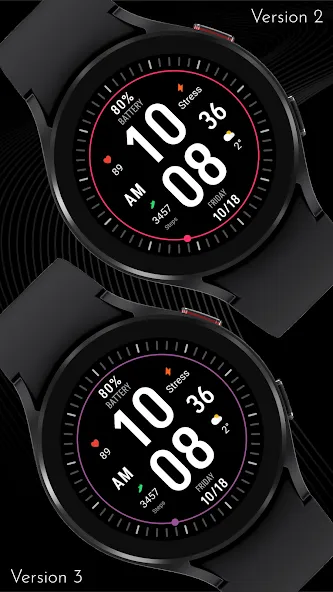
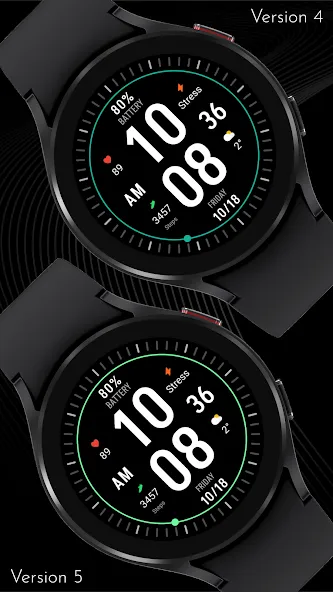
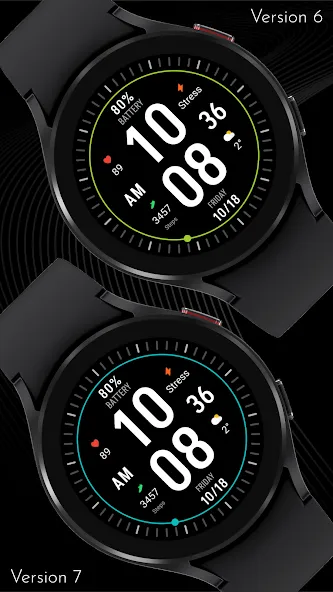
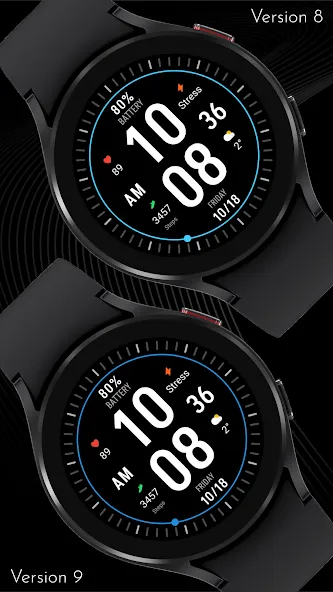
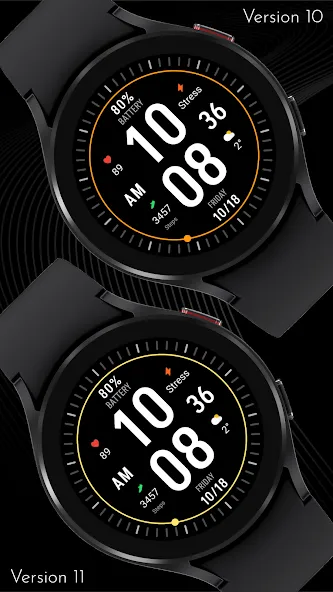
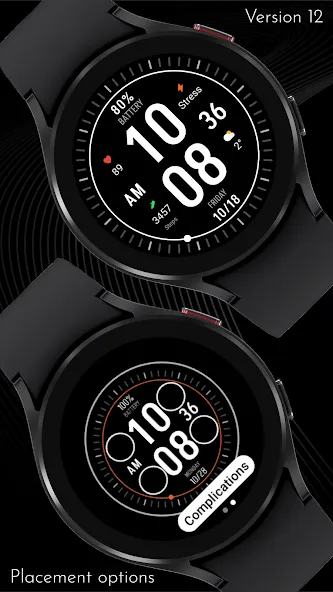
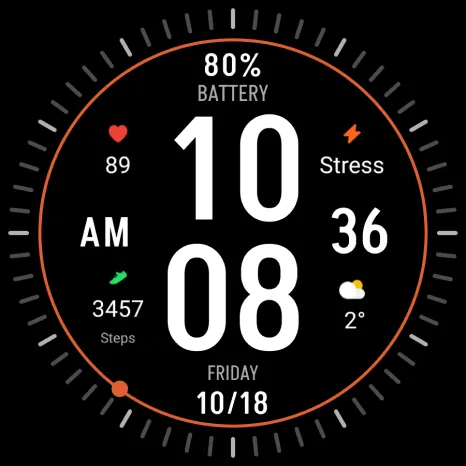
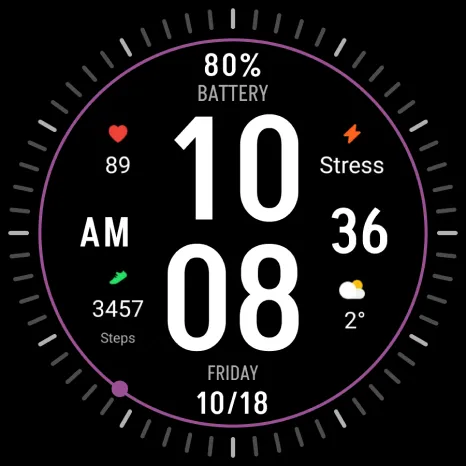
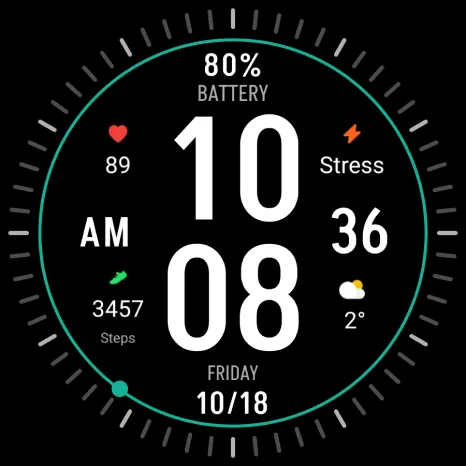
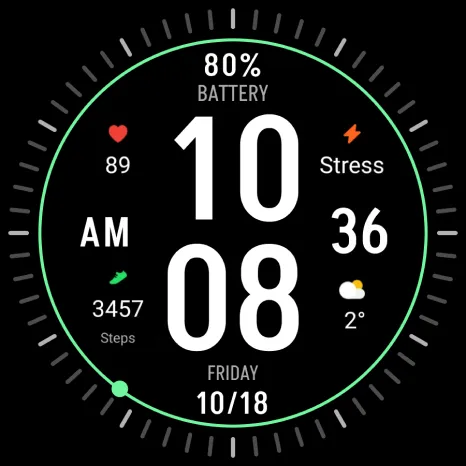
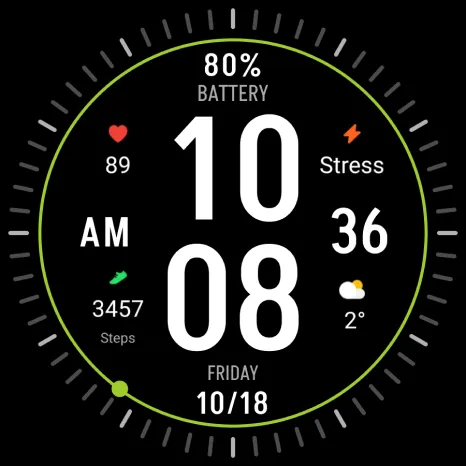
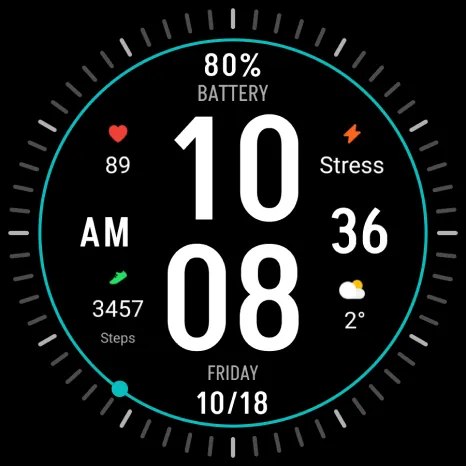
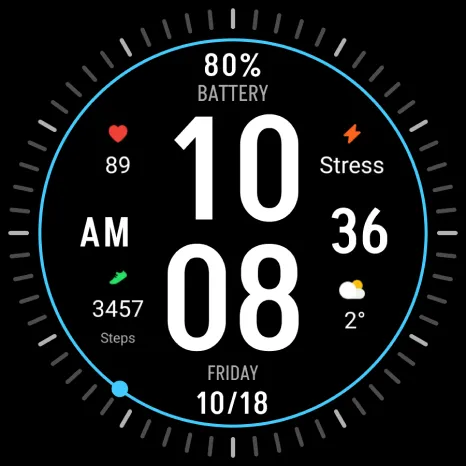
This clean and modern watch face provides essential information at a glance. Large, easy-to-read digits display the time, while key health metrics like heart rate, stress level, steps, and weather are presented with intuitive icons.
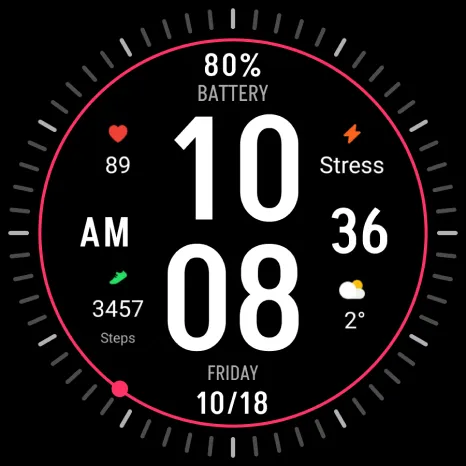
With 12 accent color variations, you can personalize the watch face to match your mood or outfit. Plus, choose from 4 customizable circular complications to track additional metrics or display information that’s important to you.
INSTALLATION GUIDE ↴
When attempting to install a watch face from the official Google Play Android app, you may encounter several issues.
In cases where the watch face is installed on your phone but not on your watch, the developer has included a companion app to enhance visibility on the Play Store. You can uninstall the companion app from your phone and look for a triangular symbol next to the Install button in the Play Store app (https://i.imgur.com/OqWHNYf.png). This symbol indicates a dropdown menu, where you can pick your watch as the target for installation.
Alternatively you can try to open the Play Store in a web browser on your laptop, Mac or PC. This will enable you to visually select the correct device for installation (https://i.imgur.com/Rq6NGAC.png).
[Samsung] If you followed the aforementioned instructions and the watch face still doesn’t appear on your watch, open the Galaxy Wearable app. Navigate to the Downloaded section within the app, and you’ll find the watch face there (https://i.imgur.com/mmNusLy.png). Simply click on it to initiate the installation.
WATCH FACE DETAILS ↴
Customization:
- 12 accent color variations
- 4 circular complications
Please note that you have to set up the complications to display during watch face customization!
CATALOG & DISCOUNTS↴
Our online catalog: https://celest-watches.com/product-category/compatibility/wear-os/
Wear OS discounts: https://celest-watches.com/product-category/availability/on-sale-on-google-play/
FOLLOW US ↴
Instagram: https://www.instagram.com/celestwatches/
Facebook: https://www.facebook.com/celeswatchfaces
Twitter: https://twitter.com/CelestWatches
Telegram: https://t.me/celestwatcheswearos
Advertisement