 FSW261 WATCHFACE
0.0

Personalization
Ratings
Downloads
Age
Advertisement
Advertisement
Name
Category
Price
Safety
Developer
Version
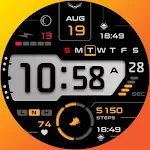
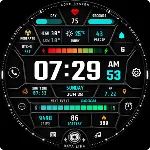
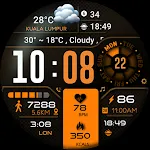
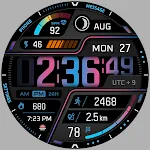
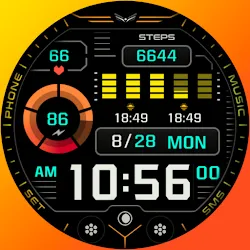
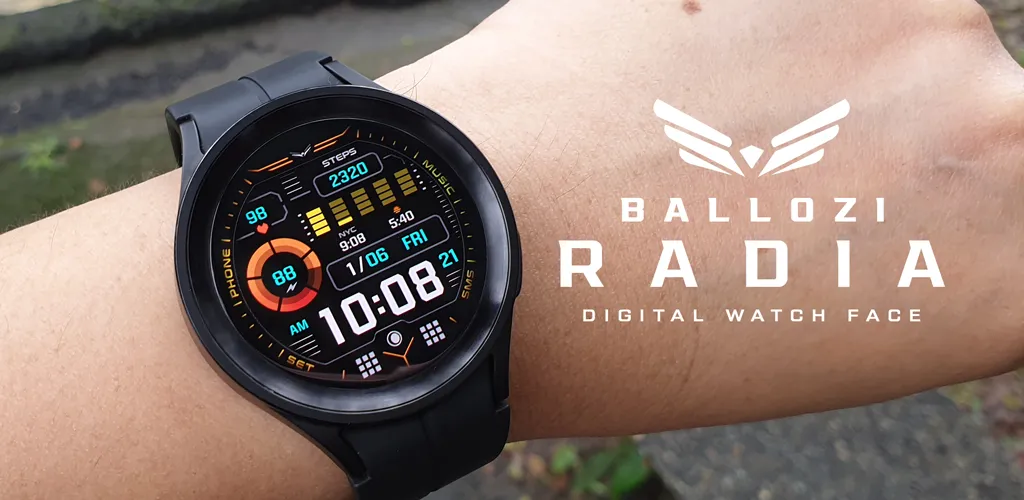
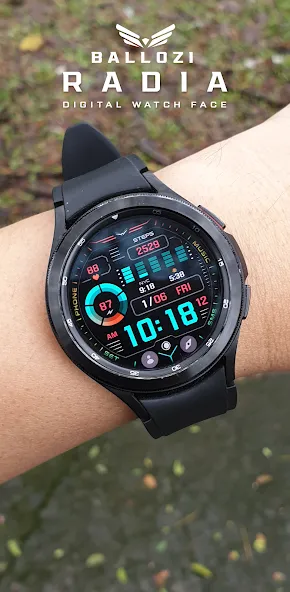
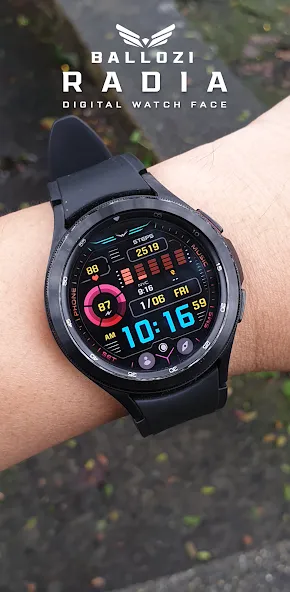
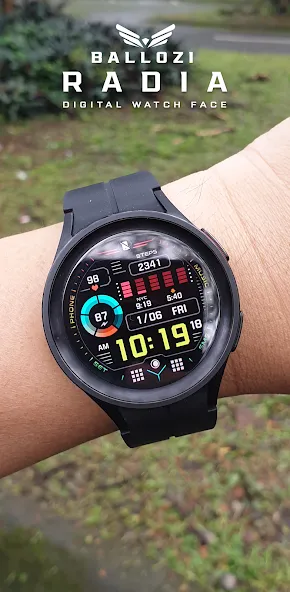
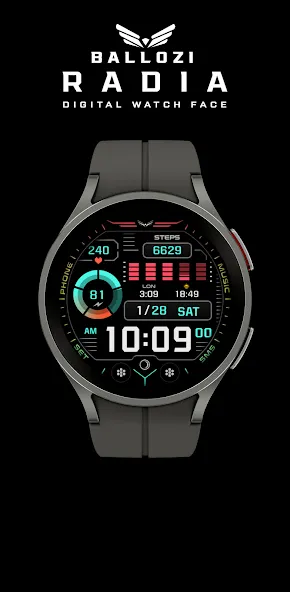
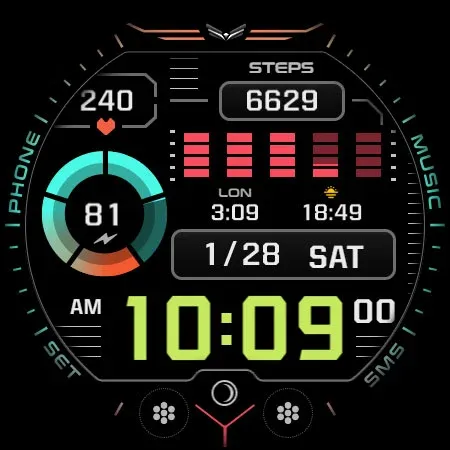
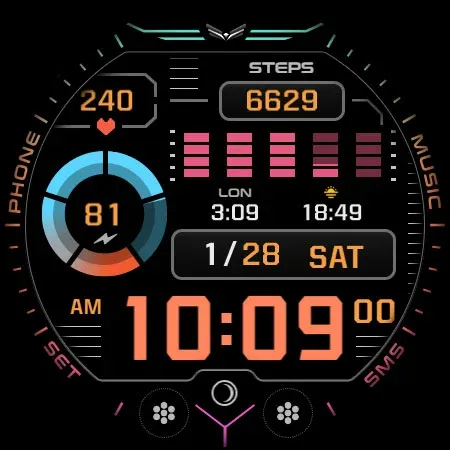
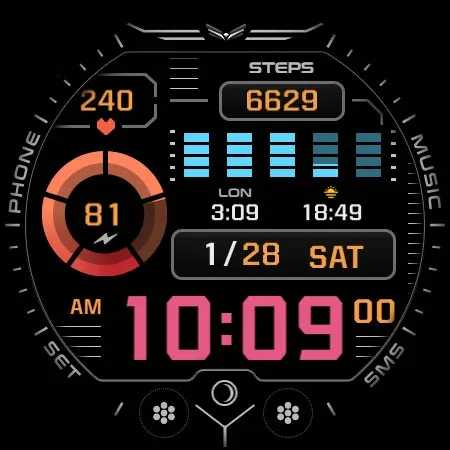
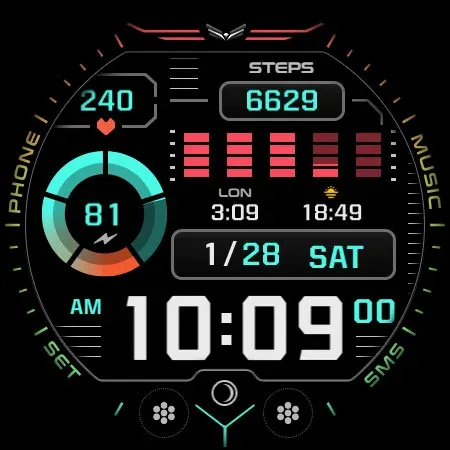
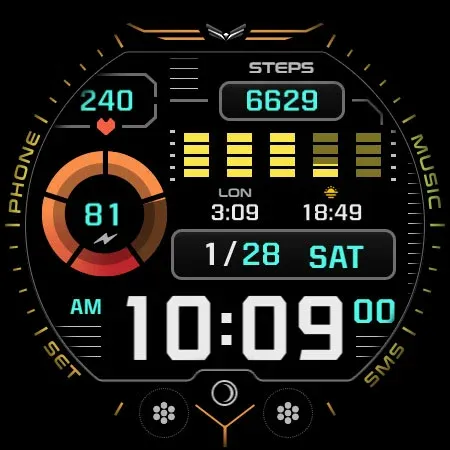
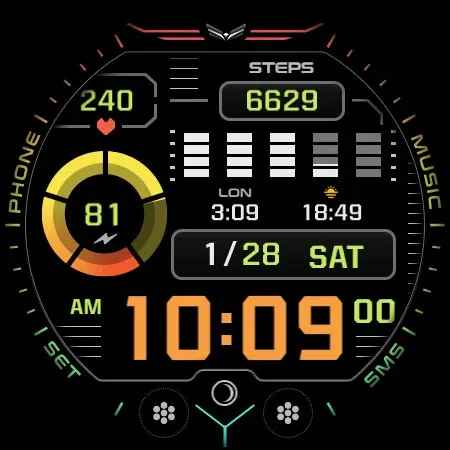
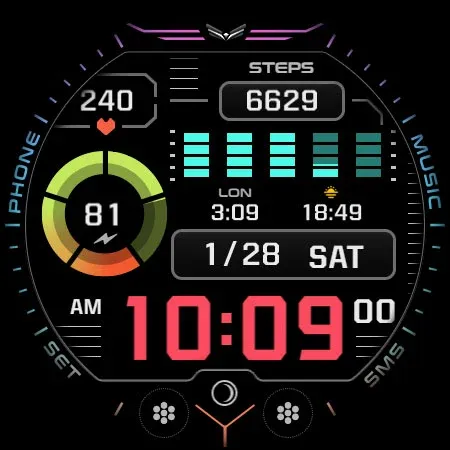
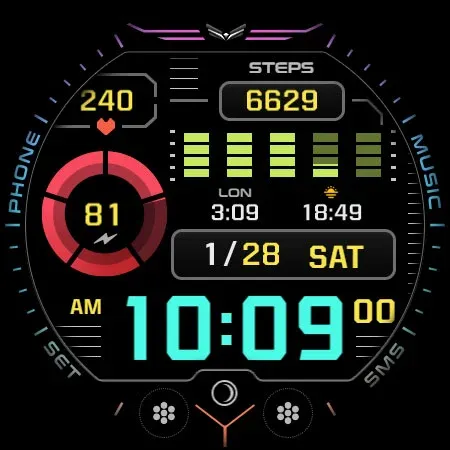
BALLOZI RADIA is a modern, multicolor, futuristic digital watch face for Wear OS. It was first designed in Tizen and now improved on Wear OS. It works great on round smartwatches but is not suitable for rectangular and square watches.
⚠️NOTICE of Device Compatibility:
This is a Wear OS app and is only compatible with smartwatches running Wear OS 5.0 or higher (API level 34+)
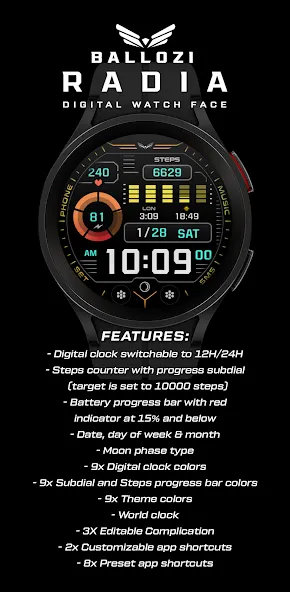
FEATURES:
- Digital clock switchable to 12H/24H
- Steps counter with progress subdial
- Battery progress bar with red
indicator at 15% and below
- Date, day of week & month
- Multilanguage on the DOW
- Moon phase type
- 9x Digital clock colors
- 9x Subdial and Steps progress bar colors
- 9x Theme colors
- World clock
- 3X Editable Complication
- 2x Customizable app shortcuts
- 8x Preset app shortcuts
CUSTOMIZATION:
1. Press and hold “Display” and then hit “Customize.”
2. Swipe left and right to choose what to customize.
3. Swipe up and down to choose options available.
4. Hit “OK.”
PRESET APP SHORTCUTS:
1. Battery Status
2. Calendar
3. Alarm
4. Phone
5. Music player
6. Settings
7. Messages
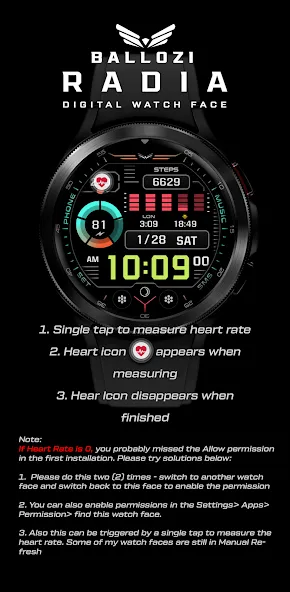
8. Heart rate
CUSTOMIZABLE APP SHORTCUTS
1. Press & hold display then Customize
3. Find Complication, and single tap to set the preferred app in the shortcuts.
Check out Ballozi’s updates at:
Telegram group: https://t.me/Ballozi_Watch_Faces
Facebook page: https://www.facebook.com/ballozi.watchfaces/
Instagram: https://www.instagram.com/ballozi.watchfaces/
Youtube Channel: https://www.youtube.com/@BalloziWatchFaces
Pinterest: https://www.pinterest.ph/ballozi/
For support and requests, you can email me at [email protected]
Advertisement