 Ballozi VERO 2 Hybrid Analog
4.7

Personalization
Ratings
Downloads
Age
Advertisement
Advertisement
Name
Category
Price
Safety
Developer
Version
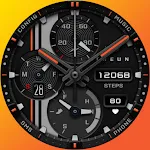
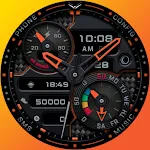
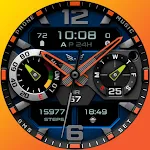
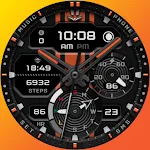
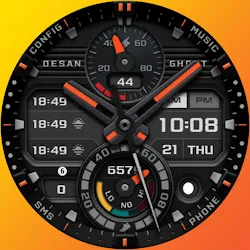
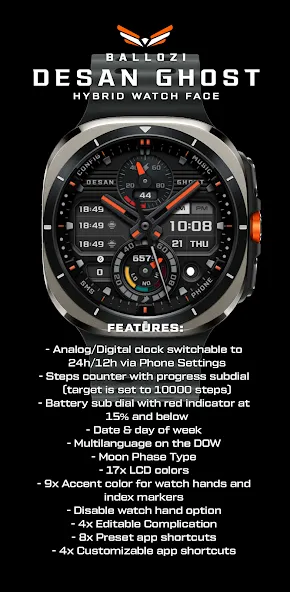
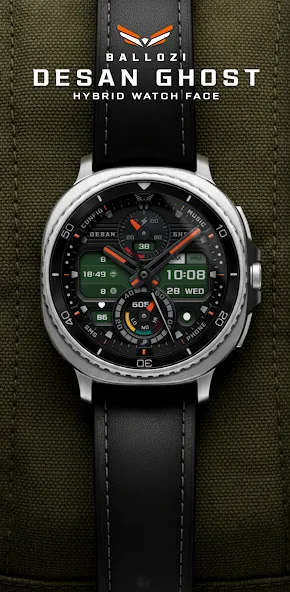
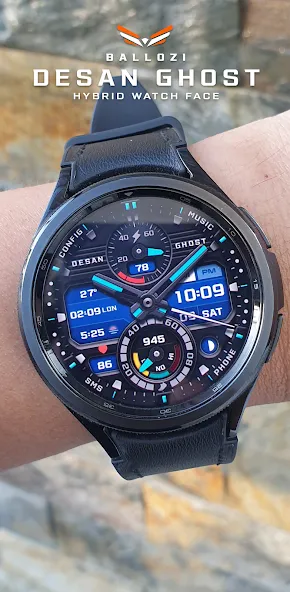
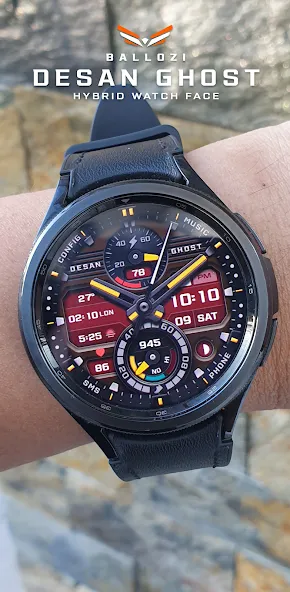
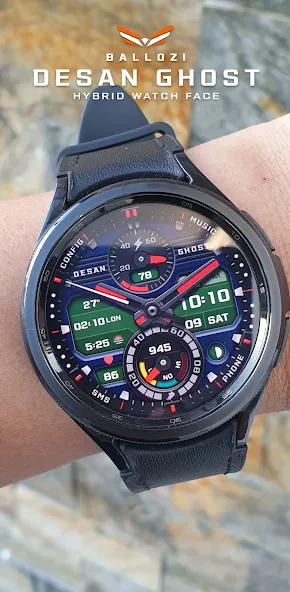
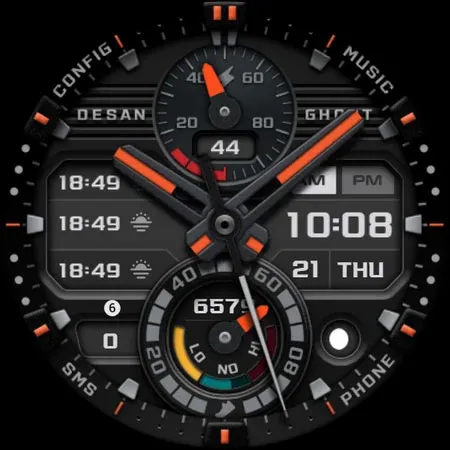
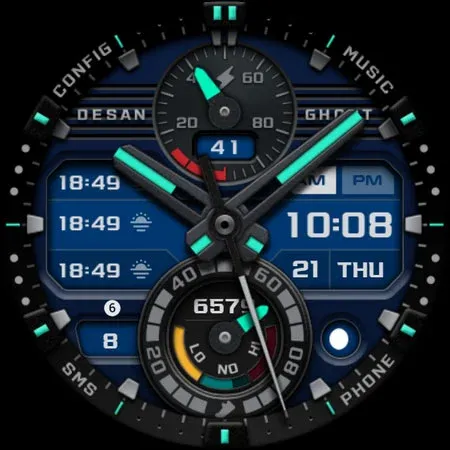
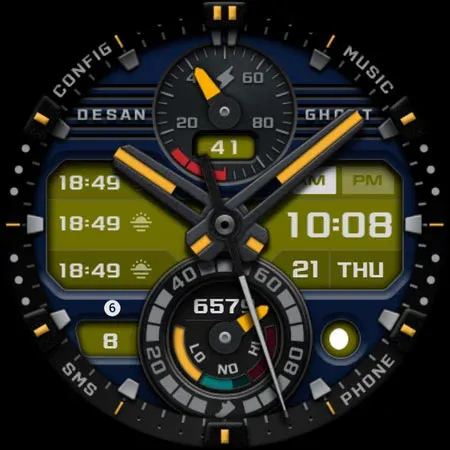
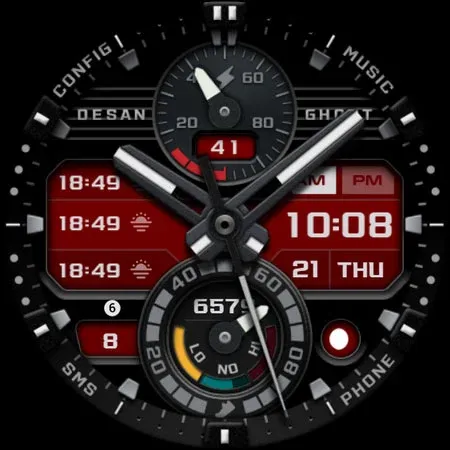
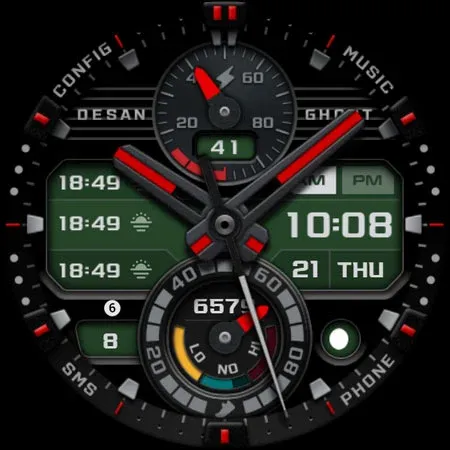
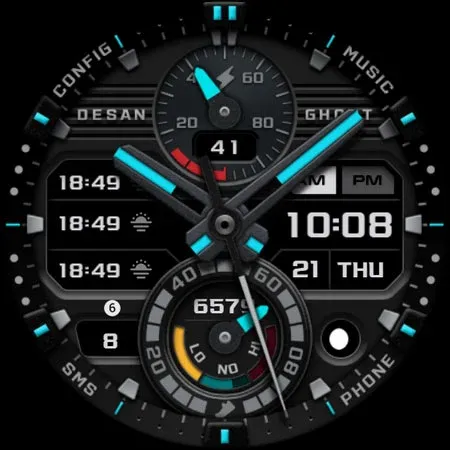
BALLOZI DESAN GHOST is a modern analog watch face for Wear OS. This is another version of Ballozi Desan from Tizen. Works great on round smartwatches but not suitable for rectangular and square watches.
FEATURES:
- Analog/Digital clock switchable to
24h/12h via Phone Settings
- Steps counter with progress subdial (target is set to 10000 steps)
- Battery sub dial with red indicator at
15% and below
- Date & day of week
- Multilanguage on the DOW
- Moon Phase Type
- 17x LCD colors
- 9x accent colors for watch hands and index markers
- Disable watch hand option
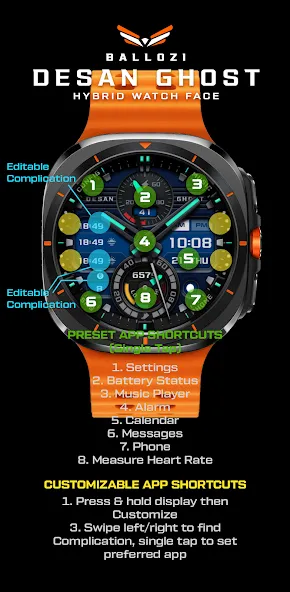
- 4x Editable Complication
- 8x Preset app shortcuts
- 4x Customizable app shortcuts
PRESET APP SHORTCUTS:
1. Settings
2. Battery Status
3. Music Player
4. Alarm
5. Calendar
6. Messages
7. Phone
8. Measure Heart Rate
CUSTOMIZATION:
1. Press and hold “Display” then hit “Customize.”
2. Swipe left and right to choose what to customize.
3. Swipe up and down to choose options available.
4. Hit “OK.”
CUSTOMIZABLE APP SHORTCUTS
1. Press & hold display then Customize
3. Find Complication, and single tap to set the preferred app in the shortcuts.
Check out Ballozi’s updates at:
Facebook page: https://www.facebook.com/ballozi.watchfaces/
Instagram: https://www.instagram.com/ballozi.watchfaces/
Youtube Channel: https://www.youtube.com/channel/UCkY2oGwe1Ava5J5ruuIoQAg
Pinterest: https://www.pinterest.ph/ballozi/
For support, you can email me at [email protected]
Advertisement