 UsA Lollipop Tiles - USA138
0.0

Weather
Ratings
Downloads
Age
Advertisement
Advertisement
Name
Category
Price
Safety
Developer
Version
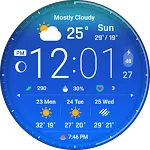
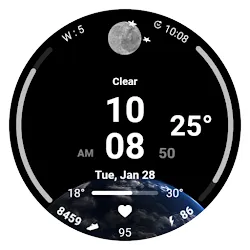
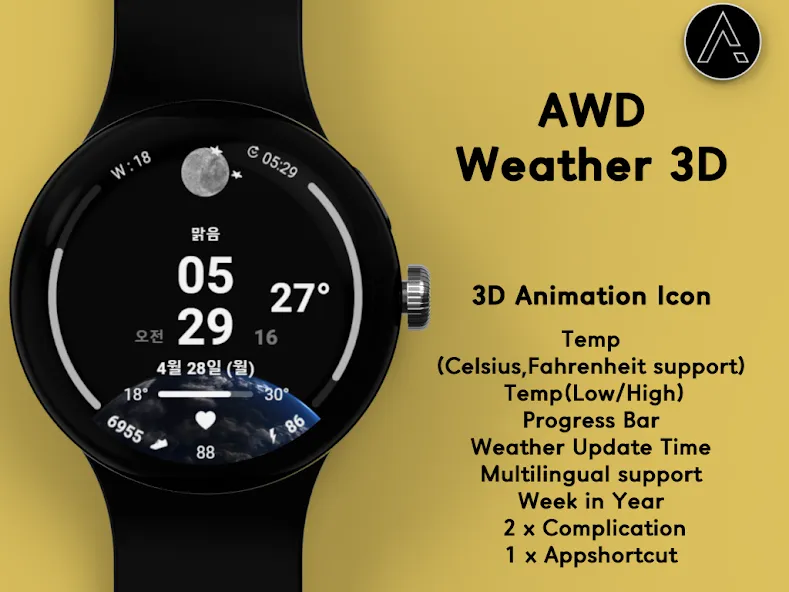
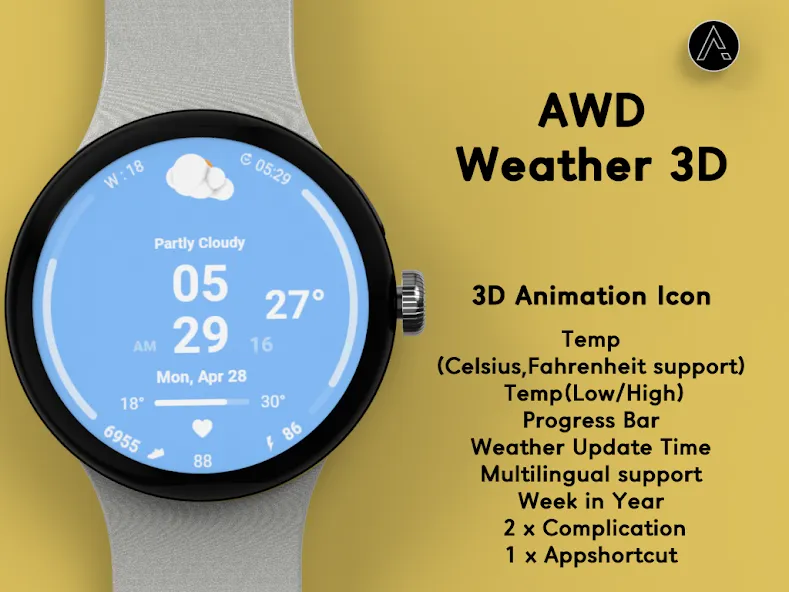
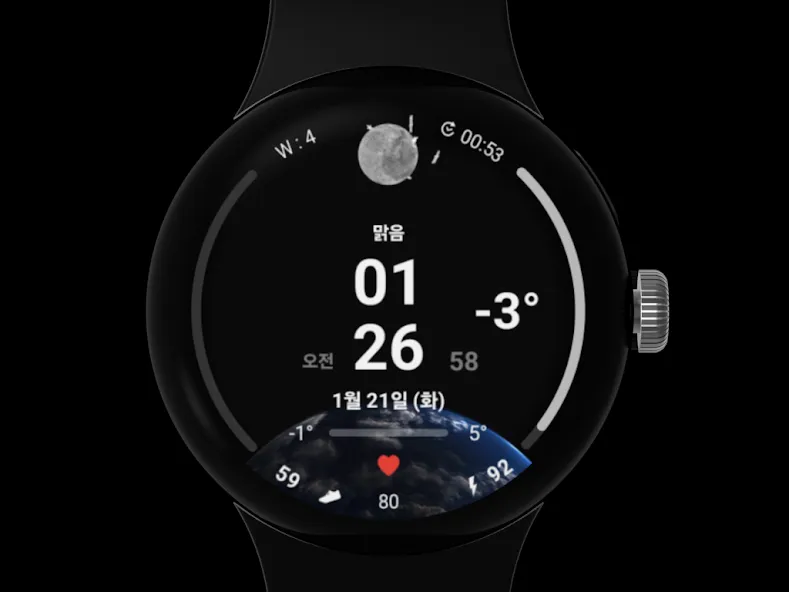
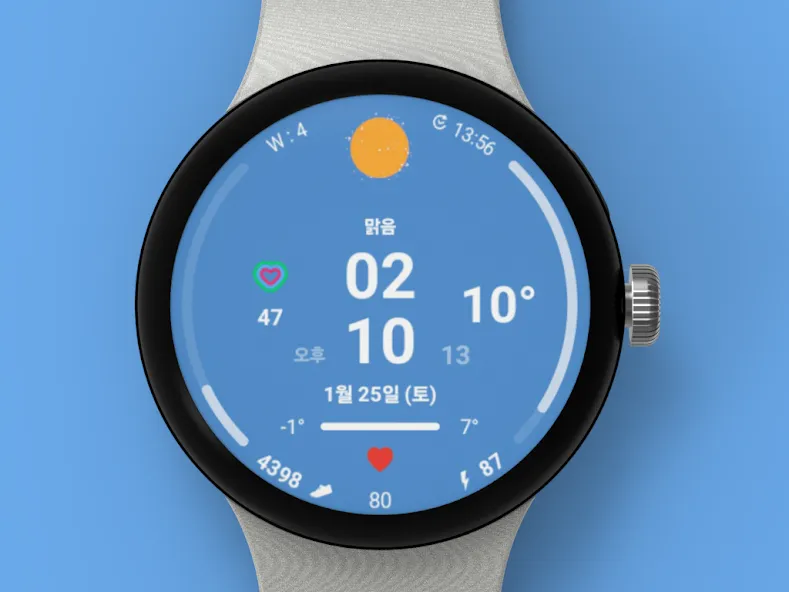
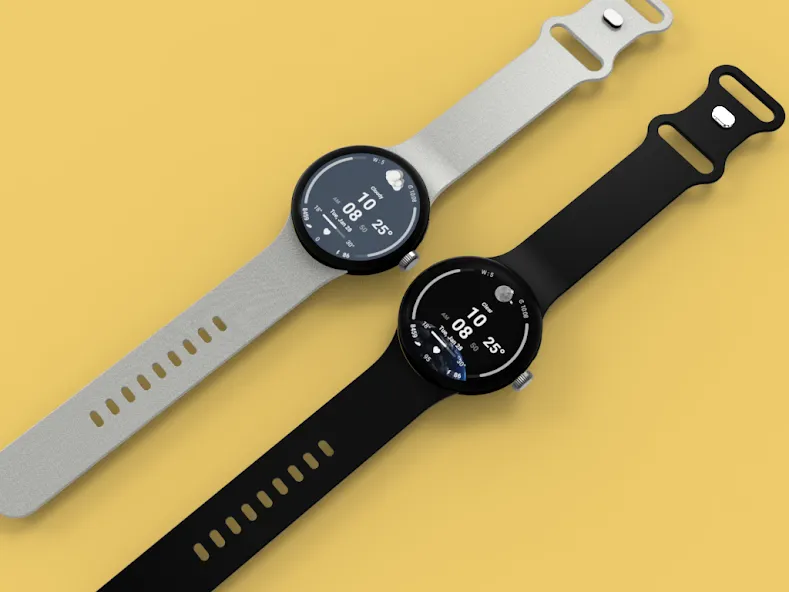
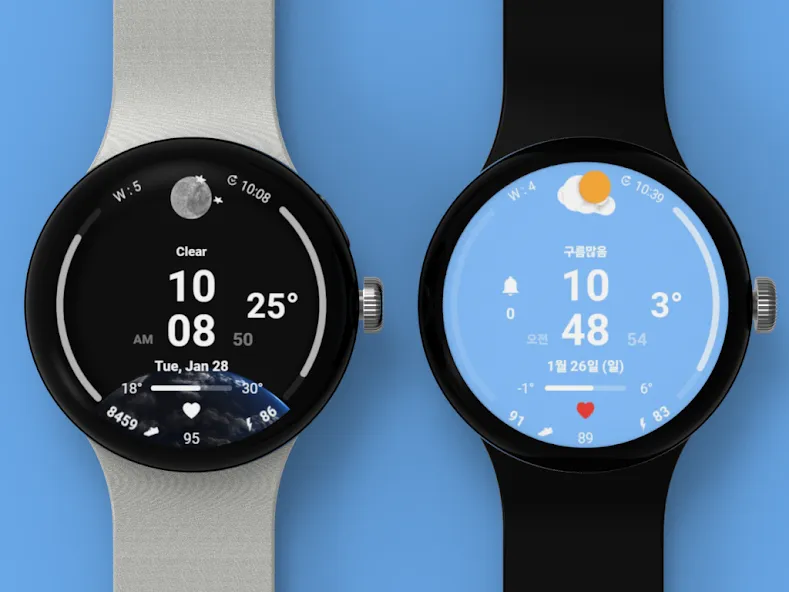
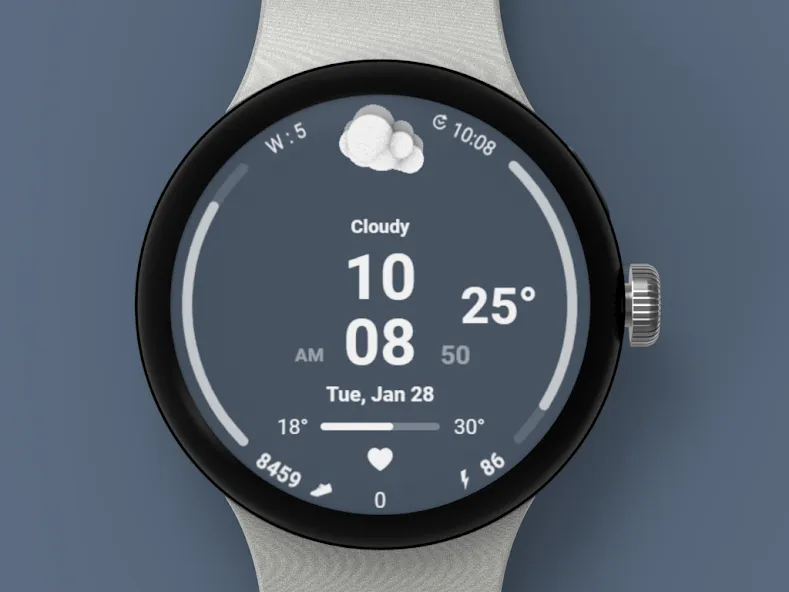
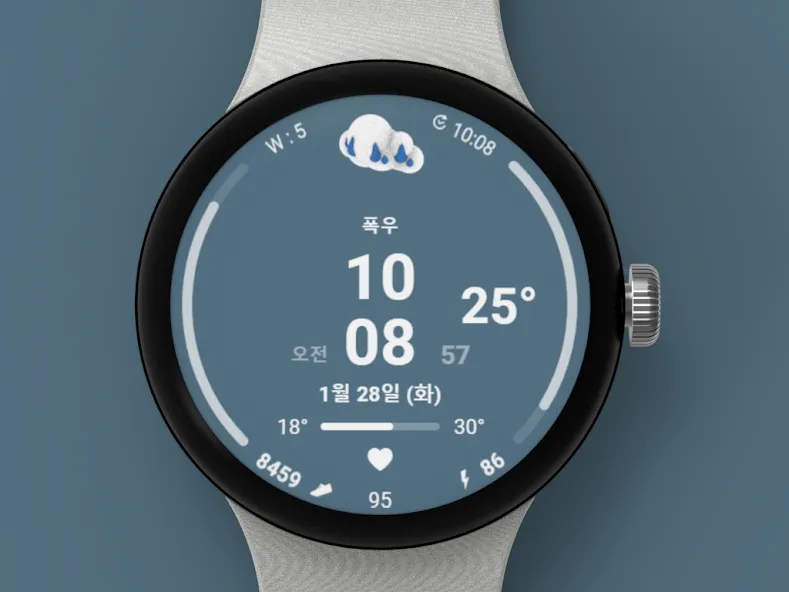
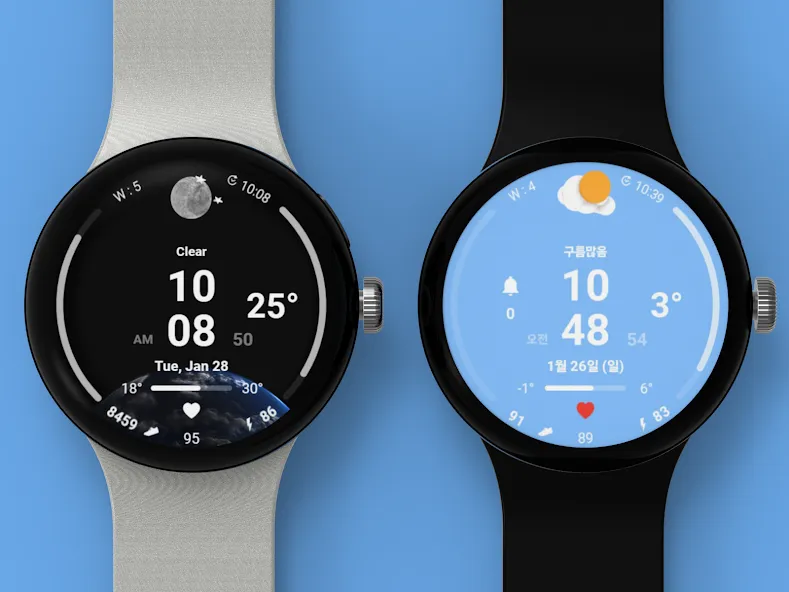
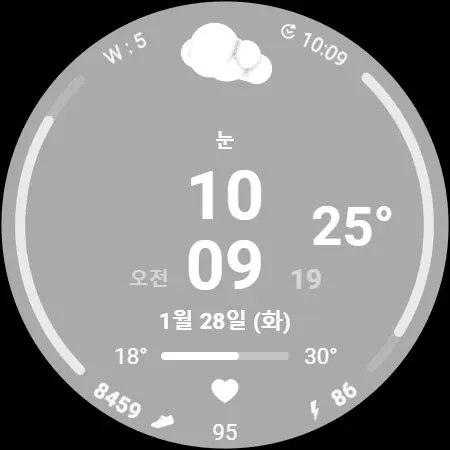
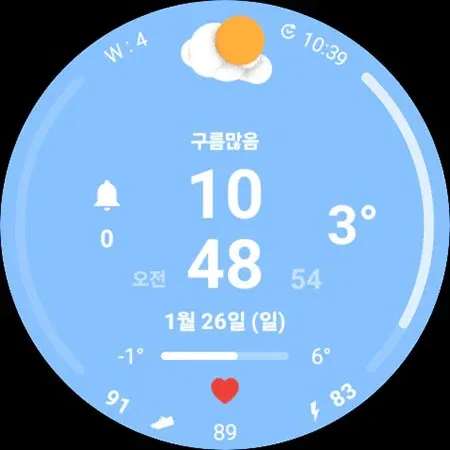
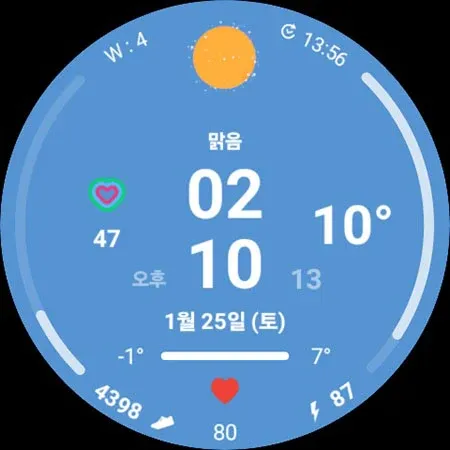
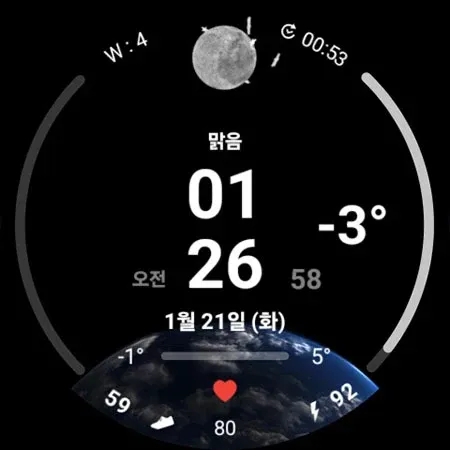
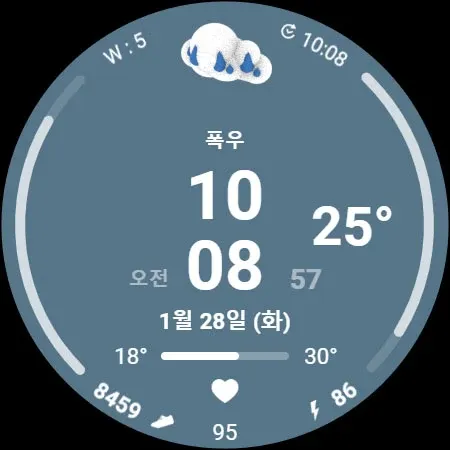
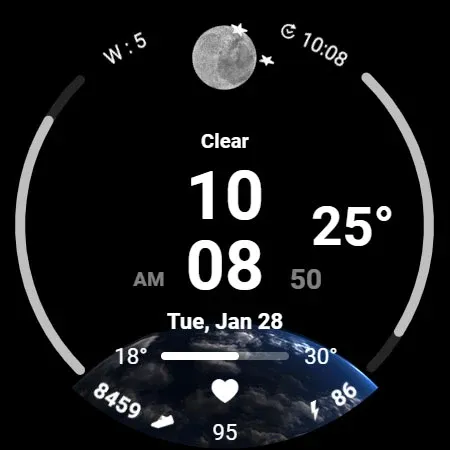
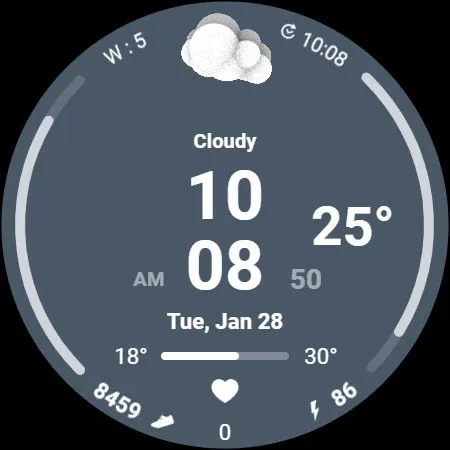
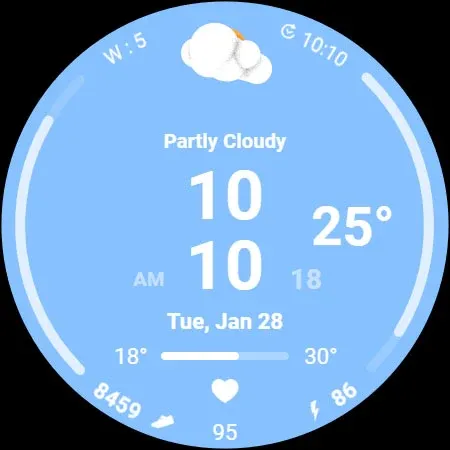
Digital watch face with animated weather icons.
+++ Wear OS 5 and later devices
(Samsung Galaxy Watch 4, 5, 6, 7, Ultra, Pixel Watch with OneUI 6.0 applied)
* 3D animation Weather icon *
Function
- Temperature (Celsius, Fahrenheit support)
- Pastel Color Image
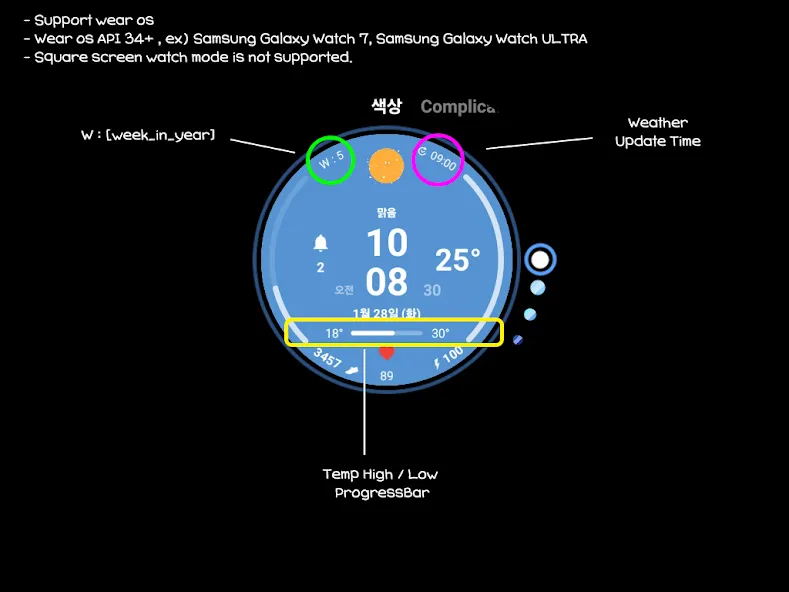
- Temp(Low/High) ProgressBar
- Multilingual support
- 12h/24h Digital Time
- Week_in_Year
- Last UpdateTime (Weather)
- Step Count
- Battery Percent
(The weather is automatically updated about every 30 minutes. Manual update method: Access the weather or UV complication and press the update button at the bottom.)
When you restart the watch, weather information may not be displayed.
In this case, apply the default watch face and then reapply the weather watch face.
Weather information is displayed normally.
Weather information is based on the API provided by Samsung.
There may be differences from other companies’ weather information.
Customizing
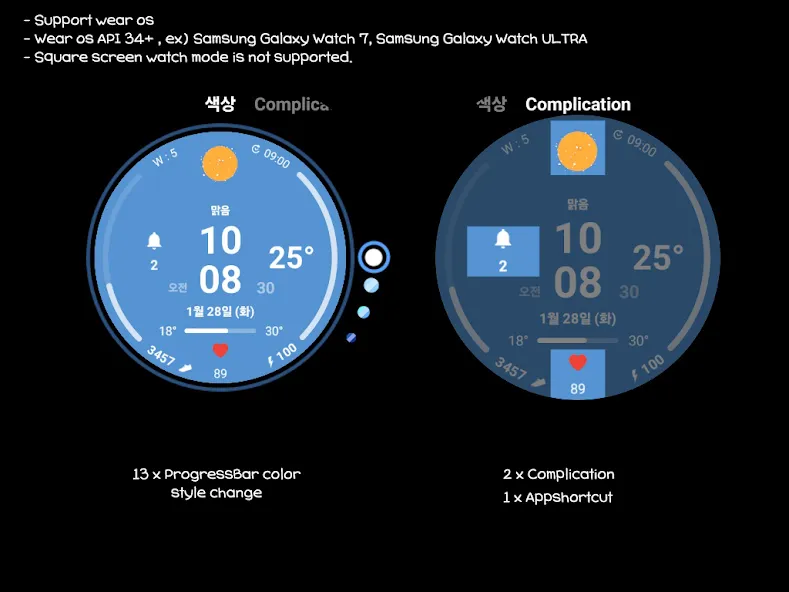
- 13 x ProgressBar Color Style
- 1 x Appshortcut
- 2 x Complication
- Support wear OS
- Wear OS API 34+
- Square screen watch mode is not supported.
- Always On Display
Installation Guide
The mobile app is a guide app for installing the watch face.
Once the watch screen is installed properly, you can delete the mobile app.
1. The watch and mobile phone must be connected via Bluetooth.
2. Press the “Click” button on the mobile guide app.
3. Follow the watch faces to install the watch face in a few minutes.
You can also search for and install watch faces directly from the Google app on your watch.
You can search and install it in your mobile web browser.
Contact us : [email protected]
Advertisement