 Astronomia Mooon
4.2

Personalization
Ratings
Downloads
Age
Advertisement
Advertisement
Name
Category
Price
Safety
Developer
Version
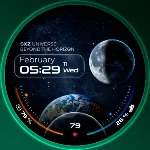
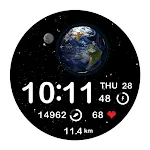
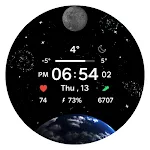
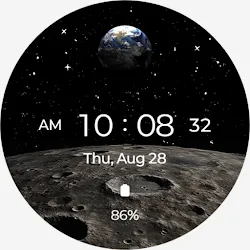
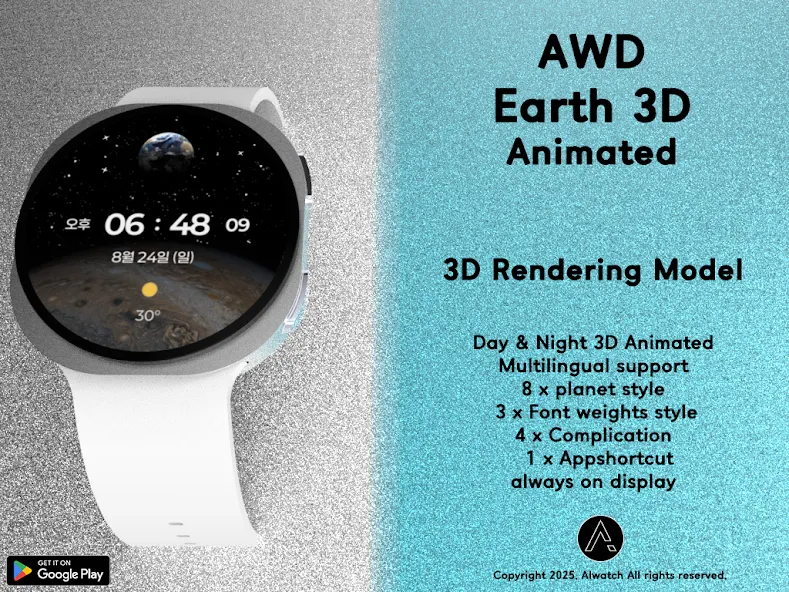
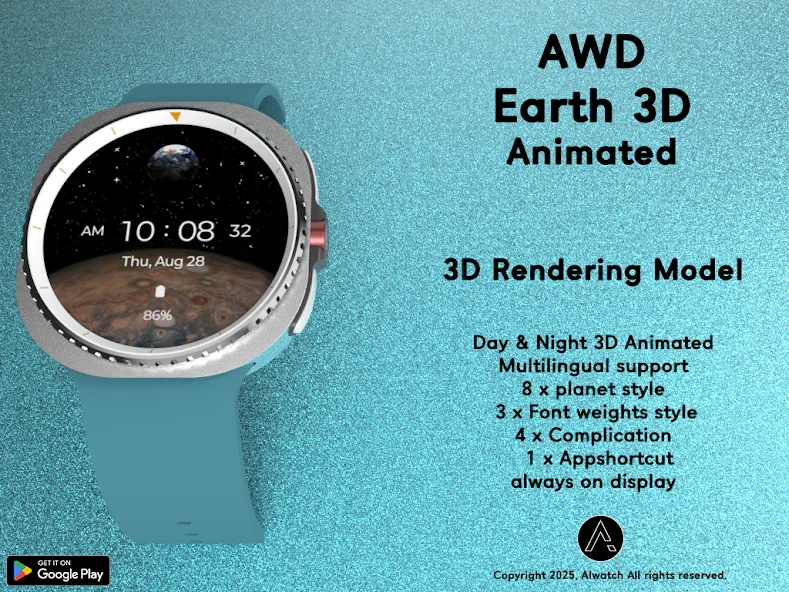
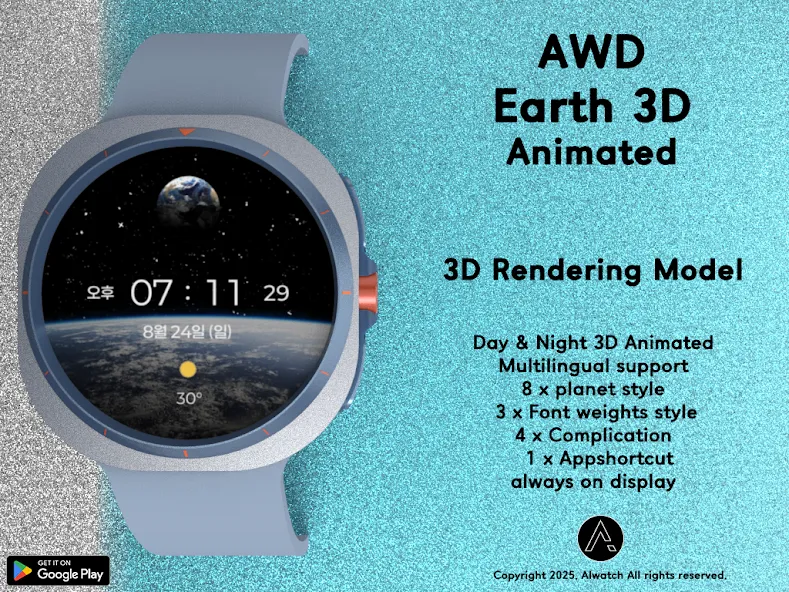
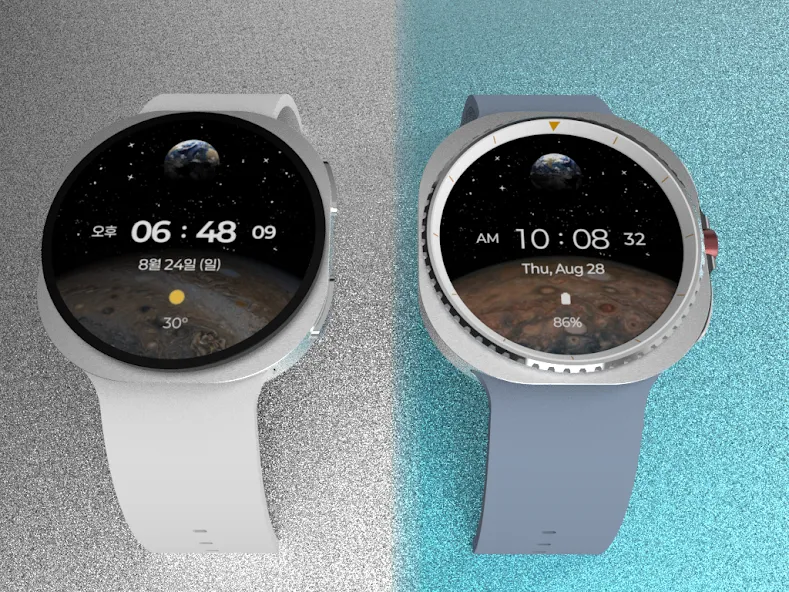
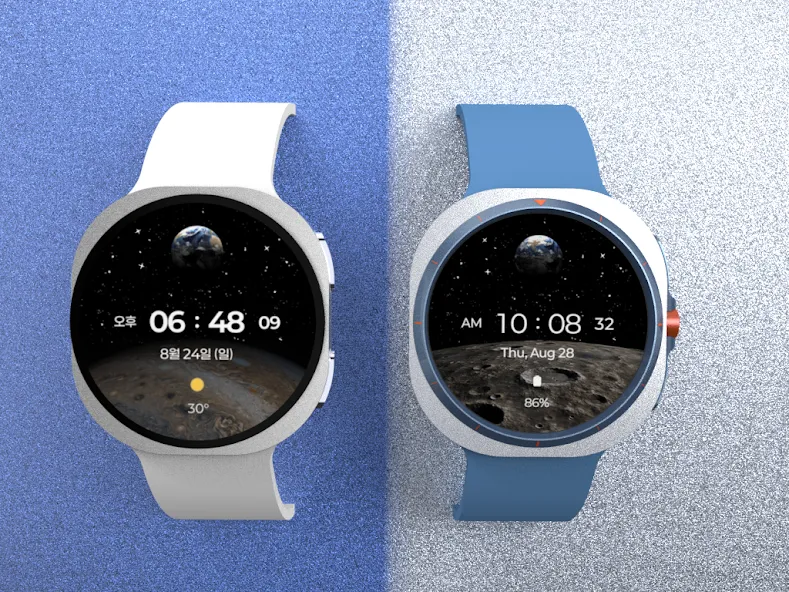
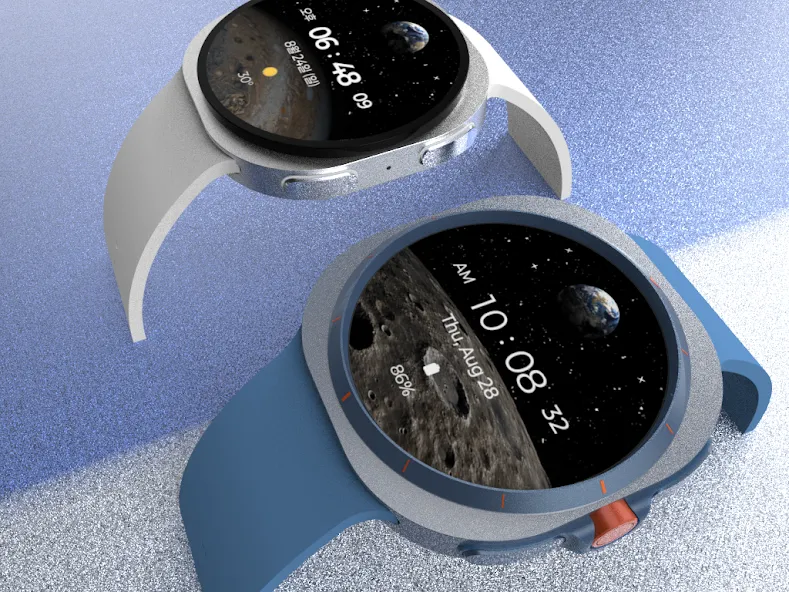
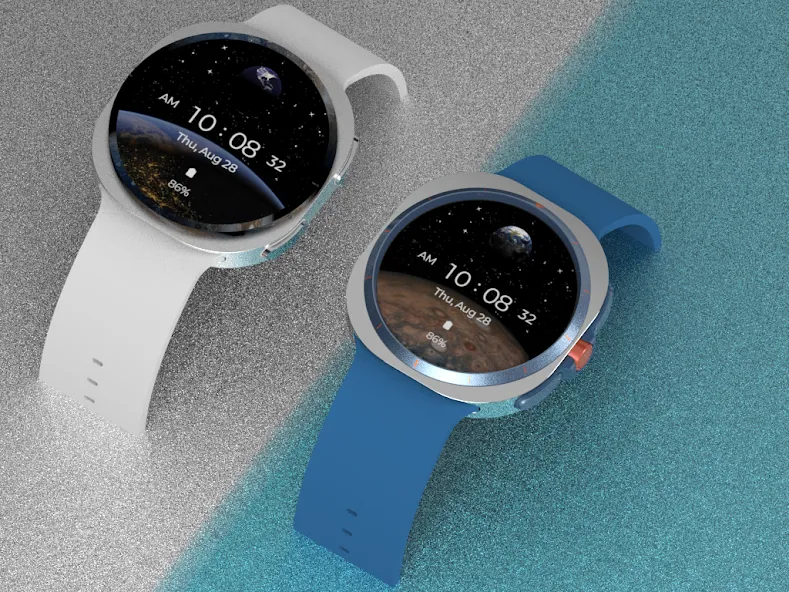
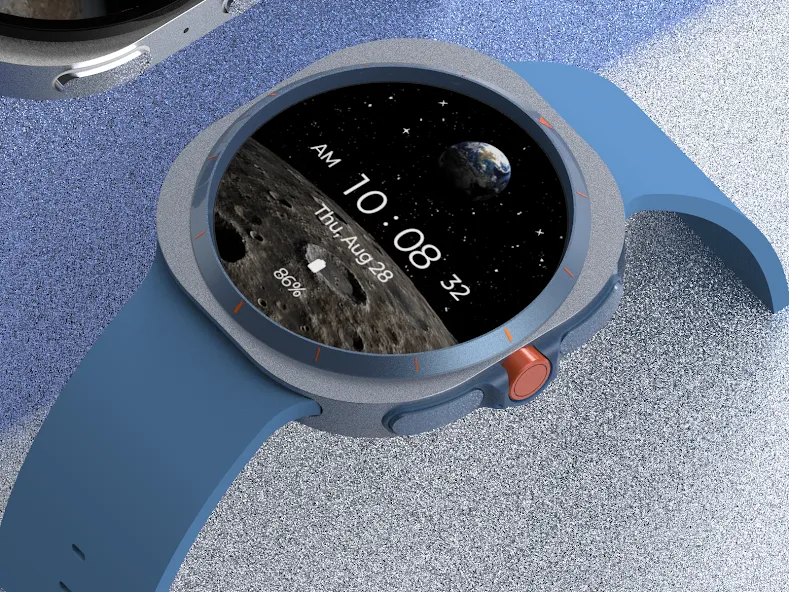
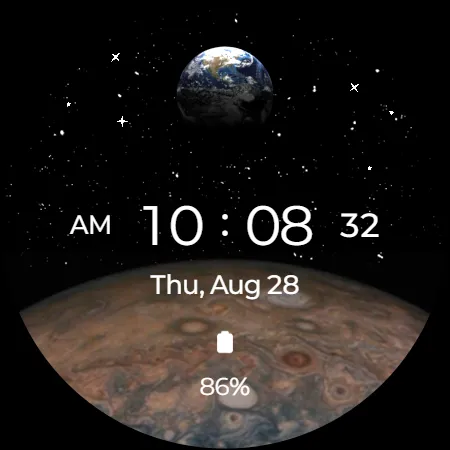
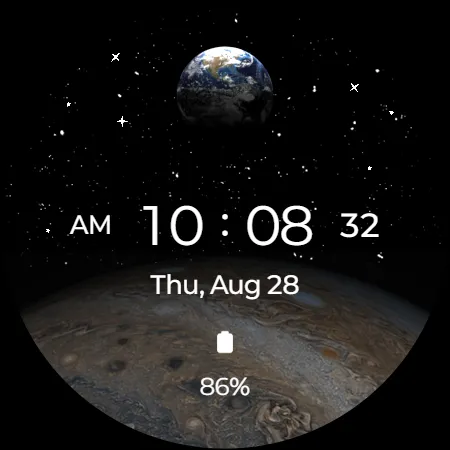
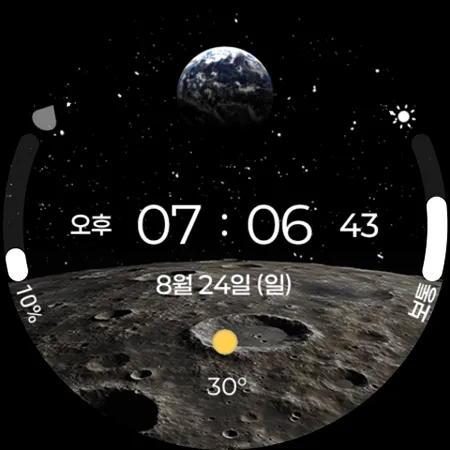
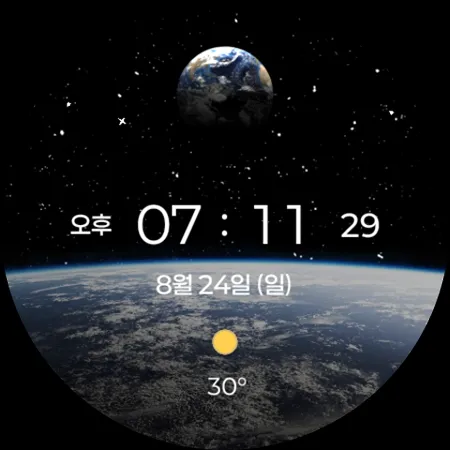
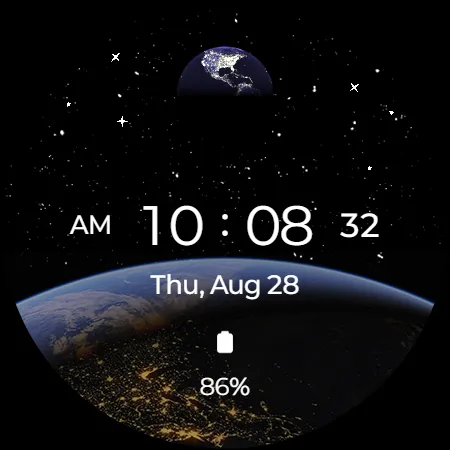
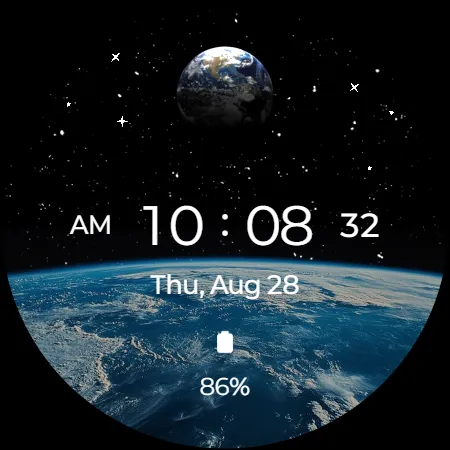
This 3D Earth animation, seen from the planet, will make your watch even more valuable.
It features all the features available on Wear OS devices.
It’s the perfect watch face for those who appreciate beautiful graphic design.
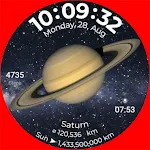
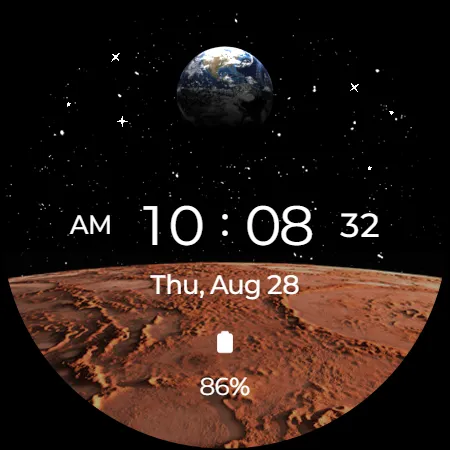
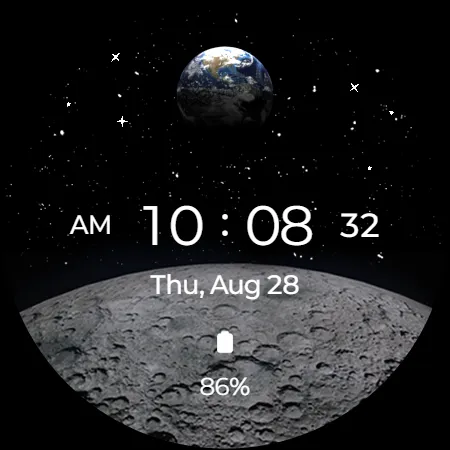
With eight planetary images,
you can customize your watch face with a new one every day.
Function
- 3D Earth Animated (Day & Night)
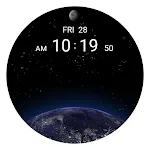
- Star Animated
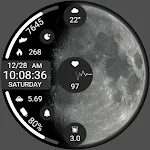
- 8 planet image
- Multilingual support
Customizing
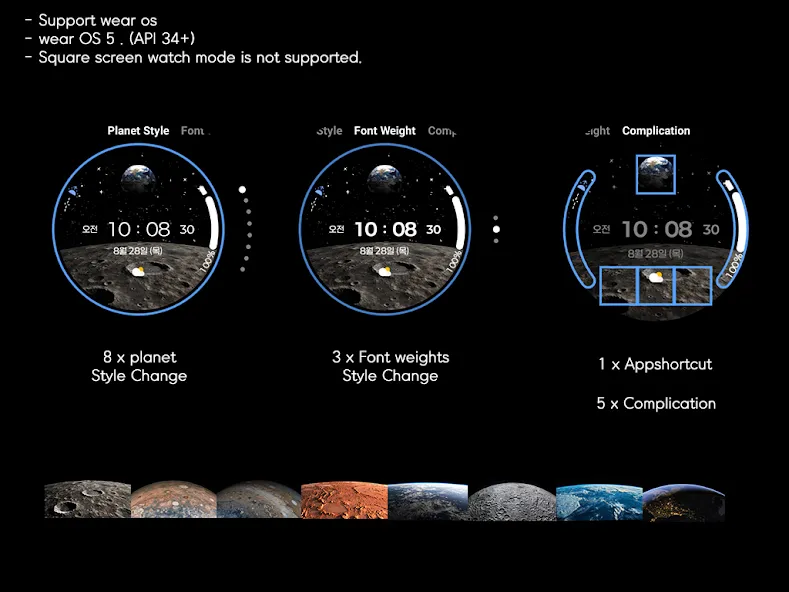
- 8 x planet Style Change
- 3 x Font weights Style Change
- 5 x Complication
- 1 x Appshortcut
- Support wear OS
- Square screen watch mode is not supported.
Installation Guide
The mobile app is a guide app for installing the watch face.
Once the watch screen is installed properly, you can delete the mobile app.
1. The watch and mobile phone must be connected via Bluetooth.
2. Press the “Click” button on the mobile guide app.
3. Follow the watch faces to install the watch face in a few minutes.
You can also search for and install watch faces directly from the Google app on your watch.
You can search and install it in your mobile web browser.
Contact us : [email protected]
Advertisement