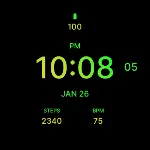
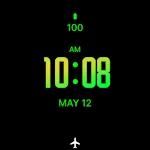
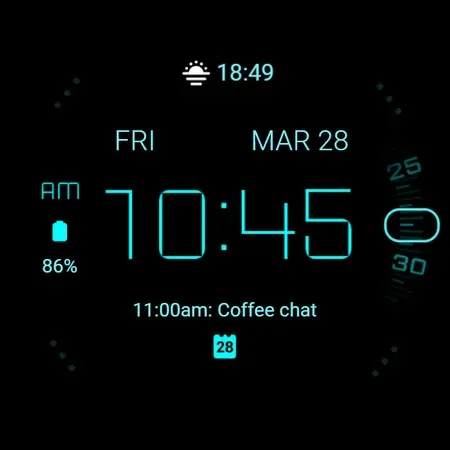
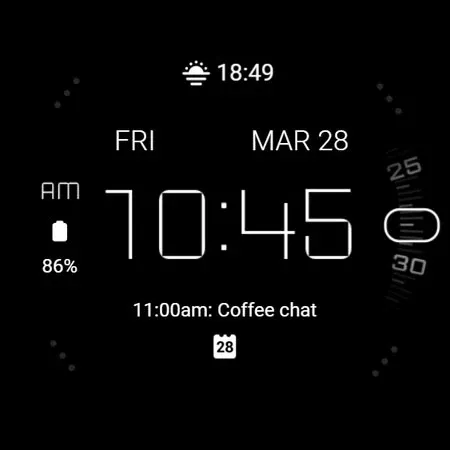
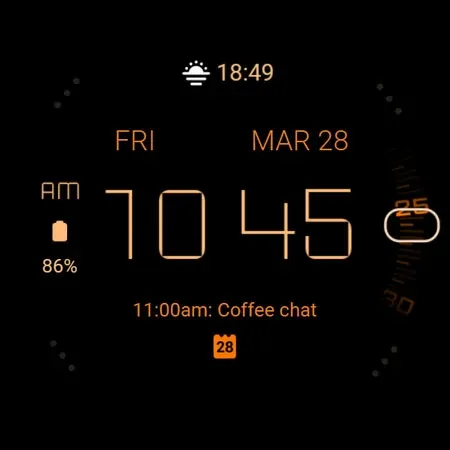
 Mango Modern Watch Face
0.0

Personalization
Ratings
Downloads
Age
Advertisement
Advertisement
Name
Category
Price
Safety
Developer
Version
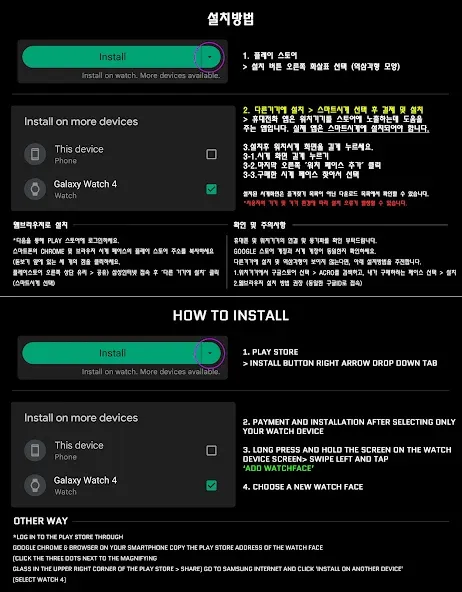
*How to install
Purchase and install the Play Store app on your smartphone (touch the right arrow to install on your watch device).
> Check the connection between the watch body and the phone.
How to install WearOS watch mode can be found in a helpful video provided by Samsung developers at (https://youtu.be/vMM4Q2-rqoM)
Find installed watchfaces
1. Press and hold the watch face > 2. Click the Decorate button > 3. Click the last right ‘Add Watch Face’ > Confirm the purchased watch face
*Installed watchfaces can be found in the Downloads list, not in the Favorites list.
*Installation using web browser
Copy the Play Store address of the watch face (Click the 3 dots next to the magnifying glass at the top right of the Play Store > Share)
Go to Samsung Internet and click ‘Install on another device’ > select watch device
How to set up Customize
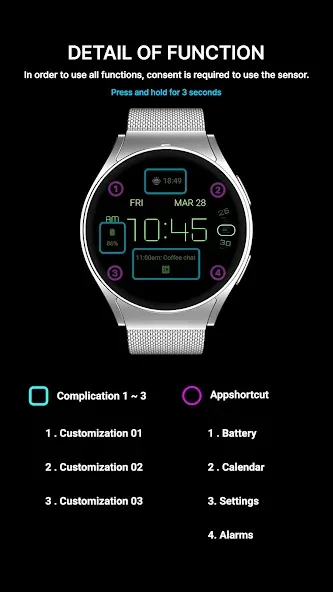
Press and hold the watch face > 2. Click the Decorate button > 3. Tap each complication area to set the corresponding information > 4. Click OK
- The watch face screen shot of the smartphone app may differ from the actual downloaded watch face screen shot.
- A consent to use the sensor is required to use all functions.
- Some features may not be available on all watches.
- If the Play Store app is not compatible, install it using the web browser on your PC/laptop in addition to the app on your phone.
This watch face supports Wear OS devices.
Discover new watch faces in the ACRO Store
https://play.google.com/store/apps/dev?id=7728319687716467388
For inquiries about the app, please contact us by email below.
Mail: [email protected]
Advertisement