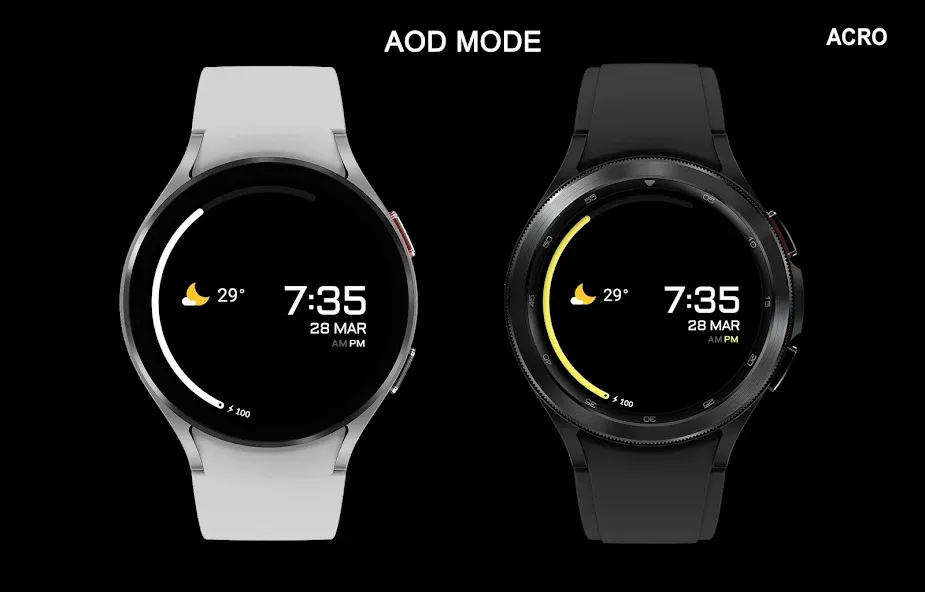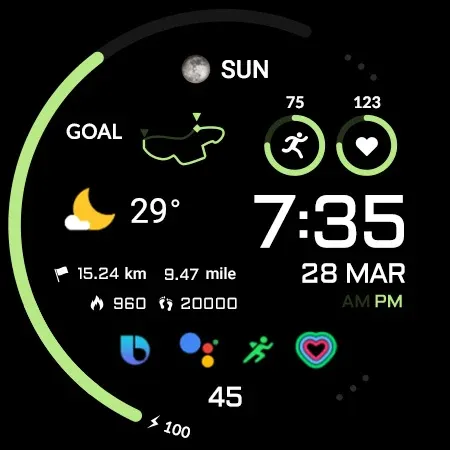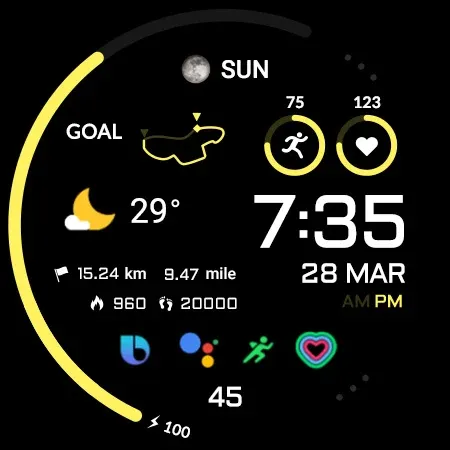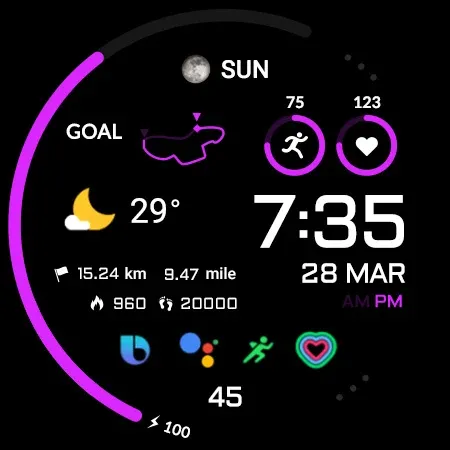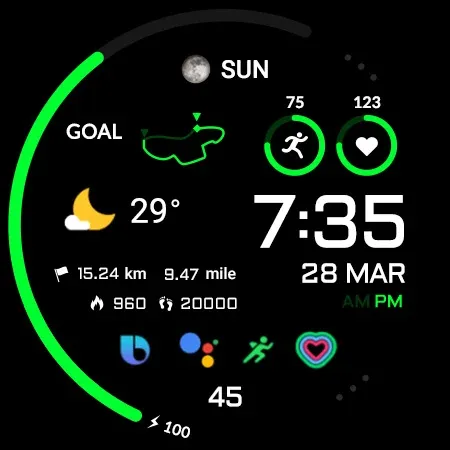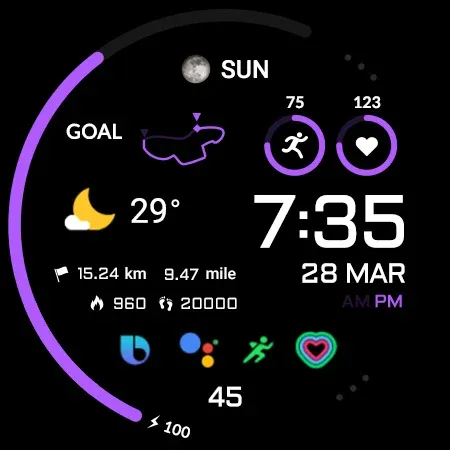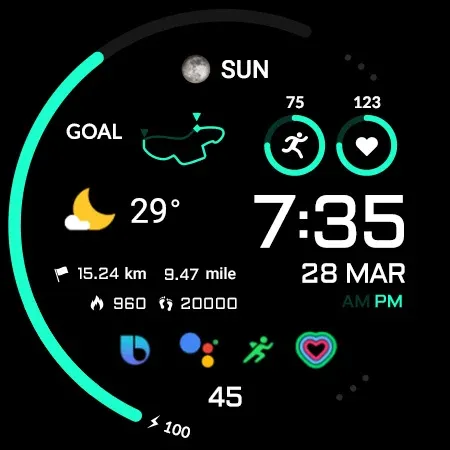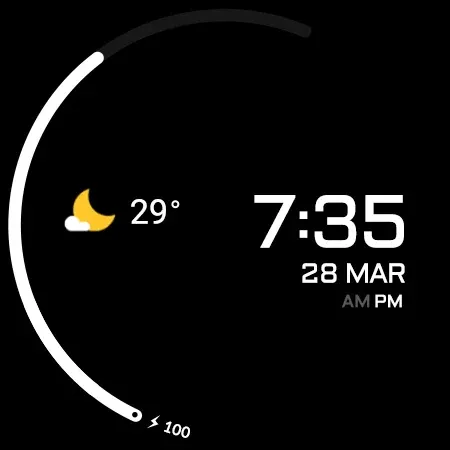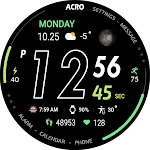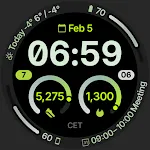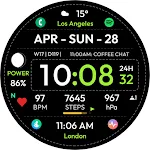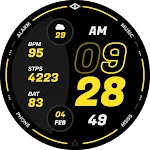
ACRO Hive One Watchface icon

ACRO Hive One Watchface

Personalization

4.2

Ratings

2.2K

Downloads

3+

Age

DOWNLOAD

Advertisement

Screenshots

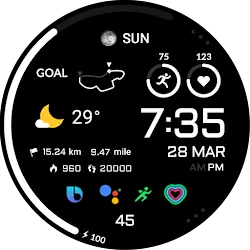
ACRO Hive One Watchface screenshot 1
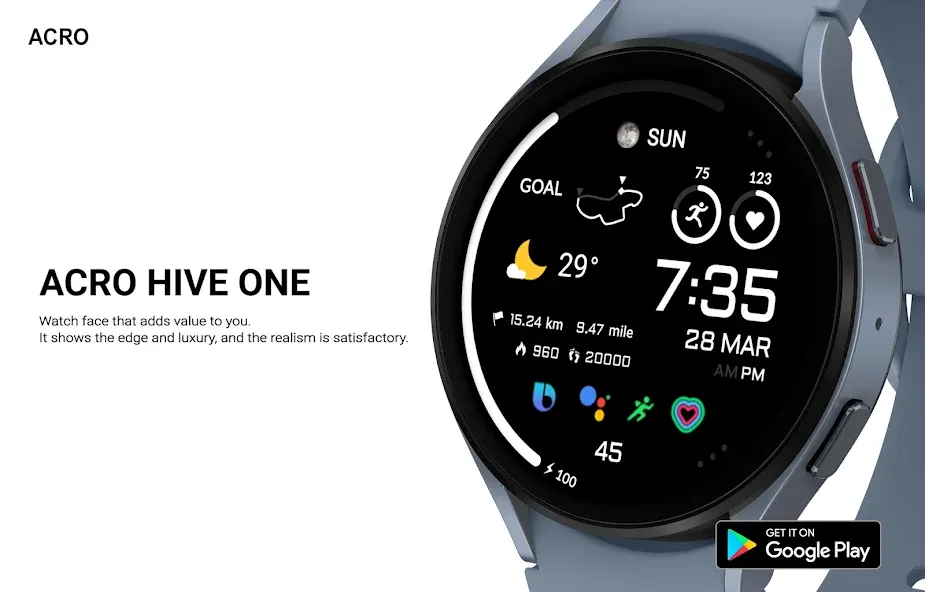
ACRO Hive One Watchface screenshot 2
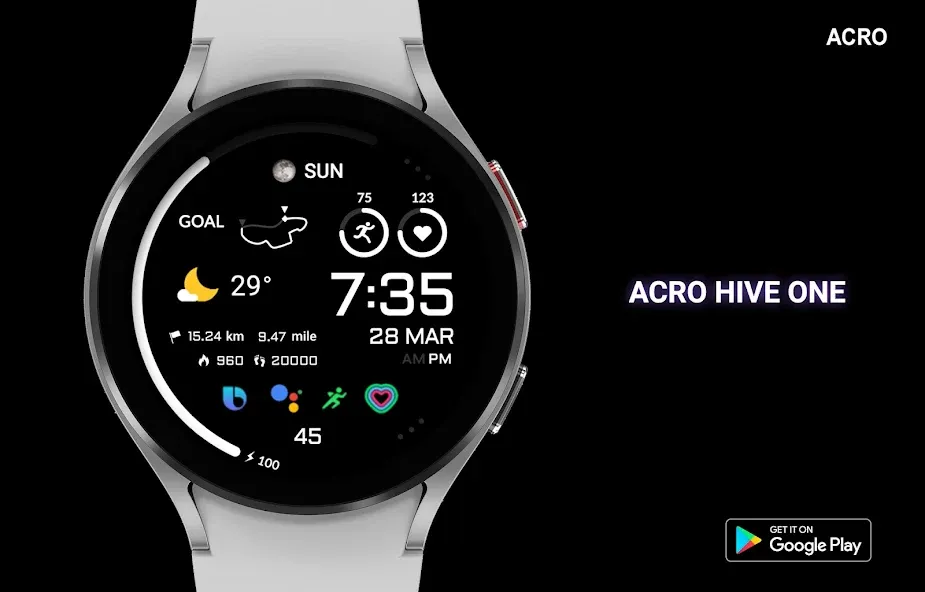
ACRO Hive One Watchface screenshot 3
ACRO Hive One Watchface screenshot 4
ACRO Hive One Watchface screenshot 5
ACRO Hive One Watchface screenshot 6
ACRO Hive One Watchface screenshot 7
ACRO Hive One Watchface screenshot 8
ACRO Hive One Watchface screenshot 9
ACRO Hive One Watchface screenshot 10
ACRO Hive One Watchface screenshot 11
ACRO Hive One Watchface screenshot 12
ACRO Hive One Watchface screenshot 13
ACRO Hive One Watchface screenshot 14
ACRO Hive One Watchface screenshot 15
ACRO Hive One Watchface screenshot 16
ACRO Hive One Watchface screenshot 17
ACRO Hive One Watchface screenshot 18
ACRO Hive One Watchface screenshot 19
ACRO Hive One Watchface screenshot 20
ACRO Hive One Watchface screenshot 21
ACRO Hive One Watchface screenshot 22
ACRO Hive One Watchface screenshot 23
ACRO Hive One Watchface screenshot 24
ACRO Hive One Watchface screenshot 25
ACRO Hive One Watchface screenshot 26
ACRO Hive One Watchface screenshot 27
ACRO Hive One Watchface screenshot 28
ACRO Hive One Watchface screenshot 29
ACRO Hive One Watchface screenshot 30
ACRO Hive One Watchface screenshot 31
See all →
Compact Watch Face iconCompact Watch Face
0.0

Advertisement

About this app

Name

ACRO Hive One Watchface

Category

Personalization

Price

Free

Safety

100% Safe

Developer

ACROWatch

Version

Varies with device

Description

Watchface that supports Wear 2.0

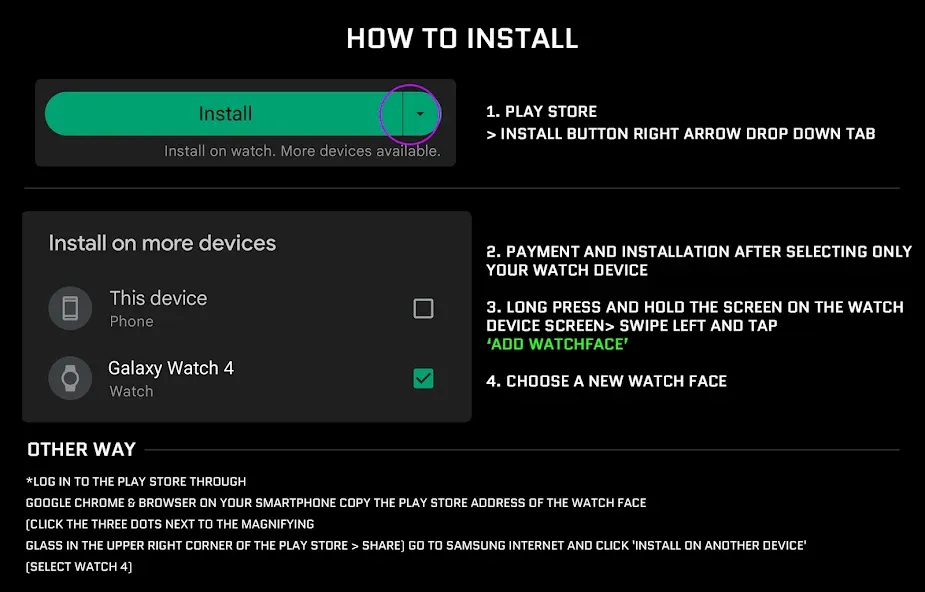
*How to install
Play Store app on smartphone > Payment and installation
Launch the Play Store app on your watch > Apps on your phone > Applicable watch face > Install

*Resolved to be installed display
Copy the play store address of the watch face (click the three dots next to the magnifying glass in the upper right corner of the play store > share)
Go to Samsung Internet and click ‘Install on another device’ > select watch 4

- In order to use all functions, consent to use the sensor is required.
- Some features may not be available on all watches.
- If the Play Store app is shown as incompatible, please install it using a web web browser on your PC/laptop in addition to the app on your phone.
- this watchface supports wear os devices.

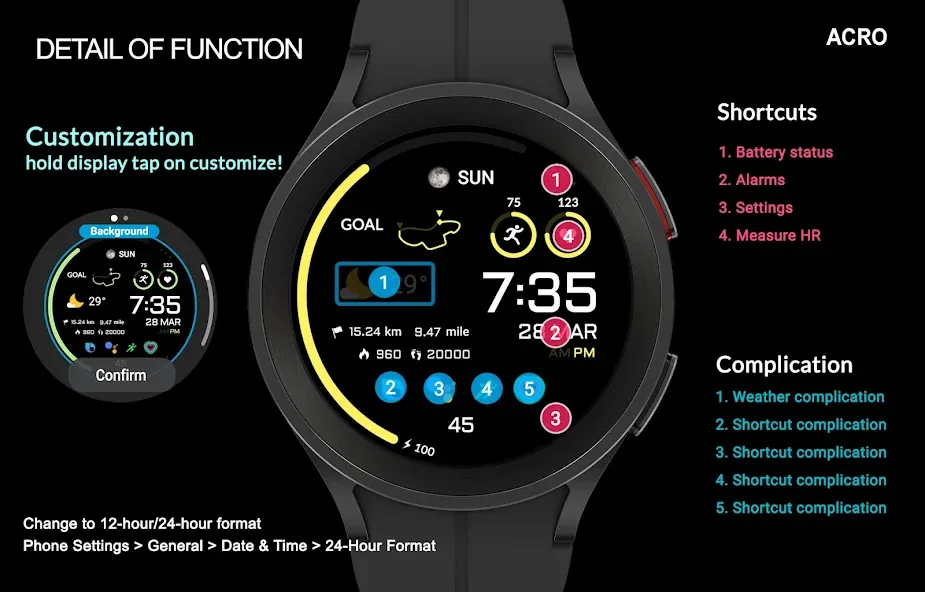
How to set up Customize
1. Press and hold the watch face > 2. Click the Decorate button > 3. Tap each complication area to set the corresponding information > 4. Click OK

Discover the new watch face in the ACRO store
https://play.google.com/store/apps/dev?id=7728319687716467388

For inquiries about the app, please contact us at the email below.
Mail : [email protected]

TOP FREE APPS

See all →
Facebook Lite iconFacebook LiteSocial
4.5

TOP FREE GAMES

See all →

Advertisement

Top Downloads

See all →
  1. Files by Google icon
    Files by GoogleTools
    4.5
    GET
  2. 4