Practical Dark Green ZkinWatch icon

Practical Dark Green ZkinWatch

Personalization

0.0

Ratings

100 - 500

Downloads

3+

Age

DOWNLOAD

Advertisement

Screenshots

Practical Dark Green ZkinWatch screenshot 1
Practical Dark Green ZkinWatch screenshot 2
Practical Dark Green ZkinWatch screenshot 3
Practical Dark Green ZkinWatch screenshot 4
Practical Dark Green ZkinWatch screenshot 5
Practical Dark Green ZkinWatch screenshot 6
Practical Dark Green ZkinWatch screenshot 7
Practical Dark Green ZkinWatch screenshot 8
Practical Dark Green ZkinWatch screenshot 9
Practical Dark Green ZkinWatch screenshot 10
Practical Dark Green ZkinWatch screenshot 11
Practical Dark Green ZkinWatch screenshot 12
Practical Dark Green ZkinWatch screenshot 13
Practical Dark Green ZkinWatch screenshot 14
Practical Dark Green ZkinWatch screenshot 15
Practical Dark Green ZkinWatch screenshot 16
Practical Dark Green ZkinWatch screenshot 17
Practical Dark Green ZkinWatch screenshot 18
Practical Dark Green ZkinWatch screenshot 19
Practical Dark Green ZkinWatch screenshot 20
Practical Dark Green ZkinWatch screenshot 21
Practical Dark Green ZkinWatch screenshot 22
Practical Dark Green ZkinWatch screenshot 23
Practical Dark Green ZkinWatch screenshot 24
Practical Dark Green ZkinWatch screenshot 25
Practical Dark Green ZkinWatch screenshot 26
Practical Dark Green ZkinWatch screenshot 27
Practical Dark Green ZkinWatch screenshot 28
Practical Dark Green ZkinWatch screenshot 29
Practical Dark Green ZkinWatch screenshot 30
Practical Dark Green ZkinWatch screenshot 31
Practical Dark Green ZkinWatch screenshot 32
Practical Dark Green ZkinWatch screenshot 33
Practical Dark Green ZkinWatch screenshot 34
Practical Dark Green ZkinWatch screenshot 35
Practical Dark Green ZkinWatch screenshot 36
Practical Dark Green ZkinWatch screenshot 37

Advertisement

About this app

Name

Practical Dark Green ZkinWatch

Category

Personalization

Price

Free

Safety

100% Safe

Developer

ZKin

Version

Varies with device

Description

The Watch supports running on Wear OS
Hope you leave a positive review for this watch!

【Buy one get one】Please send the following content to my email: [email protected]
[Order ID: GPA.××××-××××-××××-×××××
Name of the complimentary Watch:××]
I will send you free coupons within a week.

🏠Other my works here:
https://play.google.com/store/apps/dev?id=9082617204511160070
🎁Add Telegram group to obtain remaining coupons :
https://t.me/zkinwatch
⌚️Instagram :
https://www.instagram.com/zkinwatchfaces?igsh=OHNuOHExbGliYWtm
⌚️Facebook :
https://www.facebook.com/share/1YFxgRMiqf/

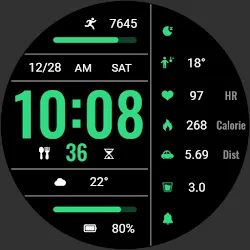
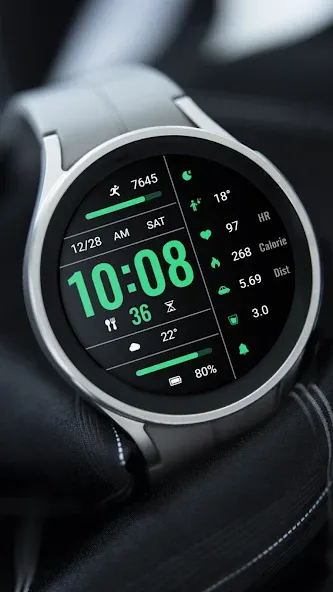
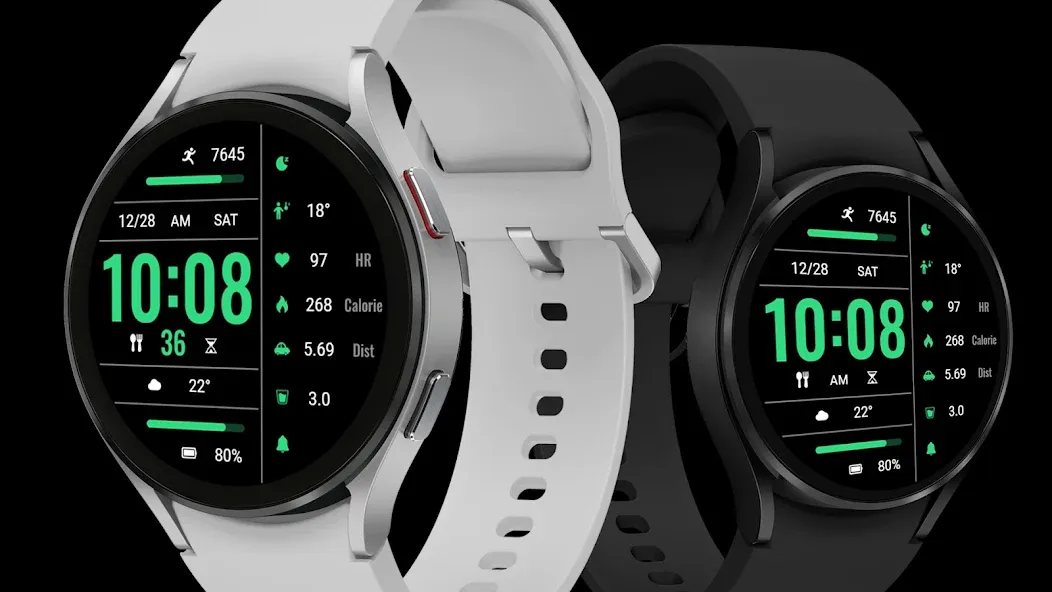
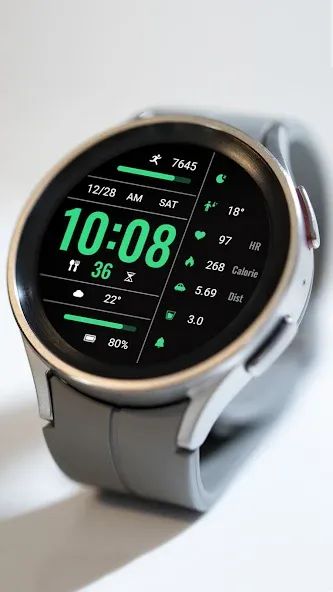
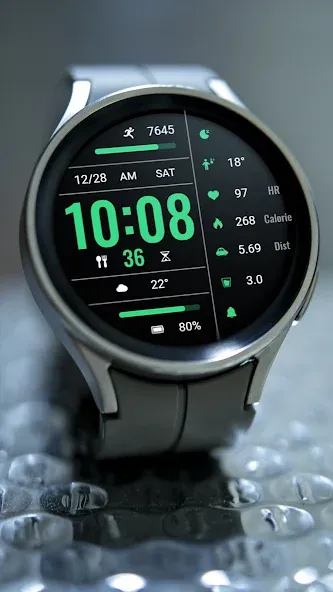
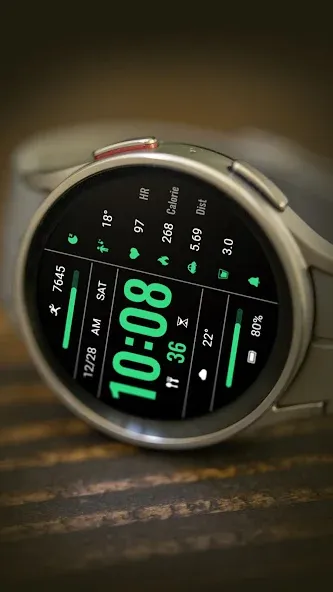
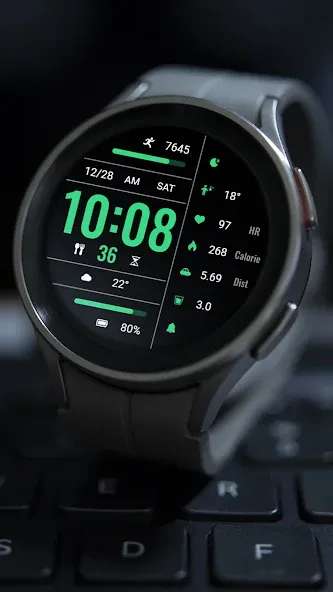
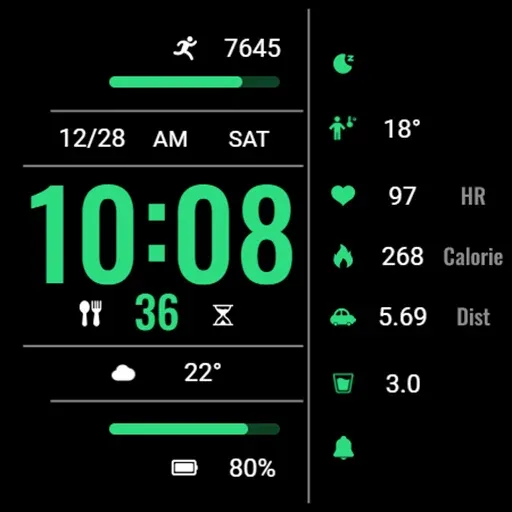
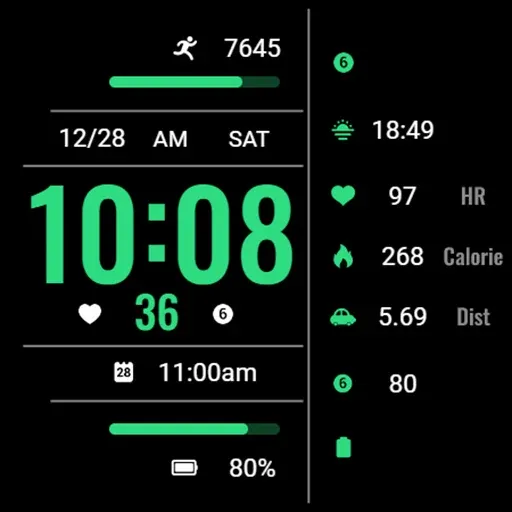
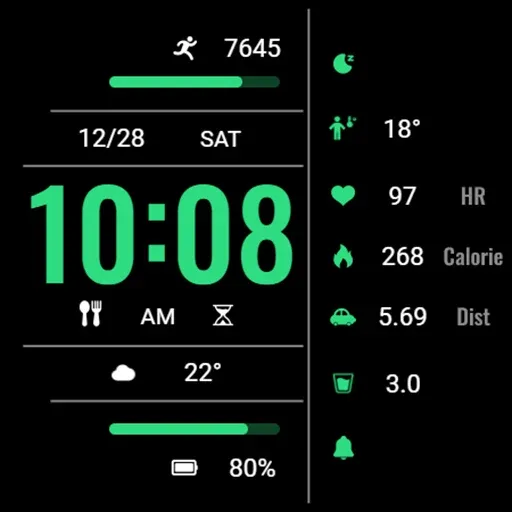
1. Left: Steps, Step Target Percentage Progress, Date, Afternoon, Week, Time, Custom APP, Custom Data, Battery and Percentage Progress
2. Right: Custom APP, Custom Data, Heart Rate, Calories, Distance, Custom Data, Custom APP
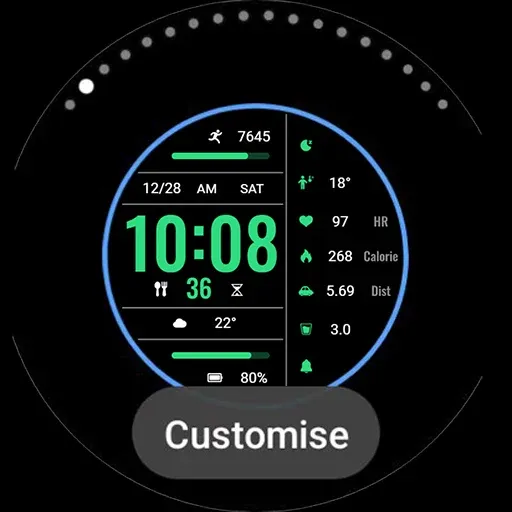
Customization: Multiple customization areas are available for selection
Compatible devices: Galaxy Watch 4/5/6/7/8 and other devices that support Wear OS

How do I install the watch face on WearOS ?
1. Install it from Google Play Wear Store on your watch
2. Install the companion app for fully customization (Android phone devices)

TOP FREE APPS

See all →
Google Lens iconGoogle LensTools
4.7

TOP FREE GAMES

See all →

Advertisement

Top Downloads

See all →
  1. Files by Google icon
    Files by GoogleTools
    4.5
    GET
  2. 4