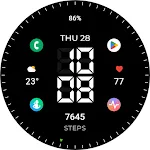
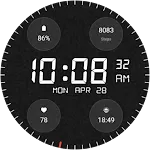
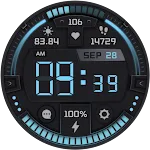
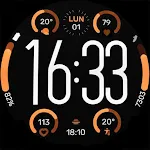
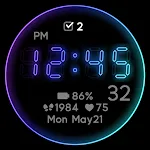
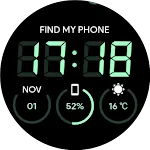
 JHW Digital Bits: Watch face
0.0

Personalization
Ratings
Downloads
Age
Advertisement
Advertisement
Name
Category
Price
Safety
Developer
Version
FOLLOW US FOR FREE COUPONS AND UPCOMING SALES
https://linktr.ee/neonwavewatch
HOW TO INSTALL
To install this watch face from your phone, please select your smartwatch in Other devices dropdown menu on the main page of this app.
If you have problems, just go to Play Store on your smartwatch and download the watch face manually.
After that make sure you enabled all needed permissions in Settings/Applications/Permissions for this particular watch face app.
FEATURES
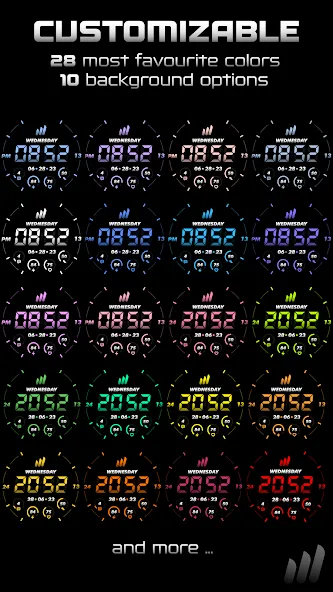
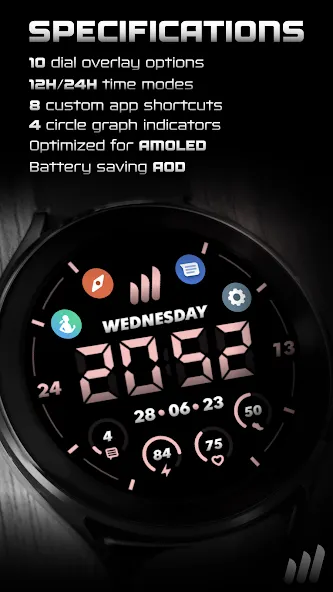
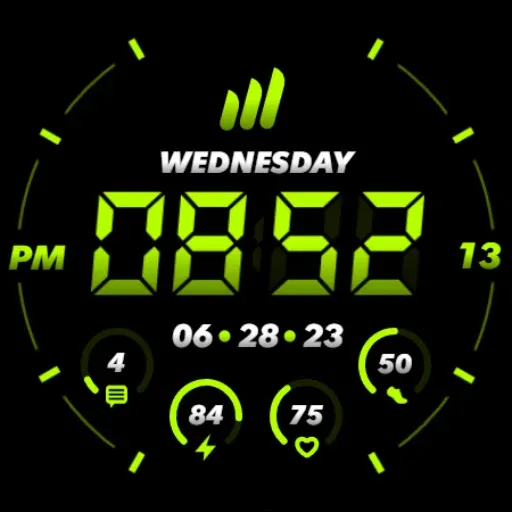
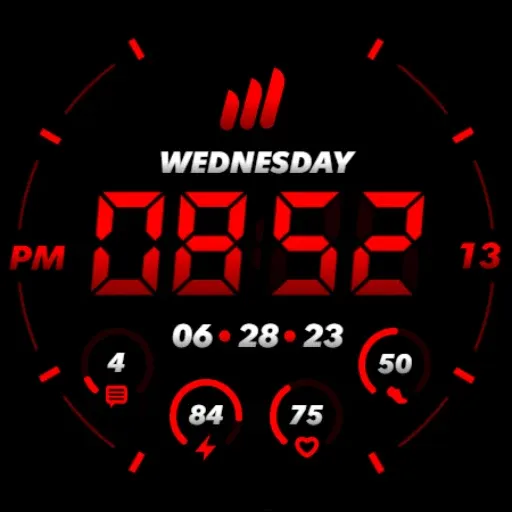
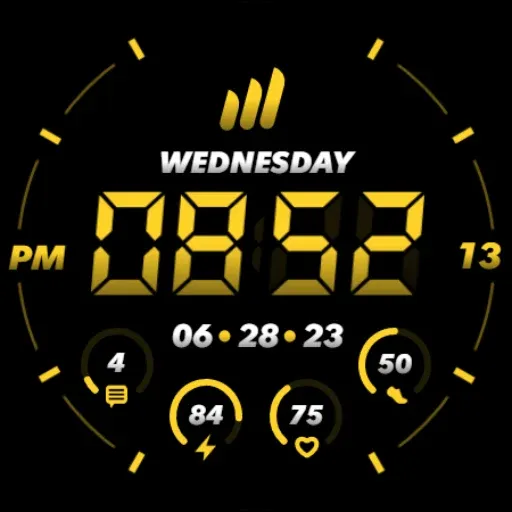
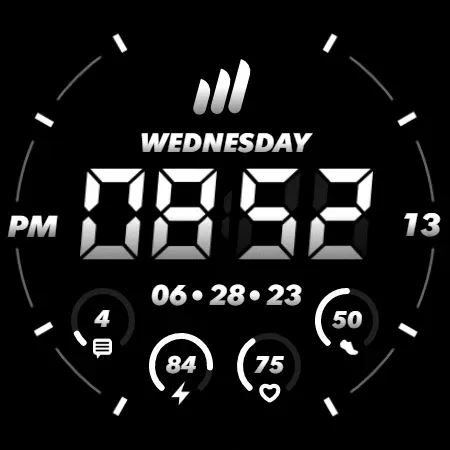
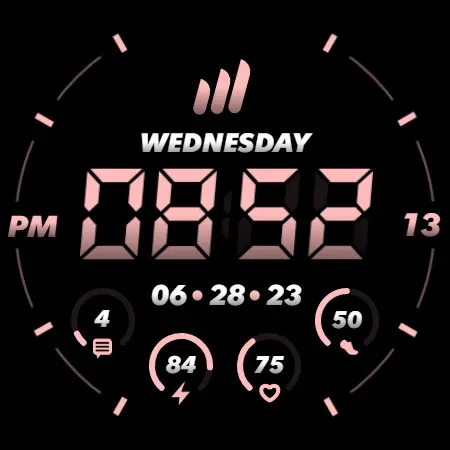
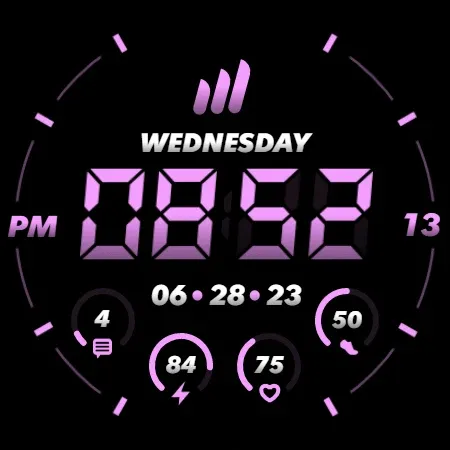
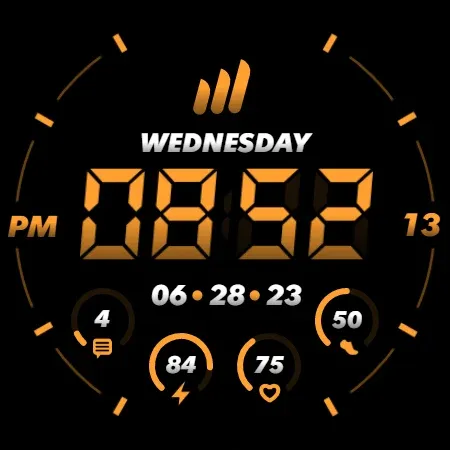
★ 28 most favourite and used color options
★ 10 overlay theme options
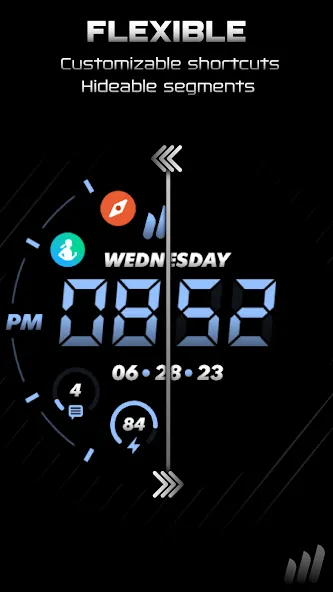
★ 7 options to hide parts of the watch face
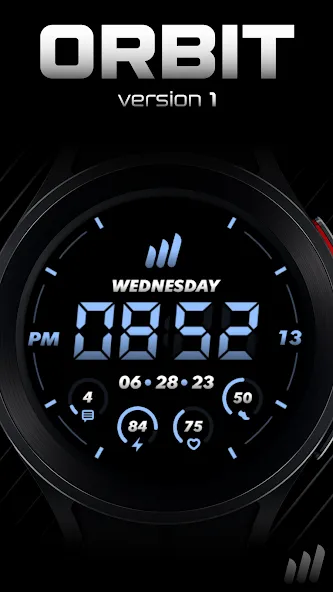
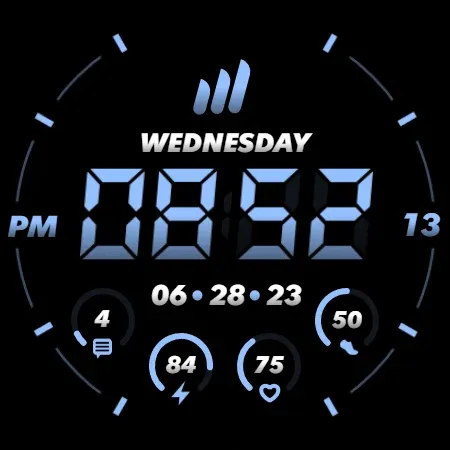
★ 4 indicators for Notifications, Watch Battery, Heart Rate, Steps Goal
★ 12H/24H time format
★ 8 custom app shortcuts
★ Quick touch shortcut for Alarm and Calendar
★ Simple and battery friendly AOD
★ Highly optimized for battery life (full blacks, optimized assets)
TOUCH CONTROLS
★ Alarm (click on time)
★ Calendar (click on date or day)
★ 8 Custom app shortcut complications (click & hold in the middle, click on theme button)
★ Theme customization (click & hold in the middle, click on theme button)
FEEDBACK & BUG REPORT
NeonWave watch faces are shaped by its users and I’m all ears to hear your ideas. With rating of this watch you can also use the review to share your ideal concept and I’ll make it real! If you found any problem with this watch face, please contact me on my support email or social media.
Thank you very much!
Advertisement