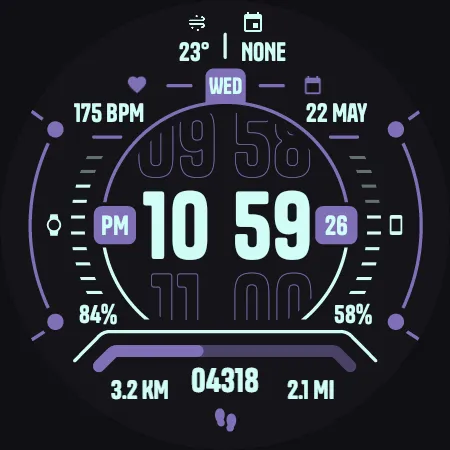
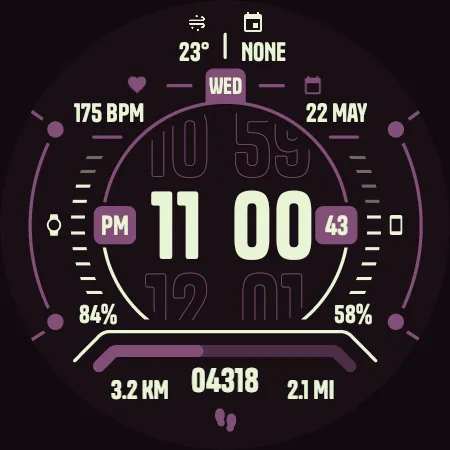
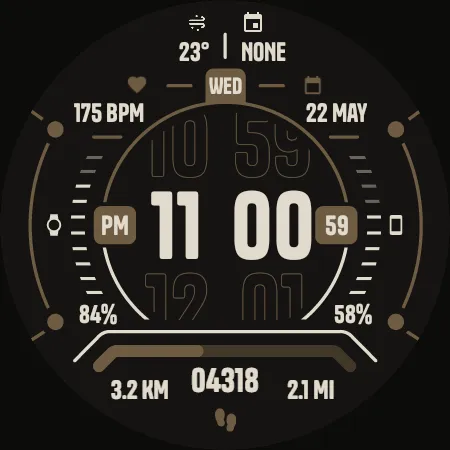
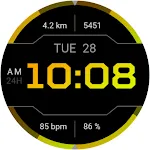
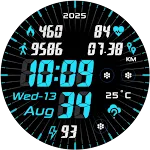
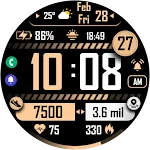
TKS 04 Dash Watch Face icon

TKS 04 Dash Watch Face

Personalization

0.0

Ratings

100 - 500

Downloads

3+

Age

DOWNLOAD

Advertisement

Screenshots

TKS 04 Dash Watch Face screenshot 1
TKS 04 Dash Watch Face screenshot 2
TKS 04 Dash Watch Face screenshot 3
TKS 04 Dash Watch Face screenshot 4
TKS 04 Dash Watch Face screenshot 5
TKS 04 Dash Watch Face screenshot 6
TKS 04 Dash Watch Face screenshot 7
TKS 04 Dash Watch Face screenshot 8
TKS 04 Dash Watch Face screenshot 9
TKS 04 Dash Watch Face screenshot 10
TKS 04 Dash Watch Face screenshot 11
TKS 04 Dash Watch Face screenshot 12
TKS 04 Dash Watch Face screenshot 13
TKS 04 Dash Watch Face screenshot 14
TKS 04 Dash Watch Face screenshot 15
TKS 04 Dash Watch Face screenshot 16
See all →
SMZ WX3 iconSMZ WX3


5.0

Advertisement

About this app

Name

TKS 04 Dash Watch Face

Category

Personalization

Price

Free

Safety

100% Safe

Developer

Tiny Kitchen Studios

Version

Varies with device

Description

  • Not suitable for rectangular smart watches.


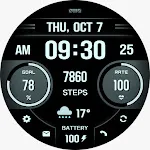
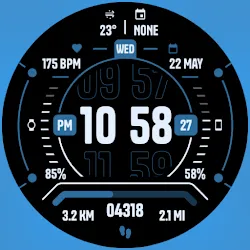
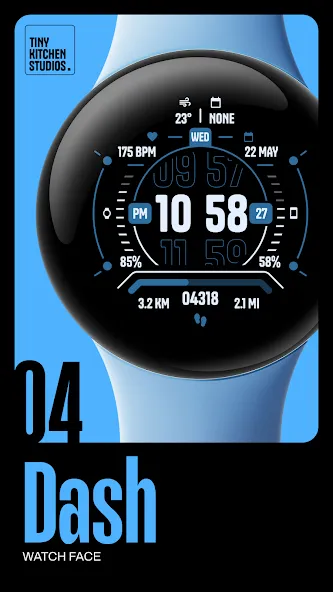
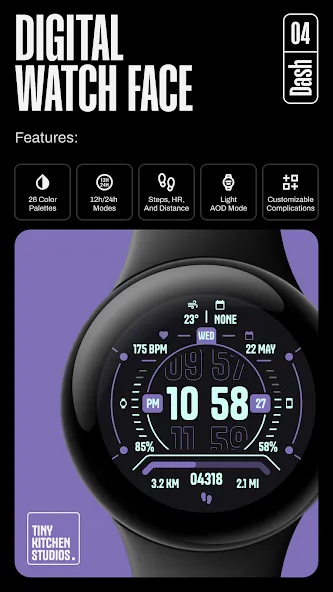
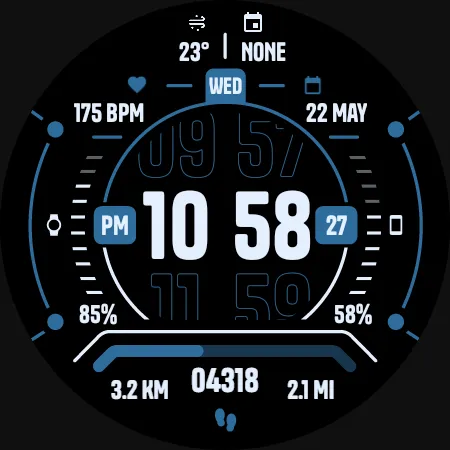
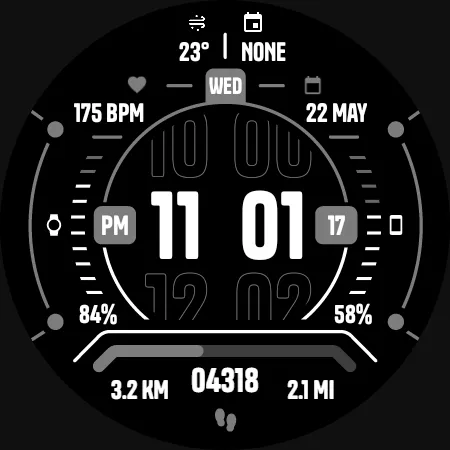
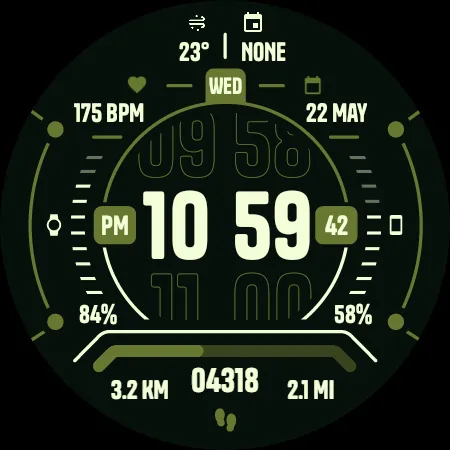
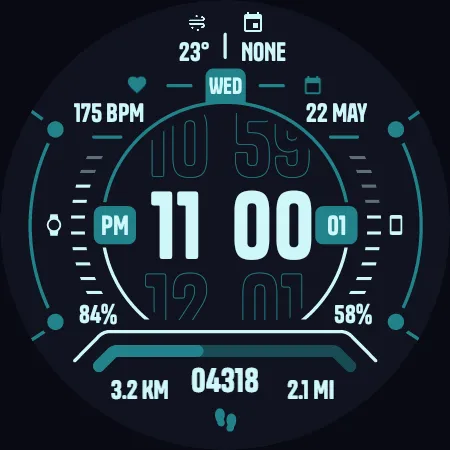
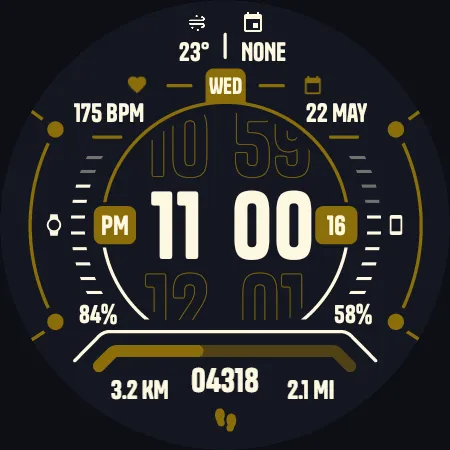
    An informative, customizable digital watch face for Wear OS smart watches.

    FEATURES:
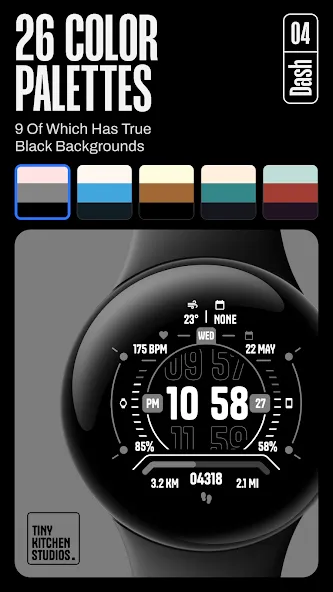
    - 26 color options, 9 of which has true black background.
    - Compatible with 12 hours and 24 hours modes.
    - Ability to hide app shortcuts frame.
    - Steps, Heart Rate, and Distance counters.
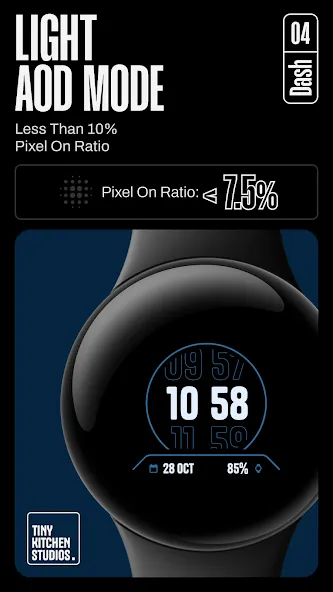
    - Simple Always On Display mode. with less than 10% pixel on ratio.
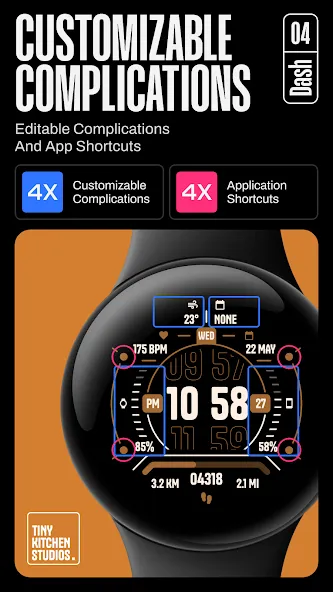
    - 4 Customizable complications.
    - 4 Customizable app shortcuts.


    Purchasing and Installing the watch face:
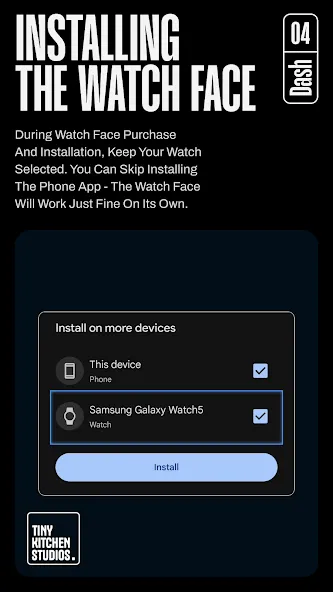
    During watch face purchase and installation, keep your watch selected. You can skip installing the phone app - the watch face should work just fine on its own.

    Using the watch face:
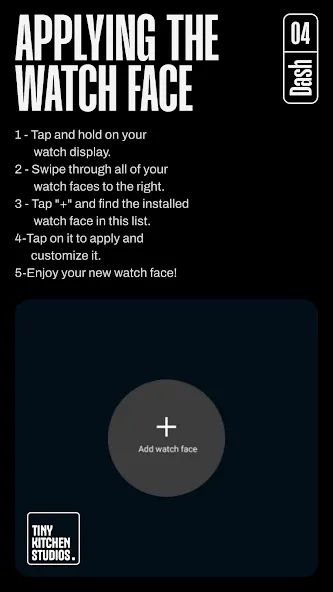
    1- Tap and hold on your watch display.
    2- Swipe all watch faces to the right
    3- Tap “+” and find the installed watch face in this list.

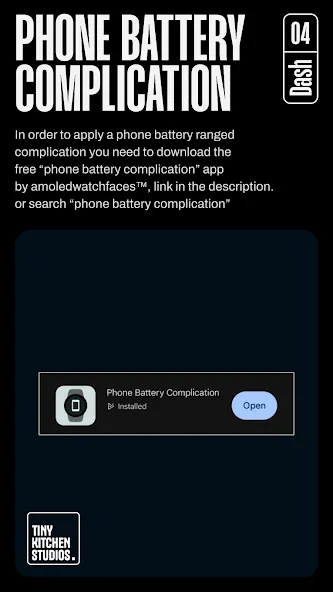
    For phone battery complication setting: in order to apply a phone battery ranged complication you need to download the free “phone battery complication” app by amoledwatchfaces™.
    link: https://shorturl.at/kpBES
    or search the play store for “phone battery complication”.

    *Important note for pixel watch users:
    There’s a pixel watch rendering issue that sometimes causes the steps, heart rate, and battery counters to freeze specifically after you customize the watch face on your pixel watch. this can be fixed by switching to a different watch face and then back to this one.

    Run into any issues or need a hand? We’re happy to help! Just send us an email at [email protected]

TOP FREE APPS

See all →
Facebook Lite iconFacebook LiteSocial
4.5

TOP FREE GAMES

See all →

Advertisement

Top Downloads

See all →
  1. Files by Google icon
    Files by GoogleTools
    4.5
    GET
  2. 4