 Sketchbook
4.0


Art & Design
Ratings
Downloads
Age
Advertisement
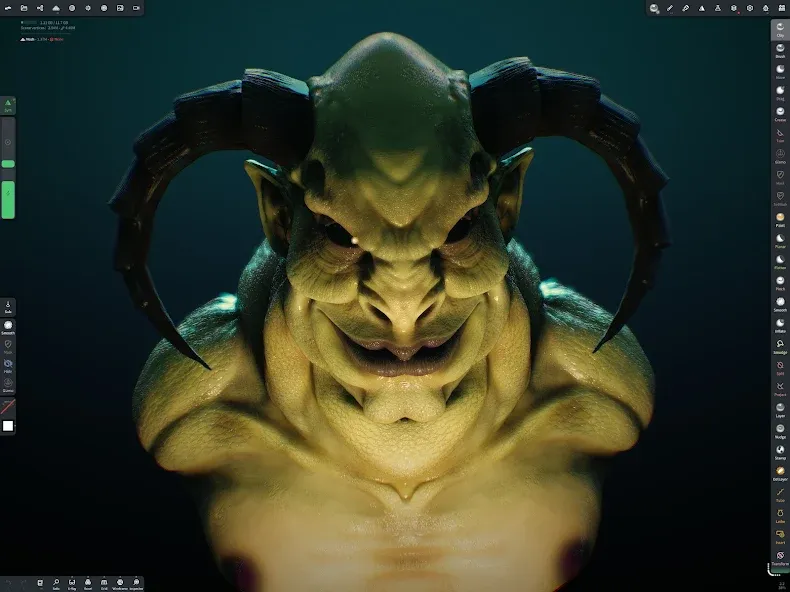
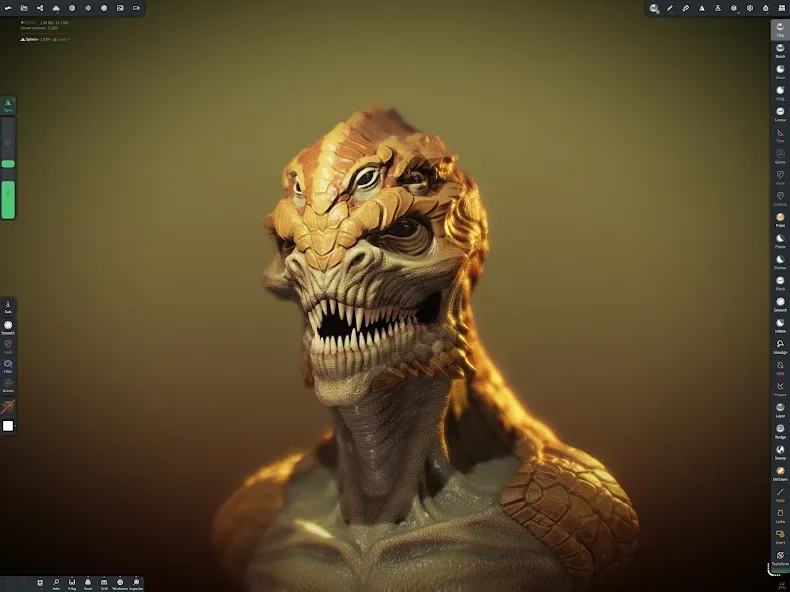
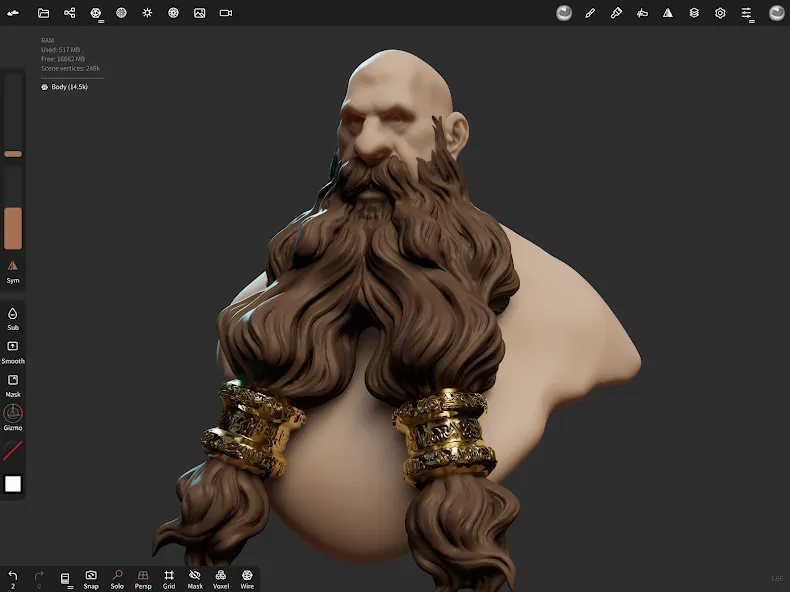
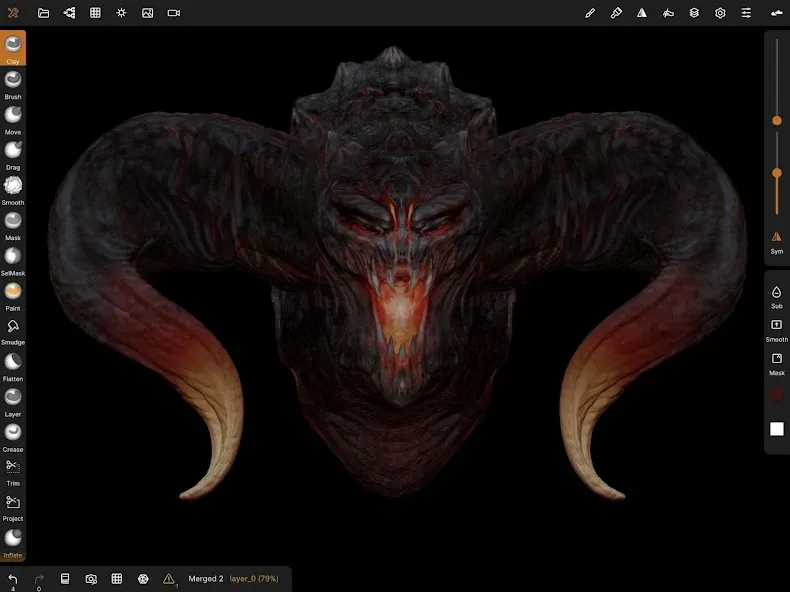
Advertisement
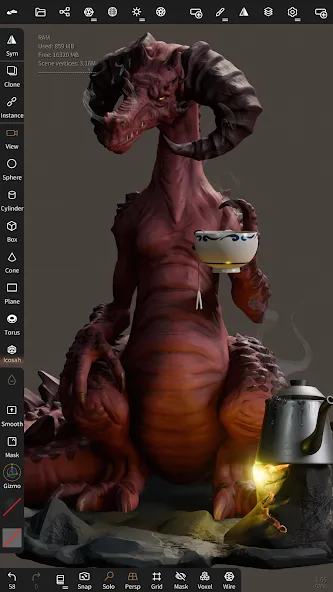
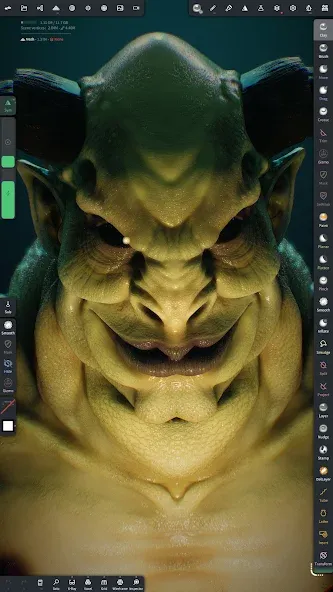
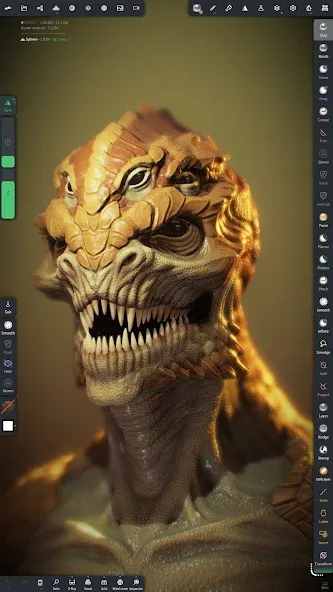
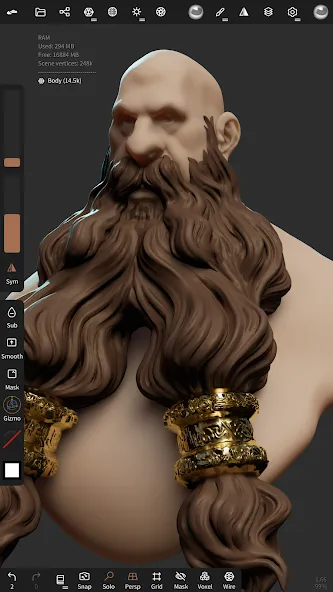
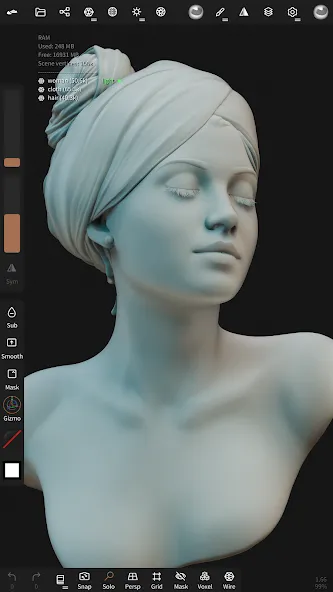
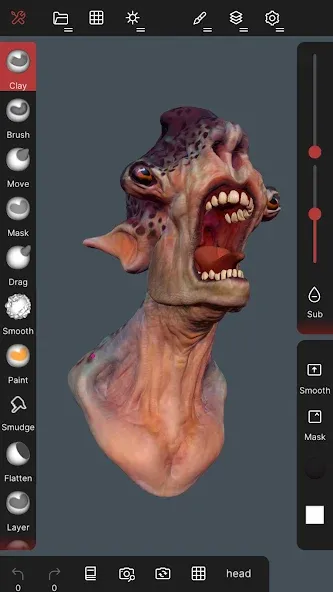
• Sculpting tools
Clay, flatten, smooth, mask and many other brushes will let you shape your creation.
You can also use the trim boolean cutting tool with lasso, rectangle and other shapes, for hardsurface purposes.
• Stroke customization
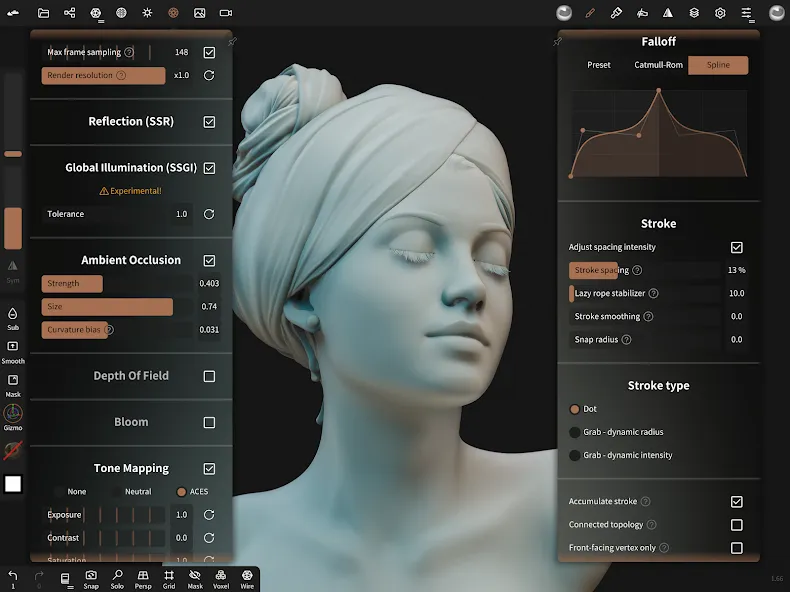
Falloff, alphas, tilings, pencil pressure and other stroke parameters can be customized.
You can save and load your tools preset as well.
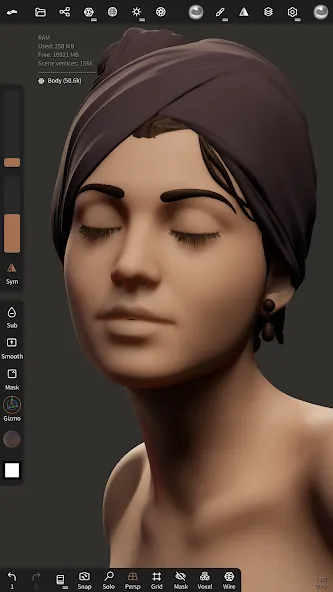
• Painting tools
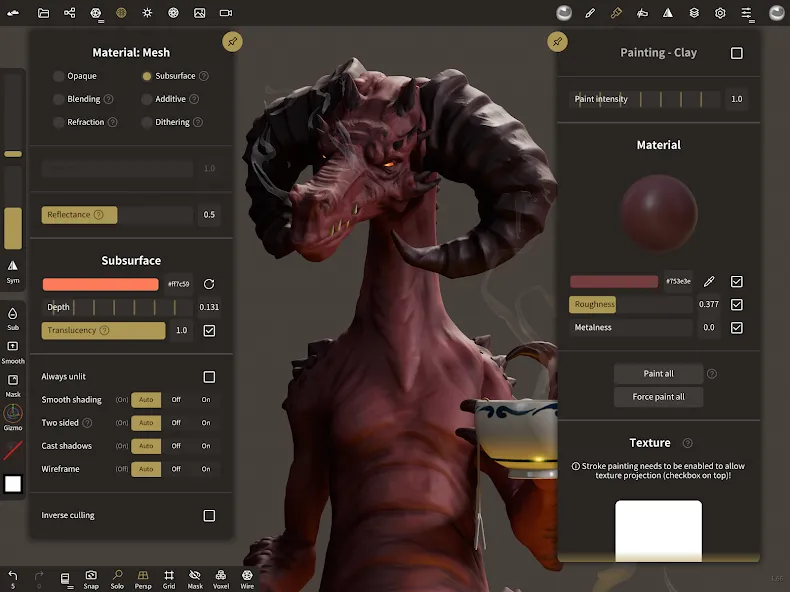
Vertex painting with color, roughness and metalness.
You can easily manage all your material presets as well.
• Layers
Record your sculpting and painting operations in separate layers for easier iteration during the creation process.
Both the sculpting and painting changes are recorded.
• Multiresolution sculpting
Go back and forth between multiple resolution of your mesh for a flexible workflow.
• Voxel remeshing
Remesh quickly your mesh to get a uniform level of detail.
It can be used to quickly sketch a rough shape at the beginning of the creation process.
• Dynamic topology
Refine locally your mesh under your brush to get an automatic level of detail.
You can even keep your layers, as they will be automatically updated!
• Decimate
Reduce the number of polygons by keeping as many details as possible.
• Face Group
Segment your mesh into subgroups with the face group tool.
• Automatic UV unwrap
The automatic UV unwrapper can use face groups to control the unwrapping process.
• Baking
You can transfer vertex data such as color, roughness, metalness and small scaled detail in to textures.
You can also do the opposite, transfering textures data into vertex data or layers.
• Primitive shape
Cylinder, torus, tube, lathe and other primitives can be used to quickly start new shapes from scratch.
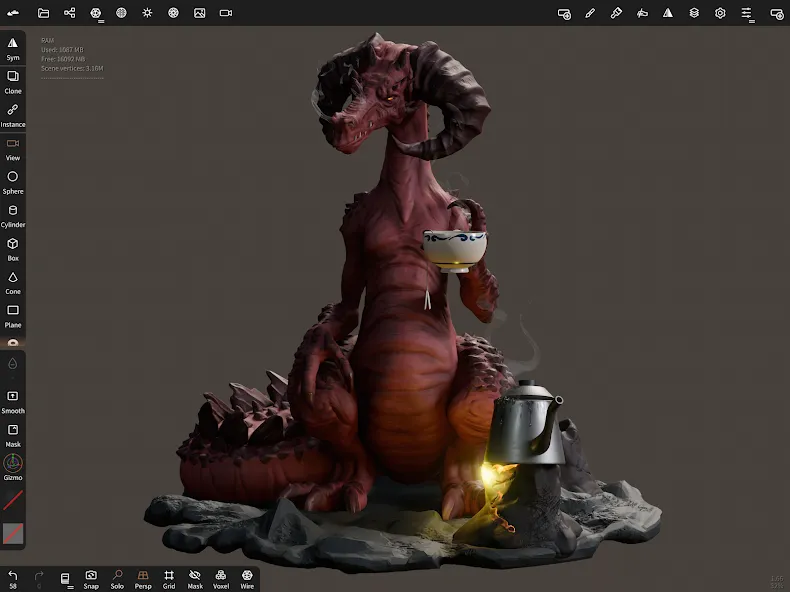
• PBR rendering
Beautiful PBR rendering by default, with lighting and shadows.
You can always switch to matcap for a more standard shading for sculpting purposes.
• Post processing
Screen Space Reflection, Depth of Field, Ambient Occlusion, Tone mapping, etc
• Export and Import
Supported formats include glTF, OBJ, STL or PLY files.
• Interface
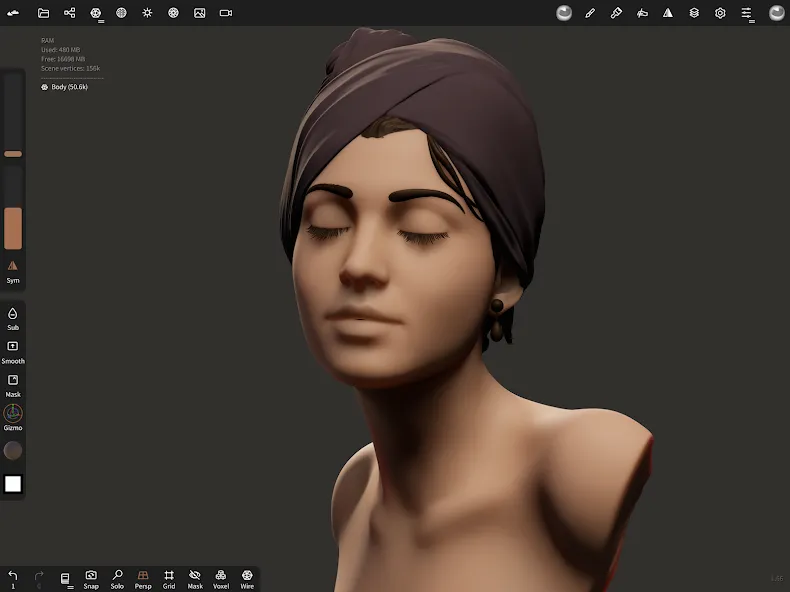
Easy-to-use interface, designed for mobile experience.
Customization is possible as well!
Google Play
APP STORE
Advertisement
Taptostore.com is an independent app discovery and editorial review platform. We publish reviews, comparisons, and recommendations designed to help users explore apps and make informed choices.
Download links on Taptostore.com direct users to the relevant official app store or another distribution channel designated by the developer or publisher. App downloads and installations take place through those external platforms.
Our content is developed through product research, editorial analysis, publicly available information, and, where appropriate, an assessment of the app’s features and user experience. Reviews and recommendations represent our editorial judgment at the time of publication.
The security and privacy practices of each app are determined by its developer. Before installing an app, users should review its official store listing, developer information, requested permissions, privacy policy, update history, and recent user feedback.
Taptostore.com does not control or independently certify third-party apps and cannot guarantee their security, reliability, performance, or privacy practices.
Not necessarily. Apps may be free, paid, advertising-supported, or include in-app purchases and recurring subscriptions. Pricing and availability may vary by region, device, platform, and time. Please refer to the relevant official store listing for current terms.
Availability may be affected by geographic restrictions, device compatibility, operating-system requirements, age limitations, store policies, or decisions made by the developer or publisher. These factors are outside the control of Taptostore.com.
Taptostore.com does not operate the apps featured on the website and cannot access their accounts or internal systems. Questions about login credentials, account recovery, technical issues, data deletion, or app functionality should be directed to the relevant developer through its official support channels.
Please do not send passwords, verification codes, recovery credentials, or payment information to Taptostore.com.
App-related payments, subscriptions, cancellations, and refunds are administered by the app store, developer, or payment provider responsible for the transaction. Taptostore.com does not process these transactions and cannot manage subscriptions or issue refunds.
Uninstalling an app may not cancel an active subscription. Users should manage subscriptions through the platform on which the purchase was made.
We make reasonable efforts to publish accurate and useful information. However, app features, pricing, compatibility, availability, and policies may change without notice. For the most current details, users should consult the relevant official store listing or developer documentation.
Unless expressly stated, Taptostore.com is not affiliated with, sponsored by, endorsed by, or officially connected with the developers, publishers, brands, or platforms featured on the website.
Product names, logos, brands, and trademarks belong to their respective owners and are referenced solely for identification and informational purposes.
Advertisement