


 Google MeetCommunication
4.4

Personalization
Ratings
Downloads
Age
Advertisement
Advertisement
Name
Category
Price
Safety
Developer
Version
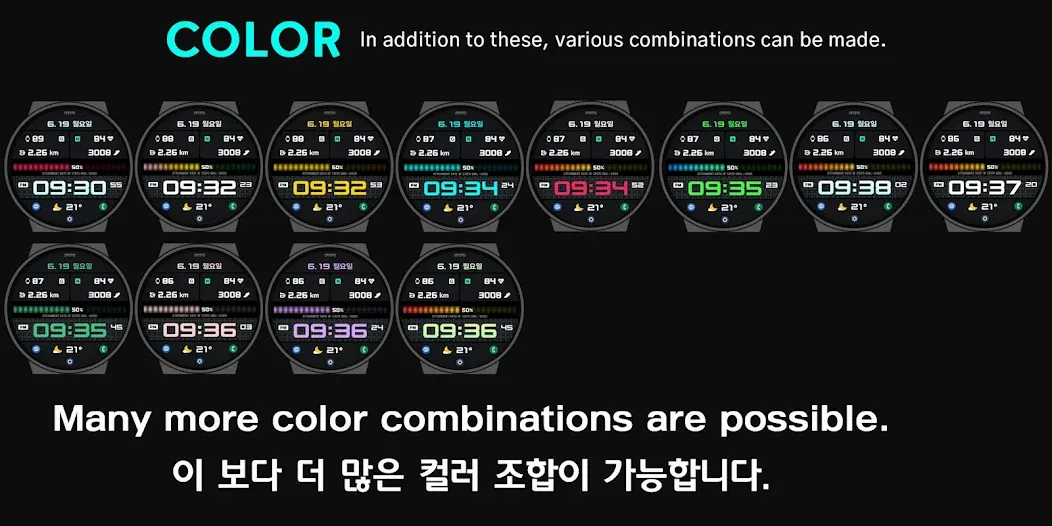
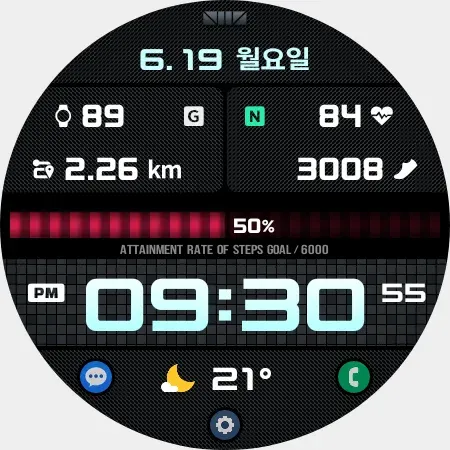
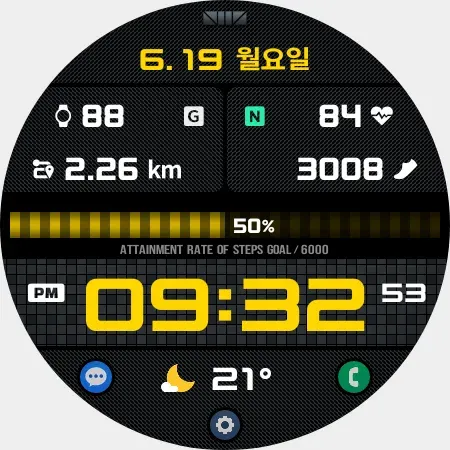
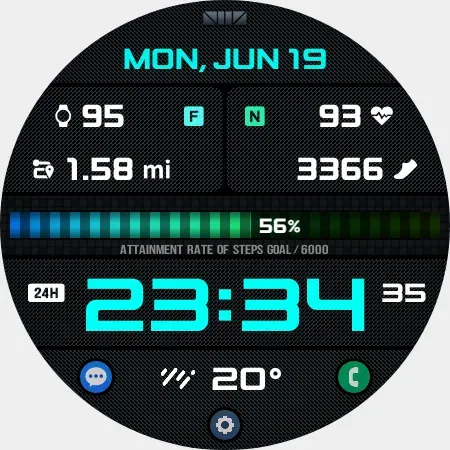
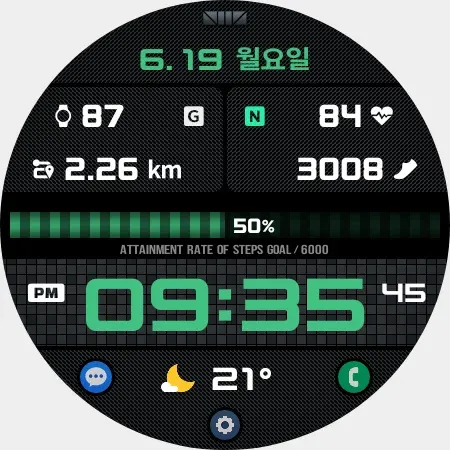
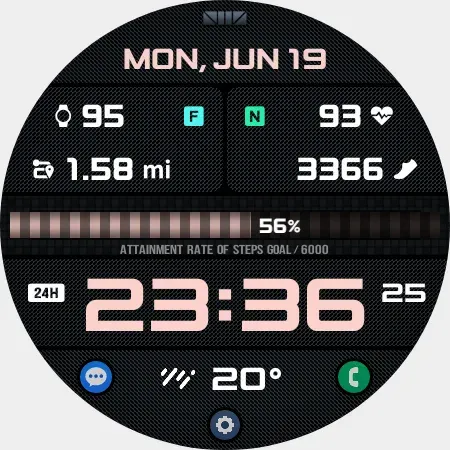
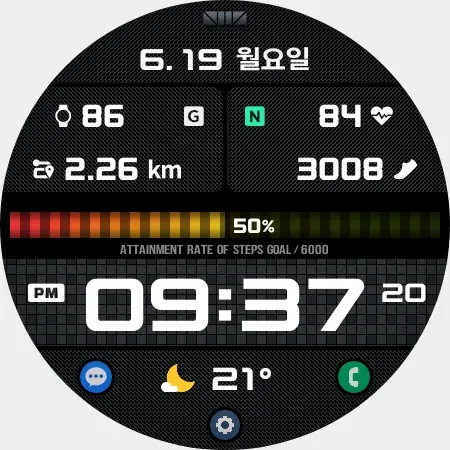
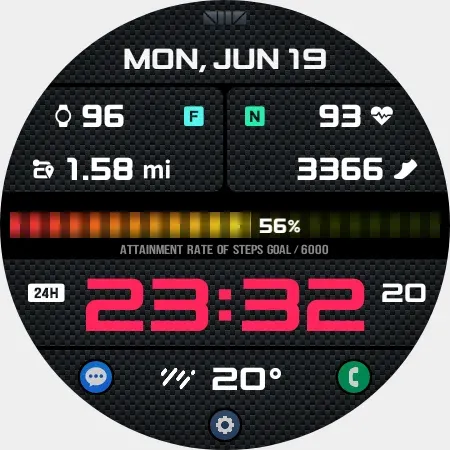
Please Watch the video to decorate your watch like the photos.
Please Watch the VIDEO for usage.
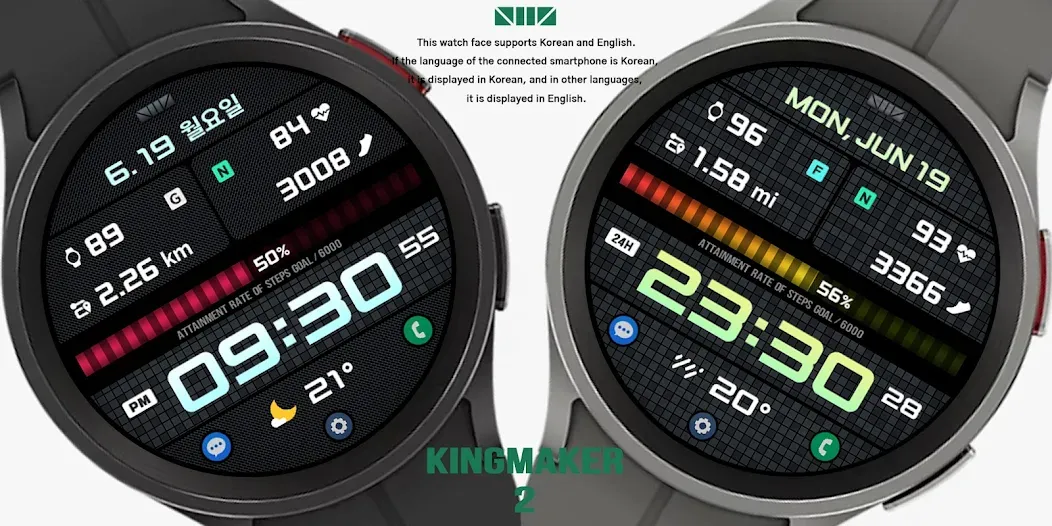
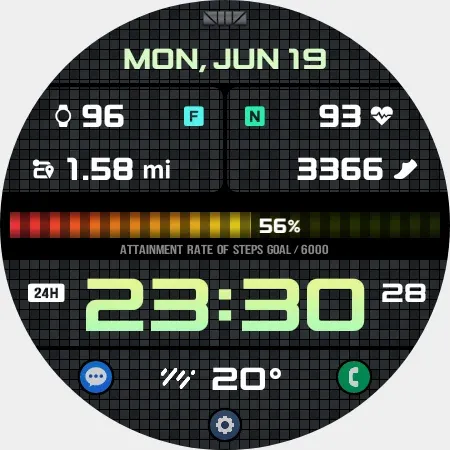
[How to use 24-hour format]
If you want to change the time format, you can set it in the path below on the phone connected to the watch.
*The connected phone - Settings - General management - Date and time - Use 24-hour format.
If checked, the watch will also be in 24-hour format, and if unchecked, the watch will be in 12-hour format.
[The DARKNESS of the AOD screen]
In the Customize section, ‘AOD Dim1’ adjusts the darkness of all the AOD screen. And ‘AOD Dim2’ only adjusts the darkness of the background of AOD screen.
[CUSTOMIZE]
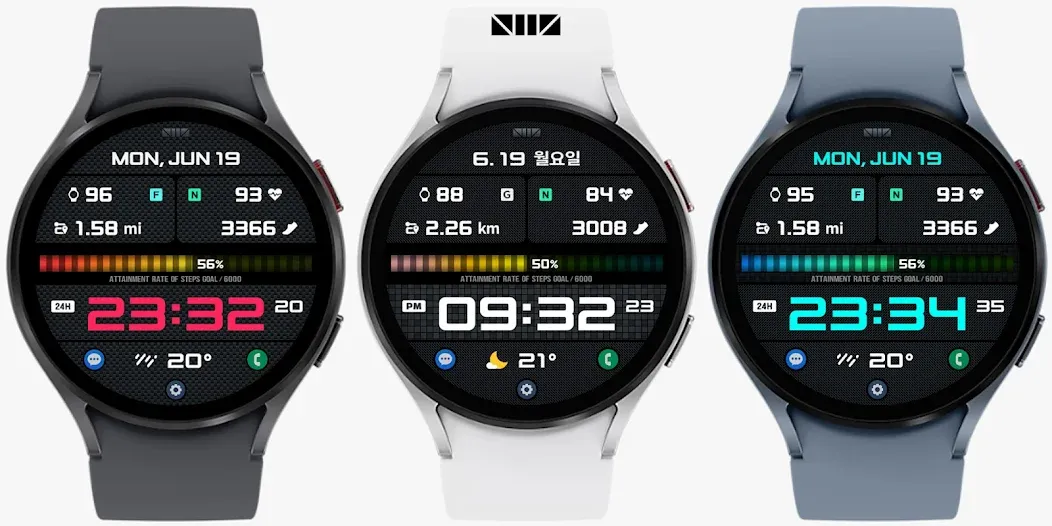
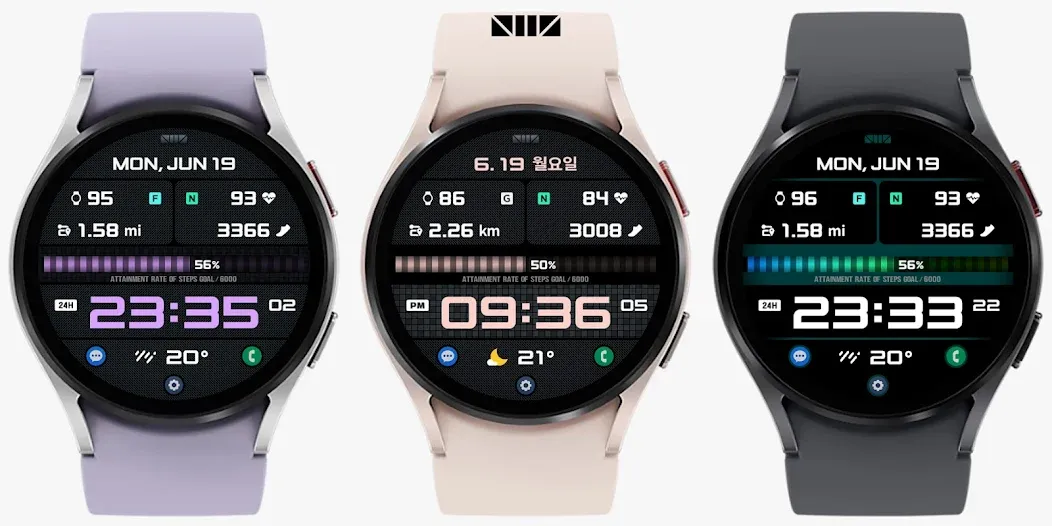
For customization of watchface, touch and hold the screen and touch on [Coustomize] button.
*Please edit these selections in coustomize field.
[SMZ Instagram]
http://www.instagram.com/smz.watch.tech
[SMZ Facebook]
https://www.facebook.com/smz.watchface
[SMZ Homepage]
https://www.smzwatch.com
[E-mail is always welcome]
[email protected]
Advertisement














