


 Microsoft OneDriveProductivity
4.6

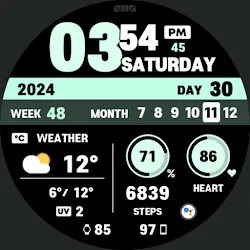
Personalization
Ratings
Downloads
Age
Advertisement
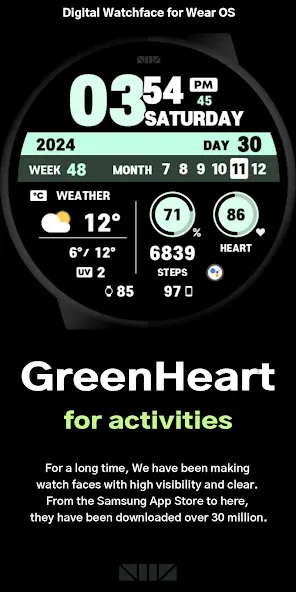
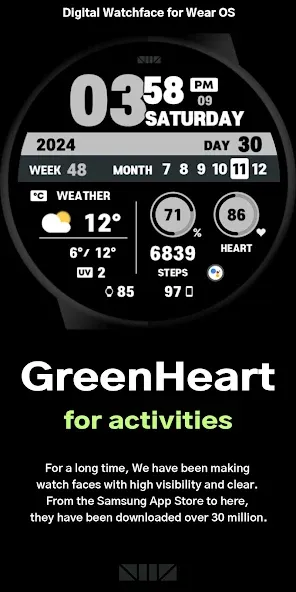
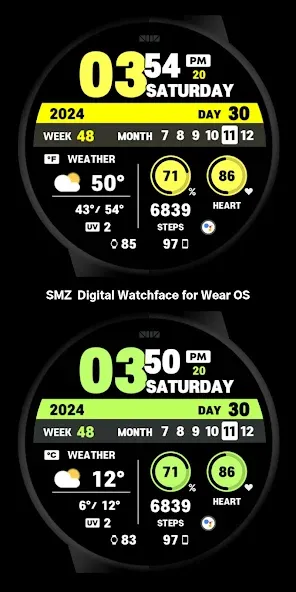
Advertisement
Name
Category
Price
Safety
Developer
Version
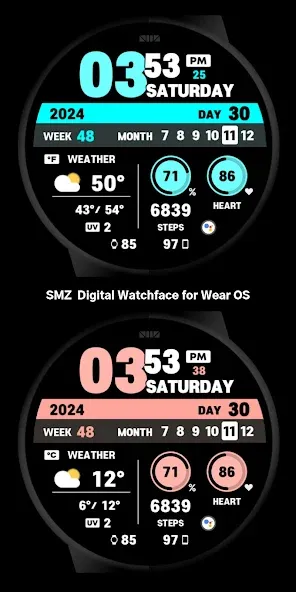
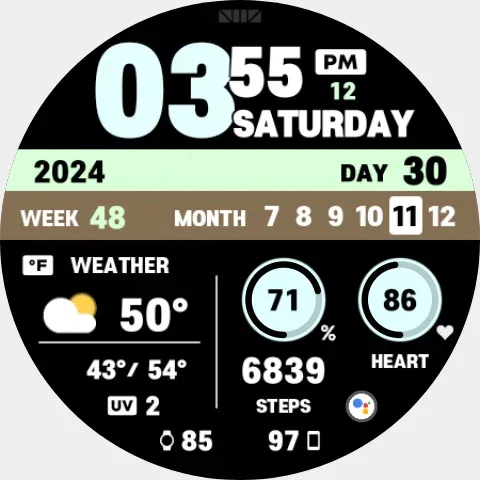
[How to use 24-hour format]
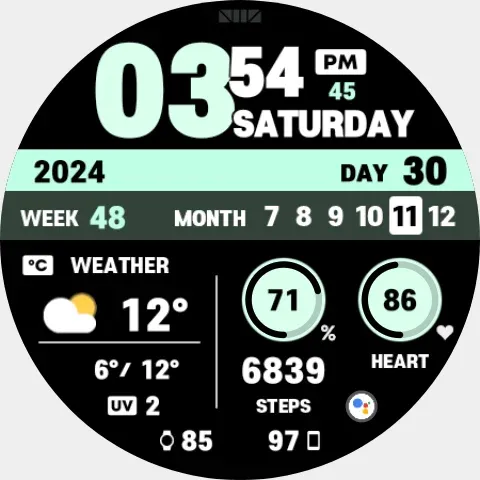
If you want to change the time format, you can set it in the path below on the phone connected to the watch.
*The connected phone - Settings - General management - Date and time - Use 24-hour format.
If checked, the watch will also be in 24-hour format, and if unchecked, the watch will be in 12-hour format.
[CUSTOMIZE]
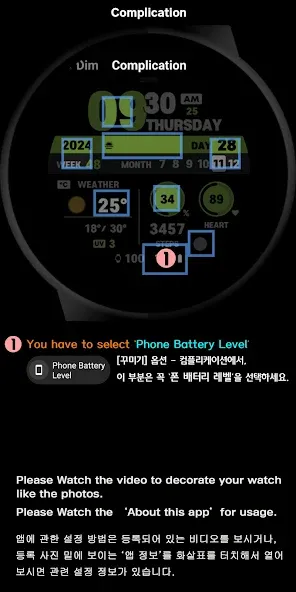
For customization of watchface, touch and hold the screen and touch on [Coustomize] button.
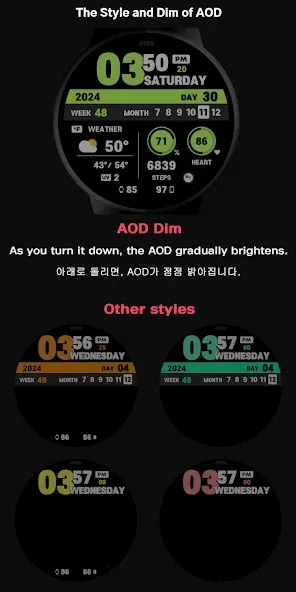
[The DARKNESS of the AOD screen]
In the Customize section, ‘AOD Dim’ adjusts the darkness of all the AOD screen.
[Phone Battery Level]
Phone Battery Complications app from amoledwatchfaces™
Dev’s link - https://play.google.com/store/apps/dev?id=5591589606735981545
To use this function, the ‘Phone Battery Complication’ app must be installed on your phone and watch.
Download path :
https://play.google.com/store/apps/details?id=com.weartools.phonebattcomp
*How to set. - https://cafe.naver.com/smzwatch/22
[SMZ Instagram]
http://www.instagram.com/smz.watch.tech
[SMZ Facebook]
https://www.facebook.com/smz.watchface
[SMZ Homepage]
https://www.smzwatch.com
[E-mail is always welcome]
[email protected]
Advertisement














