Automatic Scroll
Tools
Ratings
Downloads
Age
Advertisement
Screenshots
Related Apps
See all βAdvertisement
About this app
Description
Auto Scroller: Auto Scrolling Text - Scrolling Automatically For Easy Viewing!
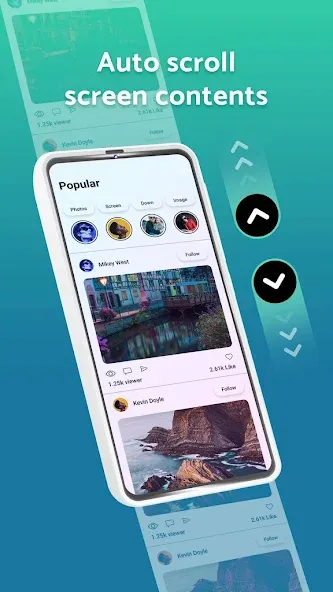
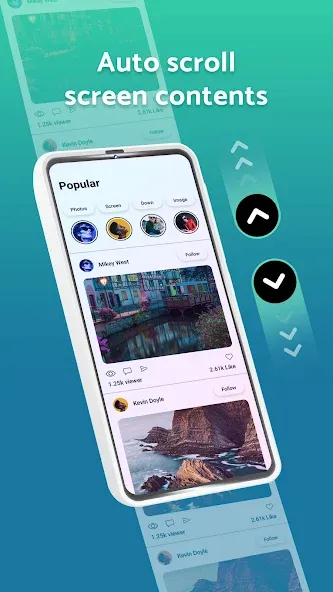
Do you get tired of swiping or scrolling through long pages while reading or browsing on your phone? With Auto Scroller: Auto Scrolling Text, you can finally relax and let the screen do the scrolling for you. This one-of-a-kind solution is intended to automate your scrolling experience all together and making viewing and reading seamless on Android devices.π Highlights of the Auto Scroller: Auto Scrolling Text: π
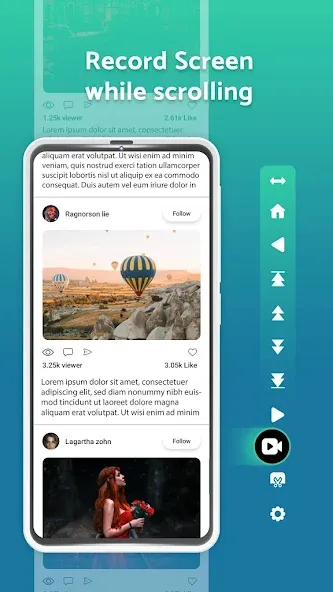
π Complete textual content shipment scrolling is Supported with custom controls;
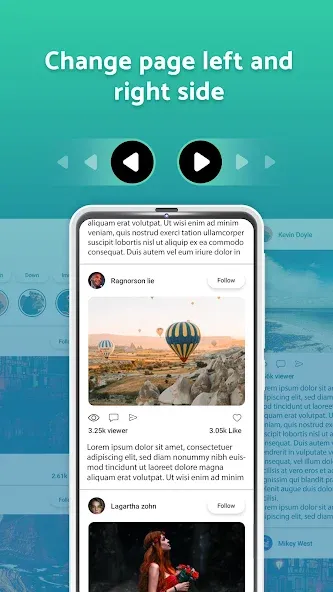
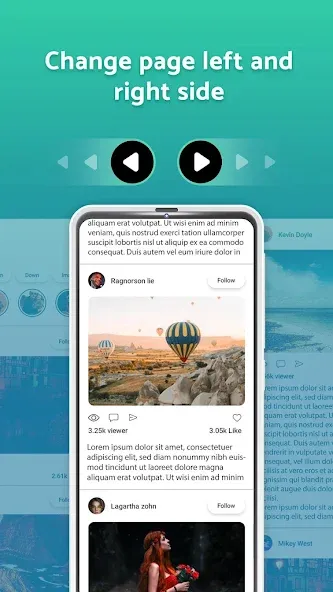
π The modes of scrolling can be vertical or horizontal;
π Enables instant vertical and horizontal content scrolling to the bottom or top;
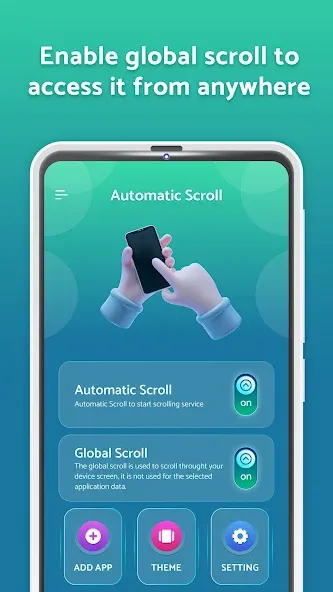
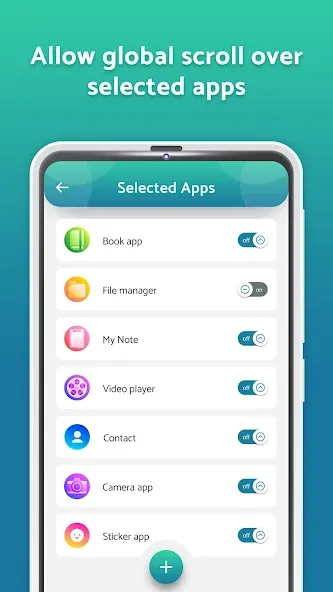
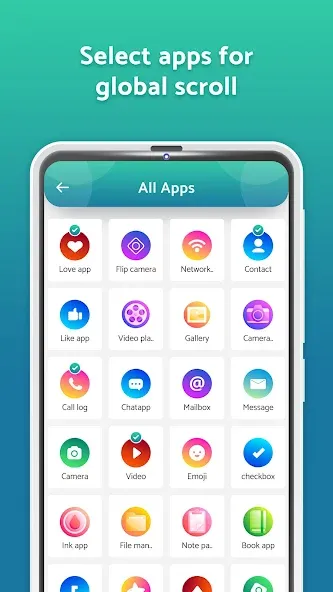
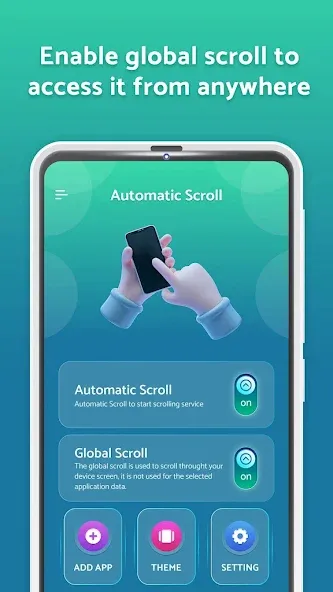
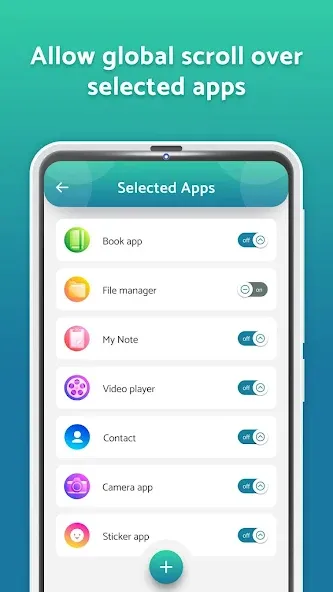
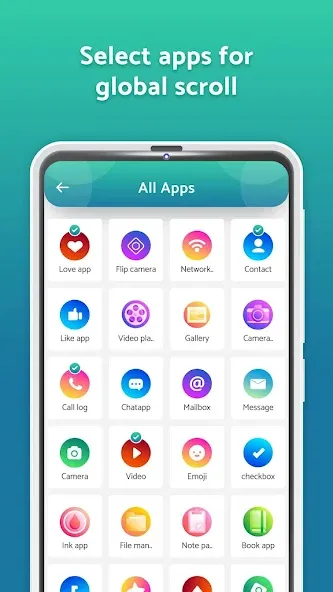
π Scrolling can automatically be set to start when a selected app is opened;
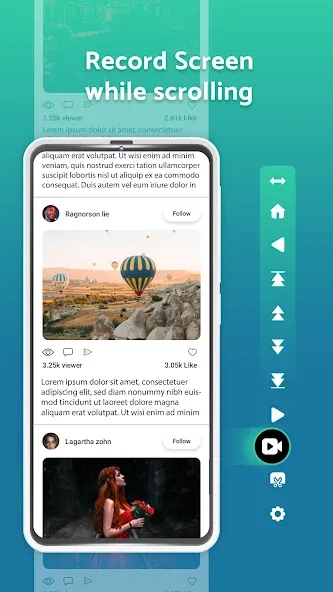
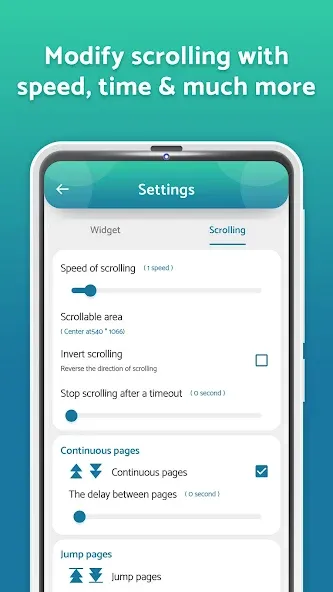
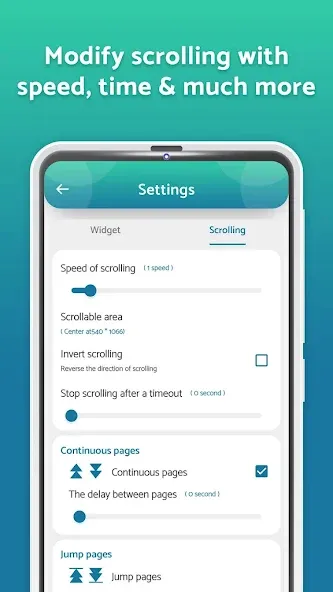
π Control scroll settings per app with options for speed, direction, and delay;
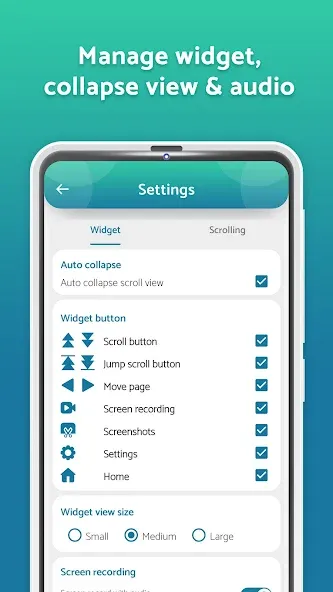
π Scrolling settings can be modified by the notifications panel;
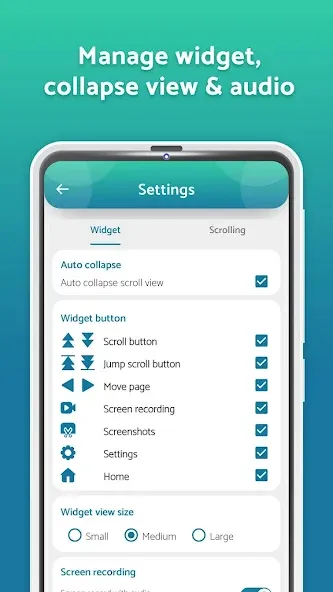
π Scroll settings for reversal, direction, page size, timeout, and color;
Take Advantage of Auto Swipe: Automatic Scroll App For Android!
Auto Swipe: Automatic Scroll App For Android permits functioning without an attempt of physically interacting with the device for scrolling. While reading eBooks or observing real-time page updates, scrolling speed can be adjusted to the best fit with Auto Swipe: Automatic Scroll App For Android. Vertical and horizontal scrolling are Supported providing users better control over device interactions.Auto Swipe: Automatic Scroll App For Android automatically configures with personalized settings helping users to easily navigate through notes, articles, and other formats while offering enhanced viewing experiences.
Make Your Scrolling Experience Unique:π²
Autoscroll settings are very customizable, from scroll direction to page pause lengths. This enables you to preset how fast or slow the scrolling will be done, the area it will be done, whether it will be reversed, and even the colors. Moreover, each application can be set with different configurations, allowing endless personalization on how content is consumed in various apps.
Learning Made Easy:π€³
With a single click, any document or page can be automatically scrolled step by step while the phone executes all the required motions. Uncheck the options you wish to disable, and you can reliably depend on the autoscroller tool to take care of scrolling, so you can focus on tasks that truly matter.
Auto Scroller: Auto Scrolling Text π π±π
Enhancing the productivity and multitasking capabilities encourages efficient text processing and reduces strain on the hands and eyes. While reading or even browsing, the user is always in full control devoid of any physical actions. Designed for convenience and effortlessly eliminate the need for manual control, the autoscroller tool is ideal for convenience and accessibility enthusiasts.
Start Using Autoscroller Tool Today!
Experience the next level of effortless screen engagement with Auto Scroller: Auto Scrolling Text. Control, full customization, and smart features are a few clicks away without any hassle. If you have always wanted to scroll your way - automatically, effortlessly, and comfortably, then with Auto Swipe: Automatic Scroll App For Android and the Autoscroller tool, you can finally do so!Declaration :
Accessibility Service : We require Accessibility service permission to allow user to Scroll screen content Automatically as per selection of user. This application does not access or read any user data using accessibility.
Google Play
APP STORE
Advertisement

Frequently Asked Questions
Taptostore.com is an independent app discovery and editorial review platform. We publish reviews, comparisons, and recommendations designed to help users explore apps and make informed choices.
Download links on Taptostore.com direct users to the relevant official app store or another distribution channel designated by the developer or publisher. App downloads and installations take place through those external platforms.
Our content is developed through product research, editorial analysis, publicly available information, and, where appropriate, an assessment of the appβs features and user experience. Reviews and recommendations represent our editorial judgment at the time of publication.
The security and privacy practices of each app are determined by its developer. Before installing an app, users should review its official store listing, developer information, requested permissions, privacy policy, update history, and recent user feedback.
Taptostore.com does not control or independently certify third-party apps and cannot guarantee their security, reliability, performance, or privacy practices.
Not necessarily. Apps may be free, paid, advertising-supported, or include in-app purchases and recurring subscriptions. Pricing and availability may vary by region, device, platform, and time. Please refer to the relevant official store listing for current terms.
Availability may be affected by geographic restrictions, device compatibility, operating-system requirements, age limitations, store policies, or decisions made by the developer or publisher. These factors are outside the control of Taptostore.com.
Taptostore.com does not operate the apps featured on the website and cannot access their accounts or internal systems. Questions about login credentials, account recovery, technical issues, data deletion, or app functionality should be directed to the relevant developer through its official support channels.
Please do not send passwords, verification codes, recovery credentials, or payment information to Taptostore.com.
App-related payments, subscriptions, cancellations, and refunds are administered by the app store, developer, or payment provider responsible for the transaction. Taptostore.com does not process these transactions and cannot manage subscriptions or issue refunds.
Uninstalling an app may not cancel an active subscription. Users should manage subscriptions through the platform on which the purchase was made.
We make reasonable efforts to publish accurate and useful information. However, app features, pricing, compatibility, availability, and policies may change without notice. For the most current details, users should consult the relevant official store listing or developer documentation.
Unless expressly stated, Taptostore.com is not affiliated with, sponsored by, endorsed by, or officially connected with the developers, publishers, brands, or platforms featured on the website.
Product names, logos, brands, and trademarks belong to their respective owners and are referenced solely for identification and informational purposes.
TOP FREE APPS
See all βTOP FREE GAMES
See all βAdvertisement

Top Downloads
See all β- 11