 MDS449 Weather Forecast
4.1

Personalization
Ratings
Downloads
Age
Advertisement
Advertisement
Name
Category
Price
Safety
Developer
Version
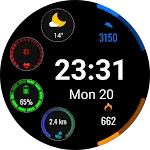
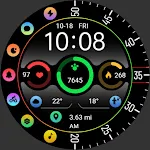
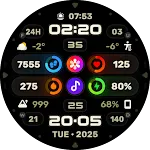
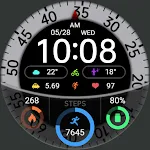
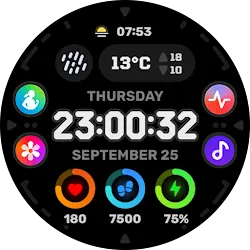
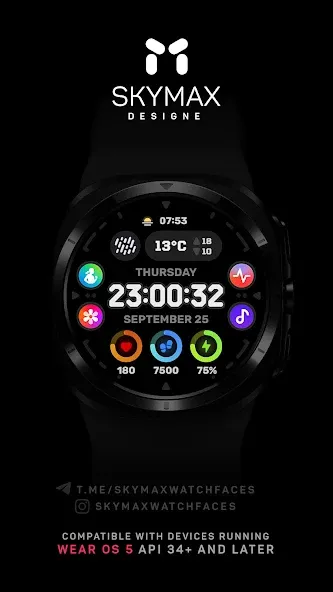
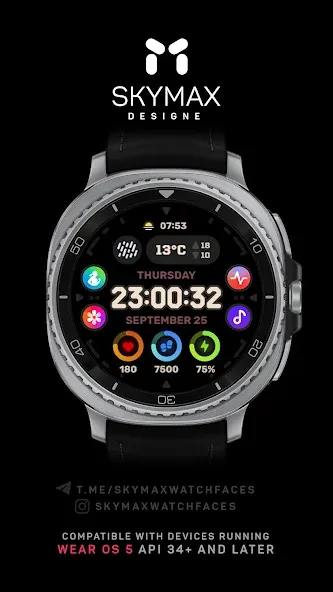
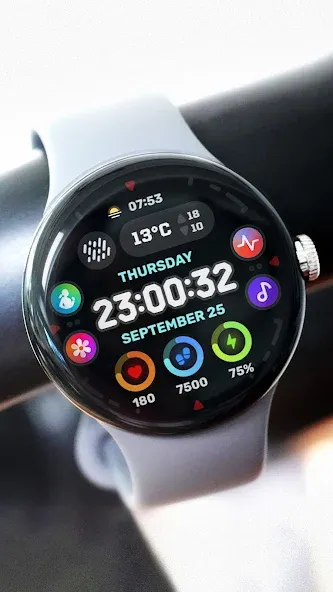
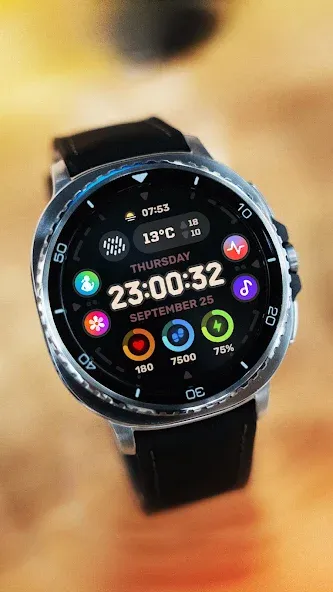
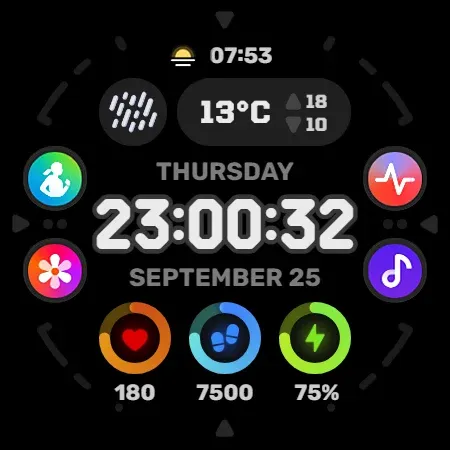
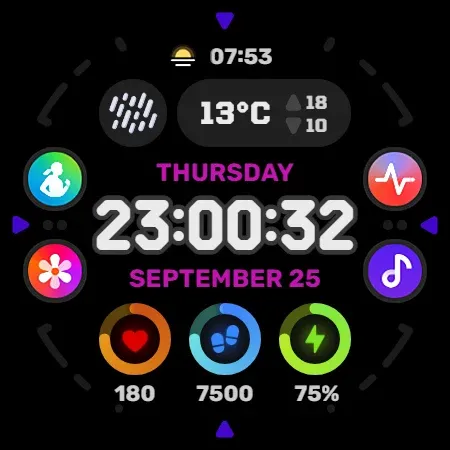
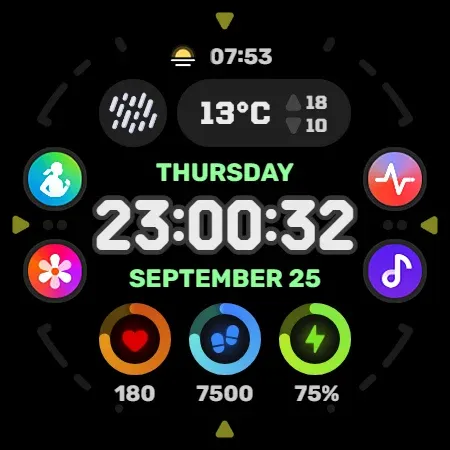
SkyMax «Oorsa» Watch Face — This is a digital watch face for Wear OS smartwatch. Enjoy the minimalist design on your wrist. Colors, background and various indicators can be customized, allowing you to create the perfect layout for you!
Compatible with devices running Wear OS 5.0 API 34+ and later.
This app is designed for most Wear OS devices.
** Install > Select only the clock from the Install drop-down menu. If you see a “Your devices are not compatible” message or have any other installation issues, try using our companion app to install the app on your smartwatch. As a last resort, go to the Play Store in your browser to install.
› Поддерживается Always On Display (AOD)
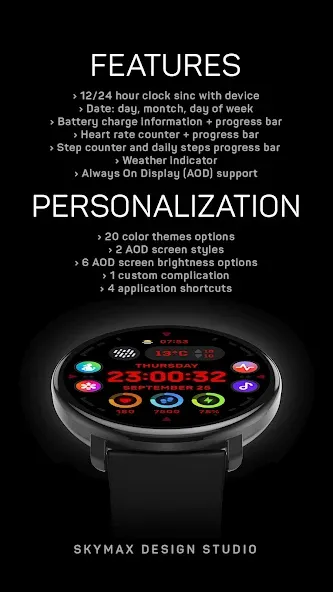
FUNCTIONS:
› 12 or 24 hour time format depending on your phone settings + seconds
› Date, day of the week
› Battery charge information with indicator
› Heart rate counter, beats per minute level with measurement indicator
› Step counter and daily steps progress bar
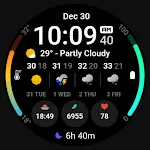
› Weather forecast indicator
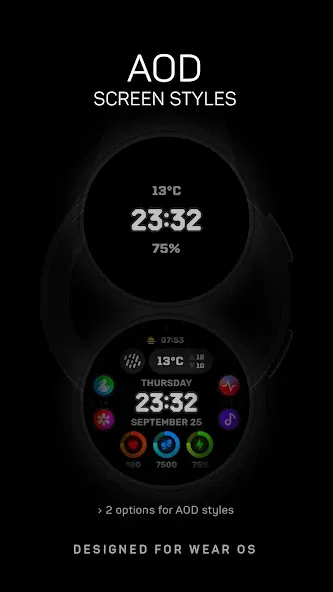
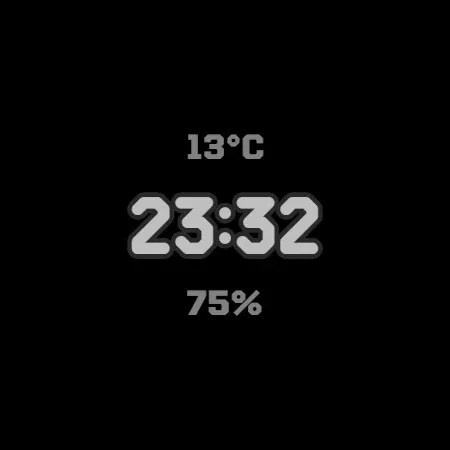
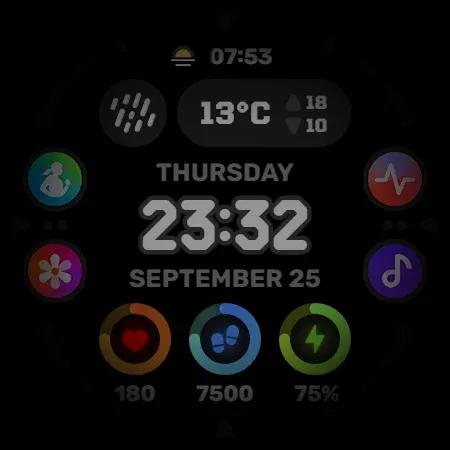
› Always On Display (AOD) supported
PERSONALIZATION:
** For full functionality, please enable required permissions for shortcuts and complications!
› 20 color options
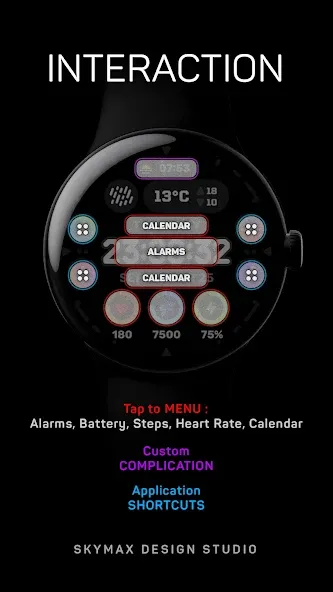
› 4 custom application shortcuts
› 1 custom complications (add-ons) of your choice - weather, battery, calendar and others
› 2 AOD screen styles
› 6 AOD screen brightness options
NOTES:
** If after updating the watch face, updating the system or other situations, the step counter or other indicators show “0”, try the following. Touch and hold the watch display to get to the watch face selection menu → select any other available watch face → then remove our watch face from the watch face selection menu (not from the watch) and reinstall it on your watch using your smartphone, from the recently installed watch faces selection menu.
** If the heart rate or other indicators are also “0”, check the permissions in the settings. “Settings” → “Applications” → “Permissions”, find this watch face and configure the necessary permissions. Also make sure that the watch screen is on and that it is worn correctly on your wrist when measuring your heart rate.
Join us for live support and discussion:
Telegram https://t.me/skymaxwatchfaces
Instagram https://www.instagram.com/skymaxwatchfaces
Advertisement