 Falou - Fast language learning
4.7


Education
Ratings
Downloads
Age
Advertisement

Advertisement
Name
Category
Price
Safety
Developer
Version
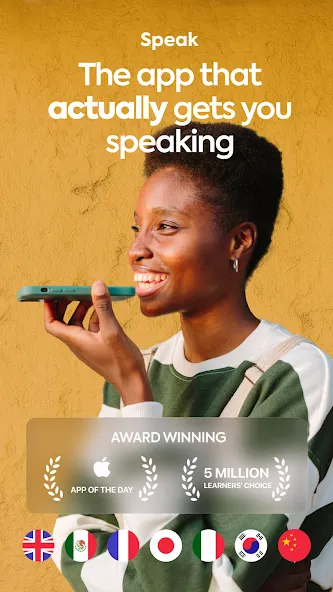
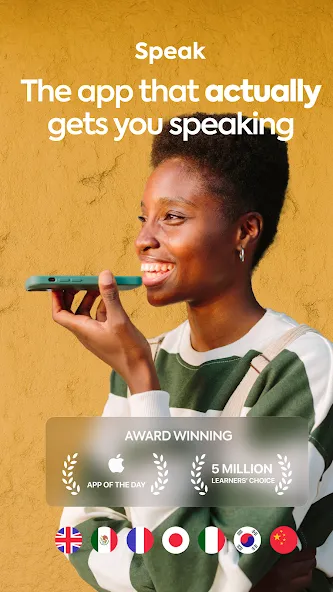
Speak: Language Learning is an Android education app presented as a way to handle this task: reach fluency in Spanish, French, English, and Japanese by speaking. Its interface concentrates on that specific job, making the app easier to judge by how well the main workflow performs rather than by the length of its feature list.
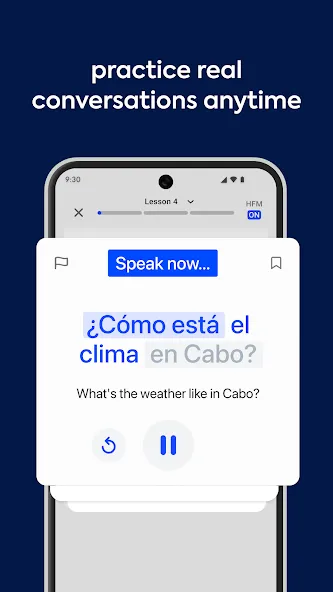
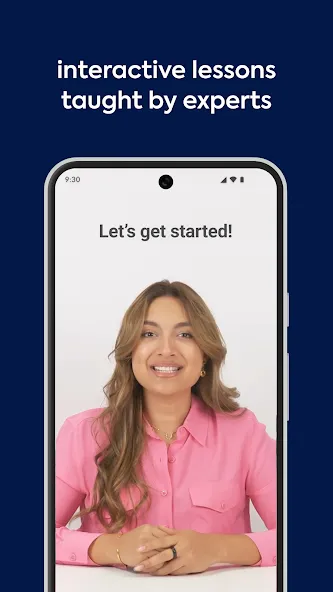
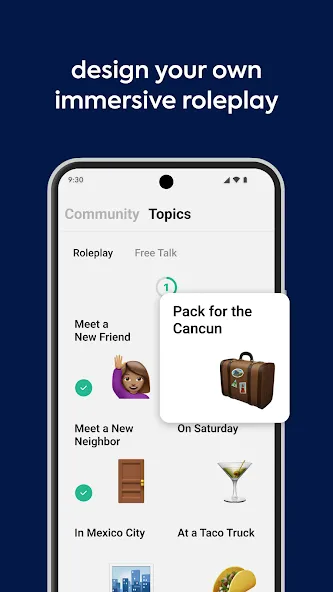
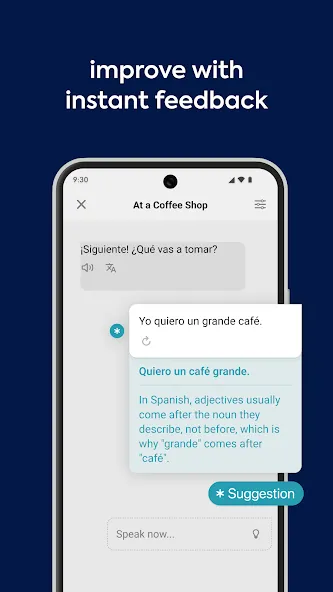
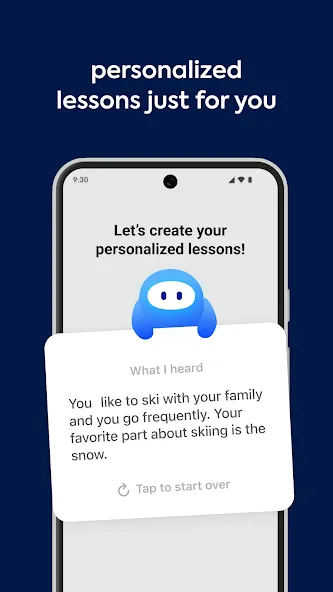
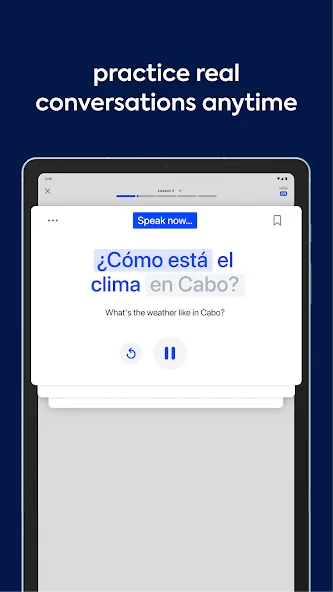
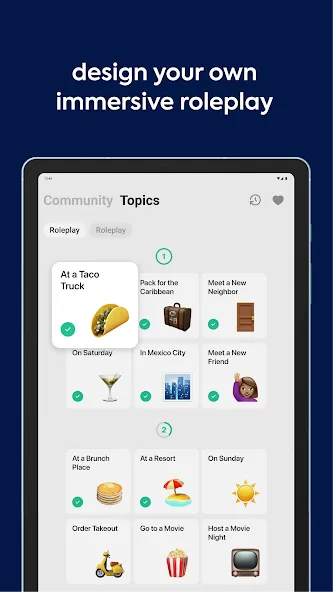
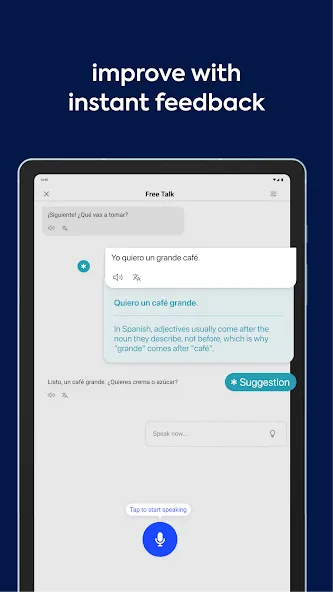
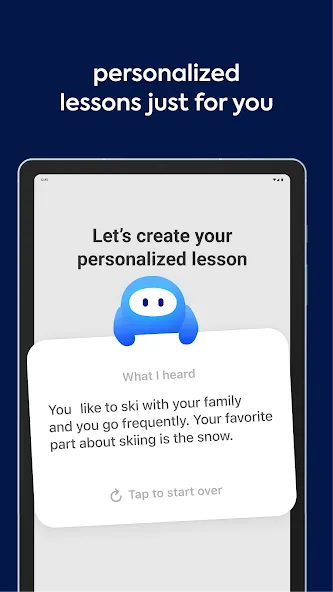
Whether you are learning Spanish, English, French, Italian, Japanese or Korean, Speak’s AI-powered lessons will have you learning a new language fast. With Speak, you’ll feel like you have a personal language tutor right in your pocket. The app provides immersive speaking practice sessions that simulate real-life scenarios, allowing you to become confident in your conversational Spanish, English, French, Italian, Japanese and Korean skills. The advanced AI function analyzes your speech, providing valuable assessment on pronunciation, intonation, and fluency. These functions form the practical center of Speak: Language Learning, allowing the main task to be handled from the phone without requiring a separate desktop process. Individual options may still vary by version, device, region or account type.
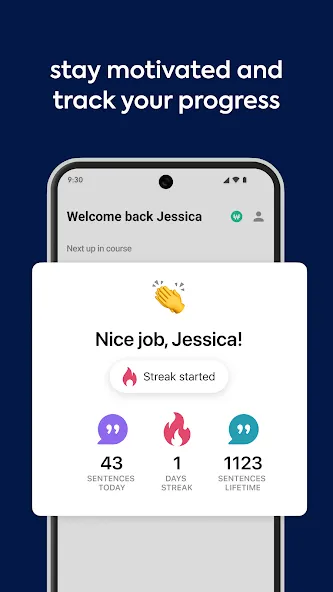
Speak: Language Learning can be compared with the alternative a user relies on today by looking at setup time, the number of taps needed for a common task, whether information stays synchronized, and whether the app still provides value when connectivity is limited. Say goodbye to those language barriers as you receive real-time feedback, enabling you to make necessary adjustments and improve your speaking skills on the spot. The comprehensive language learning curriculum is available for Spanish, English, French, Italian, Japanese and Korean learners, ensuring that you become fluent. Whether you’re a beginner or an advanced learner, Speak caters to your individual needs and helps you progress at your own pace.
Check the current store page for recent release notes, supported languages and developer contact details before installing.
If notifications are central to the app, test their timing and make sure each alert type can be disabled independently.
Advertisement