 Google Family Link
4.6

Tools
Ratings
Downloads
Age
Advertisement
Advertisement
Name
Category
Price
Safety
Developer
Version
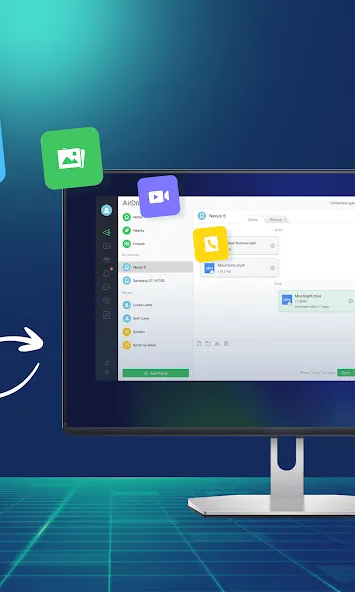
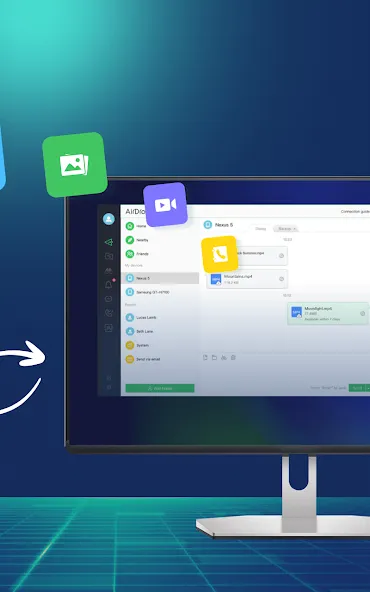
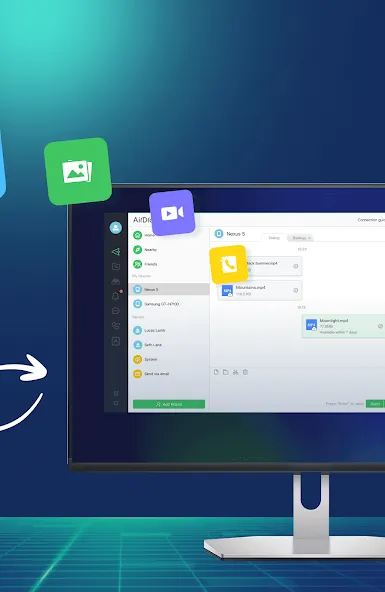
AirDroid is your best personal mobile device management suite, which is built on 10 years of non-stop improvements, including file transfer and management, screen mirroring, remote control, and receive SMS notifications right from your computer - all can be done with just one AirDroid app.
Major features:
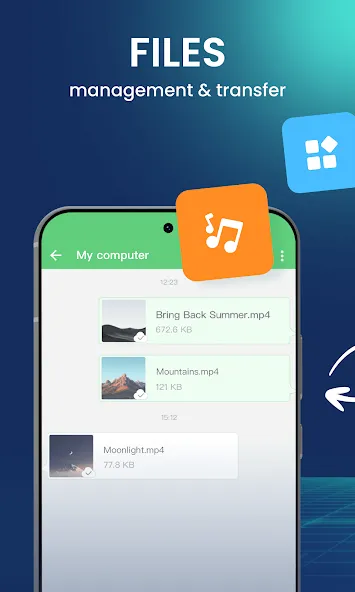
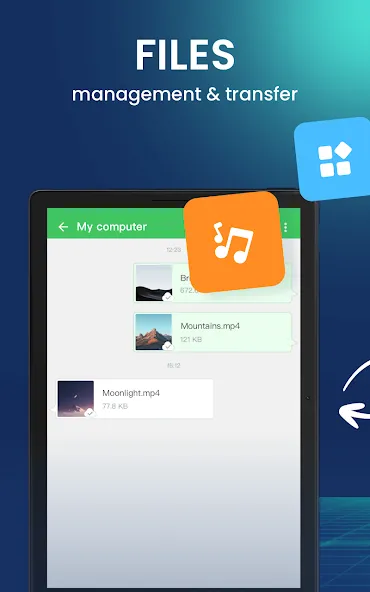
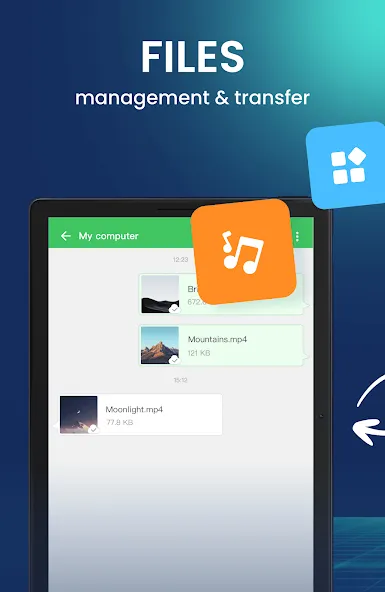
1. Enjoy hyper-fast file transferring without limitations
You can use AirDroid to enjoy the incredibly fast file-transferring speed at 20MB/s, under both local and remote connections. Enjoy the uncompromising experience for productivity even when switching to Wi-Fi, 4G, or 5G network. The nearby feature also allows you to instantly and directly send photos & video files to your nearby friends, even without an account or internet connection.
2. All-in-one file management
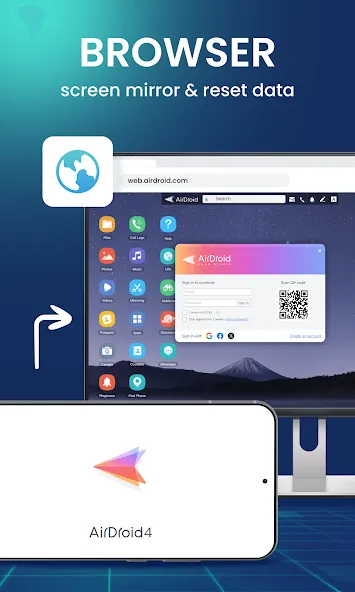
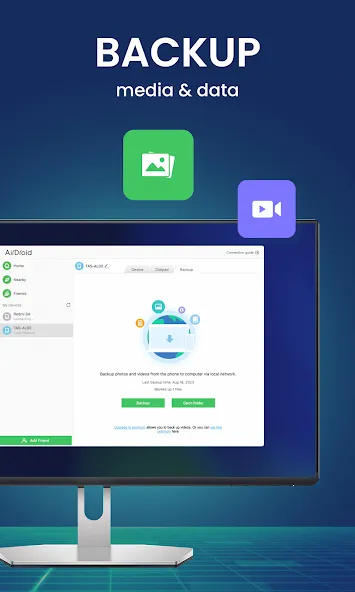
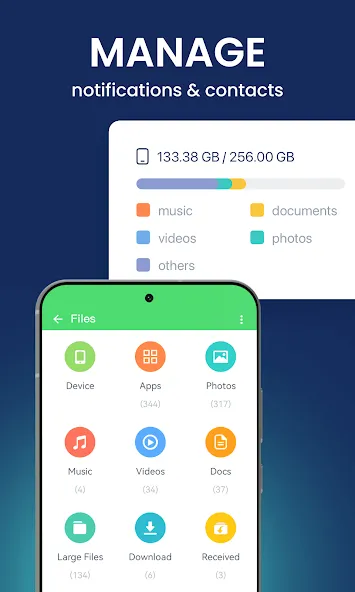
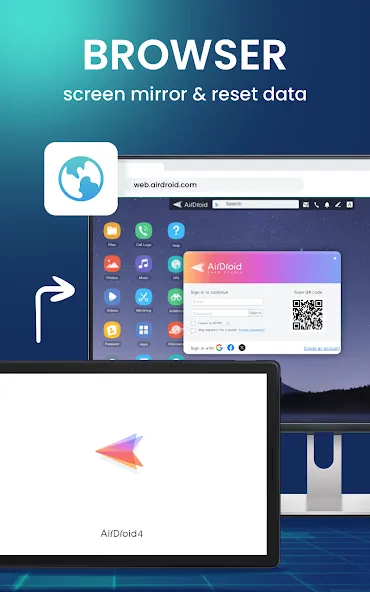
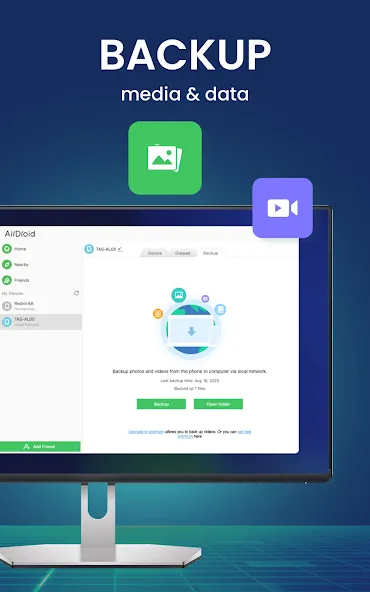
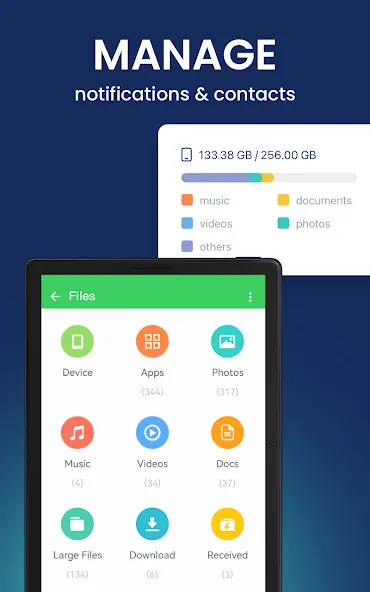
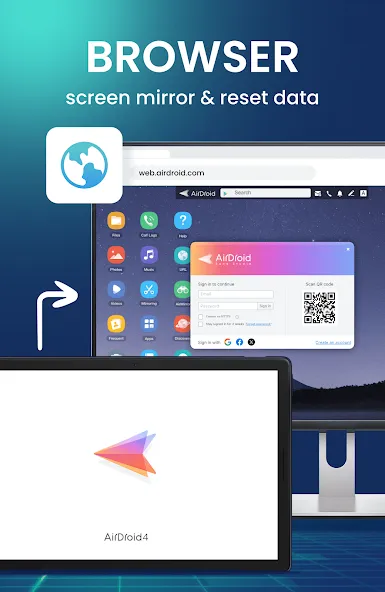
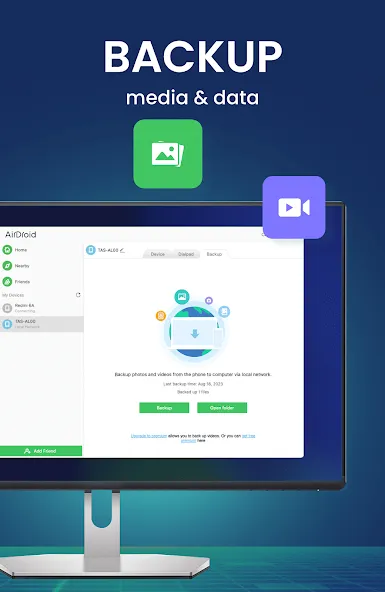
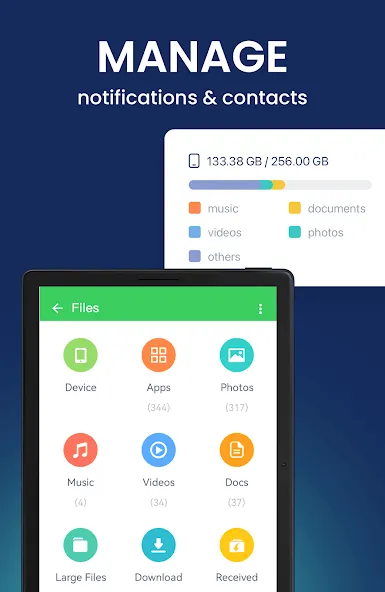
From the desktop client or the web client web.airdroid.com, you can check up and manage photos, videos, music, apps, storage, and more on your devices. You can even automatically sync and upload your photos & videos to your PC, that way you can not only save up your device’s storage but also avoid the risk of having your privacy leaked.
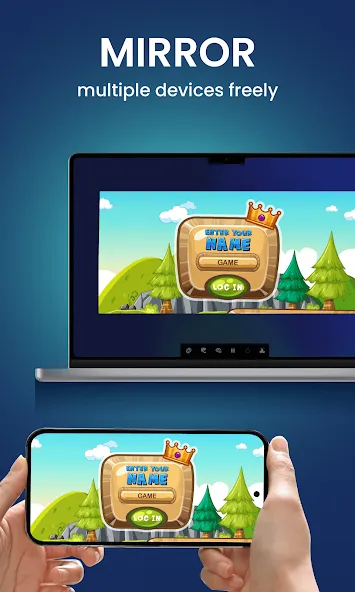
3. Screen Mirroring
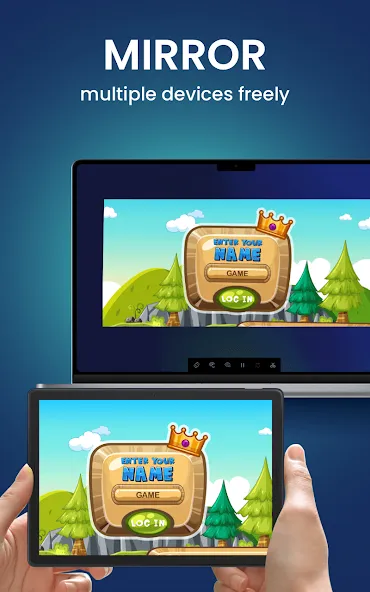
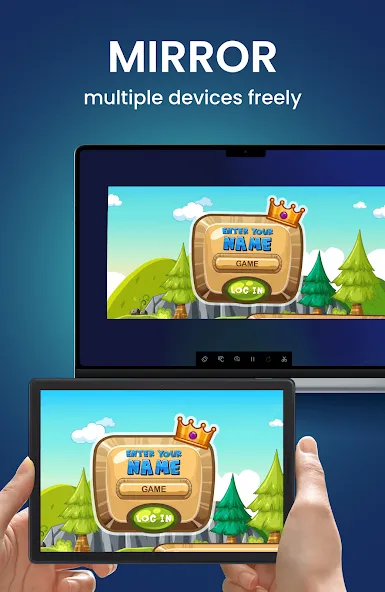
Mirror your Android devices to pc wirelessly so that you can share your screen with your students or partners. You can also stream your broadcast with AirDroid, to share your games or pictures with your audience more efficiently.
Screen mirroring doesn’t require the phones and the computer to be on the same network. A practical solution for various scenarios.
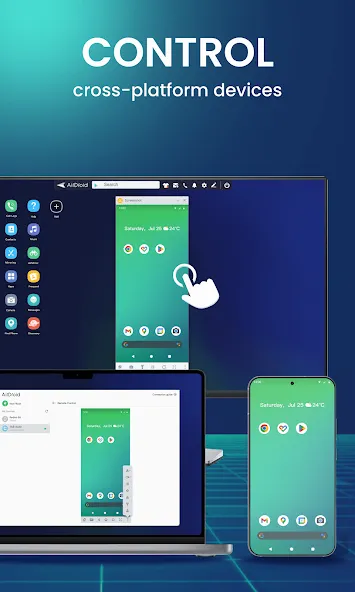
4. Remote Control Android devices
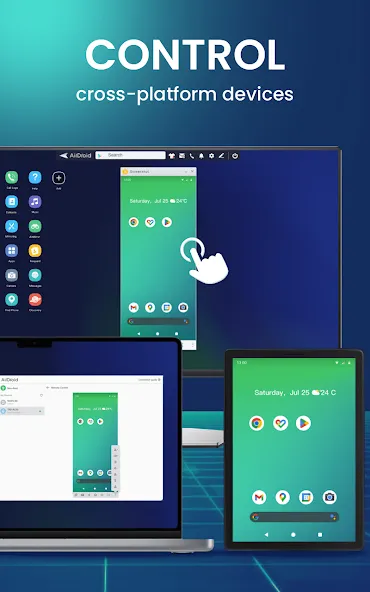
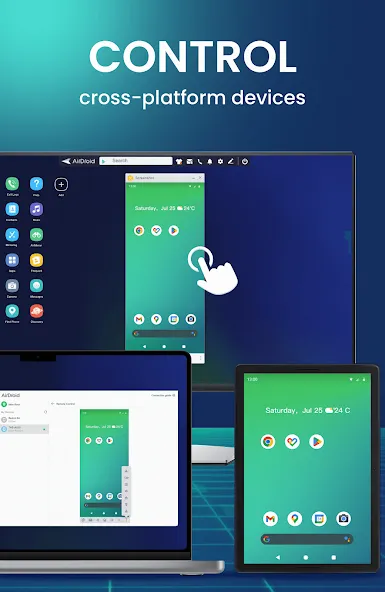
You can take full control of your Android devices, without rooting your devices, just need to connect to the AirDroid PC client for a fast setting, to do whatever you want to do on your Android devices remotely, ex, play games, open an app, check the phone status.
Remote control for AirDroid is easy to set up and runs smoothly even if your device is on the other side of the globe.
*If you need to remote control an Android device from another Android device, you need to download AirMirror for the controller device.
5. Remote Monitoring
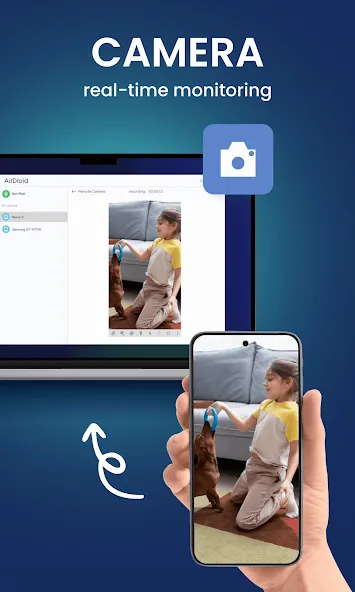
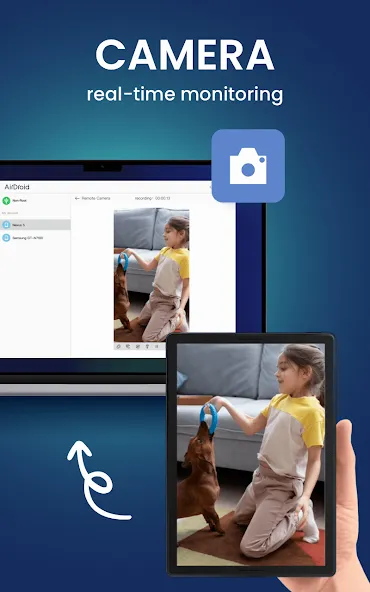
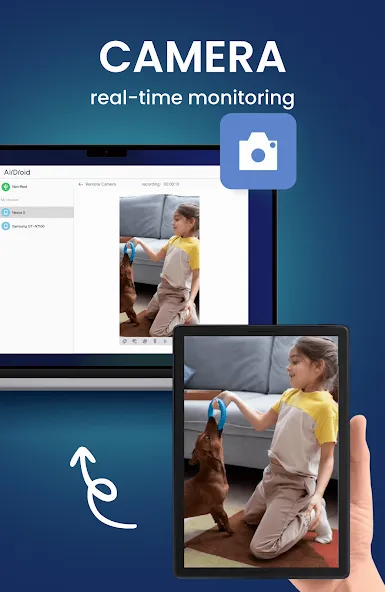
Make use of unused Android phones and have them be your eyes by using the remote camera feature. Monitor the device surroundings, or listen in on environmental sounds with One-Way Audio, so you don’t need to stay on the screen at all times.
You can check in on newborns and pets or safeguard your home, all without spending extra on new cameras.
5. Notifications & SMS Management
AirDroid helps you focus on work by letting you manage the phone right from your computer.
You can receive and send texts, connect to headsets, enter or copy the phone number and make the call right from the computer. The Notification feature allows you to sync your phone’s app notifications (such as WhatsApp, Line, and Facebook Messenger) to the computer, and you can directly reply to them on your desktop. Important messages are always up-to-date.
6. Make calls on PC
You can import phone numbers in bulk directly on the AirDroid desktop client, click to call, and talk to your customers or friends through the handset or Bluetooth headset of the phone. AirDroid helps you avoids the trouble of manually entering phone numbers on mobile phones and possible errors, and improves your efficiency.
FAQs:
Q: Do I have to register an account to use AirDroid?
A: With an AirDroid account, you can enjoy all the features under the local and remote connection. If you don’t want to register, you can use AirDroid under the same wifi with limited features.
Q: Does AirDroid free to use?
A: You can use AirDroid for free under the local area network. When running under a non-local network, the free account has a 200MB/month data limit and cannot use the remote camera. We recommend that you upgrade to premium to enjoy unlimited remote data and unlock all functions and services.
Google Play
APP STORE
Advertisement
Taptostore.com is an independent app discovery and editorial review platform. We publish reviews, comparisons, and recommendations designed to help users explore apps and make informed choices.
Download links on Taptostore.com direct users to the relevant official app store or another distribution channel designated by the developer or publisher. App downloads and installations take place through those external platforms.
Our content is developed through product research, editorial analysis, publicly available information, and, where appropriate, an assessment of the app’s features and user experience. Reviews and recommendations represent our editorial judgment at the time of publication.
The security and privacy practices of each app are determined by its developer. Before installing an app, users should review its official store listing, developer information, requested permissions, privacy policy, update history, and recent user feedback.
Taptostore.com does not control or independently certify third-party apps and cannot guarantee their security, reliability, performance, or privacy practices.
Not necessarily. Apps may be free, paid, advertising-supported, or include in-app purchases and recurring subscriptions. Pricing and availability may vary by region, device, platform, and time. Please refer to the relevant official store listing for current terms.
Availability may be affected by geographic restrictions, device compatibility, operating-system requirements, age limitations, store policies, or decisions made by the developer or publisher. These factors are outside the control of Taptostore.com.
Taptostore.com does not operate the apps featured on the website and cannot access their accounts or internal systems. Questions about login credentials, account recovery, technical issues, data deletion, or app functionality should be directed to the relevant developer through its official support channels.
Please do not send passwords, verification codes, recovery credentials, or payment information to Taptostore.com.
App-related payments, subscriptions, cancellations, and refunds are administered by the app store, developer, or payment provider responsible for the transaction. Taptostore.com does not process these transactions and cannot manage subscriptions or issue refunds.
Uninstalling an app may not cancel an active subscription. Users should manage subscriptions through the platform on which the purchase was made.
We make reasonable efforts to publish accurate and useful information. However, app features, pricing, compatibility, availability, and policies may change without notice. For the most current details, users should consult the relevant official store listing or developer documentation.
Unless expressly stated, Taptostore.com is not affiliated with, sponsored by, endorsed by, or officially connected with the developers, publishers, brands, or platforms featured on the website.
Product names, logos, brands, and trademarks belong to their respective owners and are referenced solely for identification and informational purposes.
Advertisement