 1Password: Password Manager
3.9


Productivity
Ratings
Downloads
Age
Advertisement
Advertisement
Name
Category
Price
Safety
Developer
Version
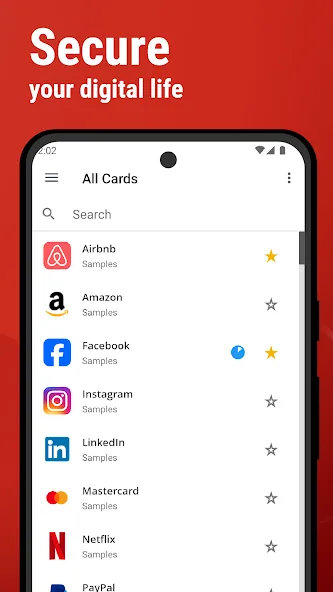
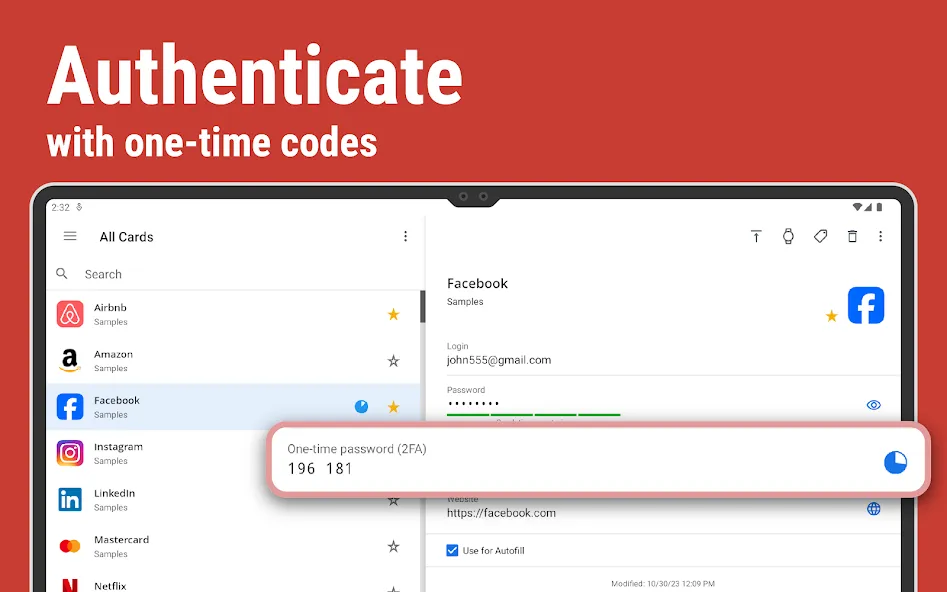
SafeInCloud Password Manager allows you to keep your logins, passwords, and other private info safe and secure in an encrypted database. You can synchronize your data with another phone, tablet, Mac or PC via your own cloud account.
KEY FEATURES
◆ Easy to Use
◆ Material Design
◆ Black Theme
◆ Strong Encryption (256-bit Advanced Encryption Standard)
◆ Cloud Synchronization (Google Drive, Dropbox, Microsoft OneDrive, NAS, WebDAV)
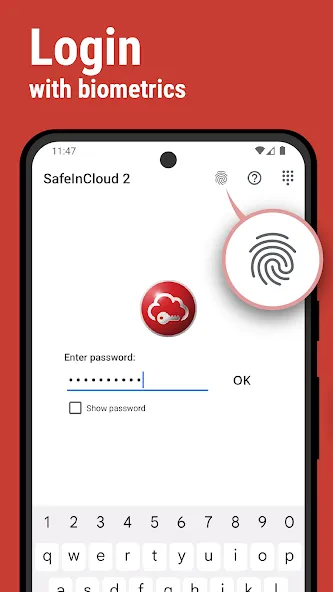
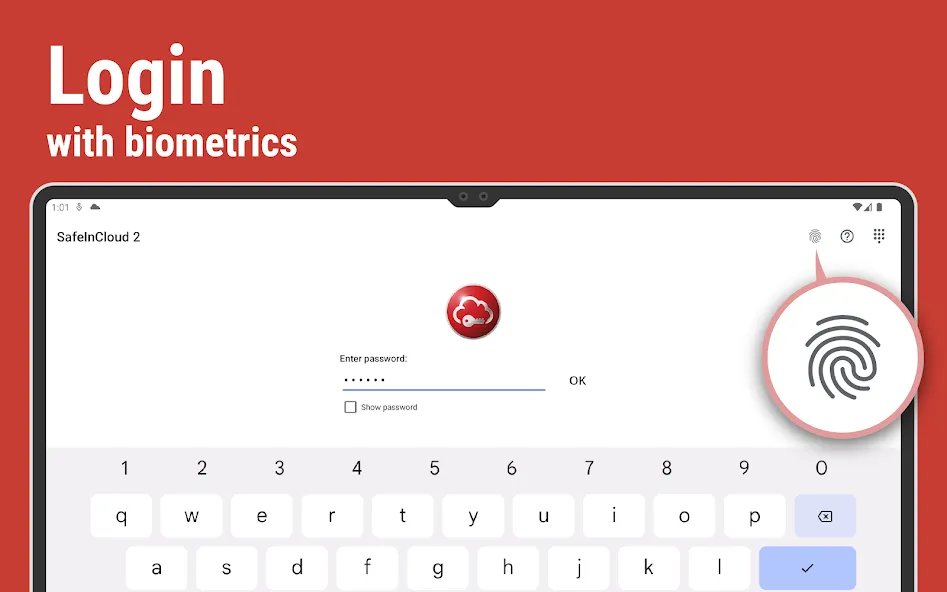
◆ Login with Fingerprint, Face, Retina
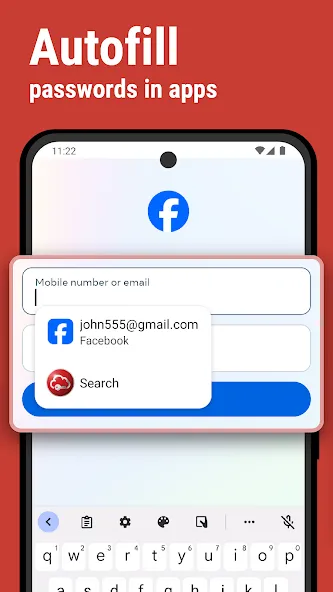
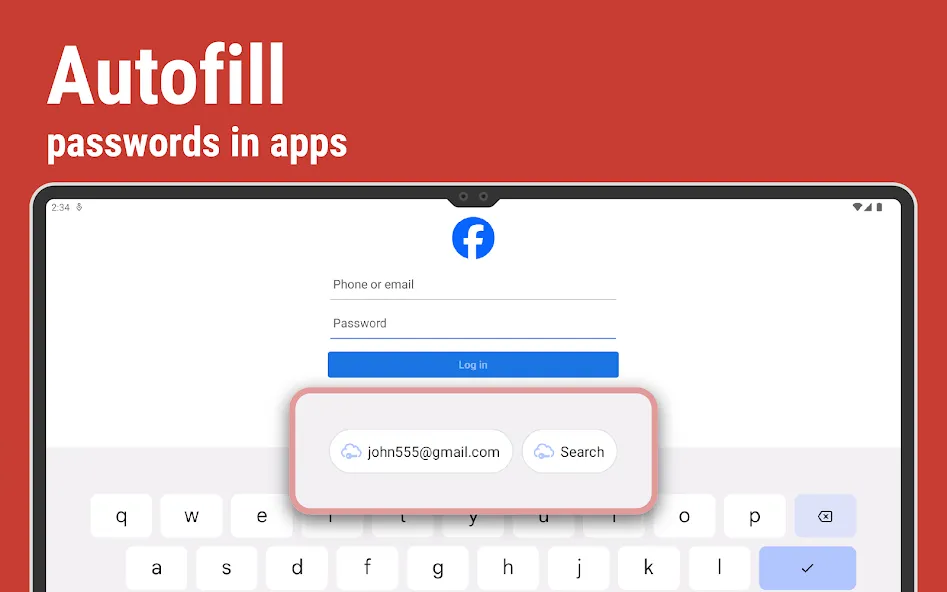
◆ Autofill in Apps
◆ Autofill in Chrome
◆ Browser Integration
◆ Wear OS App
◆ Password Strength Analysis
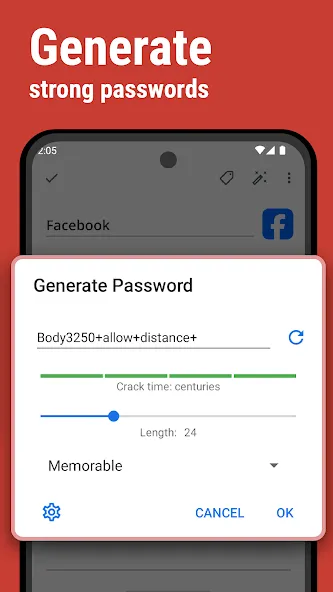
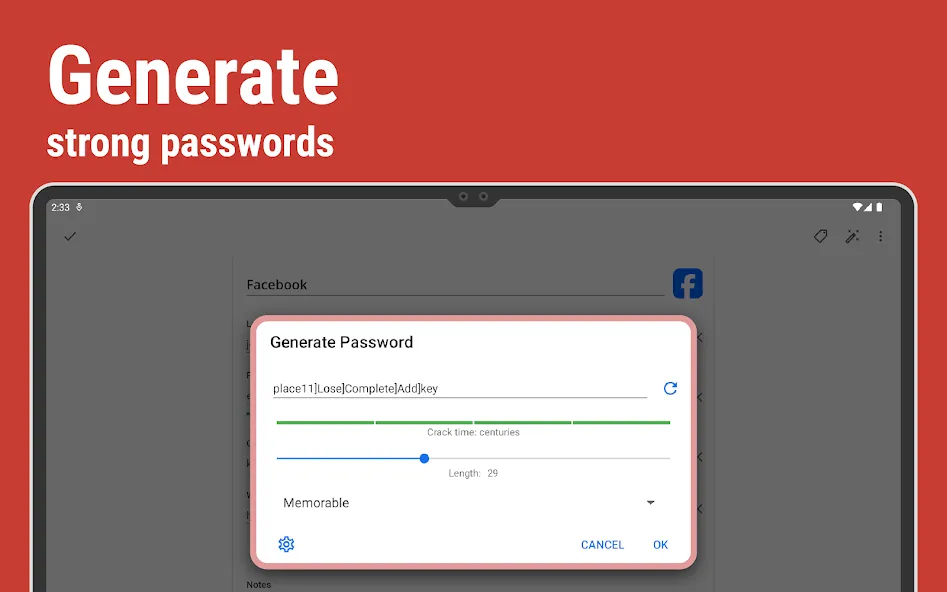
◆ Password Generator
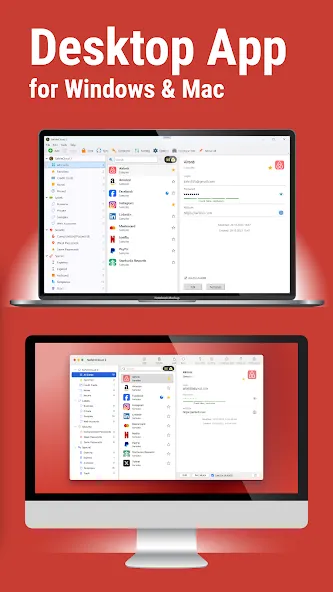
◆ Free Desktop App (Windows, Mac)
◆ Automatic Data Import
◆ Cross-Platform
EASY TO USE
Try it yourself and enjoy an easy-to-use yet powerful user interface.
MATERIAL DESIGN
SafeInCloud was completely redesigned to match new Material Design user interface language by Google. In addition to the standard Light theme SafeInCloud also has a Dark theme option to help you saving a significant amount of battery life.
STRONG ENCRYPTION
Your data is always encrypted on a device and in a cloud with a strong 256-bit Advanced Encryption Standard (AES). This algorithm is used by the U.S. Government for protection of a top secret information. AES is also widely adopted worldwide and became the de facto encryption standard.
CLOUD SYNCHRONIZATION
Your database is automatically synchronized with your own cloud account. Thus you can easily restore your entire database from a cloud to a new phone or computer (in case of a loss or an upgrade). Your phone, tablet and computer are also automatically synchronized between each other via a cloud.
LOGIN WITH FINGERPRINT
You can instantly unlock SafeInCloud with a fingerprint on devices with a fingerprint sensor. This feature is available on all Samsung devices. Devices from other manufacturers should have Android 6.0 or higher.
AUTOFILL IN APPS
You can autofill login and password fields into any app on your phone directly from SafeInCloud. You don’t need to copy and paste them manually.
AUTOFILL IN CHROME
You can autofill logins and passwords on webpages in Chrome. For that you should enable SafeInCloud Autofill service in the phone’s Accessibility settings.
WEAR OS APP
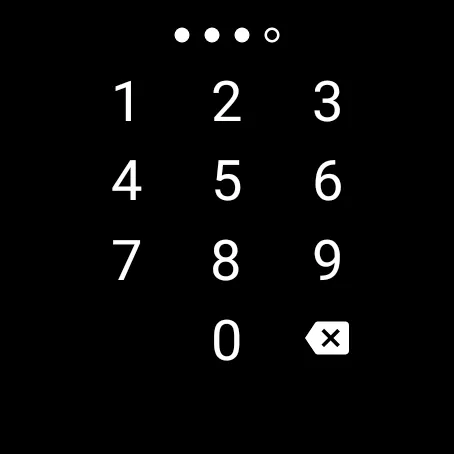
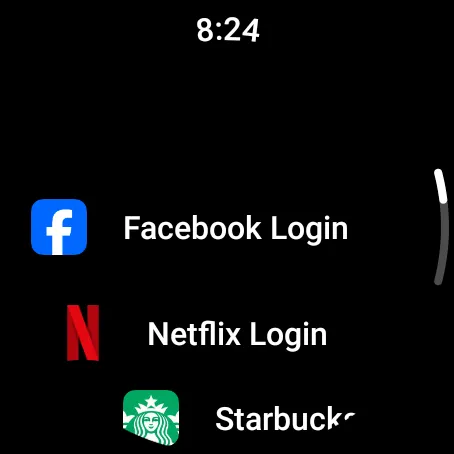
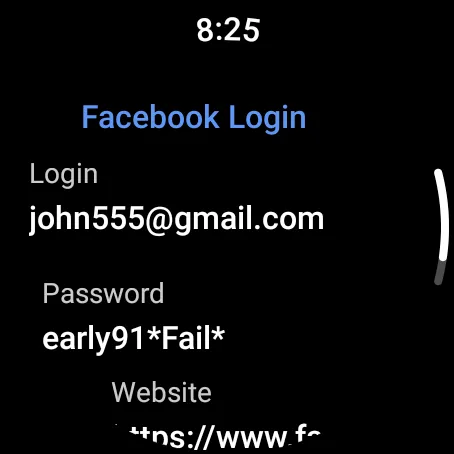
You can put some selected cards on your wrist to easily access them on the run. These could be your credit card PINs, door and locker codes.
PASSWORD STRENGTH ANALYSIS
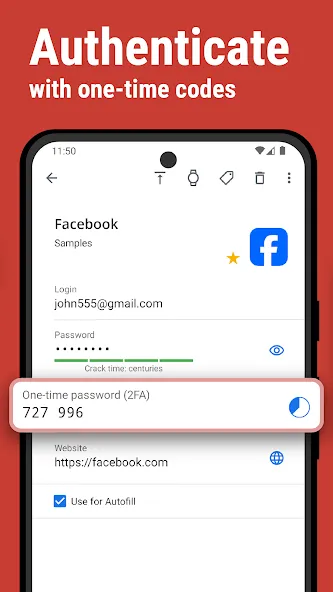
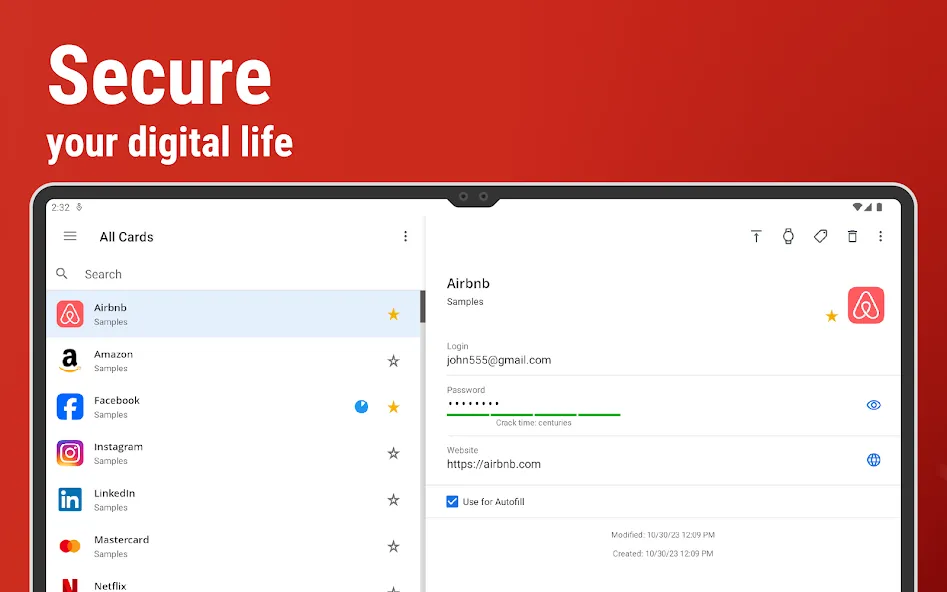
SafeInCloud analyses your password strengths and shows a strength indicator next to each password. The strength indicator displays an estimated crack time for a password. All cards with weak passwords are marked with a red sign.
PASSWORD GENERATOR
The password generator helps you generating random and secure passwords. There is also an option to generate memorable, but still strong passwords.
FREE DESKTOP APP
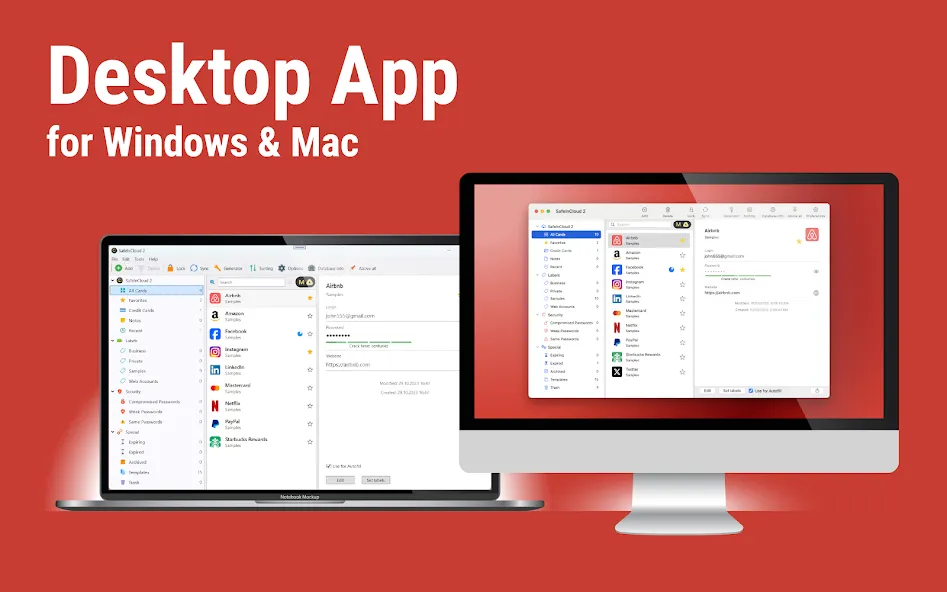
Download a free Desktop application for Windows or Mac OS from www.safe-in-cloud.com to be able access your database on your computer. The Desktop application also makes data entry and editing fast and easy using a hardware keyboard.
AUTOMATIC DATA IMPORT
The Desktop application can automatically import your data from another password manager. You don’t need to manually reenter all your passwords.
CROSS PLATFORM
SafeInCloud is available on the following platforms: Mac (OS X), iOS (iPhone and iPad), Windows, and Android.
Google Play
APP STORE
Advertisement
Taptostore.com is an independent app discovery and editorial review platform. We publish reviews, comparisons, and recommendations designed to help users explore apps and make informed choices.
Download links on Taptostore.com direct users to the relevant official app store or another distribution channel designated by the developer or publisher. App downloads and installations take place through those external platforms.
Our content is developed through product research, editorial analysis, publicly available information, and, where appropriate, an assessment of the app’s features and user experience. Reviews and recommendations represent our editorial judgment at the time of publication.
The security and privacy practices of each app are determined by its developer. Before installing an app, users should review its official store listing, developer information, requested permissions, privacy policy, update history, and recent user feedback.
Taptostore.com does not control or independently certify third-party apps and cannot guarantee their security, reliability, performance, or privacy practices.
Not necessarily. Apps may be free, paid, advertising-supported, or include in-app purchases and recurring subscriptions. Pricing and availability may vary by region, device, platform, and time. Please refer to the relevant official store listing for current terms.
Availability may be affected by geographic restrictions, device compatibility, operating-system requirements, age limitations, store policies, or decisions made by the developer or publisher. These factors are outside the control of Taptostore.com.
Taptostore.com does not operate the apps featured on the website and cannot access their accounts or internal systems. Questions about login credentials, account recovery, technical issues, data deletion, or app functionality should be directed to the relevant developer through its official support channels.
Please do not send passwords, verification codes, recovery credentials, or payment information to Taptostore.com.
App-related payments, subscriptions, cancellations, and refunds are administered by the app store, developer, or payment provider responsible for the transaction. Taptostore.com does not process these transactions and cannot manage subscriptions or issue refunds.
Uninstalling an app may not cancel an active subscription. Users should manage subscriptions through the platform on which the purchase was made.
We make reasonable efforts to publish accurate and useful information. However, app features, pricing, compatibility, availability, and policies may change without notice. For the most current details, users should consult the relevant official store listing or developer documentation.
Unless expressly stated, Taptostore.com is not affiliated with, sponsored by, endorsed by, or officially connected with the developers, publishers, brands, or platforms featured on the website.
Product names, logos, brands, and trademarks belong to their respective owners and are referenced solely for identification and informational purposes.
Advertisement