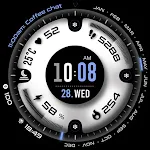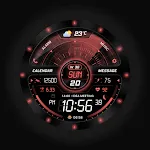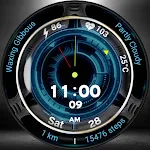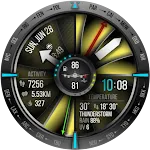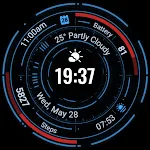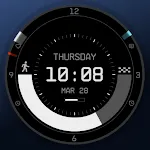
Planet in stars Watch Face
Personalization
Ratings
Downloads
Age
Advertisement
Screenshots
Related Apps
See all →Advertisement
About this app
Name
Category
Price
Safety
Developer
Version
Description
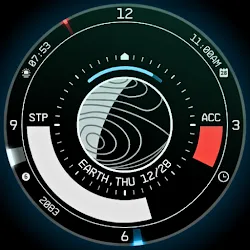
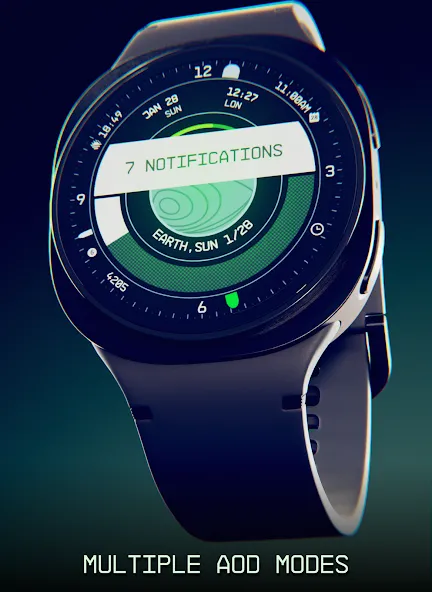
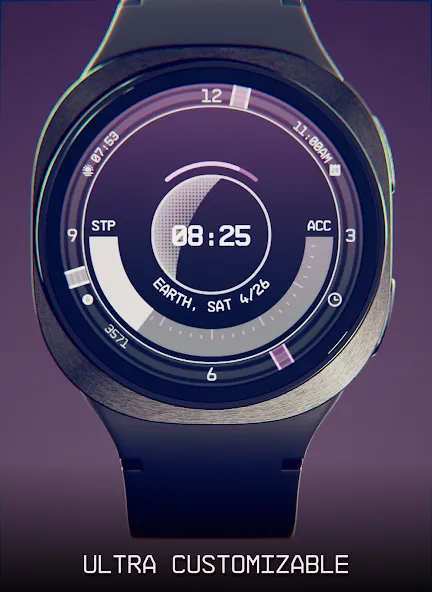
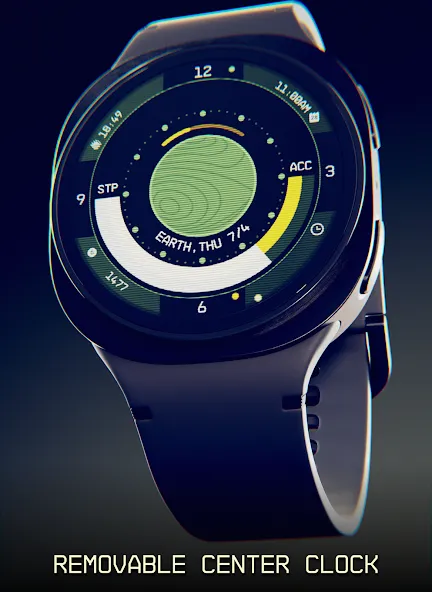
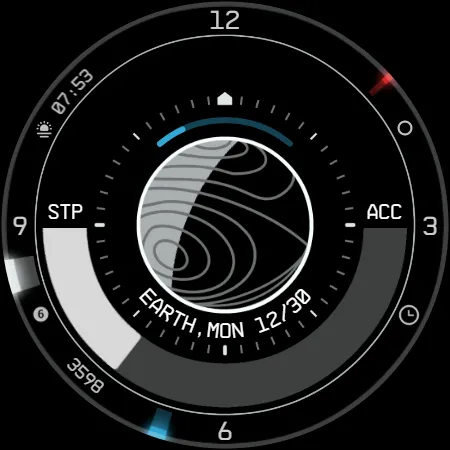
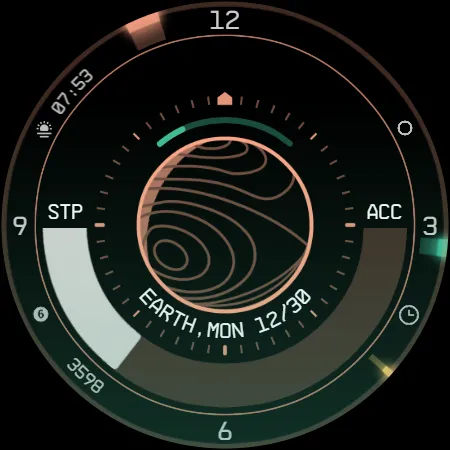
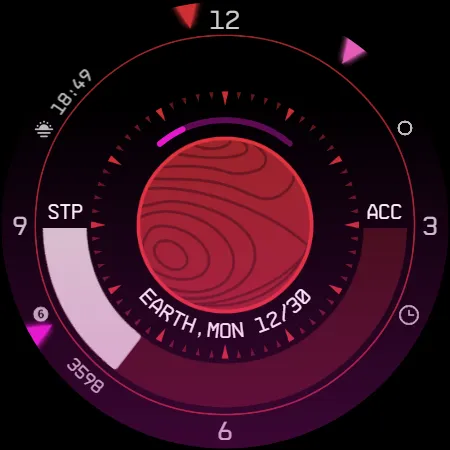
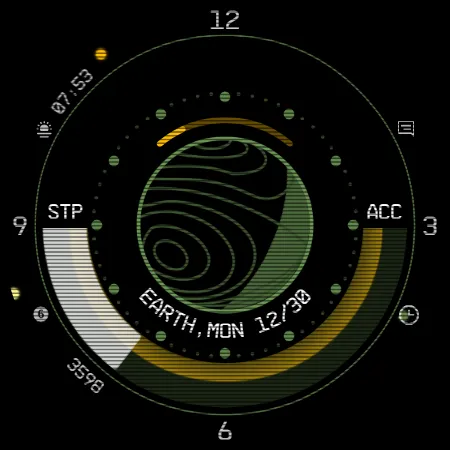
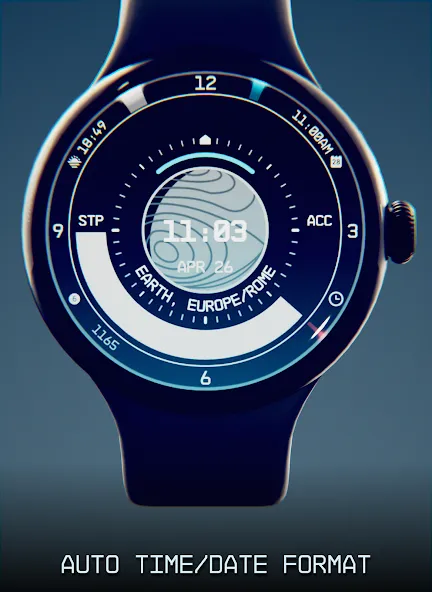
A space themed watch face, full of information and highly customizable! Be a constellation explorer and travel in the starfield!
Introduction
This is a native, standalone Wear OS watch face. This means that it can be installed on many smartwatches running this OS (like Samsung, Mobvoi Ticwatch, Fossil, Oppo, the latest Xiaomi and more).
It is completely handcrafted, to be unique.
Features
The watch face includes:
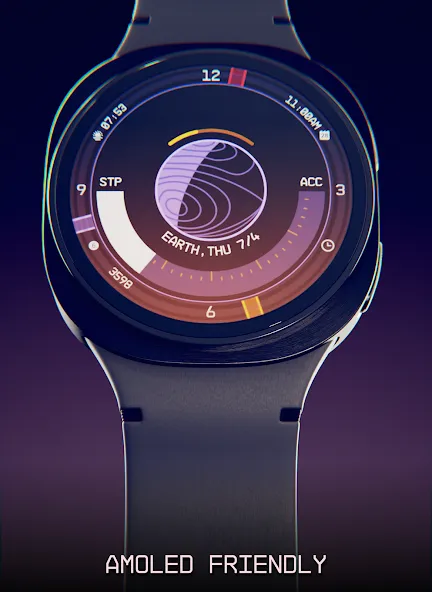
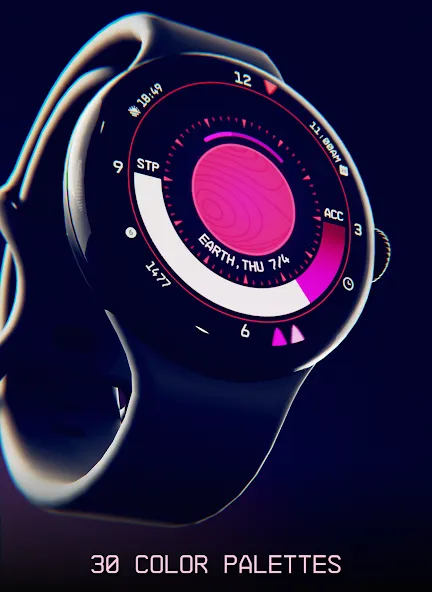
◉ 30 color palettes
◉ Many different customizations (9MLN possibilities!)
◉ 12/24 hours format support
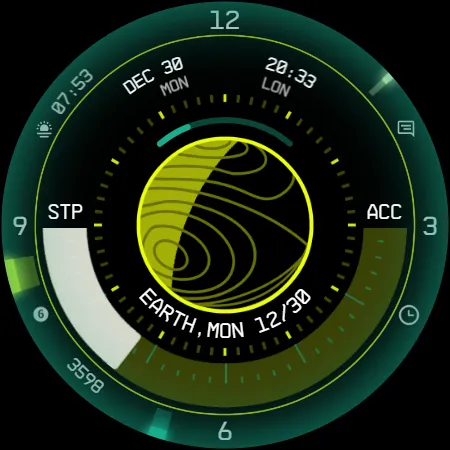
◉ A lot of information at a glance
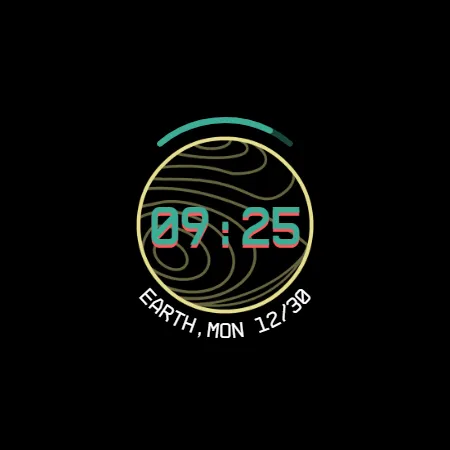
◉ Customizable UI, hands, circle, main bar, AOD and foreground effects
◉ Clean, futuristic and NASA punk style
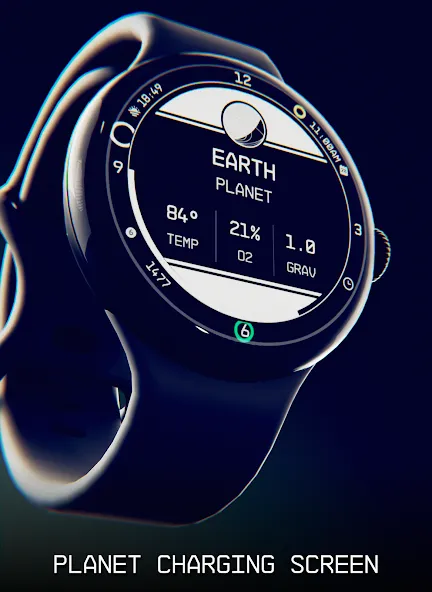
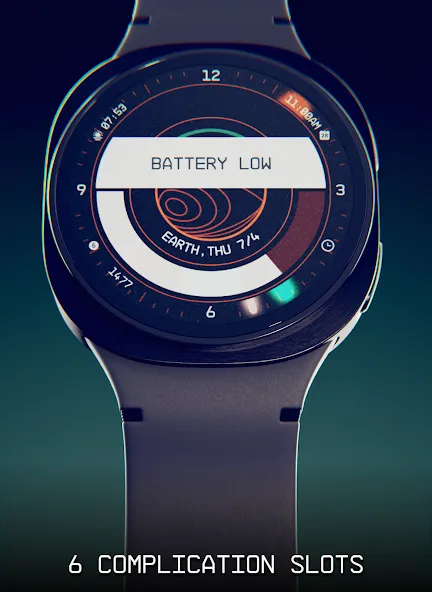
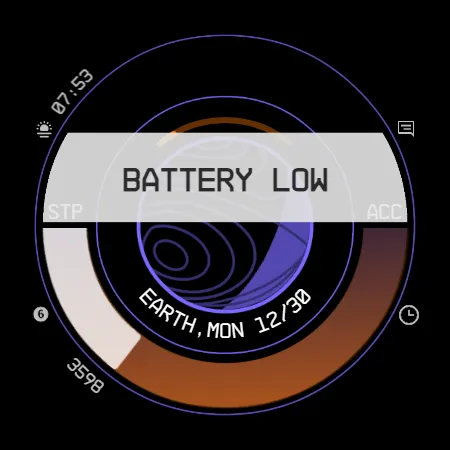
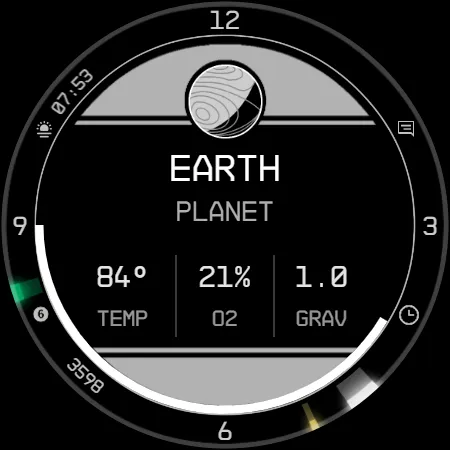
◉ Planet details while charging, low battery / notification status alert!
◉ 5 customizable complications, of different sizes!
◉ Easy to use (and uninstallable) companion app
Installation
The installation is straightforward, don’t worry!
Here’s the procedure and a quick Q&A:
◉ Install this app in your smartphone
◉ Open it, and connect your Wear OS smartwatch to your device
◉ If the watch is connected, you will be able to tap the “view and install on smartwatch” button. (if not, refer to the Q&A below)
◉ Check your watch, you should see my watch face and the install button (if you see the price instead, refer to the Q&A below)
◉ Install it in your smartwatch
◉ Long press on your current watch face
◉ Swipe left until you see a “+” button, tap on it
◉ Look for the new watch face, tap on it
◉ Done. If you want, you can uninstall the companion app now!
Q&A
Q - I’m being charged twice! / The watch is asking me to pay again / you’re a [derogatory adjective]
A - Keep calm. This happens when the account you’re using on the smartphone is different from the account used on the smartwatch. You have to use the same account (else, Google has no way to know that you already bought the watch face).
Q - I can’t press the button in the companion app but my smartwatch is connected, why?
A - Most probably, you’re using an incompatible device, like an old Samsung smartwatch or any other non-Wear OS smartwatch/smartband. You can easily check on Google if your device runs Wear OS before installling any watch face. If you’re sure you have a Wear OS device and still you can’t press the button, open the Play Store on your watch and search for my watch face manually!
Q - I have a Wear OS device, but it’s not working! I’m gonna leave a one star review 😏
A - Stop right there! Most definitely there’s an issue on your side while following the procedure, so please just send me an email (i usually reply during the weekends) and don’t damage me with a bad and misleading review!
Q - The [name of a feature] is not working!
A - Try setting another watch face and then set mine again, or try allowing the permissions manually (on the watch obviously). If it still doesn’t work, there’s an handy “email button” in the companion app!
Support
If you need help or you have a suggestion, feel free to send me an email, I’ll do my best to help.
I usually reply during the weekend because I’m just one person (not a company) and I have a job, so be patient!
This app is supported and updated to fix bugs and add new features. The overall design won’t change, but it will surely be improved over time!
I know that the price isn’t the lowest, but I worked a lot of hours on each watch face and the price also includes the support and the updates, if you think about it. And i assure you, I’ll invest any earning on useful things and to help my family. Oh, and thanks for reading the full description! Nobody does it!
Google Play
APP STORE
Advertisement

Frequently Asked Questions
Taptostore.com is an independent app discovery and editorial review platform. We publish reviews, comparisons, and recommendations designed to help users explore apps and make informed choices.
Download links on Taptostore.com direct users to the relevant official app store or another distribution channel designated by the developer or publisher. App downloads and installations take place through those external platforms.
Our content is developed through product research, editorial analysis, publicly available information, and, where appropriate, an assessment of the app’s features and user experience. Reviews and recommendations represent our editorial judgment at the time of publication.
The security and privacy practices of each app are determined by its developer. Before installing an app, users should review its official store listing, developer information, requested permissions, privacy policy, update history, and recent user feedback.
Taptostore.com does not control or independently certify third-party apps and cannot guarantee their security, reliability, performance, or privacy practices.
Not necessarily. Apps may be free, paid, advertising-supported, or include in-app purchases and recurring subscriptions. Pricing and availability may vary by region, device, platform, and time. Please refer to the relevant official store listing for current terms.
Availability may be affected by geographic restrictions, device compatibility, operating-system requirements, age limitations, store policies, or decisions made by the developer or publisher. These factors are outside the control of Taptostore.com.
Taptostore.com does not operate the apps featured on the website and cannot access their accounts or internal systems. Questions about login credentials, account recovery, technical issues, data deletion, or app functionality should be directed to the relevant developer through its official support channels.
Please do not send passwords, verification codes, recovery credentials, or payment information to Taptostore.com.
App-related payments, subscriptions, cancellations, and refunds are administered by the app store, developer, or payment provider responsible for the transaction. Taptostore.com does not process these transactions and cannot manage subscriptions or issue refunds.
Uninstalling an app may not cancel an active subscription. Users should manage subscriptions through the platform on which the purchase was made.
We make reasonable efforts to publish accurate and useful information. However, app features, pricing, compatibility, availability, and policies may change without notice. For the most current details, users should consult the relevant official store listing or developer documentation.
Unless expressly stated, Taptostore.com is not affiliated with, sponsored by, endorsed by, or officially connected with the developers, publishers, brands, or platforms featured on the website.
Product names, logos, brands, and trademarks belong to their respective owners and are referenced solely for identification and informational purposes.
TOP FREE APPS
See all →TOP FREE GAMES
See all →Advertisement

Top Downloads
See all →- 11