 TVV Pride Digital Watch Face
0.0

Personalization
Ratings
Downloads
Age
Advertisement
Advertisement
Name
Category
Price
Safety
Developer
Version
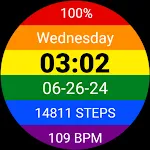
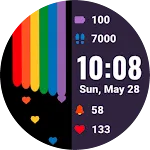
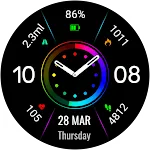
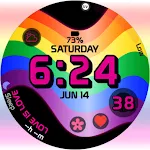
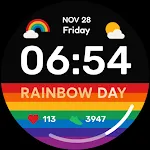
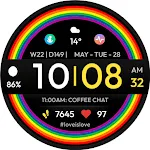
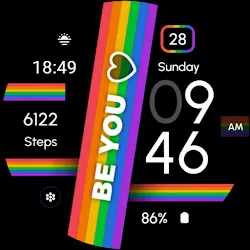
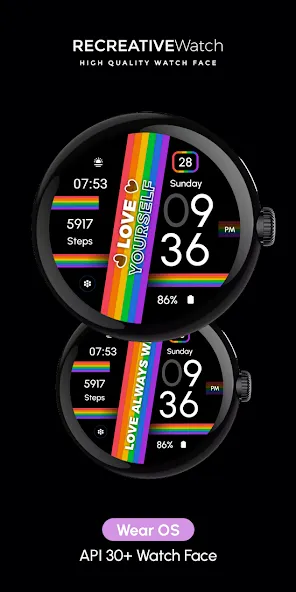
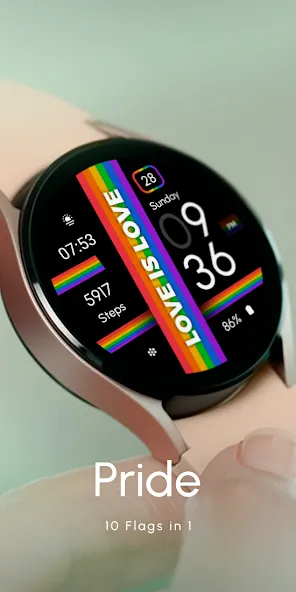
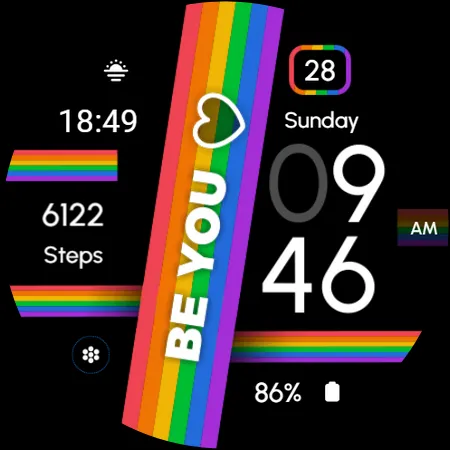
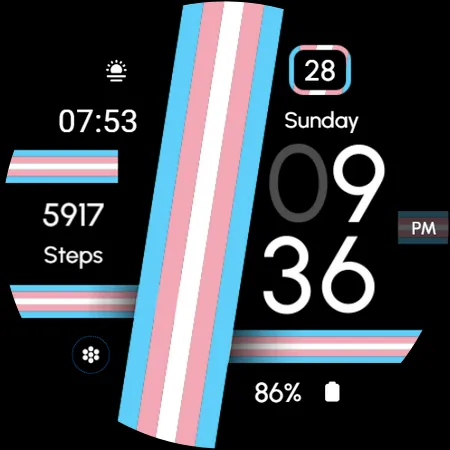
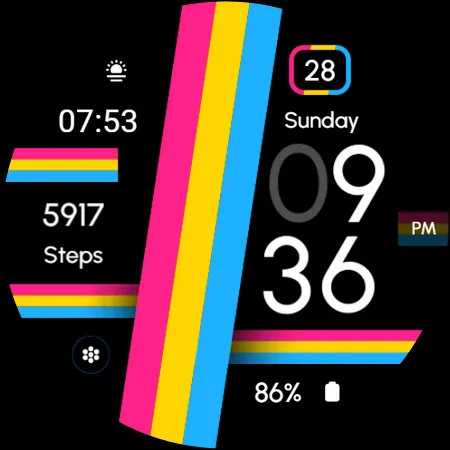
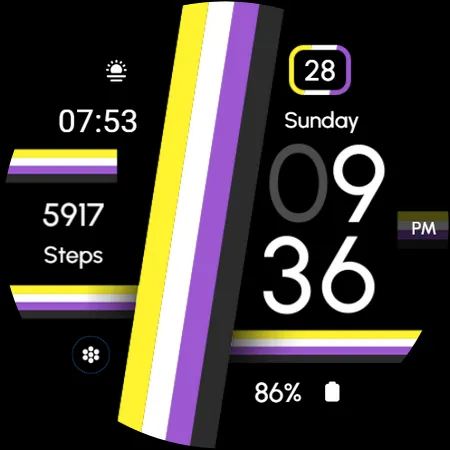
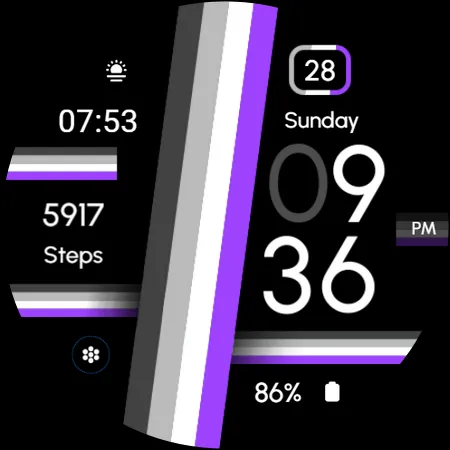
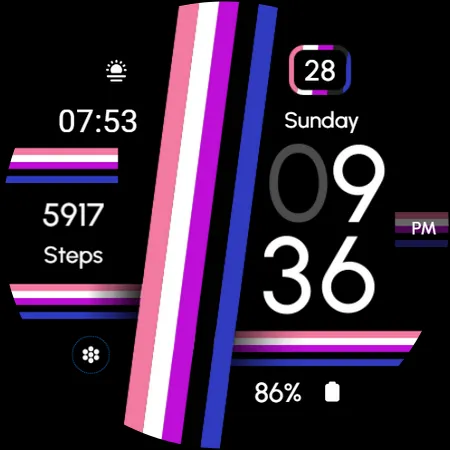
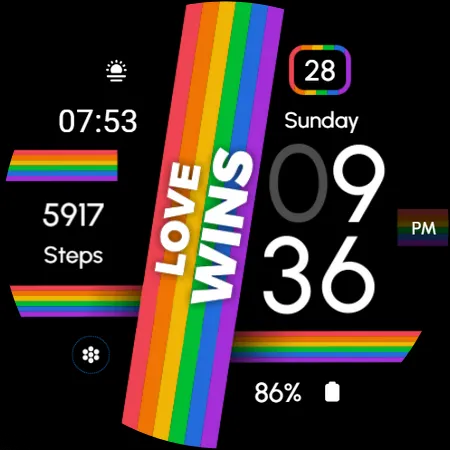
The ‘Pride’ watch face for Wear OS celebrates diversity and inclusivity with its vibrant design featuring a collection of pride flags. Each flag represents a unique identity, symbolizing unity and acceptance within the LGBTQ+ community. With its colorful display and meaningful symbols, this watch face serves as a visual reminder of love, equality, and pride.
⌚Powered by Watch Face Format
⚙️ Phone App Features
The phone app is simply a tool to facilitate installation and locating the watch face on your Wear OS watch. Only the mobile app contains ads.
⚙️ Watch Face Features
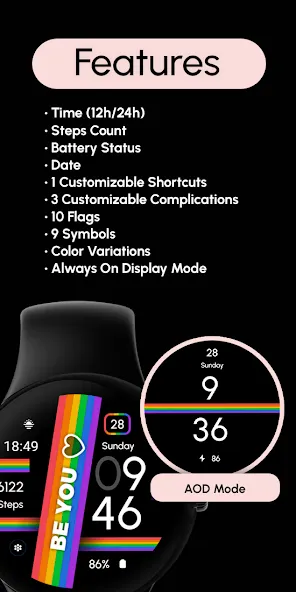
• 12/24h Digital Time
• Date
• Battery
• Steps Count
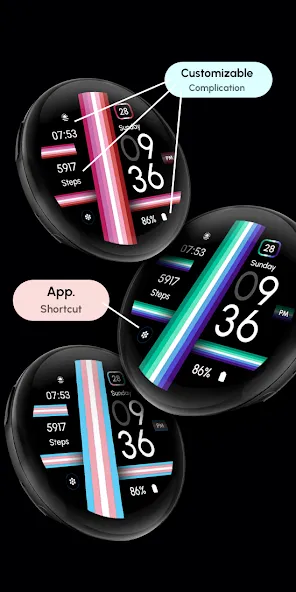
• 1 customizable Shortcut
• 3 customizable Complications
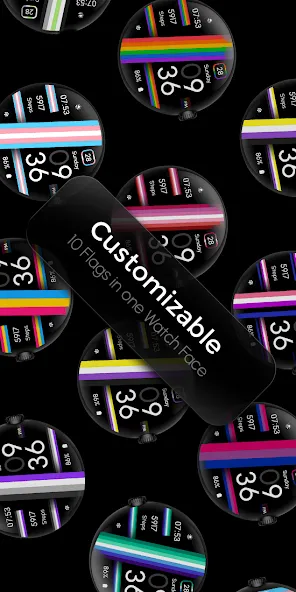
• Color Variations
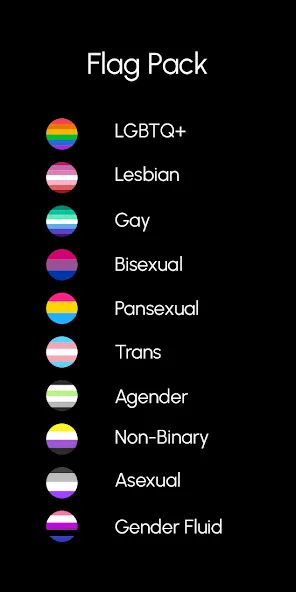
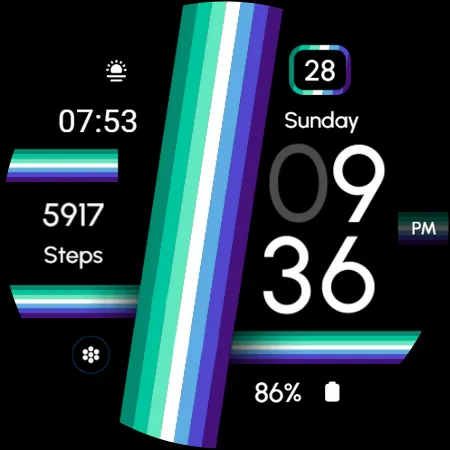
• 10 Pride Flags
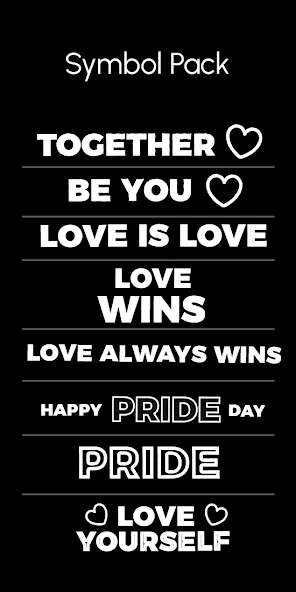
• 8 Text /Icons
• Always ON Display
🏳️🌈 Flags
• LGBTQ+
• Lesbian
• Gay
• Bisexual
• Pansexual
• Trans
• Agender
• Non-Binary
• Asexual
• Gender Fluid
🎨 Customization
1 - Touch and hold display
2 - Tap on Customize option
🎨 Complications
Touch and hold display to open customization mode. You can customize the field with any data you want.
🔋 Battery
For better battery performance of the watch, we recommend disabling the “Always On Display” mode.
✅ Compatible devices include API level 33+ Google Pixel, Galaxy Watch 4, 5, 6, 7 and other Wear OS models.
Installation and troubleshooting
Follow this link: https://www.recreative-watch.com/help/#installation-methodes
Watch faces don’t automatically apply on your watch screen after the installation. That’s why you must set it on your watch’s screen.
💌 Write to [email protected] for assistance.
Advertisement