 TVV Digital 7 Watch Face
0.0

Personalization
Ratings
Downloads
Age
Advertisement
Advertisement
Name
Category
Price
Safety
Developer
Version
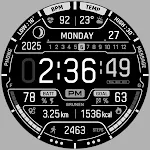
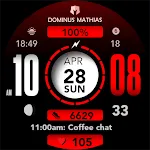
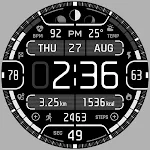
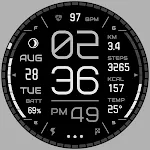
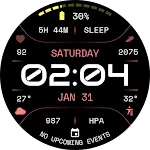
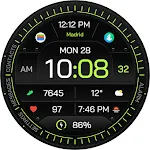
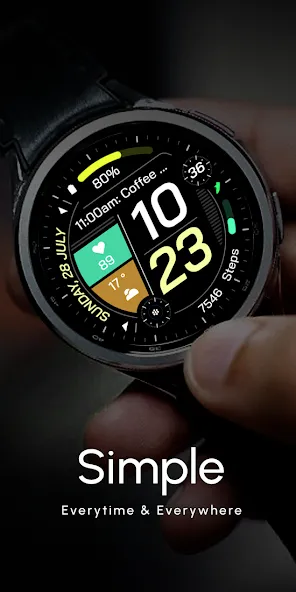
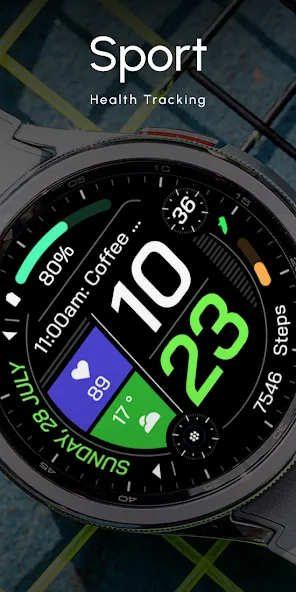
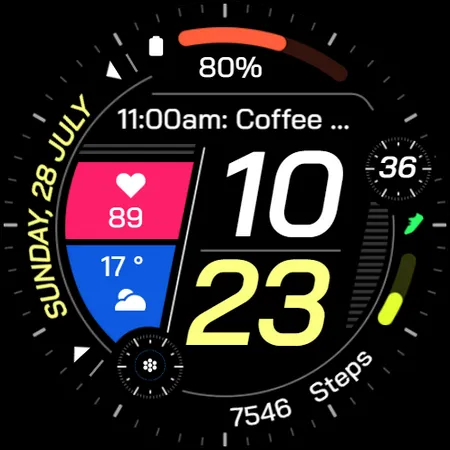
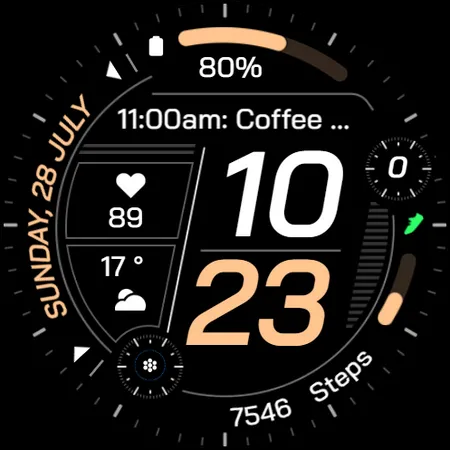
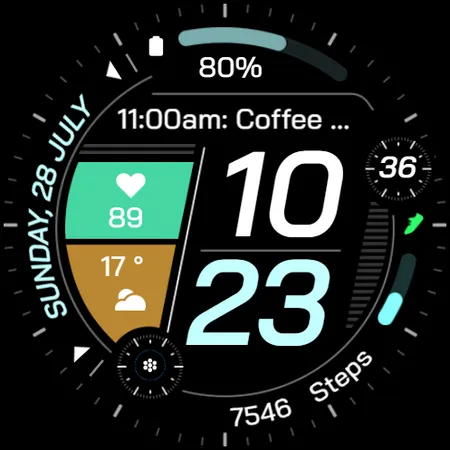
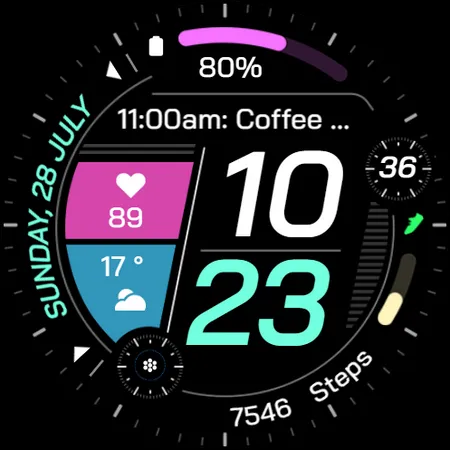
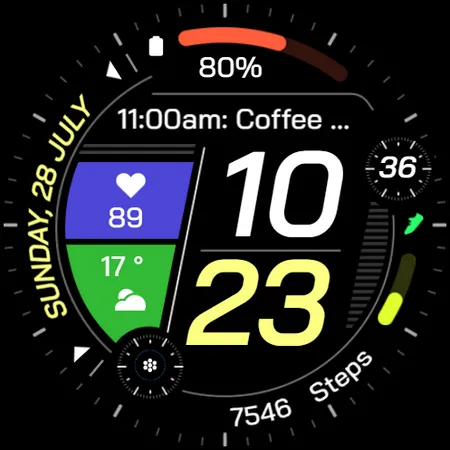
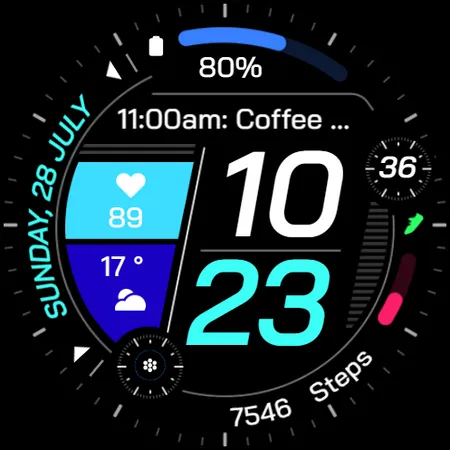
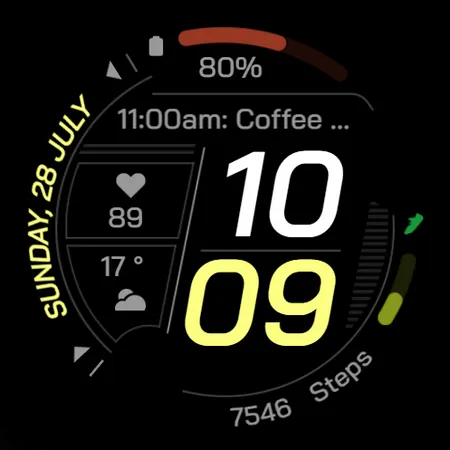
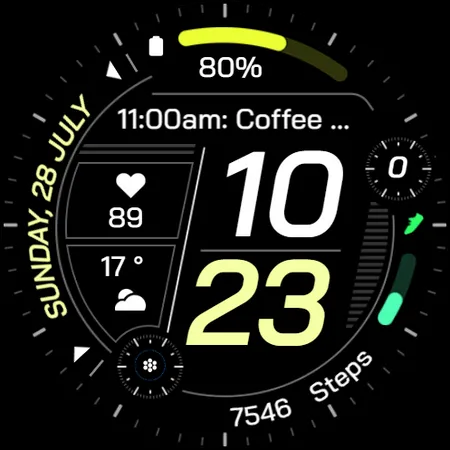
This digital watch face features larger text for easy readability. Ideal for quick glances and low-light conditions, it offers a clear, stylish display for any occasion. Colorful Styles!
⌚Powered by Watch Face Format
⚙️ Watch Face Features
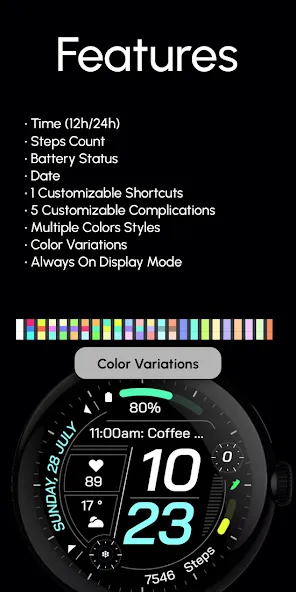
• 12/24h Digital Time
• Date
• Battery
• Steps Count
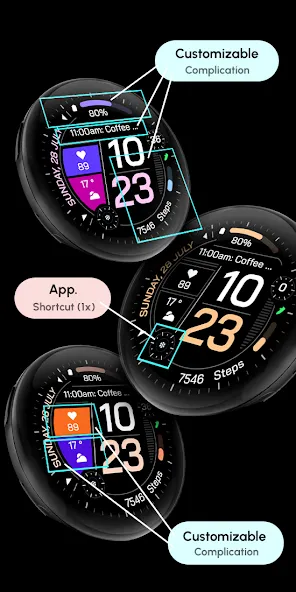
• 5x Customizable Complications
• 1x Customizable Shortcuts
• Color Variations
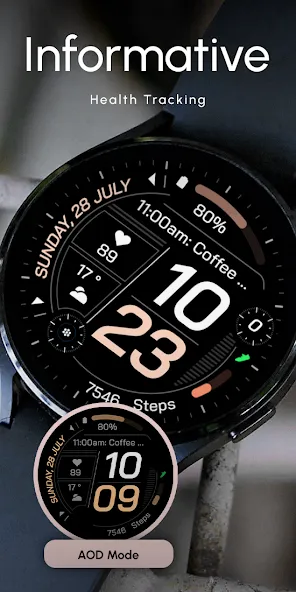
• Always ON Display
🎨 Customization
1 - Touch and hold display
2 - Tap on Customize option
🎨 Complications
Touch and hold display to open customization mode. You can customize the field with any data you want.
🔋 Battery
For better battery performance of the watch, we recommend disabling the “Always On Display” mode.
✅ Compatible devices include API level 33+ Google Pixel, Galaxy Watch 4, 5, 6, and other Wear OS models.
Installation and troubleshooting
Follow this link: https://www.recreative-watch.com/help/#installation-methodes
Watch faces don’t automatically apply on your watch screen after the installation. That’s why you must set it on your watch’s screen.
💌 Write to [email protected] for assistance.
Advertisement