 WFP 237 Digital watch face
4.4

Personalization
Ratings
Downloads
Age
Advertisement
Advertisement
Name
Category
Price
Safety
Developer
Version
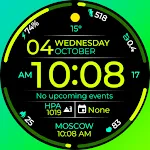
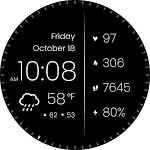
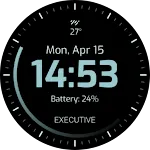
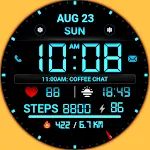
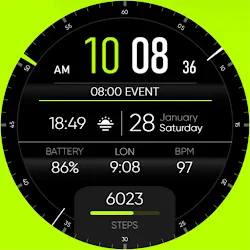
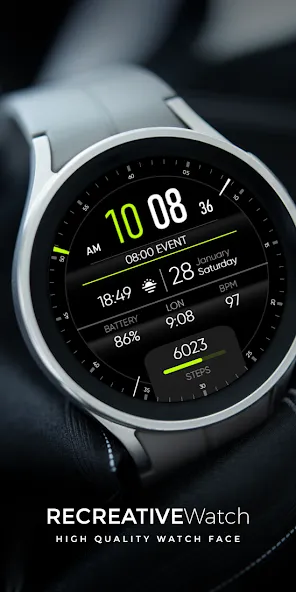
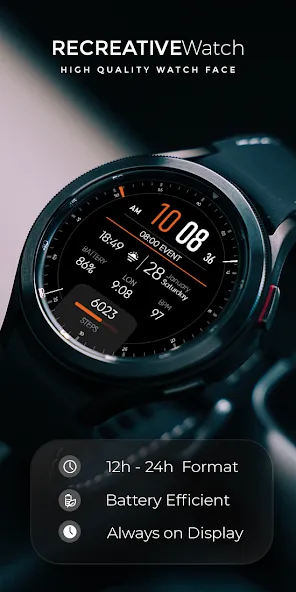
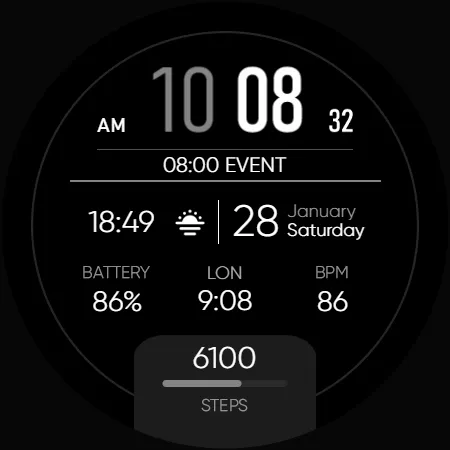
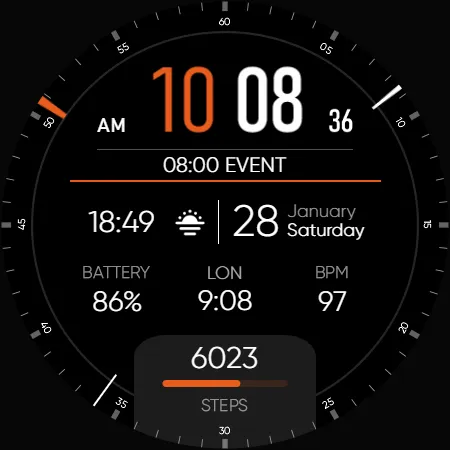
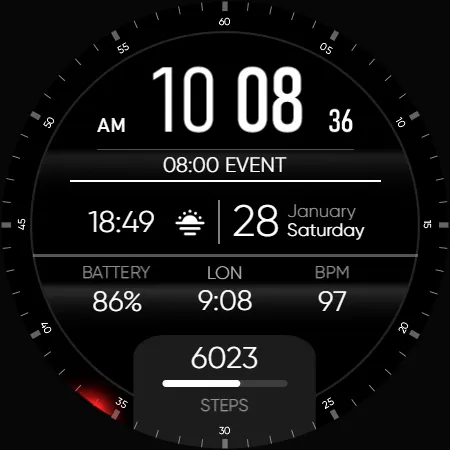
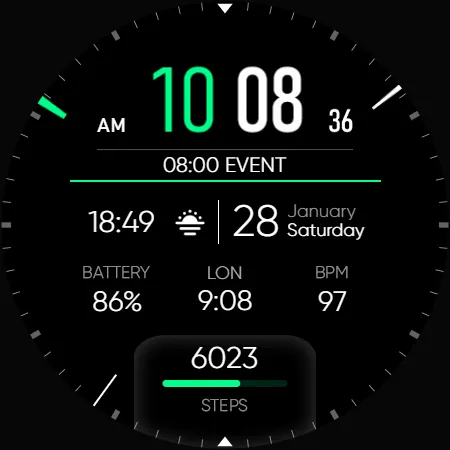
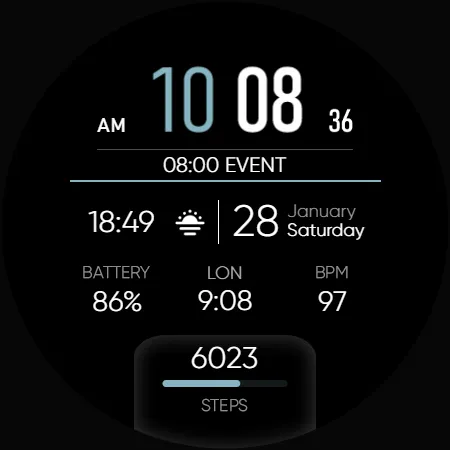
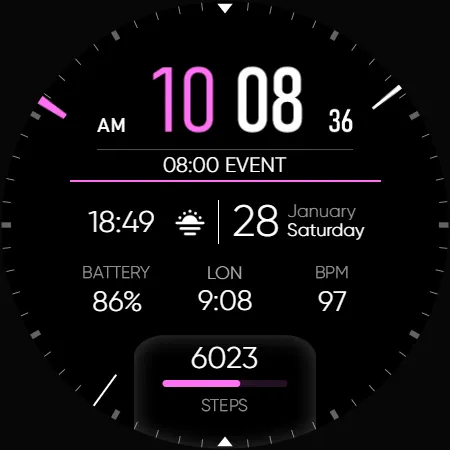
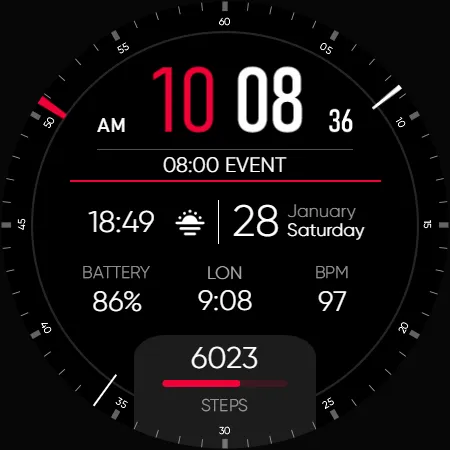
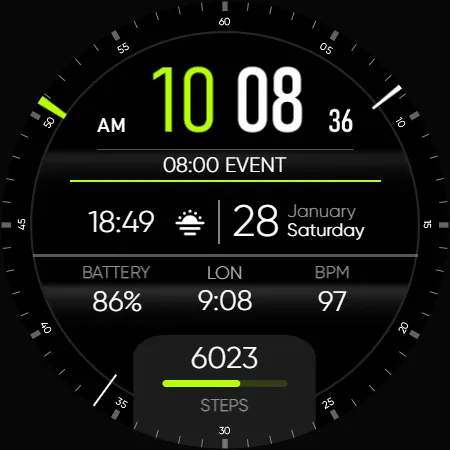
A minimalist Wear OS watch face design, emphasizing simplicity and ease of use. It features a clean, uncluttered display with essential information such as time and date, presented in a sleek and straightforward manner.
Powered by Watch Face Format
⚙️ Phone App Features
The phone app is simply a tool to facilitate installation and locating the watch face on your Wear OS watch. Only the mobile app contains ads.
⚙️ Watch Face Features
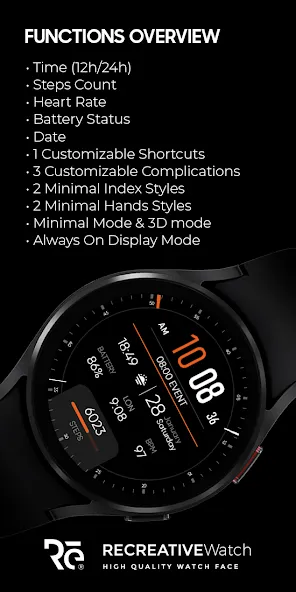
- 12/24hr Digital Time
- Date
- Battery
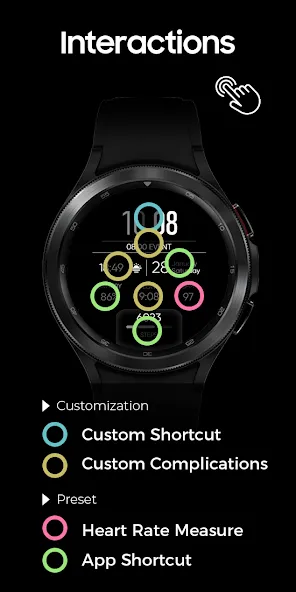
- Heart rate
- Steps Count
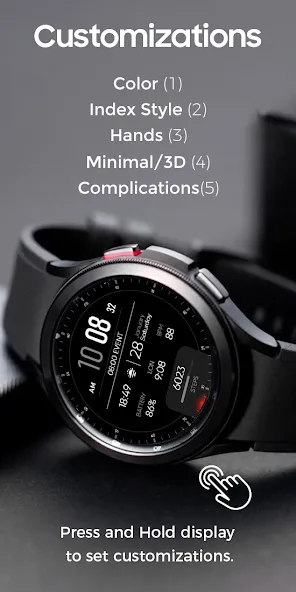
- 1 customizable shortcut
- 3 customizable complications
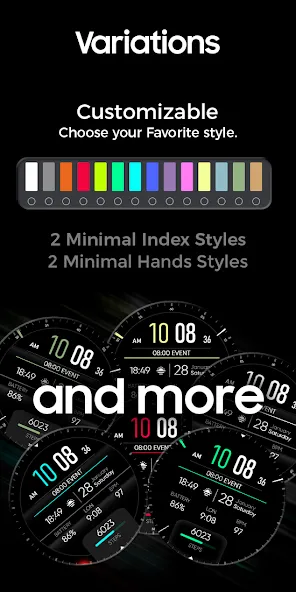
- 2 Minimalist Index Styles
- 2 Minimalist Hands Styles
- Minimalist Mode/3D mode
- Color Variations
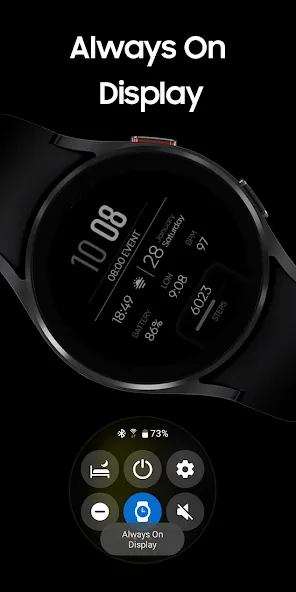
- Always ON Display.
🎨 Customization
1 - Touch and hold display
2 - Tap on Customize option
🎨 Complications
Touch and hold display to open customization mode. You can customize the field with any data you want.
🔋 Battery
For better battery performance of the watch, we recommend disabling the “Always On Display” mode.
✅ Compatible devices include API level 33+ Google Pixel, Galaxy Watch 4, 5, 6, 7 and other Wear OS models.
Installation and troubleshooting
Follow this link: https://www.recreative-watch.com/help/#installation-methodes
Watch faces don’t automatically apply on your watch screen after the installation. That’s why you must set it on your watch’s screen.
💌 Write to [email protected] for assistance.
Advertisement