 Blue Tees GAME: AI Golf GPS
4.8


Health & Fitness
Ratings
Downloads
Age
Advertisement
Advertisement
Plankpad – Your Interactive Bodyweight Trainer
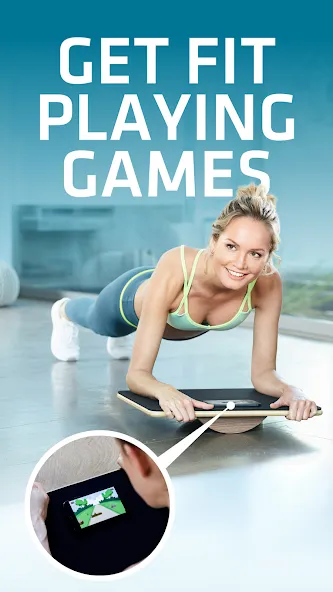
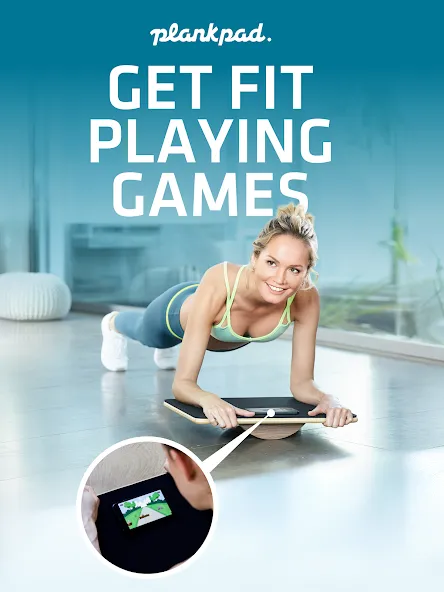
Get fit – playing games!
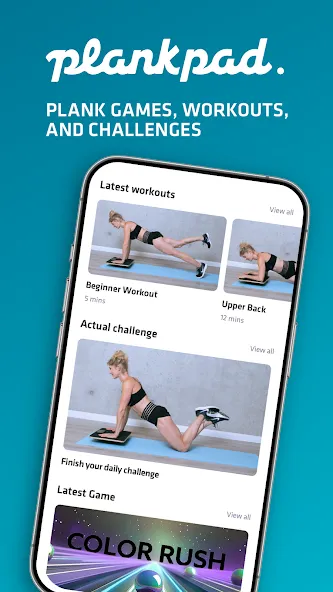
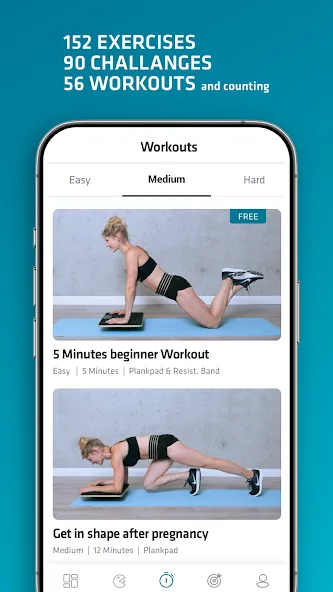
Turn your workout into a game. With interactive body-controlled games, different workout plans, daily challenges, and progress tracking, Plankpad transforms core training into a motivating daily experience.
Why Plankpad?
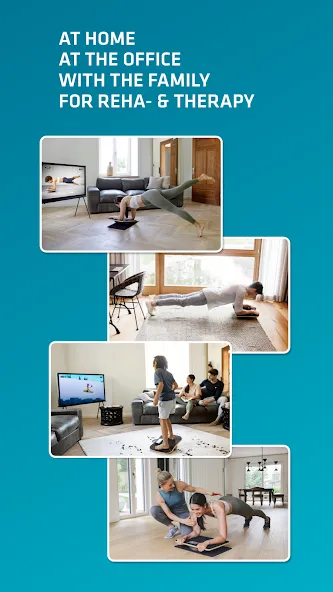
Because fitness should be fun! Plankpad turns planking into a game that fits your lifestyle, whether you’re working from home, spending time with family, or squeezing in a quick break.
Key Features
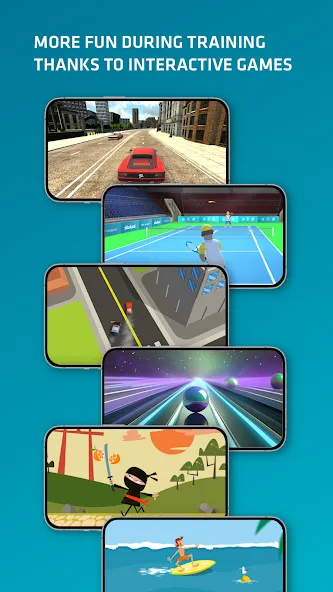
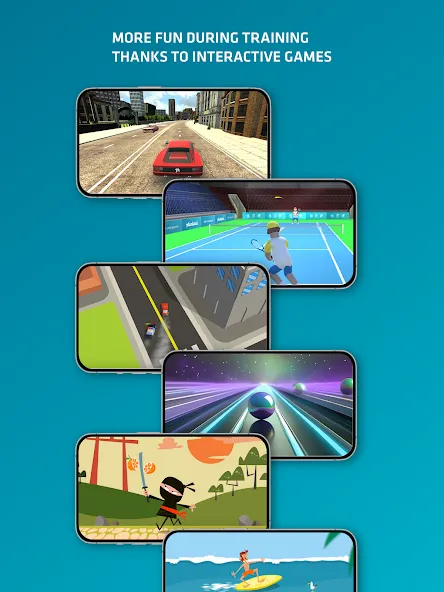
Use your body to control the games
Your movements steer many exciting balance-based games. Train your core while having fun!
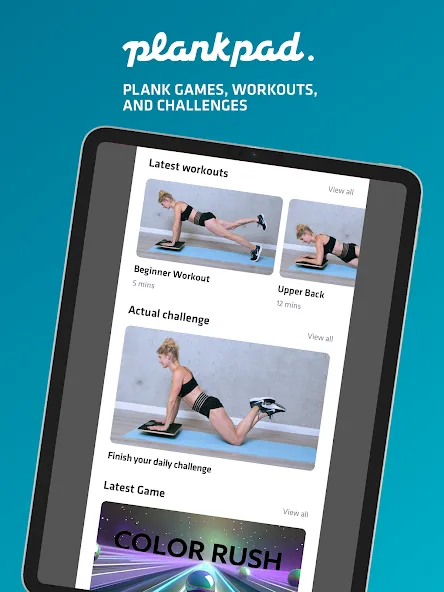
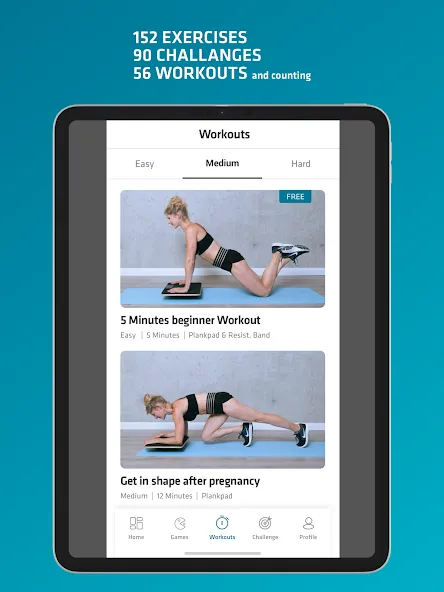
Workouts for all levels
Choose from targeted programs to improve posture, strengthen your back, and engage your entire core.
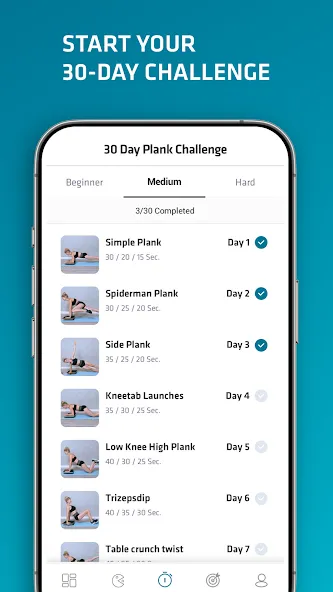
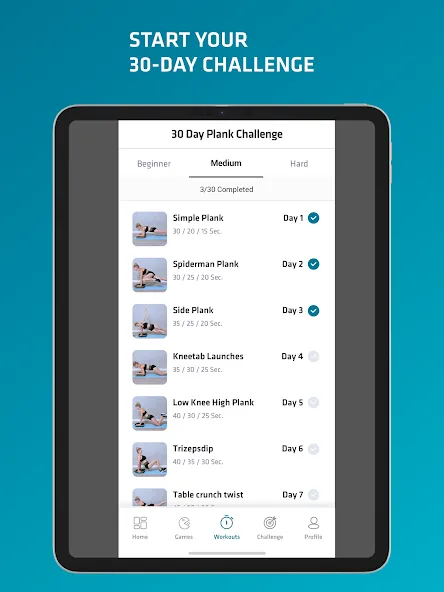
Take the 30-Day Challenge
Join a guided 30-day plan designed to build strength, consistency, and results – perfect for daily motivation.
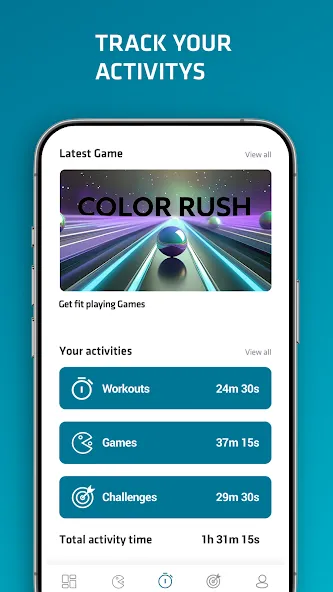
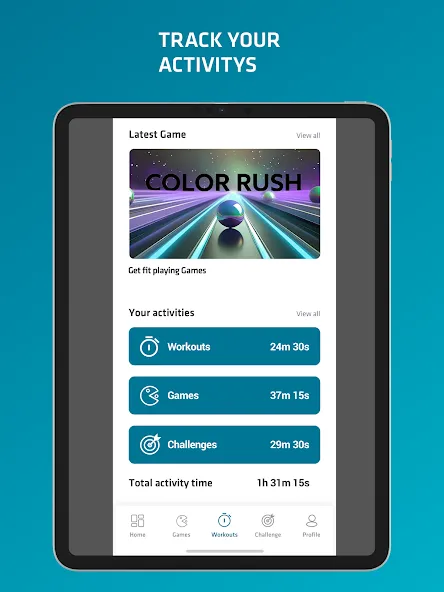
Track your progress
See your training time, high scores, and long-term stats – stay motivated.
Compatible with all Plankpad boards
Works with Plankpad PRO, Plankpad STUDIO and Plankpad KIDS – connect and get started right away.
Quick, effective training anytime
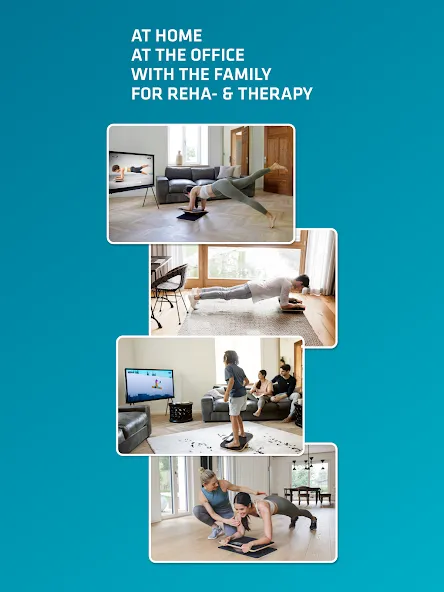
Train in just a few minutes a day – at home, at the office, or wherever you place your board.
How it works
1. Place your Plankpad board on the floor
2. Launch the app and place your phone on the board
3. Control games or workouts by shifting your weight
4. Challenge yourself every day
Subscription details:
The free version of the app includes 11 plank and balance games, 4 workouts (2 Basic, 1 Advanced, and 1 PRO), and a 30-day challenge with activity tracking.
If you enjoy using Plankpad, you can unlock even more with an optional premium subscription: 5 immersive 3D games, 54 workouts based on over 150 exercises, and two additional 30-day challenges (Advanced & Pro).
New games, workouts, and exercises are added regularly.
The monthly subscription is processed exclusively via the App Store. We do not store any payment details. Further information can be found in the Terms of Use (EULA): https://app.plankpad.com/gdpr/terms-of-use.html
Support: Need help? Contact us anytime at [email protected]
Plankpad® is a trademark of Passionfruit B.V.
Advertisement