 Writing Wizard - Alphabet ABC
3.9


Education
Ratings
Downloads
Age
Advertisement
Advertisement
Name
Category
Price
Safety
Developer
Version
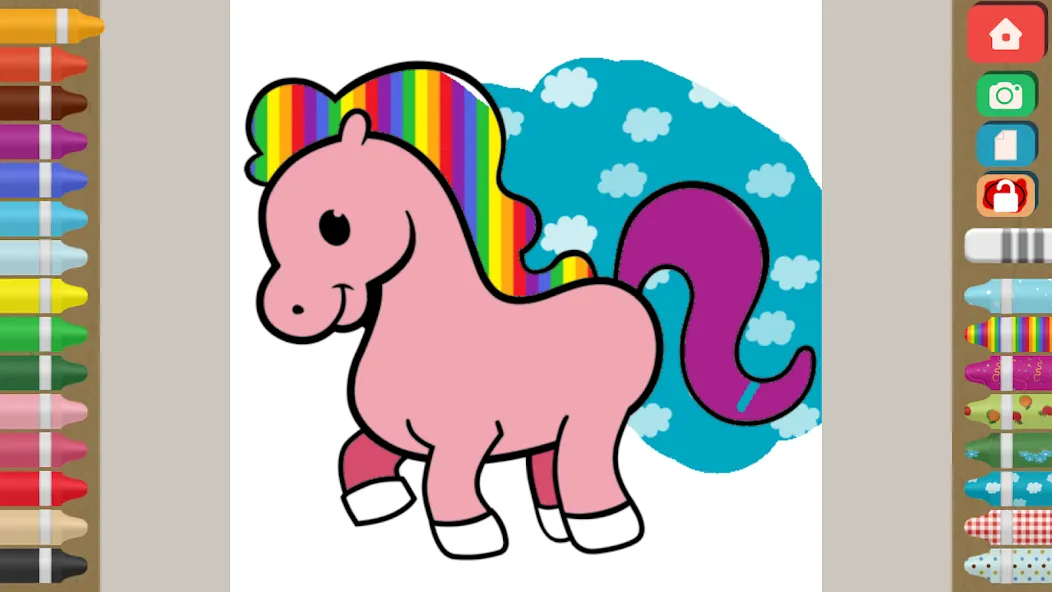
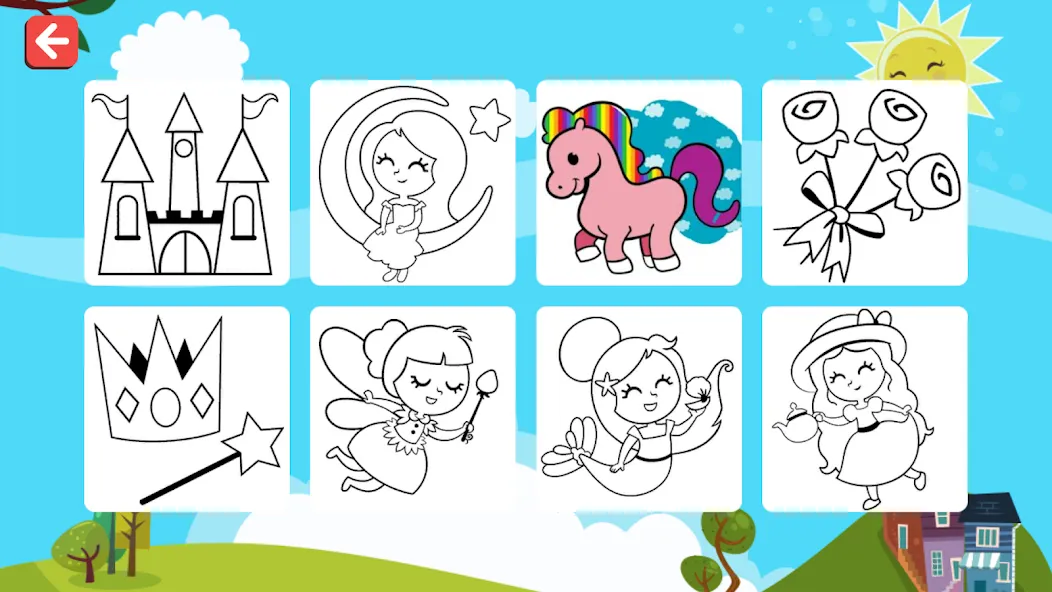
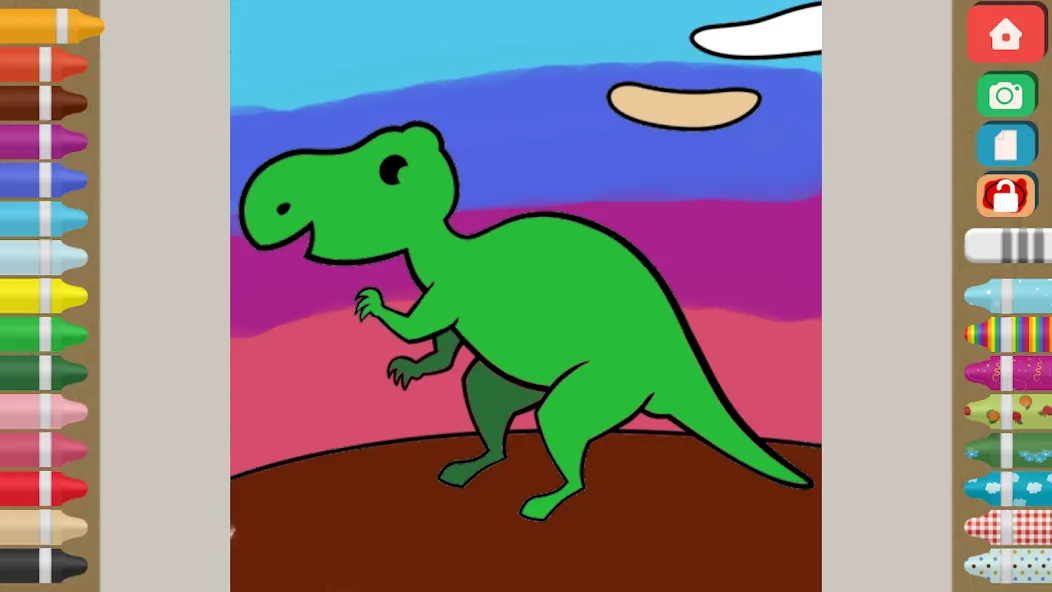
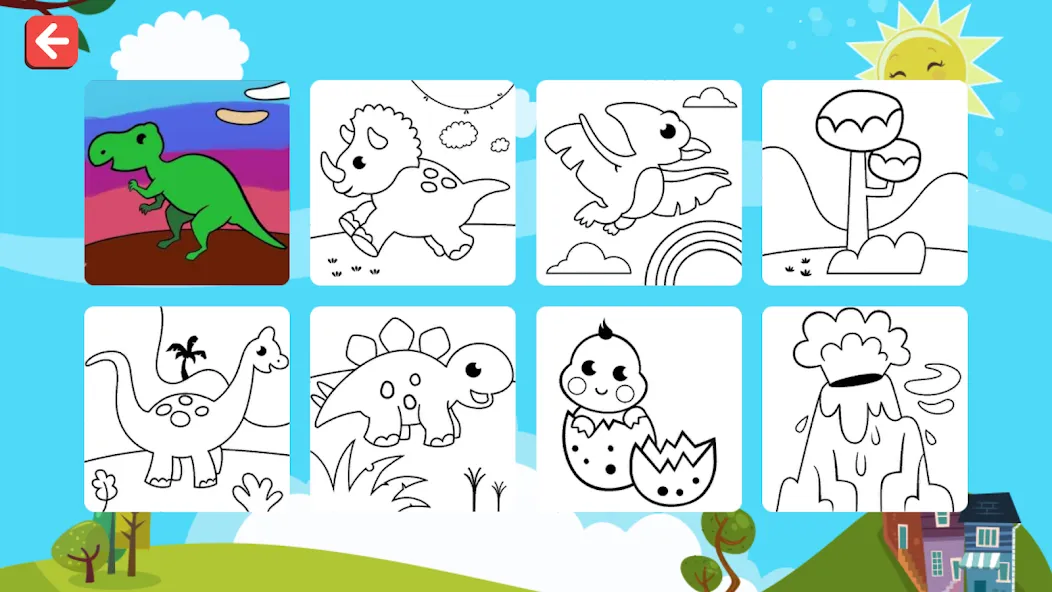
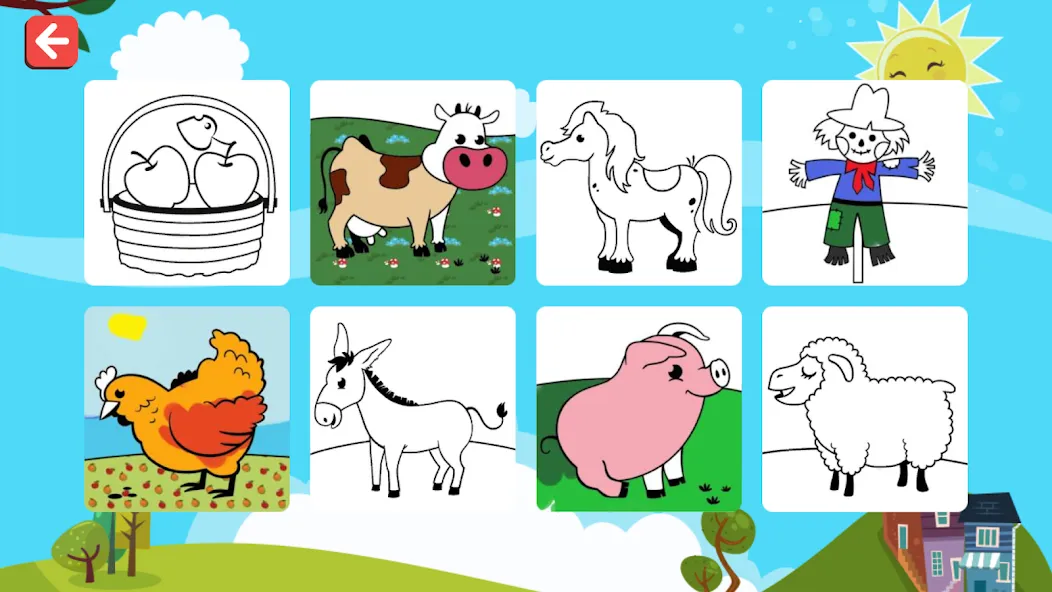
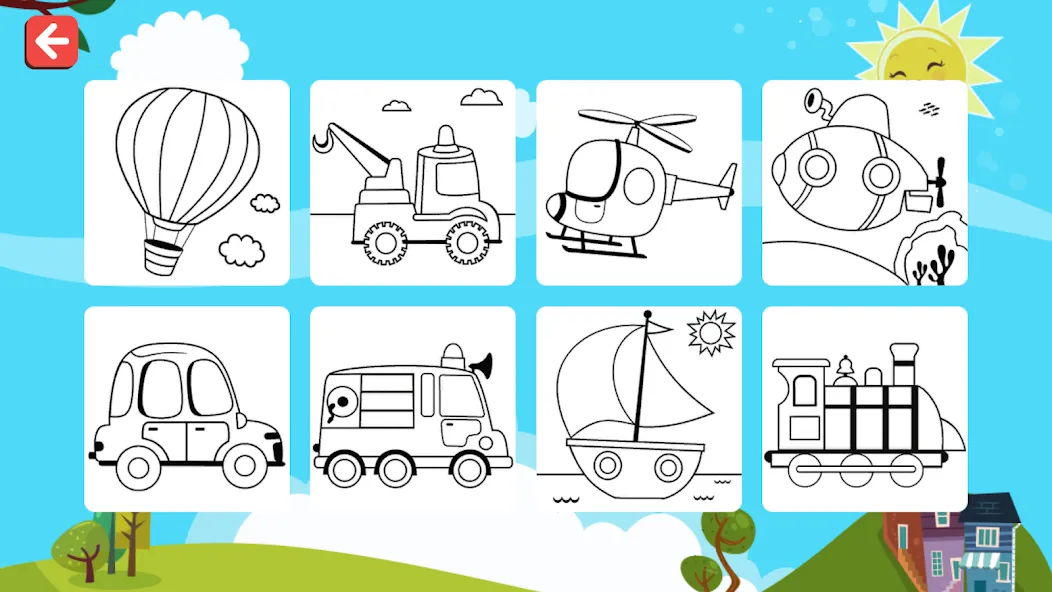
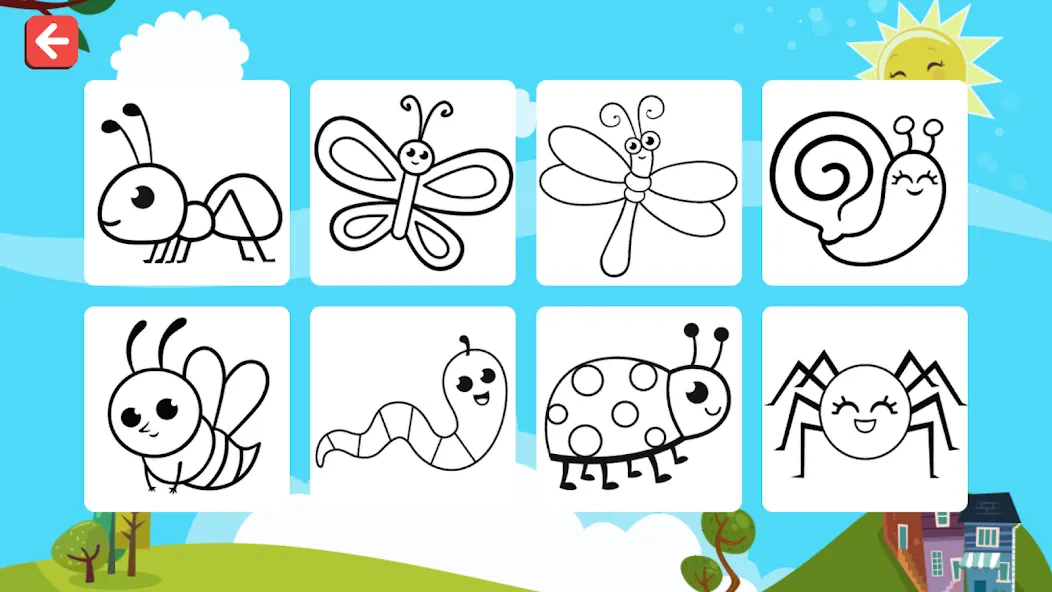
Finger Painting Coloring Pages is a beautiful digital coloring book for kids, pure finger painting fun without all the mess! Coloring is an excellent way to help kids develop fine motor skills, color recognition, eye-hand coordination and focusing. Our colorbook currently includes 144 beautifully designed coloring pages in 18 different themes as well as 8 blank pages to give children a chance to express themselves.
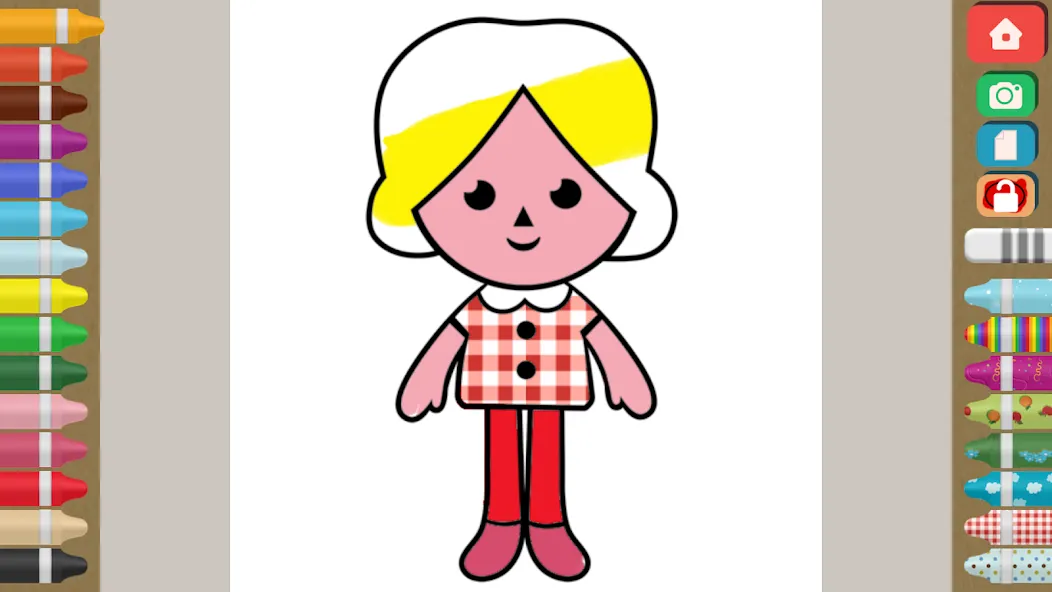
We’ve been working hard on every detail to create a proper premium colorbook app. Finger Painting Coloring Pages supports multi-touch so your kids can have more fun playing with their siblings and friends. It also has guided paint to keep colors within the lines, you can of course disable that option easily. When an area completely painted kids are awarded with sound & stars. Interface is simplified (no sub-menus) and the brush size automatically adjusts itself depending on the finger speed. It automatically saves your work and shows the actual progress on menu icons.
When finished you can share and print your works by native Android sharing function, or simply shake the device or tap on menu button to start over with a blank page. If you prefer to color on paper you can also print out blank coloring pages. App size is also extremely optimized, it won’t take too much space on your device even if all the pictures are painted/saved.
Features
• Kids Safe, please see our Privacy Policy.
• 144 original coloring pages in 18 different themes, plus 8 blank pages.
• 16 colors & 8 patterns to paint, unlike other apps all are free!
• Color within the lines or turn it off to allow coloring outside the lines.
• Original cartoon art from simple to more difficult drawn by professional children’s book illustrator.
• Multi-touch supported, so the more fingers, the merrier.
• Re-Color anytime, just blank the page to start over.
• Share and print your work or print out blank coloring pages.
• Interface & touch controls specifically designed for kids & toddlers.
• Press & hold buttons limits in-app purchases and sharing access to parents.
The first 6 themes with 48 pages, 8 blank pages, all the colors and the patterns are free. The remaining theme packs can be unlocked easily via in-app purchases. If you have previously purchased simply tap on “Restore” button to unlock puzzles on all of your Android devices.
PRIVACY POLICY
We take privacy very seriously, this app:
Does not contain ads
Does not contain integration with social networks
Does not contain web links
Does not use analytics / data collection tools
Does contain in-app purchases to unlock additional content
ATTENTION
If you don’t want your child to accidentally unlock additional content, please make sure to disable in-app purchases via the settings menu of your device.
WE VALUE YOUR FEEDBACK
If you like our app, please take a minute to rate and review it.
If you have any questions or need help, please feel free to reach us.
Advertisement