 ChatGPT
4.8


Photography
Ratings
Downloads
Age
Advertisement

Advertisement
Name
Category
Price
Safety
Developer
Version
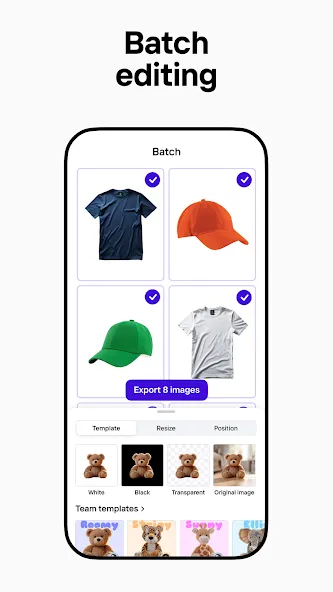
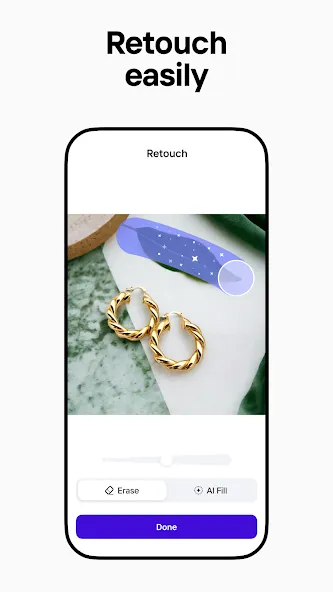
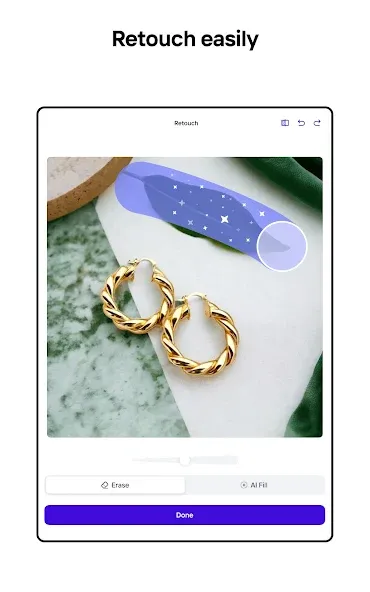
Photoroom: AI Photo Editor brings the following use case to an Android phone: remove backgrounds, edit and retouch photos for professional images. Its usefulness therefore depends on the quality of the central workflow, the clarity of its controls and whether the supporting features reduce friction in regular use.
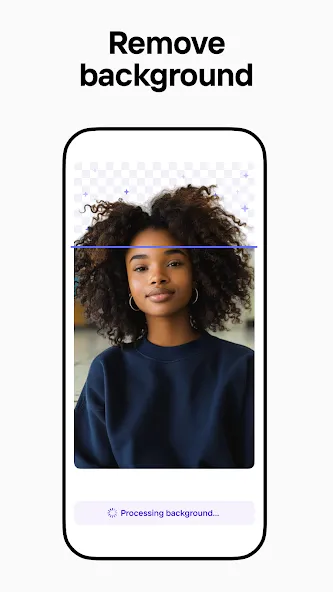
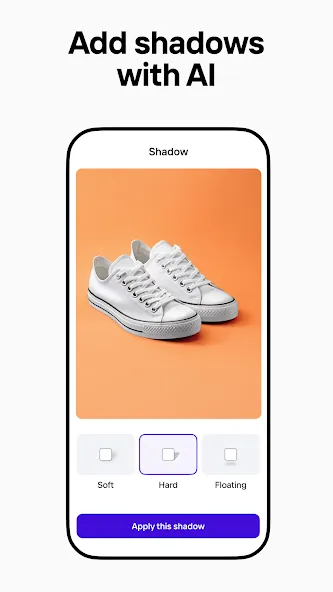
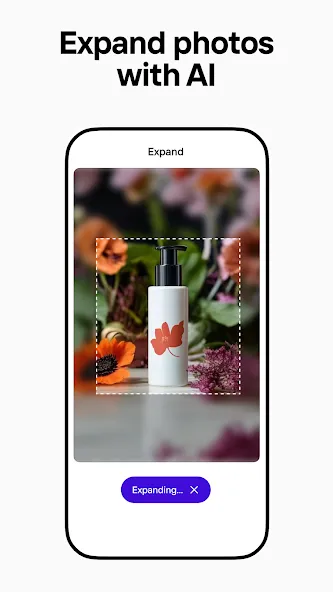
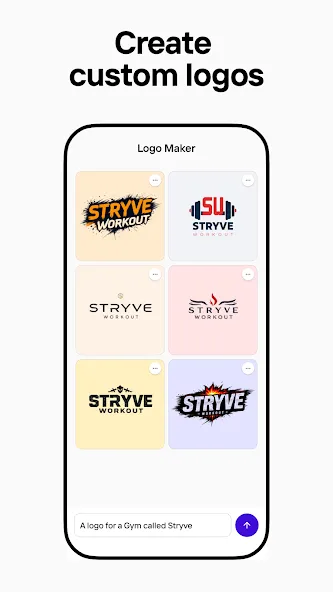
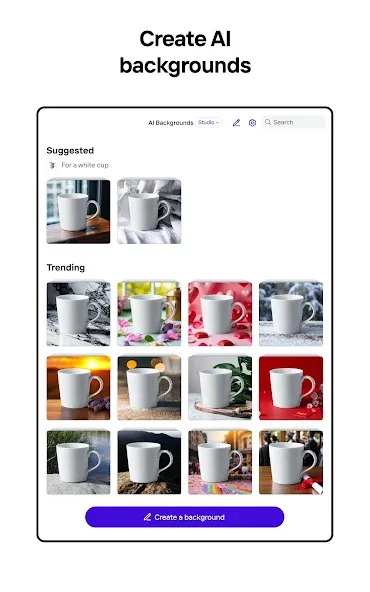
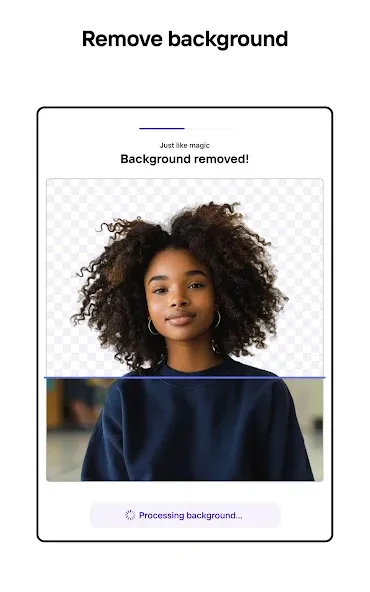
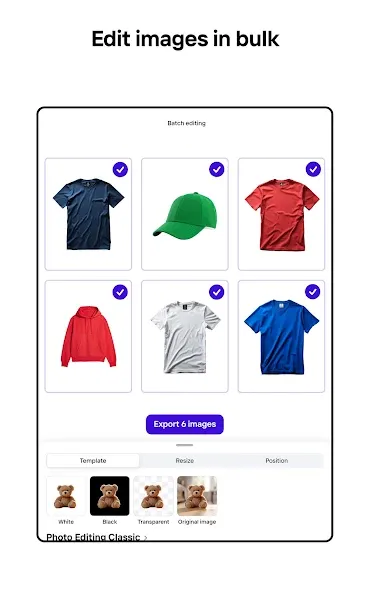
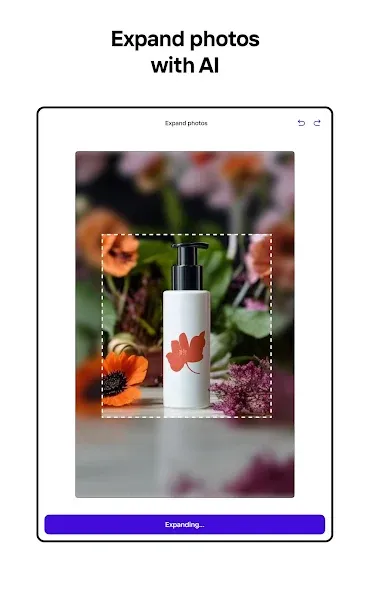
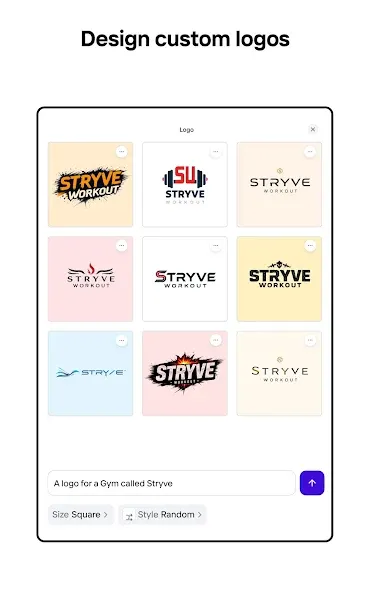
Photoroom’s AI technology makes it easy to design, edit, and erase any background from your photos. Create professional-quality images that elevate your brand, boost engagement, and drive sales—all with the help of an intuitive editor that simplifies every step of the design process. No design experience needed. Simply describe your idea, and Photoroom AI creates professional designs—product listings, videos, backgrounds, social assets, logos, and more. These functions form the practical center of Photoroom: AI Photo Editor, allowing the main task to be handled from the phone without requiring a separate desktop process. Individual options may still vary by version, device, region or account type.
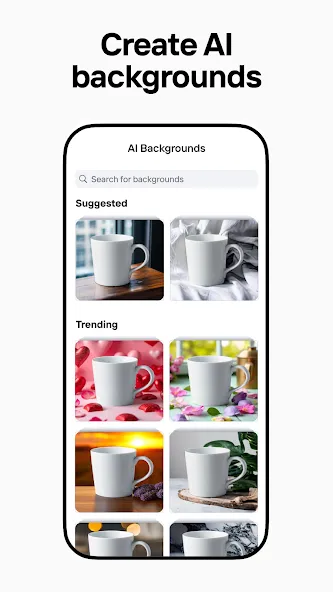
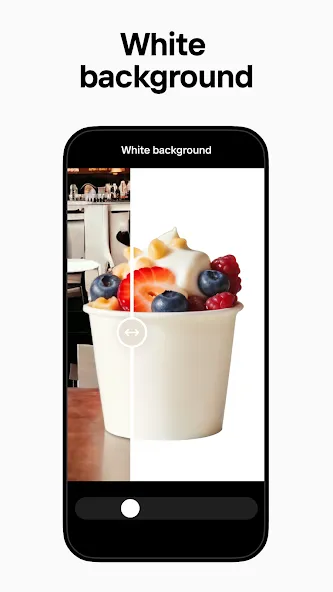
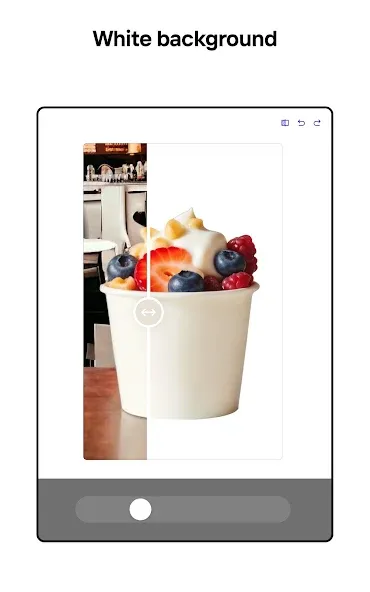
Photoroom: AI Photo Editor makes the strongest case for itself when it removes a repeated step from an existing routine. A new user can test one representative task first, confirm that results are accurate enough for the intended purpose, and only then move important data or habits into the service. Enhance your photos with smart AI editing and produce professional visuals that match your brand design style. REMOVE AND REPLACE BACKGROUNDS. Enhance your product photos effortlessly with AI backgrounds.
The source record reports an update date of 30 July 2026, but availability and requirements may have changed since that snapshot. Feature access can vary by version, region, device or account type, so the current in-app interface is the most reliable reference. Permissions should correspond to functions the user actually intends to use; location, contacts, camera, microphone, accessibility, storage and notification access deserve particular scrutiny when present. The developer’s current privacy disclosure, data-safety information and account-deletion process should be reviewed before sensitive or irreplaceable information is stored.
Advertisement